
Find SEO and AI visibility software that fits your budget.
I help small business owners, independent marketers, and small teams choose SEO and AI visibility tools, with clear advice on costs, ease of use, and limitations. You'll also find email marketing and other business software below.
Not sure where to start? Get a free recommendation →
Start with the job
What do you need the software to do?
Pick the job, then open a tool's review for the full picture. Where I have a ranked buying guide for the job, it is linked in each card.
One SEO toolkit
A single subscription that covers keywords, audits and rank tracking.
Keyword research
Find what your customers search for before you write or build a page.


Website audits
Find broken pages, slow pages and on-page problems that hold rankings back.


Rank tracking
See where you rank, and whether the work is moving the number.


Content optimization
Write or edit a page against what already ranks for the search.


AI visibility
Track whether ChatGPT, Perplexity and AI Overviews mention your brand.
Content on autopilot
Tools that research, write and publish articles for you.


Featured
SEO tools
Keyword research, rank tracking, technical audits, and content built for search.

- Best suited to
- Digital Marketing Agencies: White-label reporting, client management tools, and Agency Pack features make client work easier to run.
- Price
- $129/mo14-day free trial
- Ease of use
- Easy to pick up
- Main limitation
- Customer service issues
Technical details (MCP / API)
Ships an MCP server (official).
Has a documented API for programmatic use.

- Best suited to
- Small Business Owners: Need full-featured SEO tools without technical complexity. Clear recommendations help you improve rankings even without deep SEO knowledge.
- Price
- €59.90/moFree plan available, 14-day free trial
- Ease of use
- Easy to pick up
- Main limitation
- Limited advanced features
Technical details (MCP / API)
Has a documented API for programmatic use.

- Best suited to
- Marketing Agencies: Multi-client management with whitelabel reports and team collaboration features
- Price
- $37.70/moFree plan available
- Ease of use
- Easy to pick up
- Main limitation
- Limited advanced technical features
Technical details (MCP / API)
Ships an MCP server (community).
Has a documented API for programmatic use.


- Best suited to
- Founders and solo marketers: If you own a site and have GSC connected but freeze at the data, the prioritized, plain-English answers are the core job done well, without hiring an SEO.
- Price
- €29/mo
- Ease of use
- Easy to pick up
- Main limitation
- It is a diagnostic layer, not a full SEO suite, and the API and MCP are gated to the €49 Pro tier
Technical details (MCP / API)
Ships an MCP server (official).
Has a documented API for programmatic use.


- Best suited to
- Digital Marketing Agencies: Multiple client management, white-label reporting, and full competitive analysis make it a strong fit for agencies scaling their SEO services.
- Price
- From $139.95/moFree plan available, 7-day free trial
- Ease of use
- Some learning curve
- Main limitation
- High cost and complexity for beginners
Technical details (MCP / API)
Ships an MCP server (official).
Has a documented API for programmatic use.

- Best suited to
- Content Marketing Teams: Need data-driven optimization with real-time content scoring and collaboration features.
- Price
- $59/month7-day free trial
- Ease of use
- Some learning curve
- Main limitation
- Premium pricing limits accessibility
Technical details (MCP / API)
Has a documented API for programmatic use.
Track rankings, research keywords, audit sites
All-in-one platforms: keywords, rank tracking, backlinks, and audits
Site crawlers and technical audits for structure and indexing
Find and analyze keywords and search demand
Traffic, market, and competitor research
SEO plugins and tools built for WordPress and other CMS
Featured
AI visibility & SEO content
See how you show up in ChatGPT and AI Overviews, and the tools that help you act on it.
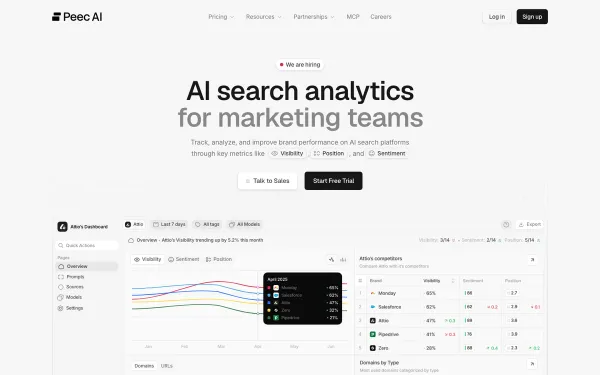

- Best suited to
- SEO and content teams: You want to see how ChatGPT and Perplexity describe your brand and act on it, without an enterprise contract or a steep learning curve.
- Price
- $95/mo
- Ease of use
- Easy to pick up
- Main limitation
- Lower tiers cap models and prompts; the REST API is Enterprise-only
Technical details (MCP / API)
Ships an MCP server (official).
Has a documented API for programmatic use.
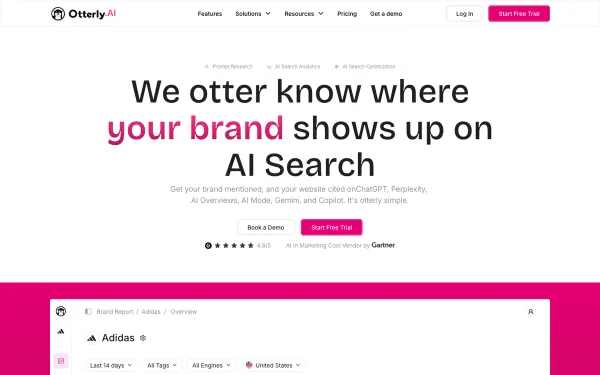

- Best suited to
- Solo marketers and small teams: The $29 Lite plan covers one brand's core AI-visibility tracking, with unlimited team members so you are not paying per seat, plus multi-country tracking across 50-plus markets.
- Price
- $29/mo
- Ease of use
- Easy to pick up
- Main limitation
- Tight prompt caps and Gemini and Google AI Mode billed as paid add-ons
Technical details (MCP / API)
Ships an MCP server (official).
Has a documented API for programmatic use.
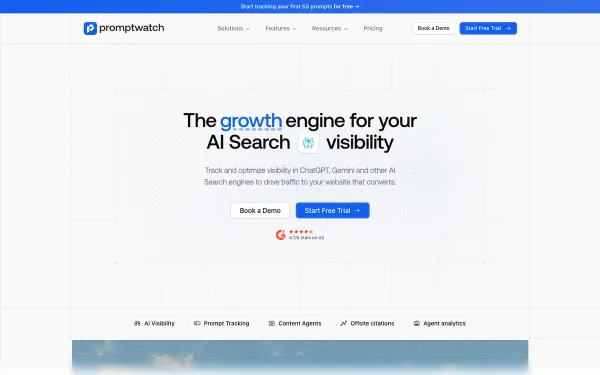

- Best suited to
- Teams that want proof AI search converts: Crawler-log analytics (which AI bots read what) plus AI-referred visitor tracking connect AI visibility to actual traffic, which most trackers in this category cannot show.
- Price
- $95/mo7-day free trial
- Ease of use
- Easy to pick up
- Main limitation
- Young product (April 2025) with steep tier jumps ($95 to $245 to $579), an unpublished annual discount, and docs that still use older plan names in places
Technical details (MCP / API)
Ships an MCP server (official).
Has a documented API for programmatic use.
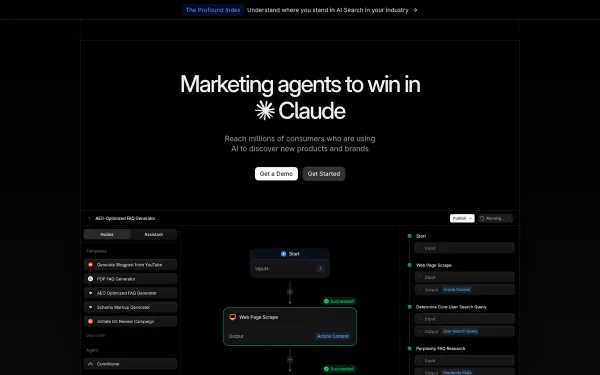

- Best suited to
- Enterprise AEO teams: AI search is on the roadmap as a measured channel and you have the headcount to act on the data, not just watch it scroll by.
- Price
- $99/mo (ChatGPT only)
- Ease of use
- Some learning curve
- Main limitation
- Real coverage starts at $399/mo; the $99 plan tracks ChatGPT only
Technical details (MCP / API)
Ships an MCP server (official).
Has a documented API for programmatic use.


- Best suited to
- Agencies reporting on multiple client brands: Growth ($385/mo) ships 50 brand dashboard slots, white-label sharing links, and an agency affiliate program with lifetime commissions, which is built for exactly this workflow.
- Price
- See pricing7-day free trial
- Ease of use
- Some learning curve
- Main limitation
- MCP access is read-only, and REST API access is unclear below Enterprise
Technical details (MCP / API)
Has a documented API for programmatic use.


- Best suited to
- Brands serious about AI search: If you want to know whether ChatGPT and Gemini recommend you over rivals, and why, the tracking, share-of-voice and citation analysis across 14 models is the core job done well.
- Price
- €49/mo14-day free trial
- Ease of use
- Easy to pick up
- Main limitation
- The REST API is gated to the €299 Scale tier, and there is no free-forever plan
Technical details (MCP / API)
Ships an MCP server (official).
Has a documented API for programmatic use.
Everything else
Explore More Marketing Software
Email, sales, social, and the rest of the stack. Every category is still one click from the full tool list below.
Email marketing
Newsletters, automated sequences, and store email/SMS.
Email Marketing
32 toolsSend campaigns, automate sequences, grow your list


Email Marketing Platforms
14 toolsGeneral email platforms for newsletters, campaigns, and everyday sending


Newsletter Platforms
10 toolsPublishing, subscriptions, and monetization for newsletters and creators


Ecommerce Email
9 toolsEmail and SMS built for stores: product data and automated flows
Marketing Automation
7 toolsBehavior- and trigger-driven email built around workflows and events


Sales & website tools
CRM, funnels, and building the site itself.
Marketing CRM
4 toolsManage contacts, track deals, close more

All-in-One Marketing
4 toolsCRM, email, funnels, and more in one platform

Sales Funnels & Landing Pages
1 toolBuild pages, run funnels, convert visitors
Developer tools & integrations
APIs and infrastructure for pulling SEO and email data programmatically.
SEO APIs
12 toolsSEO tools with a documented API for programmatic and agent use


Scraping
6 toolsSERP and web scraping infrastructure


Transactional & Email APIs
5 toolsDeveloper-first email platforms with APIs for transactional sending


Quick lists
Two Shortcuts
On a budget? Start with the cheap stuff that doesn't suck. Worried about stale data? The right column moves first when something changes.
Best on a Budget
Great tools with free plans or under $20/mo


Recently Updated
Latest reviews, scores, and content refreshes


The full list
Every Tool, A to Z
All 136 tools in one place. Filter by who you're buying for, jump to a letter, or Ctrl-F your way to the one you're after.
Explore more
Where Next
Reviews are the start. Pull tools side-by-side, break pricing down to the cent, find a cheaper swap, or read the strategy behind picking a stack that won't embarrass you in twelve months.