
Ranking on Google is still the most reliable way to drive consistent, free traffic to your business. But the SEO tool landscape has gotten crowded, with hundreds of platforms promising better rankings, more keywords, and deeper insights. Most of them overlap heavily, and picking the wrong one means wasting months on inaccurate data or features you will never use.
I evaluated 28 SEO tools across every category, from enterprise platforms like Ahrefs and Semrush to budget-friendly options under $30/month, to help you find the right fit for your goals and budget. If you run SEO for client accounts, this is not the list you want. This page ranks tools for one site.
For a client roster you need different things, so see my separate guide to SEO agency software, which ranks on white-label reporting, multi-client management and cost per client. If you are new to SEO, my step-by-step keyword research guide covers the fundamentals before you invest in any tool.
If you want the fundamentals before you spend anything, my complete guide to SEO in 2026 covers how search engines actually work, what changed with AI Overviews, and the on-page and technical basics every tool assumes you already know.
This page may contain affiliate links.
Some links on this page are affiliate links, meaning I may earn a commission if you sign up (at no extra cost to you). This never influences my ratings or recommendations.
Overview
The landscape
I track 73 tools in this category. Prices range from $3/mo (Keyword.com) to $800/mo (Evertune). The median starting price is $59/mo, so anything below that is a good deal.
12 tools offer free plans: Koala AI, Yoast SEO, AnswerThePublic, Screaming Frog, and 8 more.
This roundup covers the 27 I consider worth a serious look. Each one is ranked with real pricing data, aggregated user ratings, and my honest take.
Audience
Who is this guide for?
- ✓Digital marketers who need to track and improve organic search performance
- ✓Content creators looking to optimize their content for search engines
- ✓SEO agencies managing multiple client campaigns
- ✓Business owners wanting to grow organic traffic without hiring an agency
What SEO Software Actually Does (And Why You Need It)
SEO software gives you the data and tools to improve your website's visibility in search engines like Google. Instead of guessing which keywords to target or wondering why competitors outrank you, these tools show you exactly what is happening and what to do about it.
Most SEO platforms cover five core areas. Keyword research helps you find the search terms people actually use, along with how competitive each term is and how much traffic it could bring. Rank tracking monitors where your pages appear in search results over time, so you can see whether your efforts are paying off. Backlink analysis shows who links to your site (and to competitors), which matters because backlinks remain one of Google's strongest ranking signals. Content optimization tools score your pages against what is currently ranking and tell you which topics, terms, and structures to include. Technical auditing crawls your site to find broken links, slow pages, missing meta tags, and other issues that hurt your rankings.
Some tools specialize in one area. For example, Surfer focuses on content optimization, while LowFruits is built specifically for finding low-competition keywords. Others, like Semrush and Ahrefs, are all-in-one platforms that cover everything from keyword research to site audits to competitor analysis.
The right choice depends on what you need most. If you are just starting out and want affordable keyword research, a focused tool like LowFruits or Mangools makes sense. If you are running a larger site or managing several properties, an all-in-one platform gives you everything in one dashboard. And if you already have strong SEO fundamentals but want to improve your content quality, a dedicated content optimizer like Surfer or Clearscope could make the biggest impact.
Quick verdict
For most marketers, Semrush is the best all-around pick thanks to its deep feature set covering SEO, PPC, and content marketing (from $119/month). If you need the best backlink data and competitive analysis, go with Ahrefs ($129/month).
On a tighter budget, SE Ranking delivers 80% of the features at half the price (SE Ranking delivers 80% of the features at half the price (03.20/month (annual)), and Mangools is the friendliest keyword research tool for beginners ($29/month). For content-focused teams, SurferSEO ** is the best at optimizing articles to rank.
And do not skip Google Search Console , it is free and gives you data no paid tool can match.
Overview
Quick comparison
| # | Tool | Price |
|---|---|---|
| 1 | $129/mo | |
| 2 | $139/mo | |
| 3 | $59/mo | |
| 4 | $29/mo | |
| 5 | $49/mo |
Show all 27 tools
| 6 | $23.25/mo | |
| 7 | $24/mo | |
| 8 | $129/mo | |
| 9 | $69/mo | |
| 10 | $224/mo | |
| 11 | €79/month | |
| 12 | $199/mo | |
| 13 | $20/mo | |
| 14 | $50/mo | |
| 15 | $84/year (annual billing only) | |
| 16 | $149/mo | |
| 17 | $49/mo | |
| 18 | Freemium | |
| 19 | $15/mo | |
| 20 | $23/mo | |
| 21 | From $99/mo | |
| 22 | Free | |
| 23 | $12/mo | |
| 24 | $37.70/mo | |
| 25 | $39/mo | |
| 26 | $49.99/month | |
| 27 | $118.80/year (1 site) |
Rankings
My Top Picks

SE Ranking
Complete SEO platform with AI visibility tracking, rank monitoring, and competitive research tools.
Key Features
MCP verified 2026-07-07: api.seranking.com/mcp, OAuth 2.1, Streamable HTTP, 160+ tools incl. project mgmt writes, ALL paid plans, 7 vendor Claude Skills (MIT). 6->8 Joonas approved.
✓Pros
- Excellent price-to-feature ratio
- White-label options
- Local SEO features
✗Cons
- Smaller backlink database
- Interface could be more modern

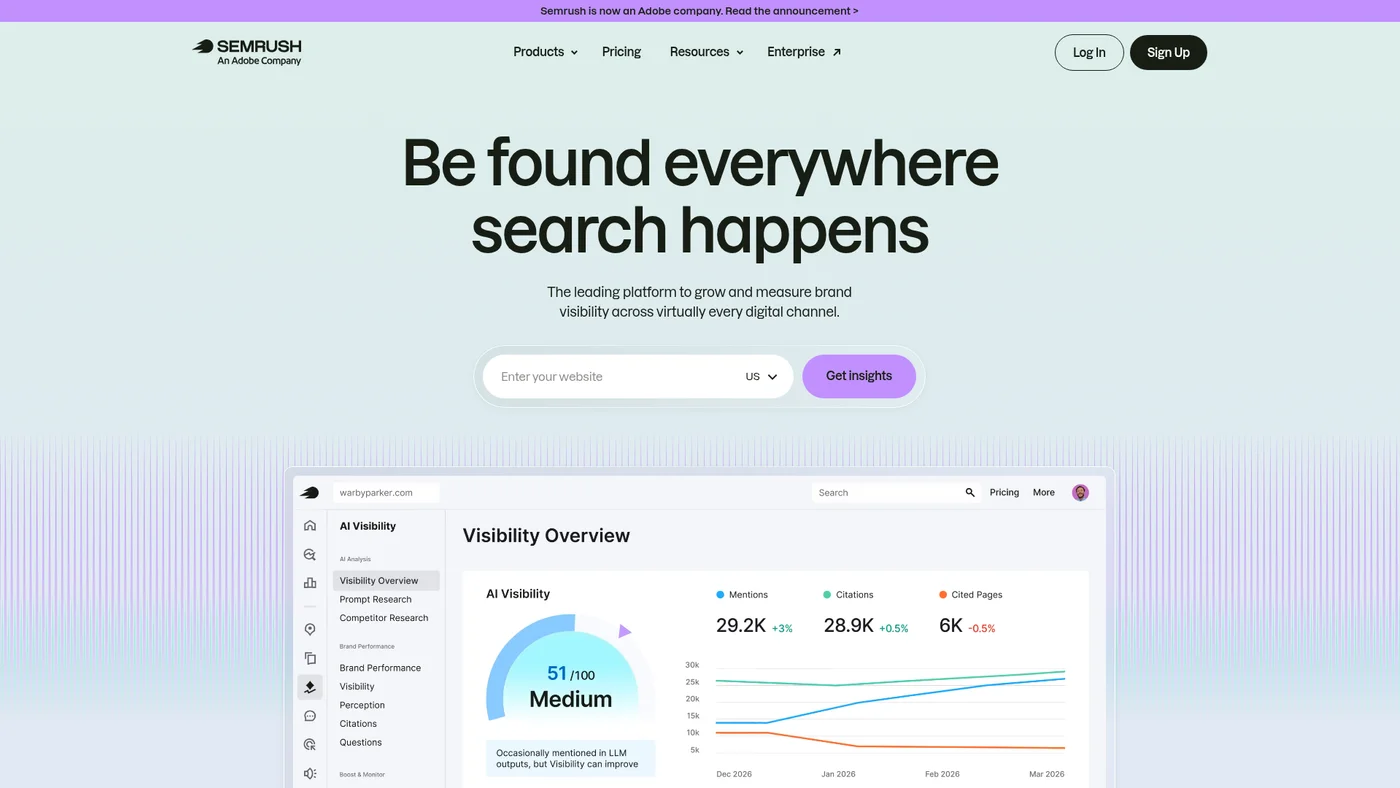
Semrush
Complete SEO platform with AI search tracking, keyword research, competitor analysis, and content optimization tools.
Key Features
Remote streamable HTTP only, no stdio. The previously stored value was the semrush.com/mcp/ marketing page.
✓Pros
- All-in-one marketing platform
- Strong PPC research capabilities
- Regular feature updates
✗Cons
- Interface can feel overwhelming
- Some features lack depth compared to specialized tools

Surfer
AI visibility and SEO platform for optimizing content to rank and get cited across Google, ChatGPT, Gemini, and Perplexity
Key Features
Weak agent-fit without MCP support. SurferSEO has public API docs and native Claude integration, but lacks an MCP server, OpenAPI spec, and structured outputs that agent workflows typically need. The missing MCP means you'll be building custom integrations instead of using standard agent protocols.
✓Pros
- Clear content optimization guidelines
- Real-time content scoring
- Works with AI chatbots optimization
✗Cons
- Limited keyword research features
- Can be expensive for small users

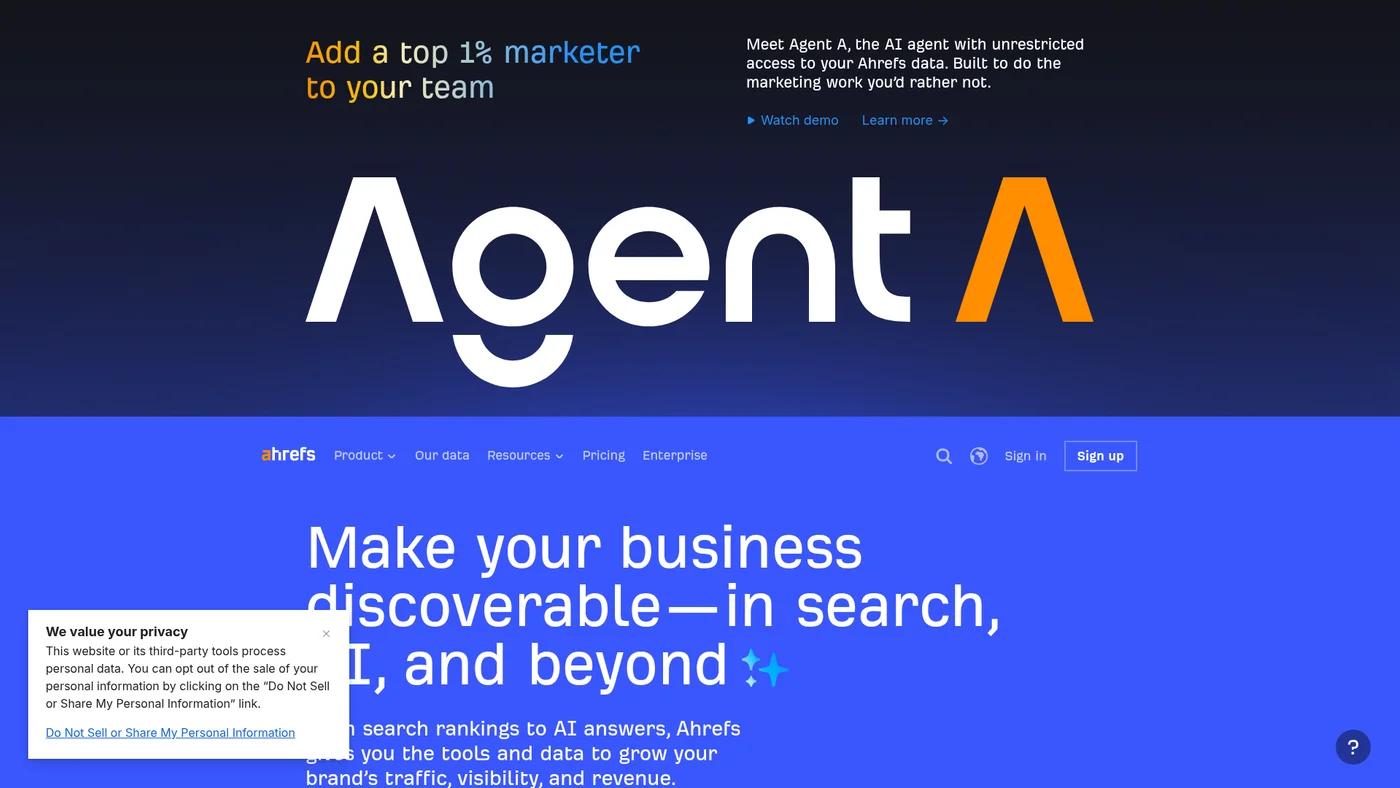
Ahrefs
Comprehensive SEO platform with powerful backlink analysis and keyword research tools
Key Features
Solid agent integration with official MCP support and well-documented API across Claude, ChatGPT, and Gemini. The official MCP server and public API docs make it straightforward to embed Ahrefs queries into agent workflows. Main limitation is the lack of webhooks and structured outputs, which restricts real-time automation and reduces output consistency for downstream processing.
✓Pros
- Most accurate backlink data
- Excellent competitive research features
- User-friendly interface
✗Cons
- Expensive for small businesses
- Learning curve for beginners

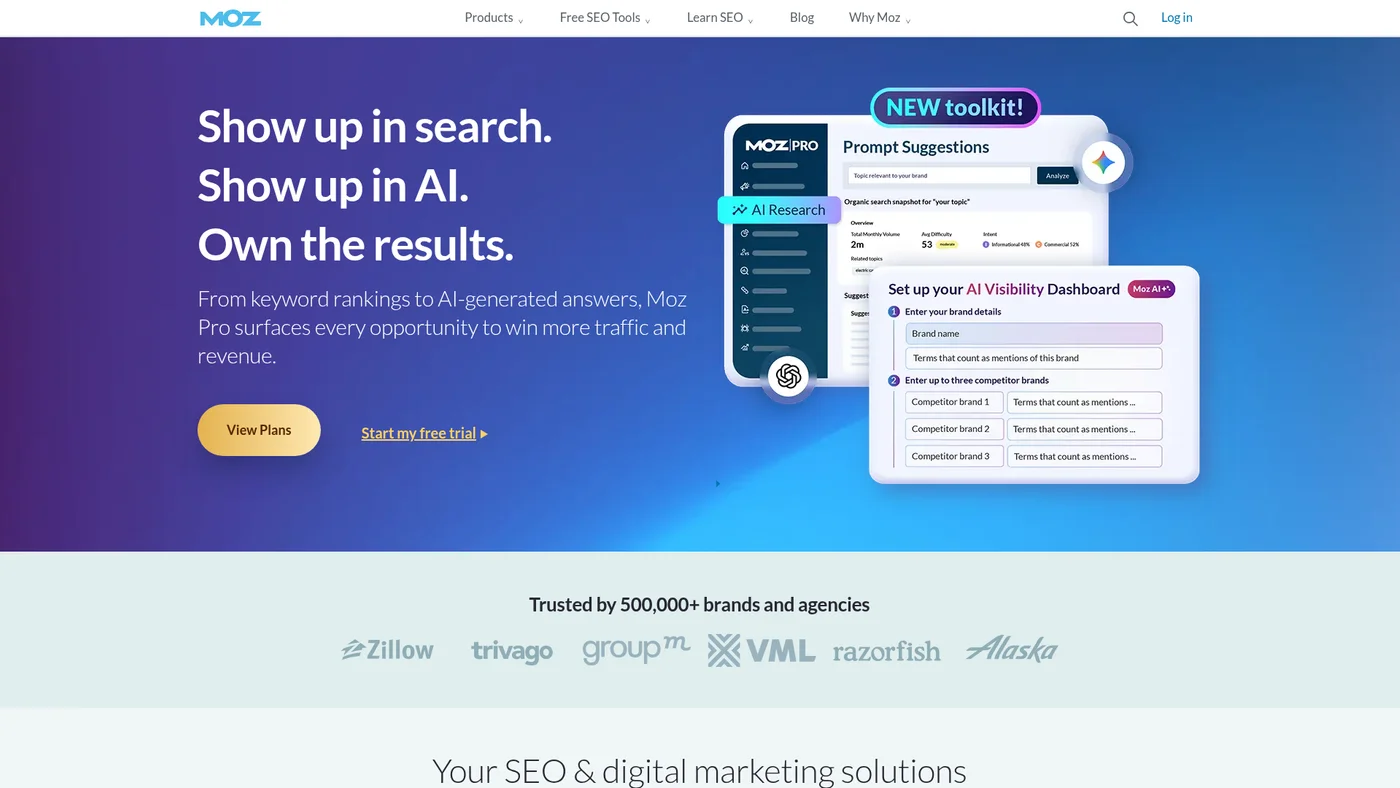
Moz
Veteran SEO platform with 20+ years of experience and comprehensive toolkit for rankings, traffic, and optimization
Key Features
Avoid for agent workflows. Moz Pro has public API documentation, but lacks MCP support, OpenAPI specs, and any official SDKs, making it difficult to integrate into Claude or Cursor-based automation. You'd need custom API calls with minimal framework support.
✓Pros
- Beginner-friendly interface
- Excellent educational resources
- Strong community support
✗Cons
- Smaller keyword database than competitors
- Limited advanced features

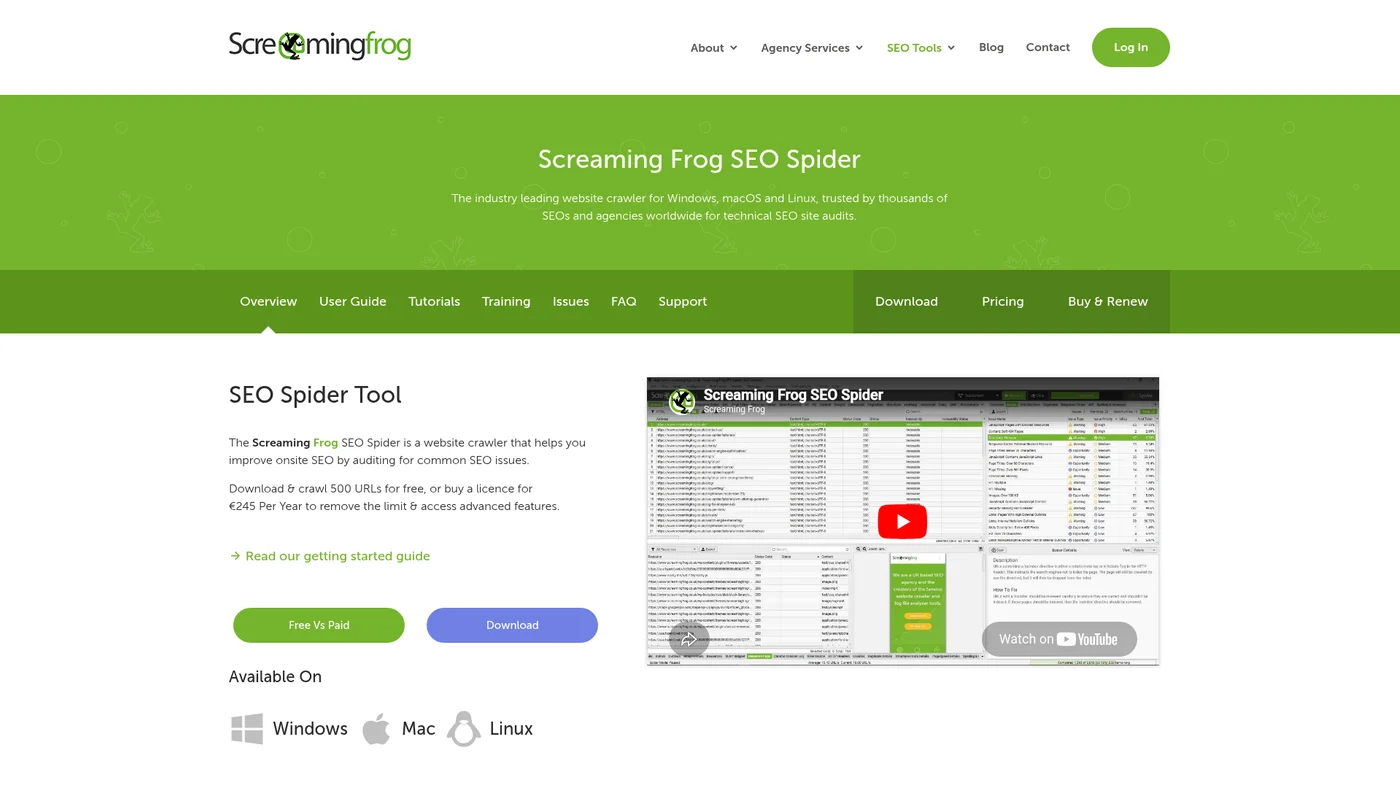
Screaming Frog - SEO Spider
Desktop SEO crawler for technical audits with unlimited crawling for $279/year
Key Features
Workable for agent workflows through the command line, not through an API. Screaming Frog publishes no API of its own: the API guide on its site is about pulling third-party data (Google Analytics, Search Console, PageSpeed Insights, Majestic, Ahrefs, Moz) INTO the SEO Spider, not about exposing crawl data out of it. What you actually get is the CLI, which is scriptable and useful, plus a community MCP server at github.com/bzsasson/screaming-frog-mcp that wraps that CLI for headless crawls. That is a third-party project rather than a Screaming Frog one, so treat its continuity as you would any single-maintainer dependency.
✓Pros
- Most comprehensive technical analysis
- Handles large websites well
- Highly customizable
✗Cons
- Steep learning curve
- Requires technical SEO knowledge

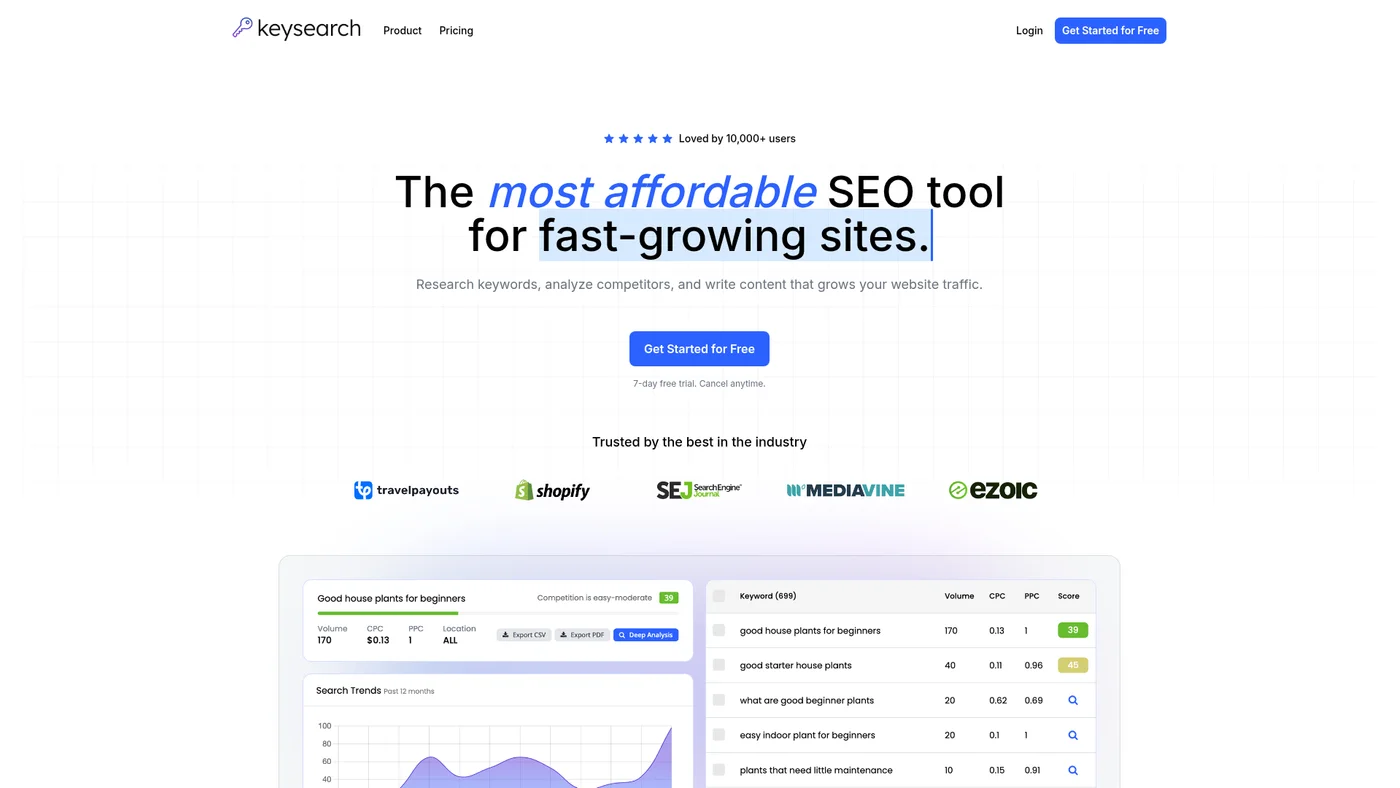
KeySearch
Affordable SEO tool with keyword research, competitor analysis, and AI content features for growing websites
Key Features
Thin but not closed. Keysearch documents a simple GET API with a per-user key that returns saved keyword lists and difficulty scores, so an agent can read your data without scraping. Everything around it is missing: no MCP server, no SDKs, no OpenAPI spec, no Zapier or Make. The vendor also restricts the API to internal use and will not serve realtime difficulty lookups through it, only keywords already searched in your account, which caps how much of a research workflow you can actually hand over.
✓Pros
- Very affordable pricing
- Good for finding easy keywords
- YouTube keyword research
✗Cons
- Smaller keyword database
- Limited advanced features

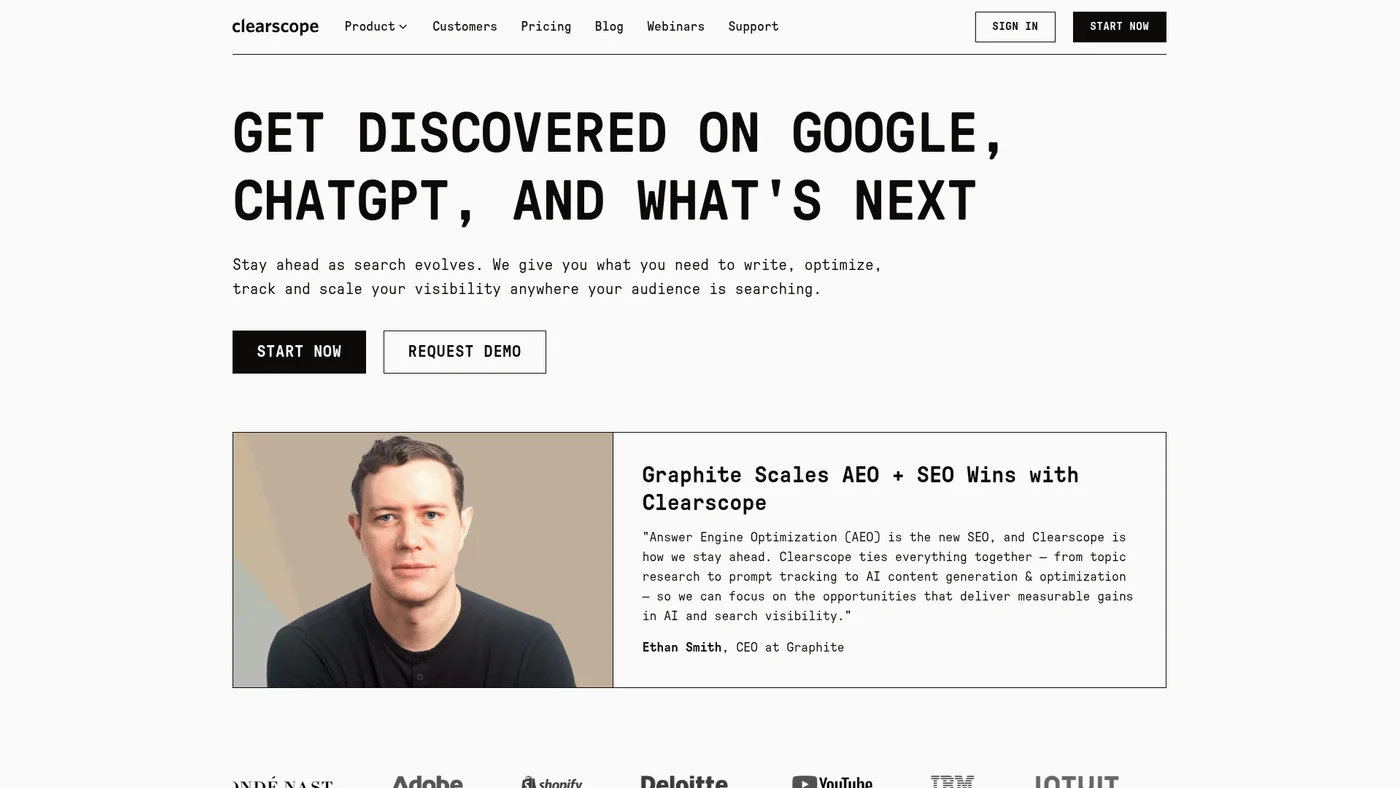
Clearscope
AI-aware content grading and visibility tracking, starting at $129/month.
Key Features
No MCP server and no public developer API surfaced on clearscope.io as of 2026-08-04. Third-party API directories list zero Clearscope APIs.
✓Pros
- Detailed content analysis
- Easy to understand scoring
- Good for content teams
✗Cons
- Expensive per article
- Limited keyword research

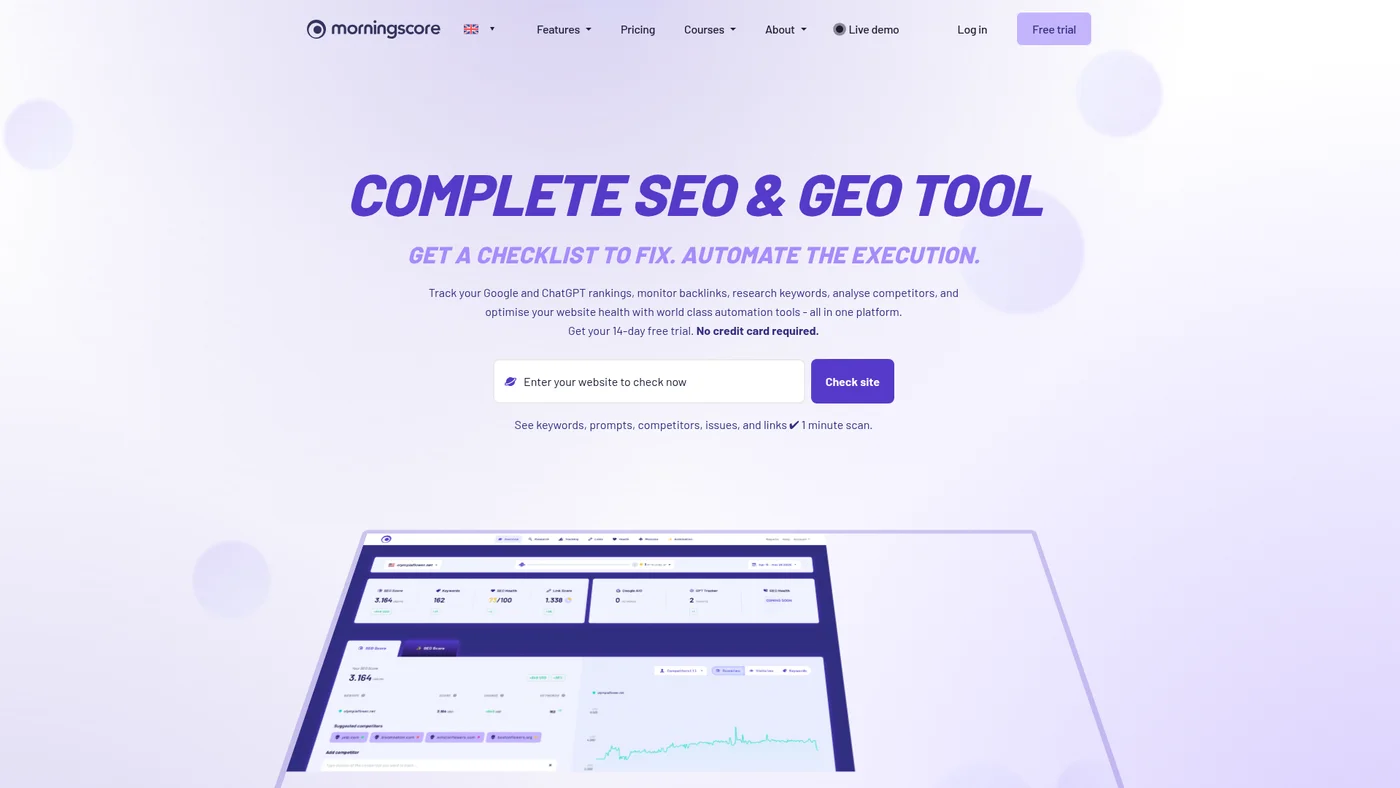
Morningscore
Gamified all-in-one SEO and GEO tool: rank tracking, backlinks, audits, AI-visibility tracking, and an AI writer.
Key Features
Decent agent fit, and unusually open for the price. Morningscore includes full API access on every plan, even the $69 Lite tier, and also sells a standalone SEO API (keywords, backlinks, site health, Moz-powered link data), so an agent or script can pull both SEO and AI-visibility data without an enterprise contract. WordPress and Shopify plugins add no-code automation for on-page fixes. There is no MCP server and no CLI, so there is no no-code path into Claude or ChatGPT yet. It is a data-and-workflow tool rather than an agent endpoint, but the API-on-entry pricing makes it more automatable than most tools in its bracket.
✓Pros
- Makes SEO fun and engaging
- Clear action items
- Good educational content
✗Cons
- Limited advanced features
- Smaller data set than major tools

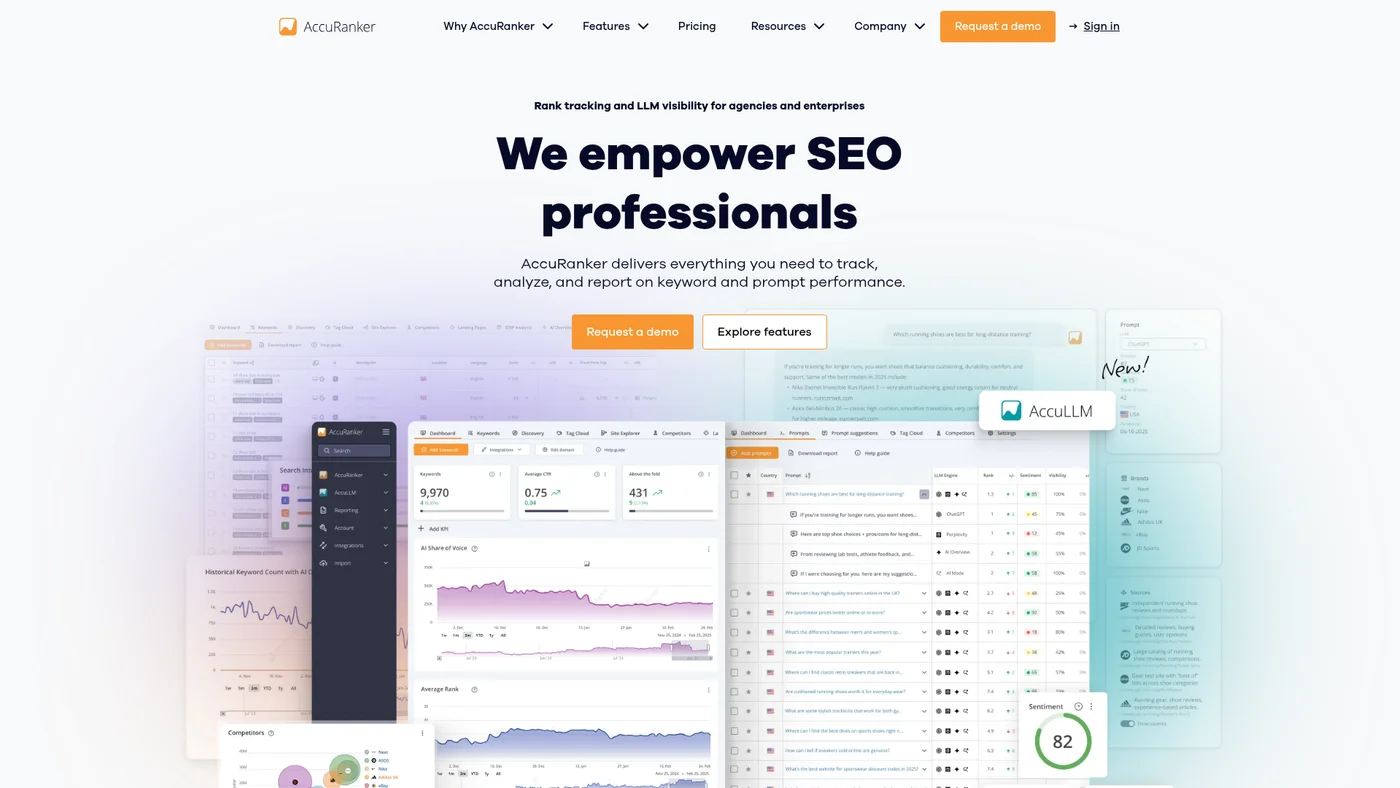
AccuRanker
Daily rank tracking and AI-search visibility tracking, starting at $224/month.
Key Features
Not ready for agent workflows. AccuRanker has a public API with documentation, but lacks the integrations agents need: no MCP server, no OpenAPI spec, and no SDKs to bridge the gap. Without structured outputs or webhook support, building reliable agent loops would require heavy custom scaffolding.
✓Pros
- Fastest ranking updates
- Accurate data
- Clean interface
✗Cons
- Only does rank tracking
- Can be expensive for many keywords

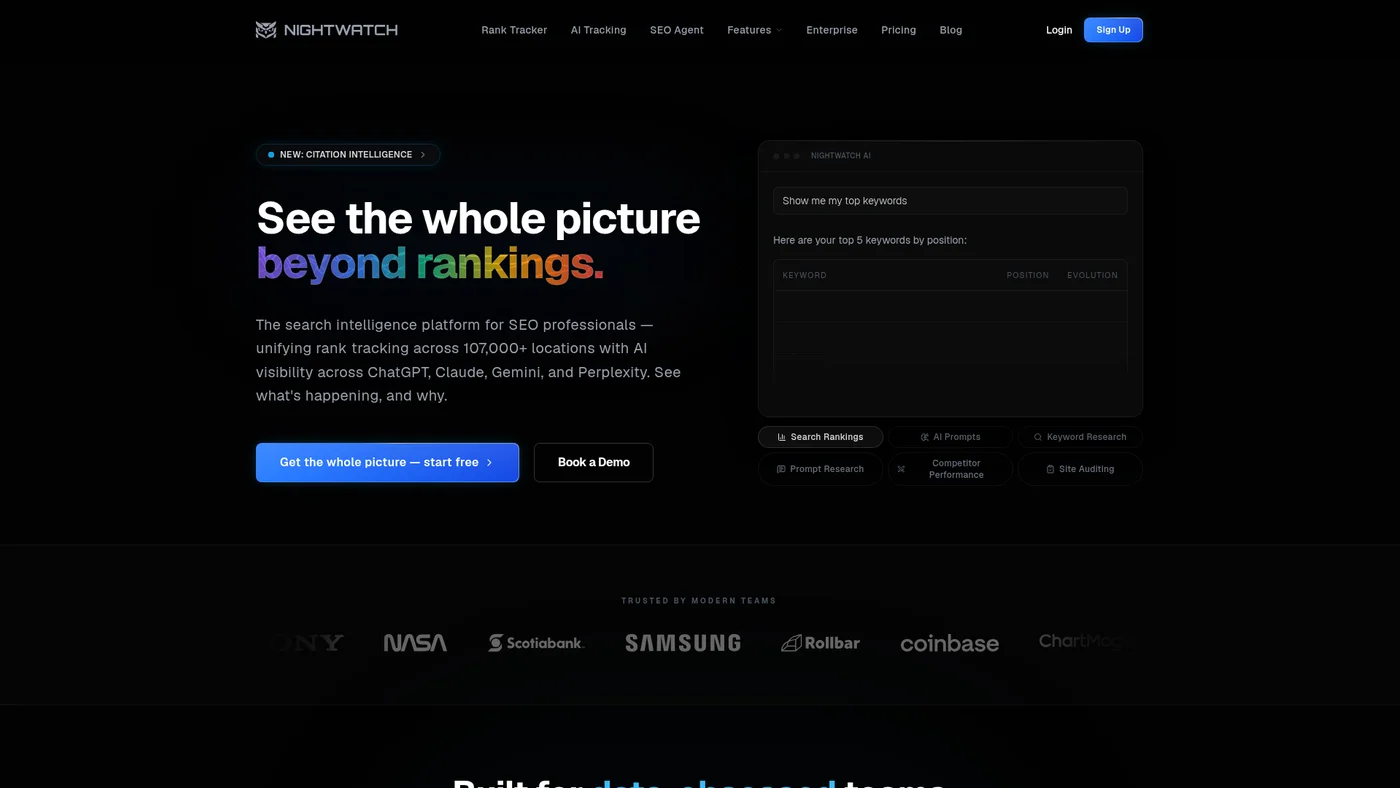
Nightwatch
Rank tracker that also monitors AI citations across ChatGPT, Claude, Gemini, and Perplexity.
Key Features
Not ready for agent workflows. Nightwatch has documented public API access, but lacks MCP support, OpenAPI specs, and SDKs needed for Claude or Cursor integration. You'd need custom integration work to route rank-tracking data into agent loops.
✓Pros
- Excellent local SEO features
- Affordable pricing
- Good reporting
✗Cons
- Limited beyond local SEO
- Interface could be improved

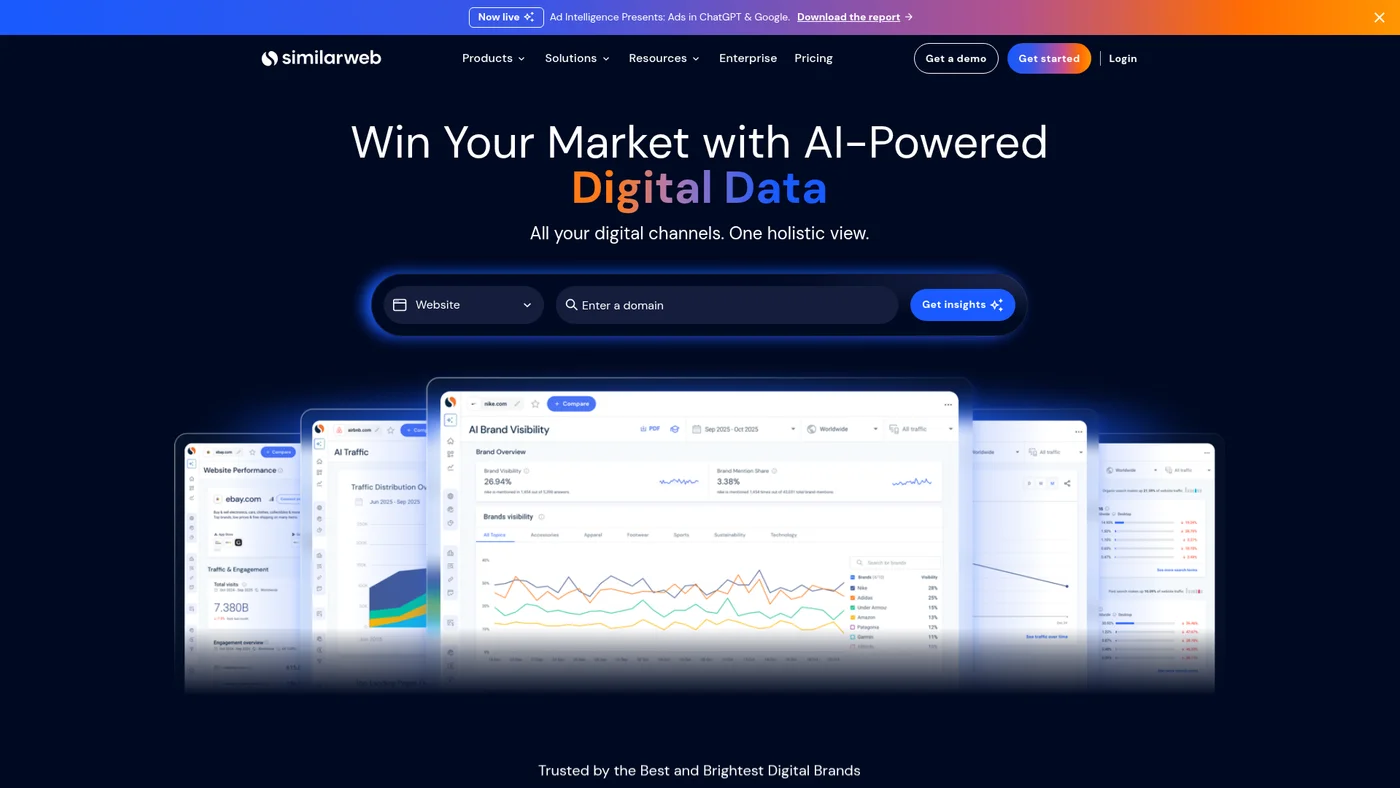
SimilarWeb
Digital market intelligence platform for traffic analysis and competitive research.
Key Features
Partial agent-fit with official MCP support. SimilarWeb offers an official MCP server and documented public API, giving it a foundation for agent workflows, but lacks OpenAPI specs, SDKs, and structured outputs that would make integration seamless. The missing webhook and native LLM integrations mean you'll need custom parsing logic to extract and act on competitive intelligence data.
✓Pros
- Comprehensive traffic data
- Great for market research
- Easy to understand reports
✗Cons
- Expensive for full features
- Traffic estimates can be inaccurate

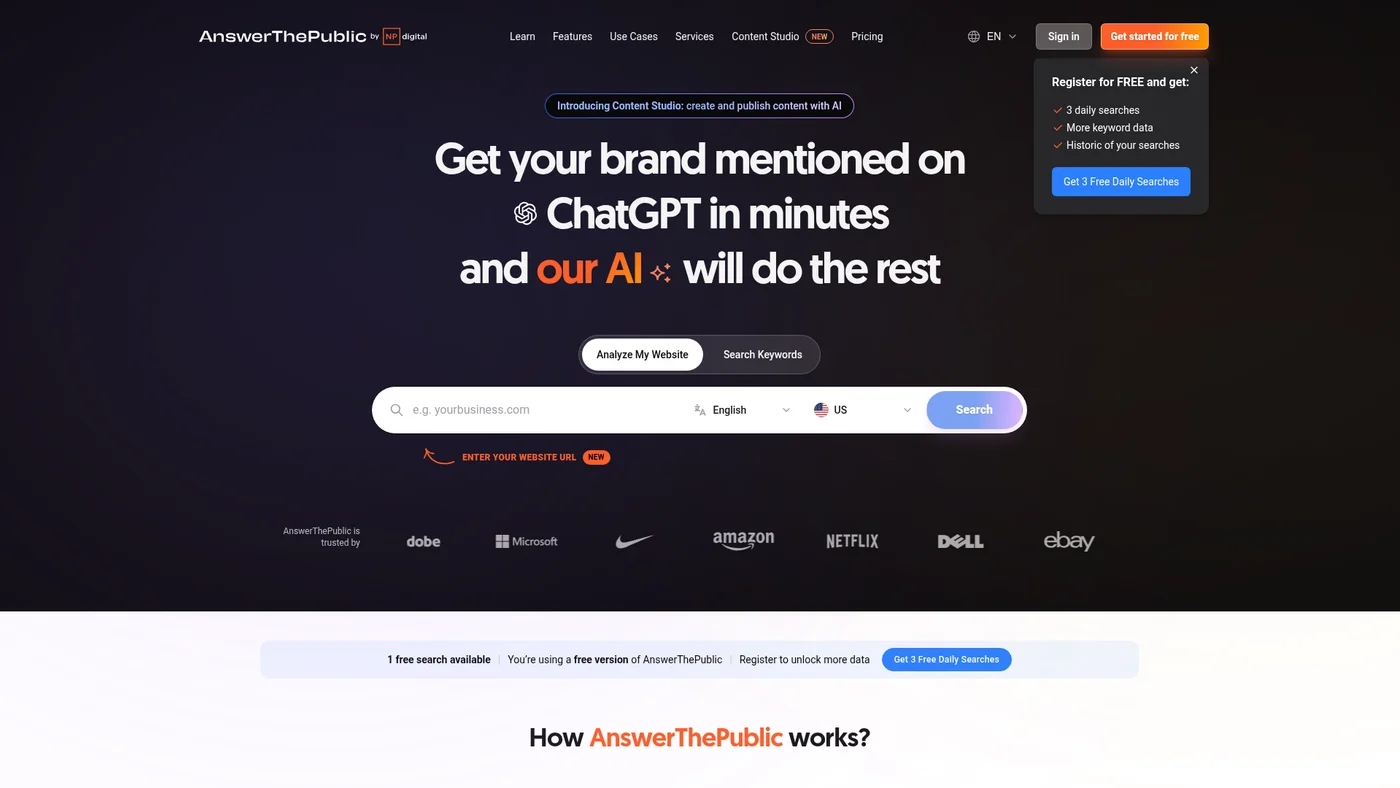
AnswerThePublic
Visual keyword research tool that maps out questions people actually search for online
Key Features
Not ready for agent workflows, and there is less to work with than it looks. AnswerThePublic has no public API: the /api path on its own site serves the marketing homepage rather than documentation, and nothing on the site offers programmatic access to the visualisations. There is no MCP server and no CLI either, so the only route into an agent workflow is exporting CSV and pasting it in, which throws away the reason you would automate it in the first place.
✓Pros
- Great for content brainstorming
- Visual presentation
- Free version available
✗Cons
- Limited search volume data
- Can be overwhelming with data

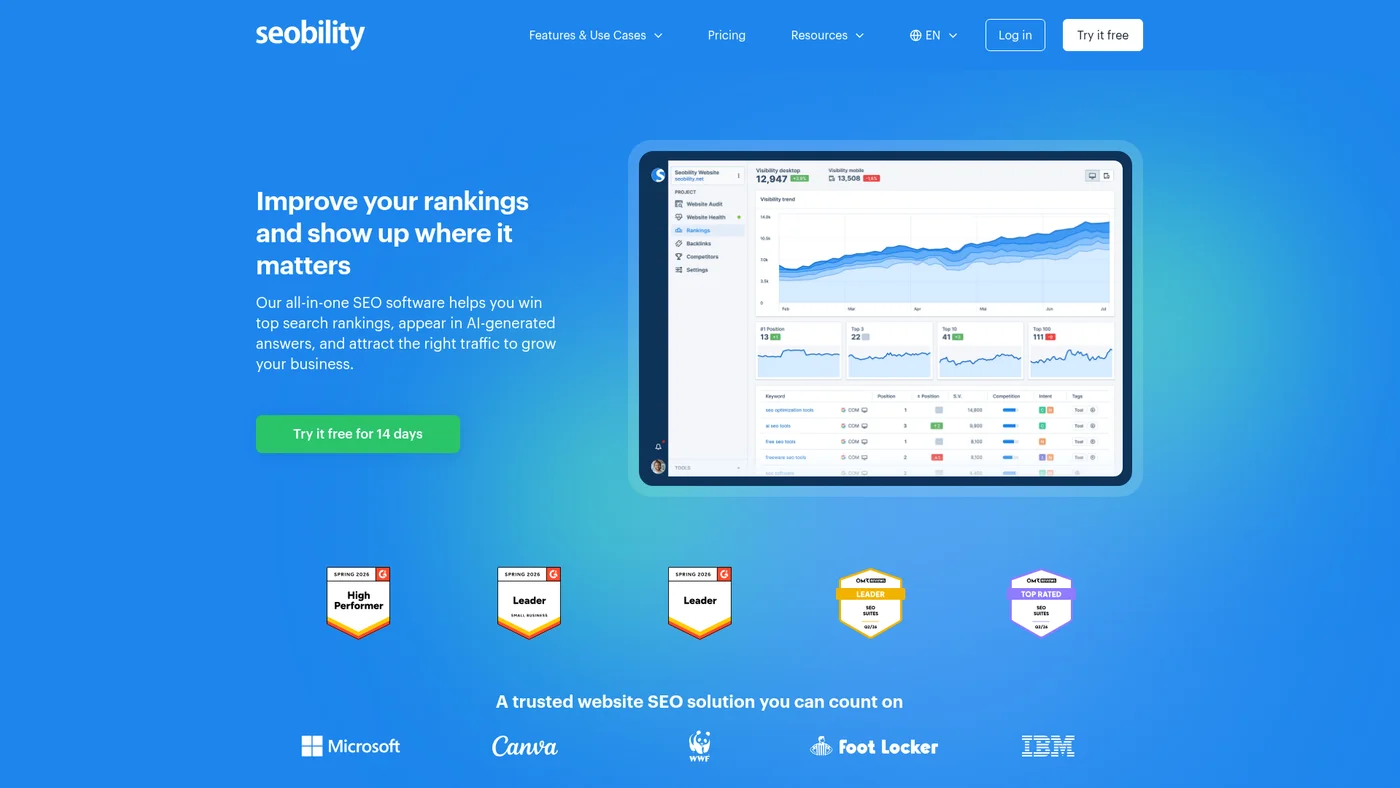
Seobility
User-friendly SEO platform with website auditing, keyword tracking, and backlink analysis for all skill levels.
Key Features
Avoid for agent workflows. Seobility has public API documentation but no MCP server, OpenAPI spec, or SDKs to enable programmatic integration with Claude or similar tools. Without webhooks or structured outputs, automation remains manual and limited.
✓Pros
- Generous free plan
- Easy to use
- Good for beginners
✗Cons
- Limited features in free plan
- Smaller data coverage

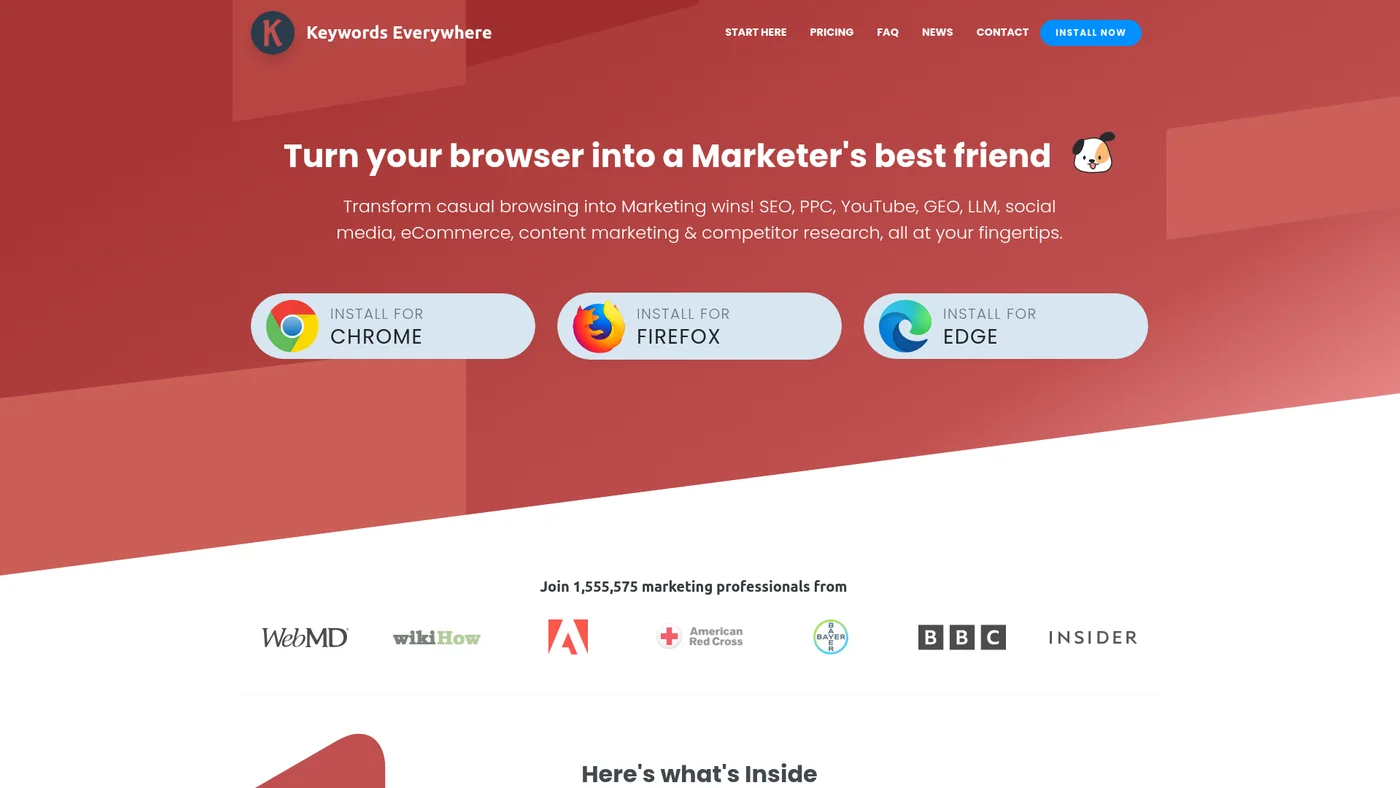
Keywords Everywhere
Browser extension for keyword data, not a full SEO suite.
Key Features
Partial agent-fit with community workaround. Keywords Everywhere has a public API with documentation and a community-built MCP server, but lacks official tooling integration and OpenAPI specs that would make agent integration seamless. The absence of structured outputs and webhook support limits how effectively autonomous workflows can act on keyword data.
✓Pros
- Convenient browser integration
- Affordable pricing
- Works on multiple platforms
✗Cons
- Limited to basic metrics
- Requires credits for searches

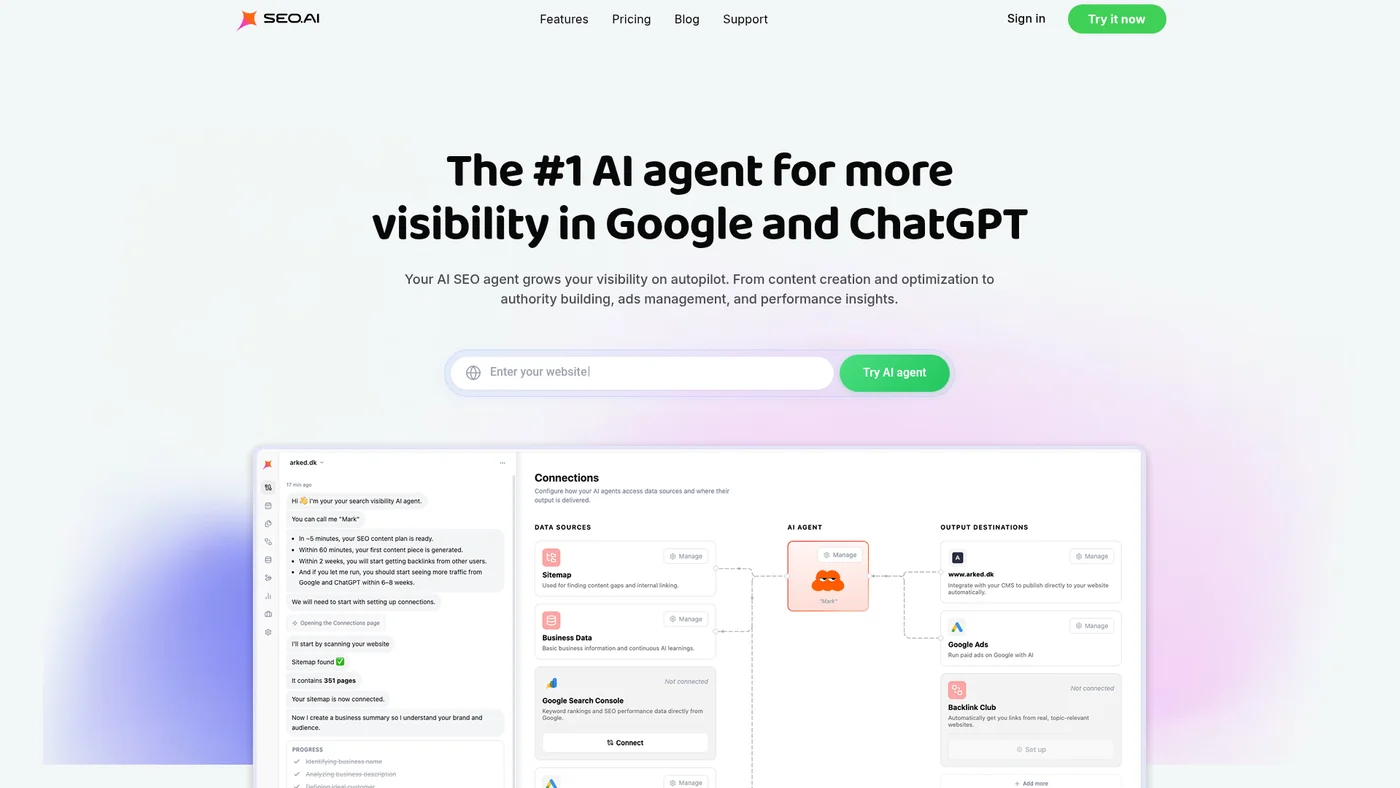
SEO.ai
AI agent that writes, publishes, and builds backlinks for your site on autopilot.
Key Features
✓Pros
- Combines AI writing with SEO
- Good understanding of search intent
- Time-saving for content creation
✗Cons
- AI content needs human review
- Monthly content limits

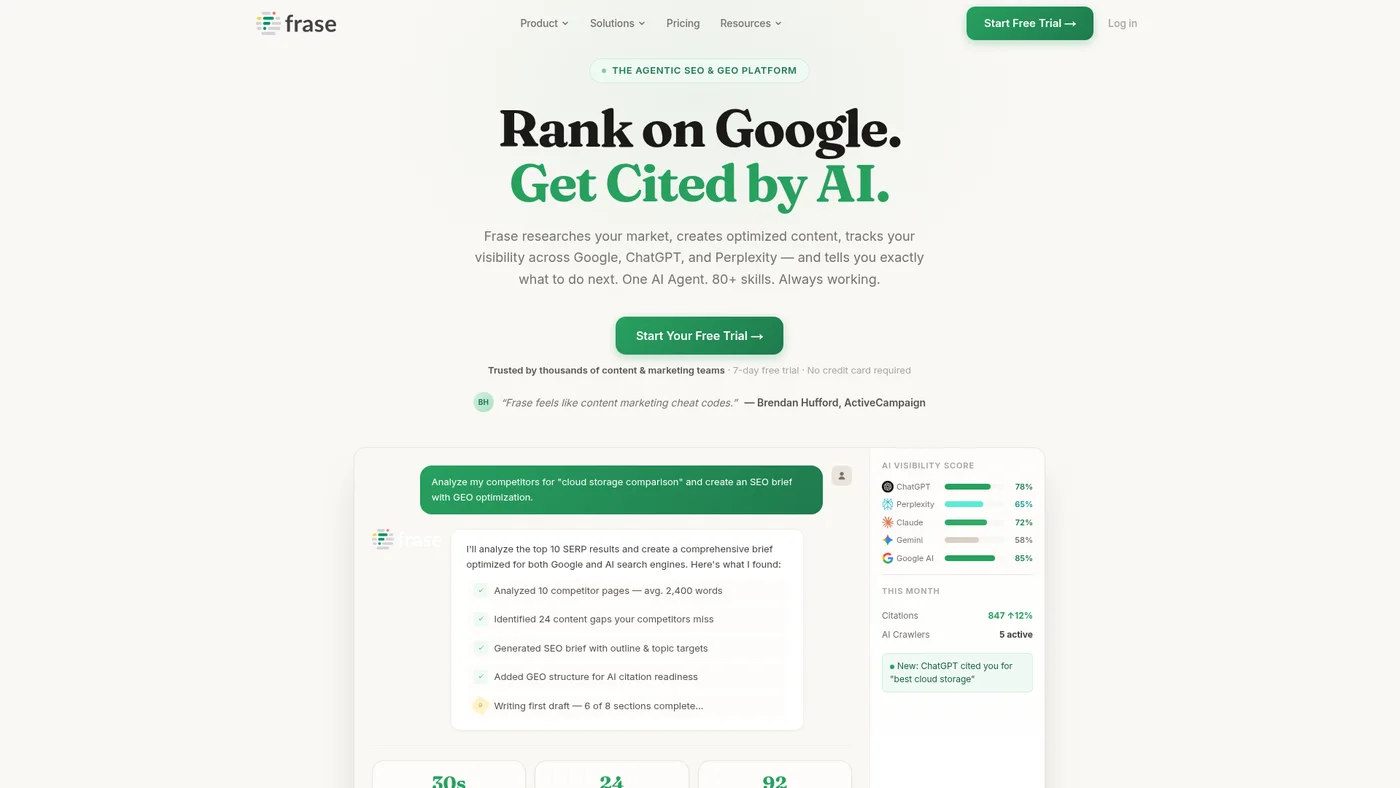
Frase.io
AI-powered SEO content platform with research, optimization, and AI search visibility tracking
Key Features
Strong agent fit, and the tooling is Frase's own rather than a community effort. Frase publishes an MCP server from its company GitHub org exposing 95 tools across SEO, GEO and AI visibility work, bundled with agent skills, prompts and multi-step workflows, alongside a documented REST API. It installs as an npm package and authenticates with your API key, so it runs on your machine rather than as a hosted service, which means you manage the process yourself. No OpenAPI spec, which is the main thing still missing.
✓Pros
- Prepares for AI search future
- Comprehensive content briefs
- Good SERP analysis
✗Cons
- Newer platform with fewer features
- AI optimization is still emerging

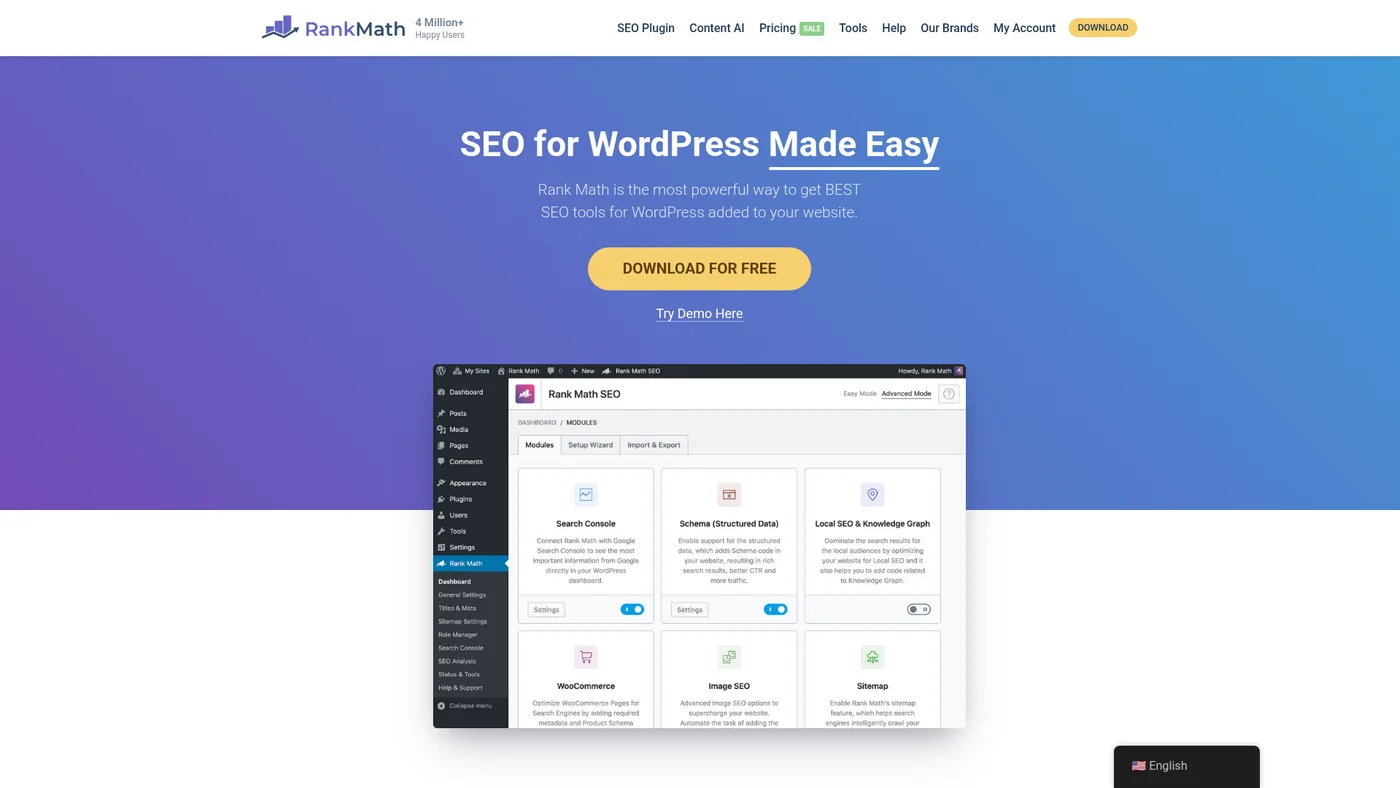
Rank Math
WordPress SEO plugin with advanced features and AI-powered content optimization.
Key Features
✓Pros
- More features than Yoast free
- Modern interface
- Good local SEO tools
✗Cons
- Can be overwhelming for beginners
- Limited to WordPress

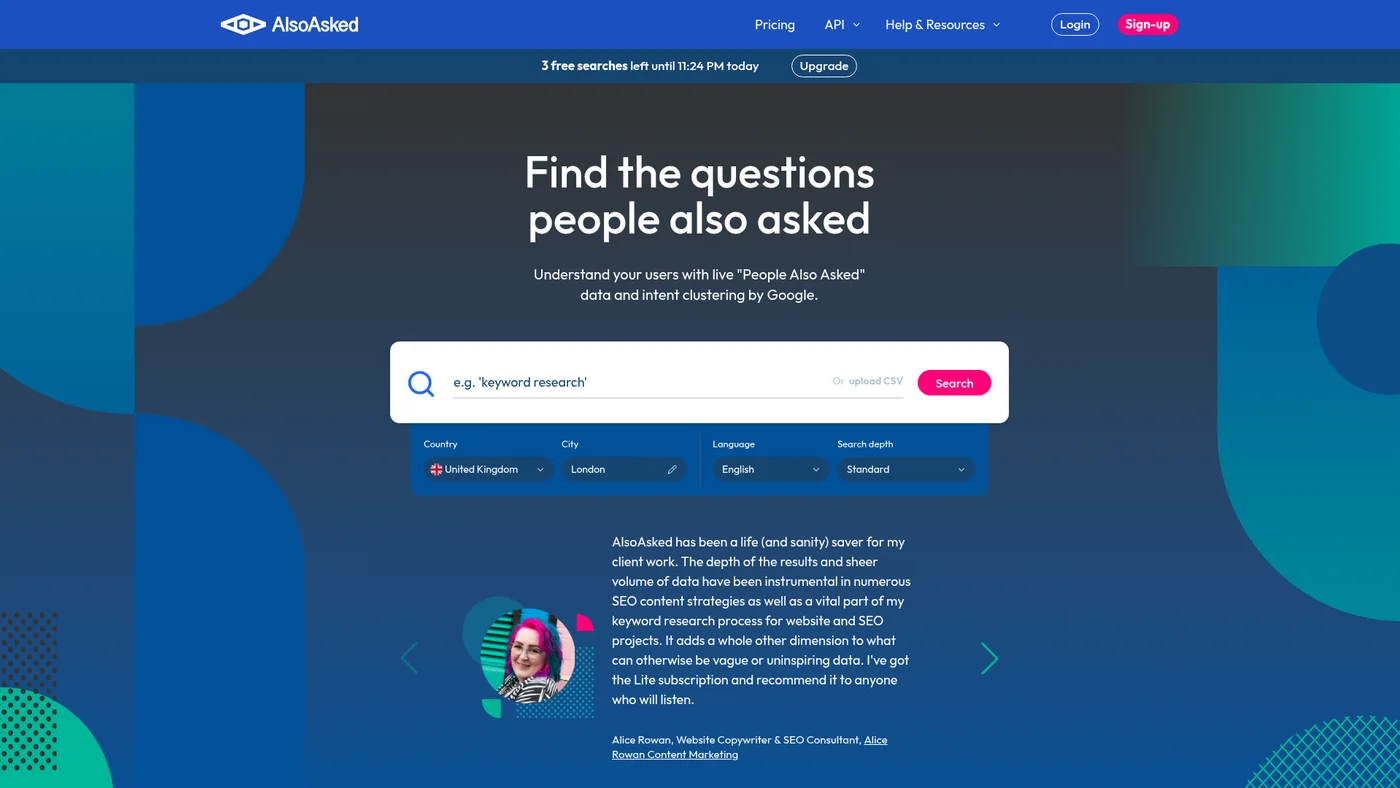
AlsoAsked
Tool that visualizes 'People Also Ask' questions to discover content opportunities.
Key Features
✓Pros
- Visualizes question relationships
- Good for content planning
- Affordable pricing
✗Cons
- Limited to question research
- Interface could be improved

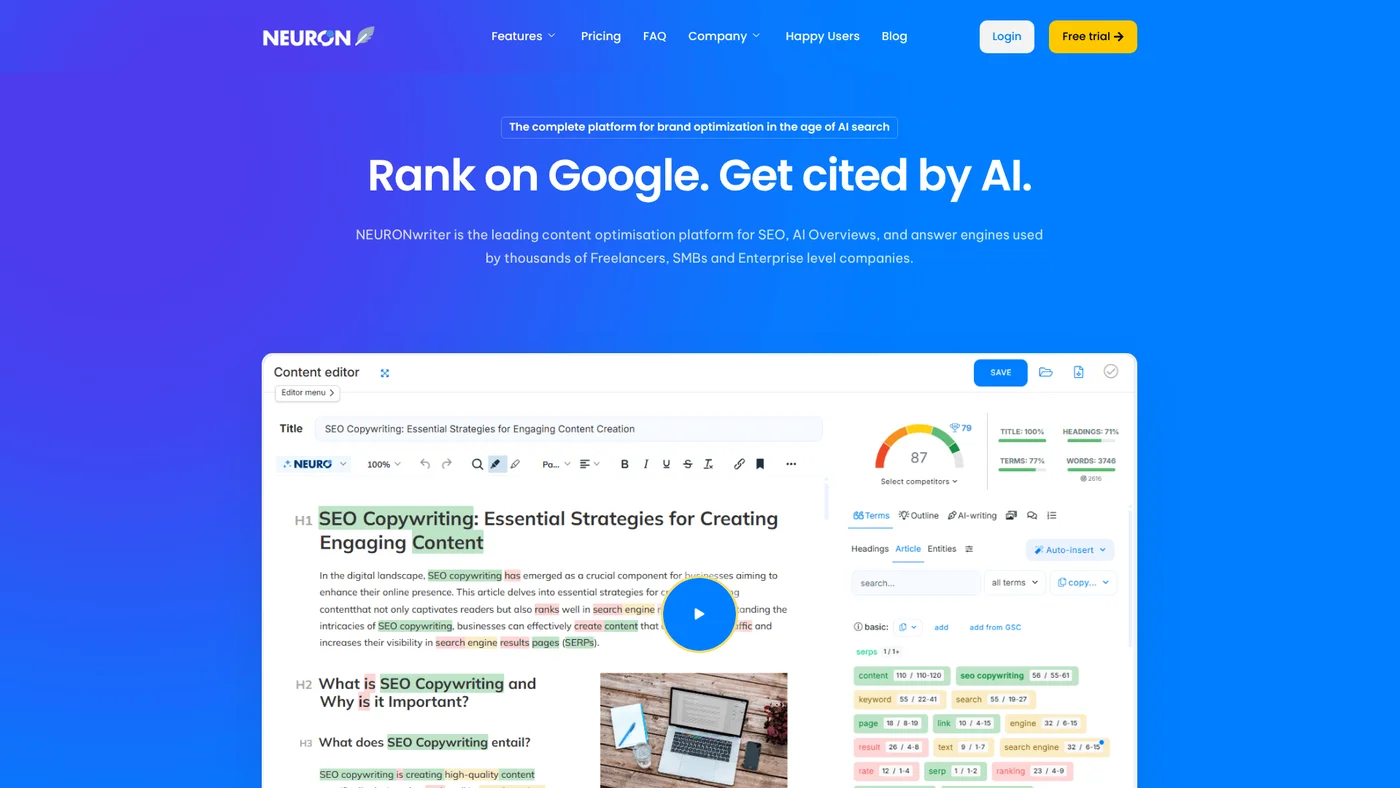
NeuronWriter
NLP content scoring plus AI Overview and chatbot citation tracking, starting at $23/mo.
Key Features
Moderate agent-fit with community support. NeuronWriter has a public API with documentation and a community MCP server, plus native ChatGPT integration, but lacks official MCP hosting, OpenAPI specs, and Claude support. The absence of webhooks and structured outputs limits automation depth in agent workflows.
✓Pros
- Affordable AI content tool
- Good SEO integration
- Content templates available
✗Cons
- AI content needs editing
- Limited advanced SEO features

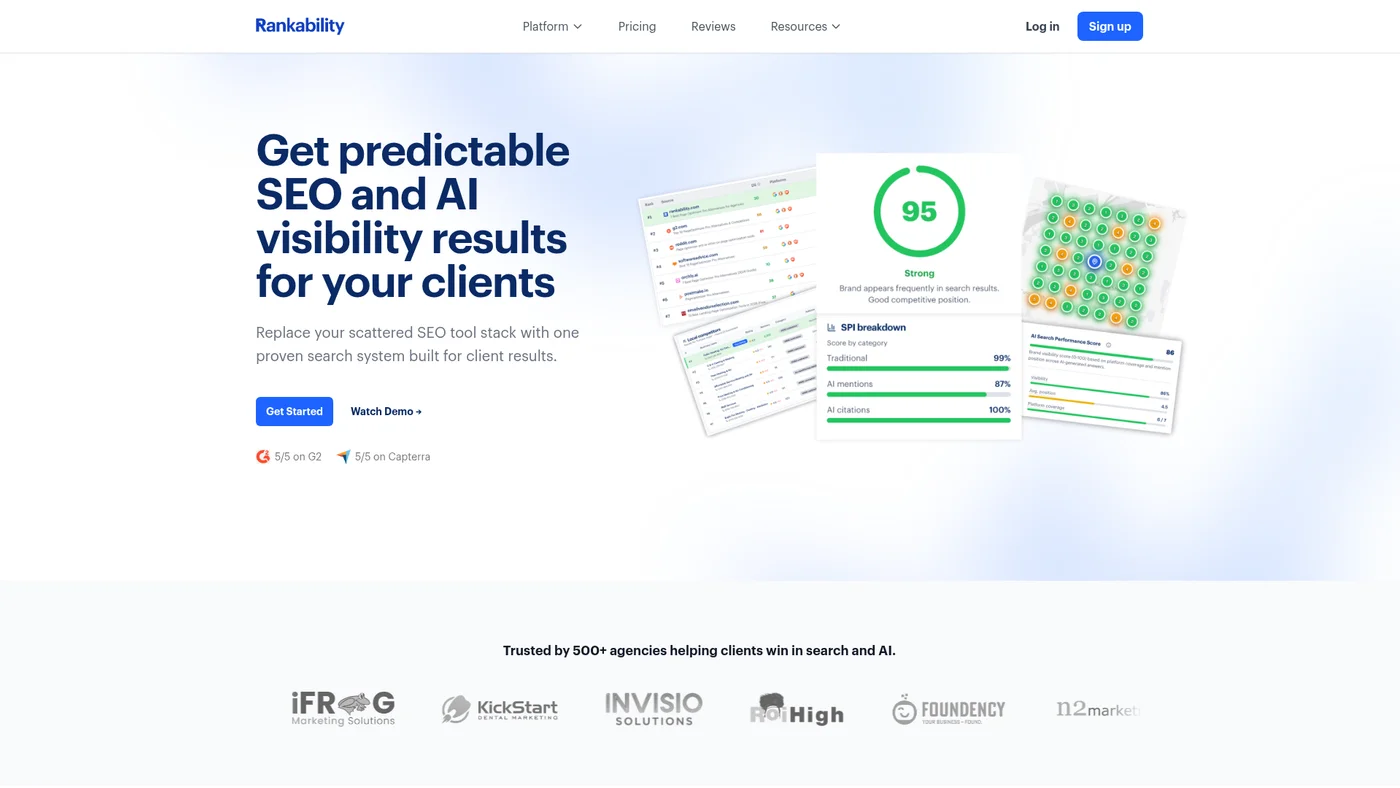
Rankability
AI-powered SEO tool for content optimization and AI search tracking built for agencies.
Key Features
Good agent-fit for ChatGPT workflows. Rankability offers an official MCP server and documented OpenAPI spec, making it accessible to Claude and Cursor users, though you'll need to handle authentication setup yourself. The lack of native Claude integration and structured output support means you'll do more prompt engineering than with fully optimized tools.
✓Pros
- Clean, shareable interface
- Comprehensive tracking
- White-label options
✗Cons
- Premium pricing
- Complex setup for small users

Google Search Console
Free tool from Google that shows how your site performs in search results, identifies indexing issues, and provides keyword data directly from the source.
Key Features
✓Pros
- Completely free
- Data directly from Google
- Essential for technical SEO
✗Cons
- Limited to 16 months of data
- No competitor analysis

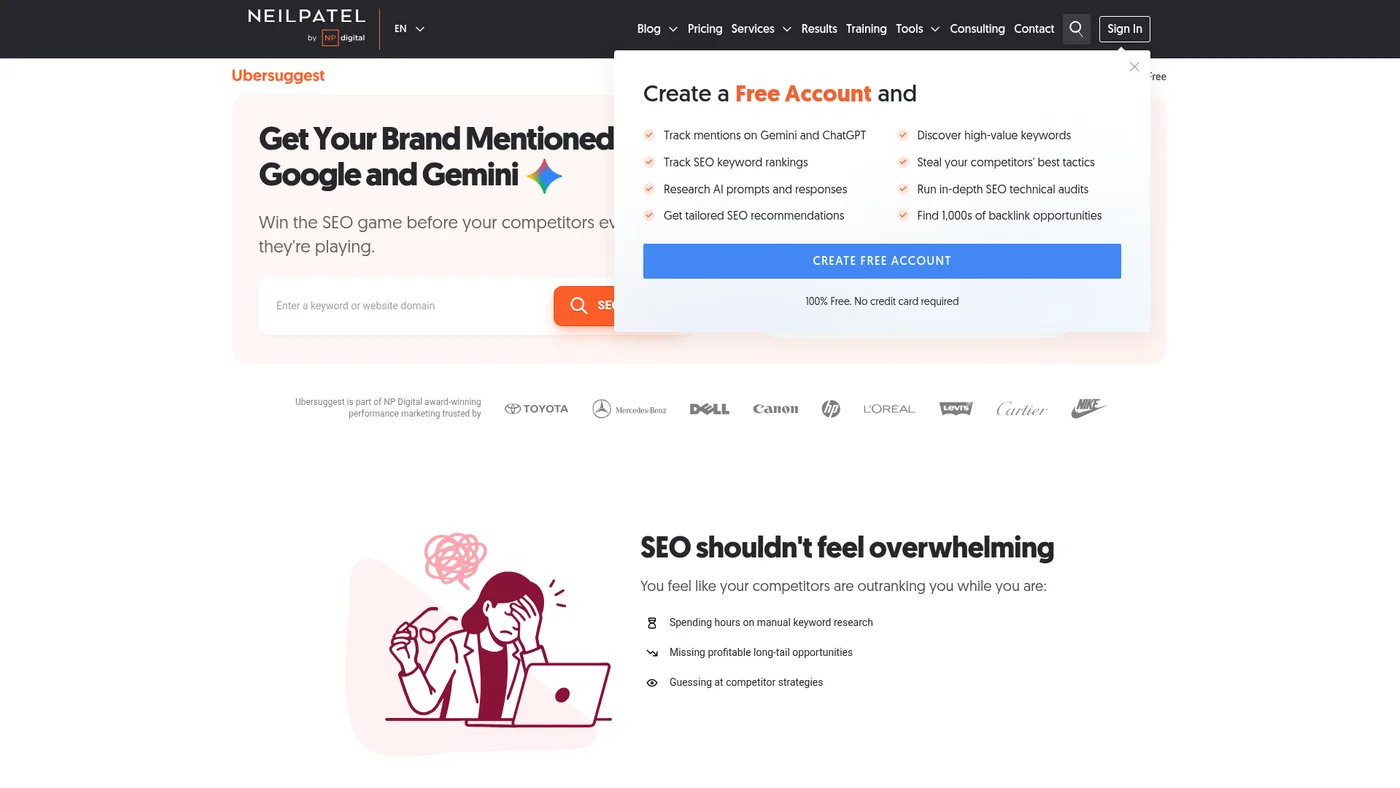
Ubersuggest
Budget SEO suite with keyword research, site audits, and an AI Writer from $12/month.
Key Features
Workable for agent workflows, with one route in. Ubersuggest runs an official MCP server at ubersuggest-mcp.neilpatelapi.com/mcp, so Claude or Cursor can reach it directly. What is still missing is everything around it: no documented public API, no SDKs and no OpenAPI spec, so anything the MCP does not expose means manual export.
✓Pros
- Very affordable
- Lifetime pricing option
- Easy to use
✗Cons
- Smaller database than Ahrefs/Semrush
- Data accuracy can vary

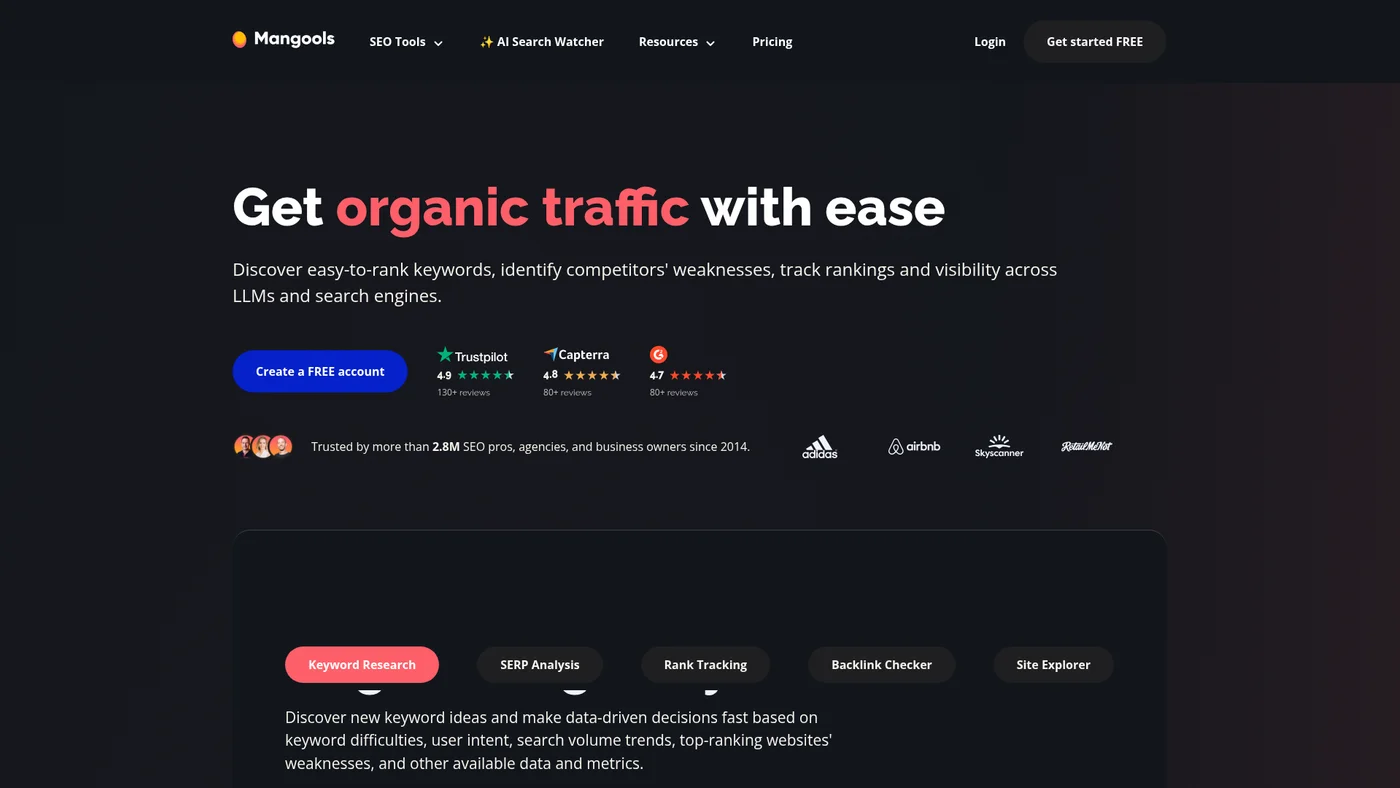
Mangools
User-friendly SEO suite with excellent keyword research tools and competitive pricing for agencies
Key Features
Moderate agent-fit with community support. Mangools has a live community MCP server and documented public API with Node.js SDK, making basic integrations possible. The lack of official MCP backing and missing OpenAPI spec means you'll need custom parsing for most workflows.
✓Pros
- Beautiful, intuitive interface
- Accurate keyword difficulty scores
- Great value for the price
✗Cons
- Smaller database than enterprise tools
- Limited site audit features

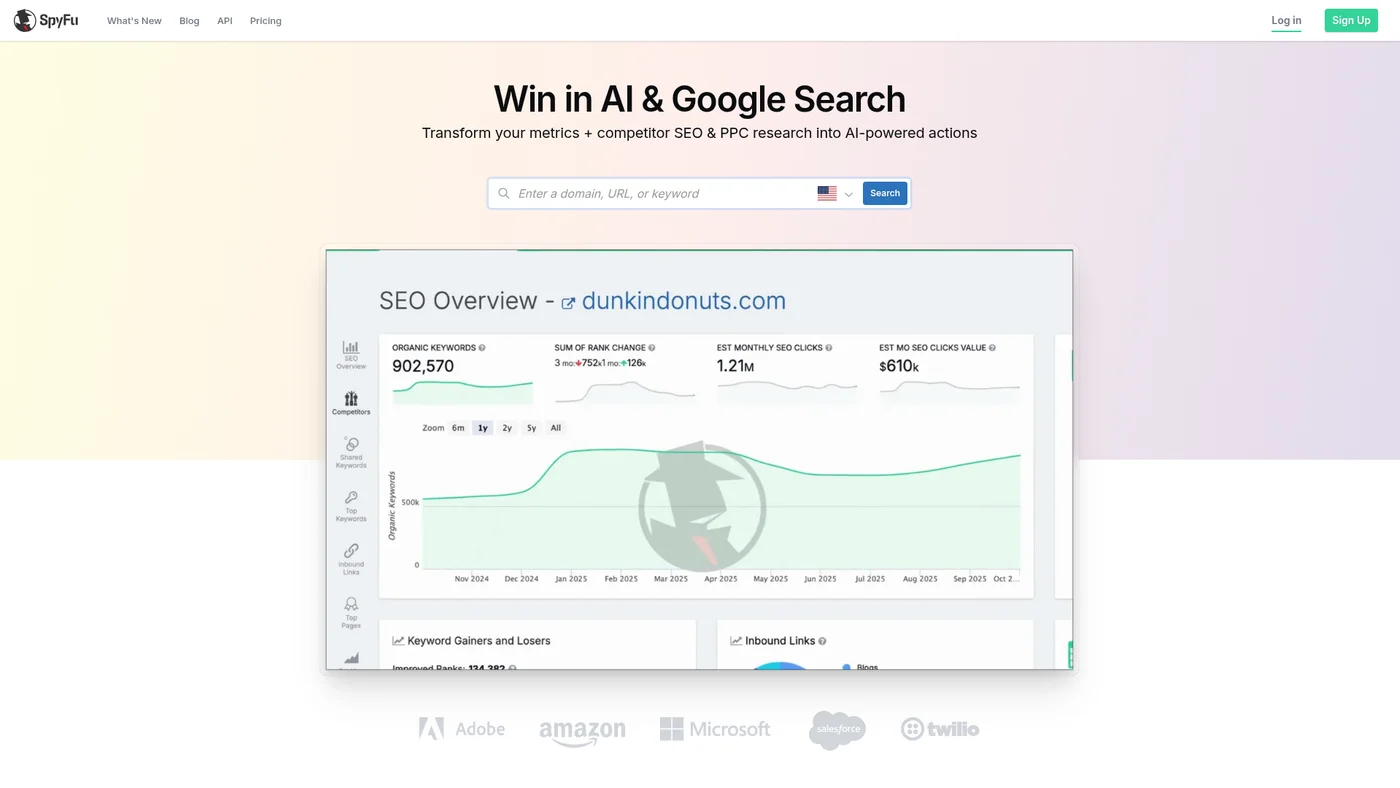
SpyFu
Competitive intelligence tool for Google Ads and SEO research with 18+ years of historical data
Key Features
Marginal agent-fit due to community MCP and documented API. SpyFu has a public API with documentation and an available MCP server, but both are community-maintained rather than official, limiting reliability for production workflows. The lack of OpenAPI spec, SDKs, and structured output support means agents will struggle with consistent data parsing and validation.
✓Pros
- Deep competitor insights
- Unlimited searches on all plans
- Great PPC data
✗Cons
- Interface feels dated
- Backlink data less comprehensive than Ahrefs

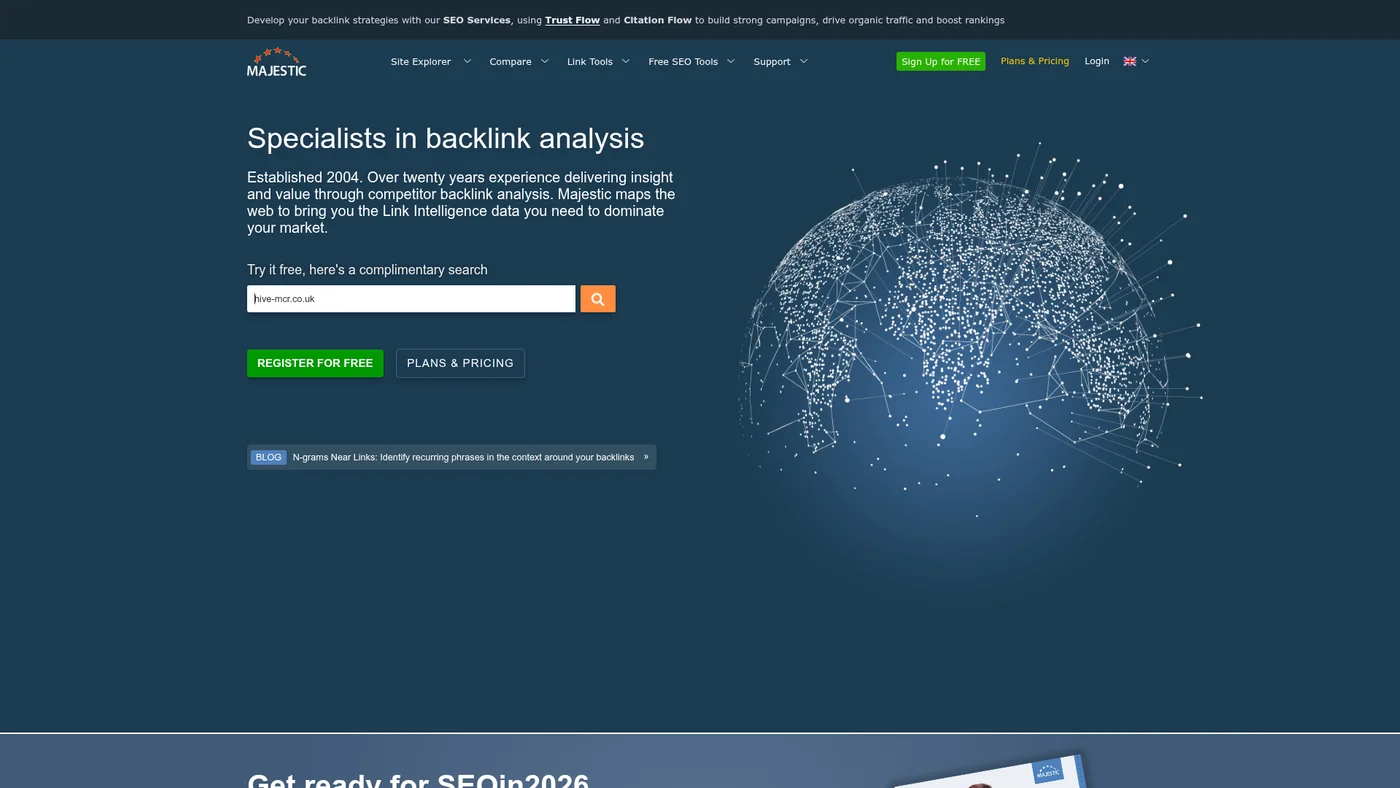
Majestic
Backlink intelligence platform with proprietary Trust Flow metrics, but API access sits on the priciest tier.
Key Features
Weak agent-fit: community MCP available and public API with docs, but no official MCP support, OpenAPI spec, or SDKs to streamline integration. You'll need custom parsing and manual authentication setup for most agent workflows.
✓Pros
- Largest backlink index
- Unique quality metrics
- Deep historical data
✗Cons
- No keyword research features
- Outdated interface

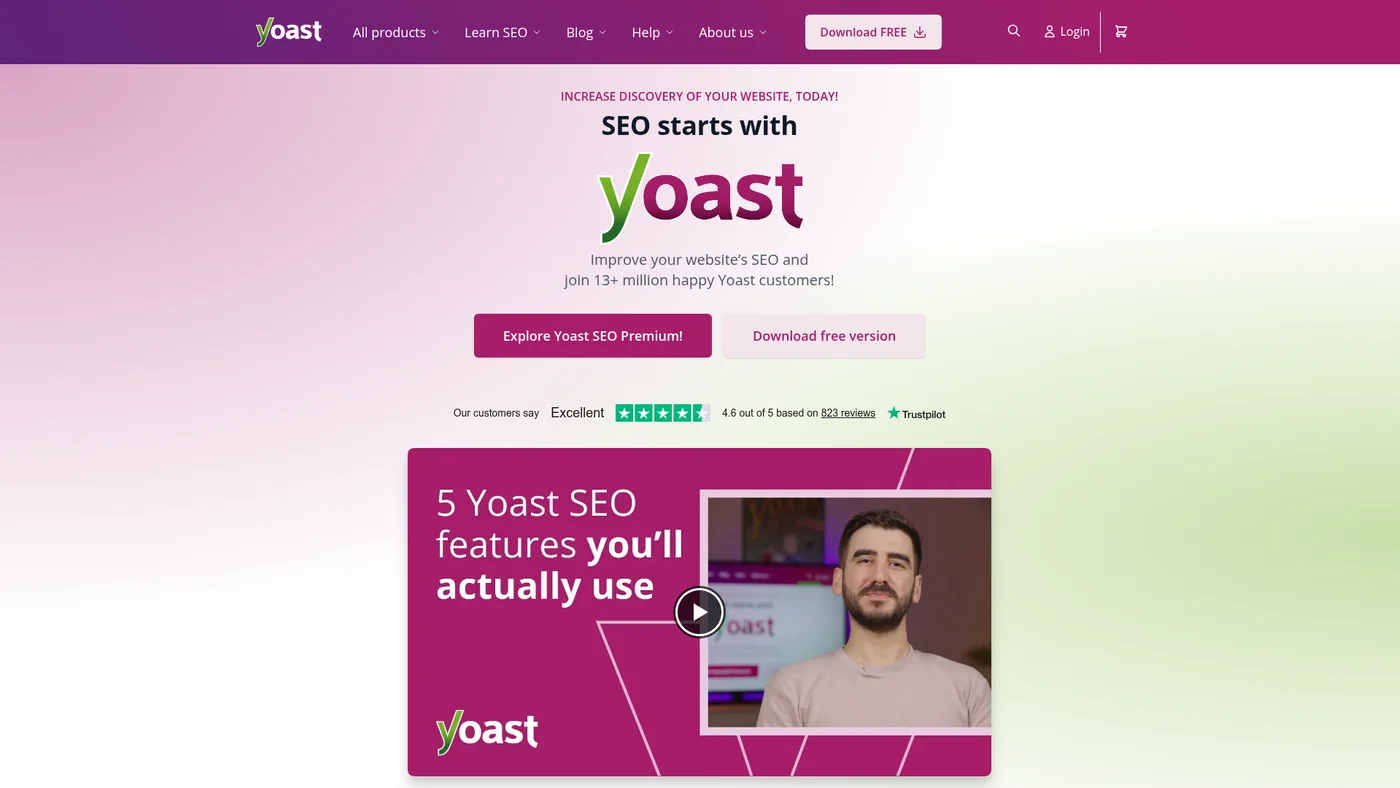
Yoast SEO
WordPress SEO plugin with real-time optimization guidance and content analysis for 13+ million sites
Key Features
Reachable in code, awkward for agents. Yoast SEO includes a documented REST API that exposes the SEO metadata for any URL on your site, plus Surfaces, Metadata and Schema APIs on the developer portal, so an agent with access to the WordPress install can query it. What it does not have is anything hosted: no MCP server, no Yoast-side endpoint, no SDK and no structured outputs, so an assistant cannot reach it from outside your infrastructure at all.
✓Pros
- Generous free version
- Trusted by millions of sites
- Great for on-page SEO
✗Cons
- WordPress only
- Premium features are basic compared to standalone tools
Price landscape
How prices compare
Starting prices across all 73 tools in this category.


Methodology
How I chose these
A decade of SEO work sits behind this list, most of it for small businesses and some of it for enterprise clients. Eleven of the 27 tools here I use myself: SE Ranking, Semrush, Ahrefs, Moz, Screaming Frog, Keysearch, AnswerThePublic, Seobility, Ubersuggest, Mangools and Yoast SEO.
The rest I ranked on index size and data accuracy, feature coverage against the jobs a small site actually has, published pricing and plan limits, and what G2 and Capterra reviewers report about living with them day to day. AI search visibility carries real weight now, so tools that track it were marked up for it.
Can't I just use AI like ChatGPT, Claude, Gemini, or Copilot for SEO?
I use AI assistants every single day for SEO, and with the right setup they do far more than most people assume. The whole game is connections. On their own, ChatGPT, Claude, Gemini or Copilot work from training data, so they make educated guesses instead of pulling live numbers. Point them at a tool's MCP server or API and that changes fast.
Wire up a SERP API and your agent can see what is actually ranking this week, not what it remembers from training. Connect a content tool's API and it scores your draft against the live top 10 and flags the terms you are missing. Give it a keyword API and it pulls real search volume, difficulty and CPC instead of inventing them. Hook in a crawler's API and it audits your site for broken links, slow pages and missing meta tags on demand. The work that used to need a dedicated dashboard moves straight into the AI stack you already use.
So the real question is not "AI or SEO tools." It is which SEO tools expose an MCP server or a clean API that your agent can actually call. That is exactly what I track in these reviews. The tools near the top of this list are not just strong SEO platforms, they are the ones that drop into an agentic workflow without a pile of custom glue code. If a tool has no API and no MCP, you are back to copy-pasting screenshots into a chat window, and that is the real ceiling, not the AI itself.
FAQ
Frequently Asked Questions
Free SEO tools like Google Search Console provide basic data directly from search engines but have limited features. Paid tools offer comprehensive data, competitive analysis, and advanced features like content optimization and automated reporting. For a full breakdown, see my best free SEO tools list.
Start with Google Search Console and Google Keyword Planner for free data, then consider Moz or Morningscore for their beginner-friendly interfaces and educational resources. My keyword research guide walks you through the basics step by step.
While all-in-one tools like Ahrefs and Semrush cover most needs, you might need specialized tools for specific tasks like Screaming Frog for technical audits or Surfer for content optimization.
Expect to spend $65-129/month for comprehensive SEO tools. Start with free tools and SE Ranking for budget-conscious options, then upgrade as your needs grow. Check my SE Ranking pricing breakdown for an affordable starting point.
AI search optimization helps your content appear in ChatGPT, Gemini, and other AI chatbot responses. As more users adopt AI for search, this matters.
Google Keyword Planner provides the most accurate search volume since it's from Google directly, but it's designed for PPC. For SEO, Ahrefs and Semrush offer the most reliable estimates.
No tool can guarantee rankings. SEO tools provide data and recommendations, but success depends on implementing strategies correctly, creating quality content, and following SEO best practices.
Check ranking data weekly, run technical audits monthly, and review keyword opportunities quarterly. Daily checking leads to overreaction to normal ranking fluctuations.
Continue reading






10+ years in digital marketing. I review SEO and AI visibility software for small business owners and solo operators: what each plan really costs, which one actually covers the job, and where a tool stops being worth it. Checked against vendor documentation and real user feedback, and against my own use where I have it.