

Joonas Rotko · Founder, That Marketing Buddy
I assess marketing software through 10+ years of agency work, current product research, buyer needs, competing tools and total cost.
How this review was prepared
I run Screaming Frog directly against my own and client sites for technical audits, and cross-checked current licensing, the official v24 MCP server and Log File Analyser pricing against the vendor's own pricing and release-notes pages rather than older comparison content.
This page may include affiliate links, meaning I may earn a commission if you sign up (at no extra cost to you).
The Verdict
Is Screaming Frog right for you?
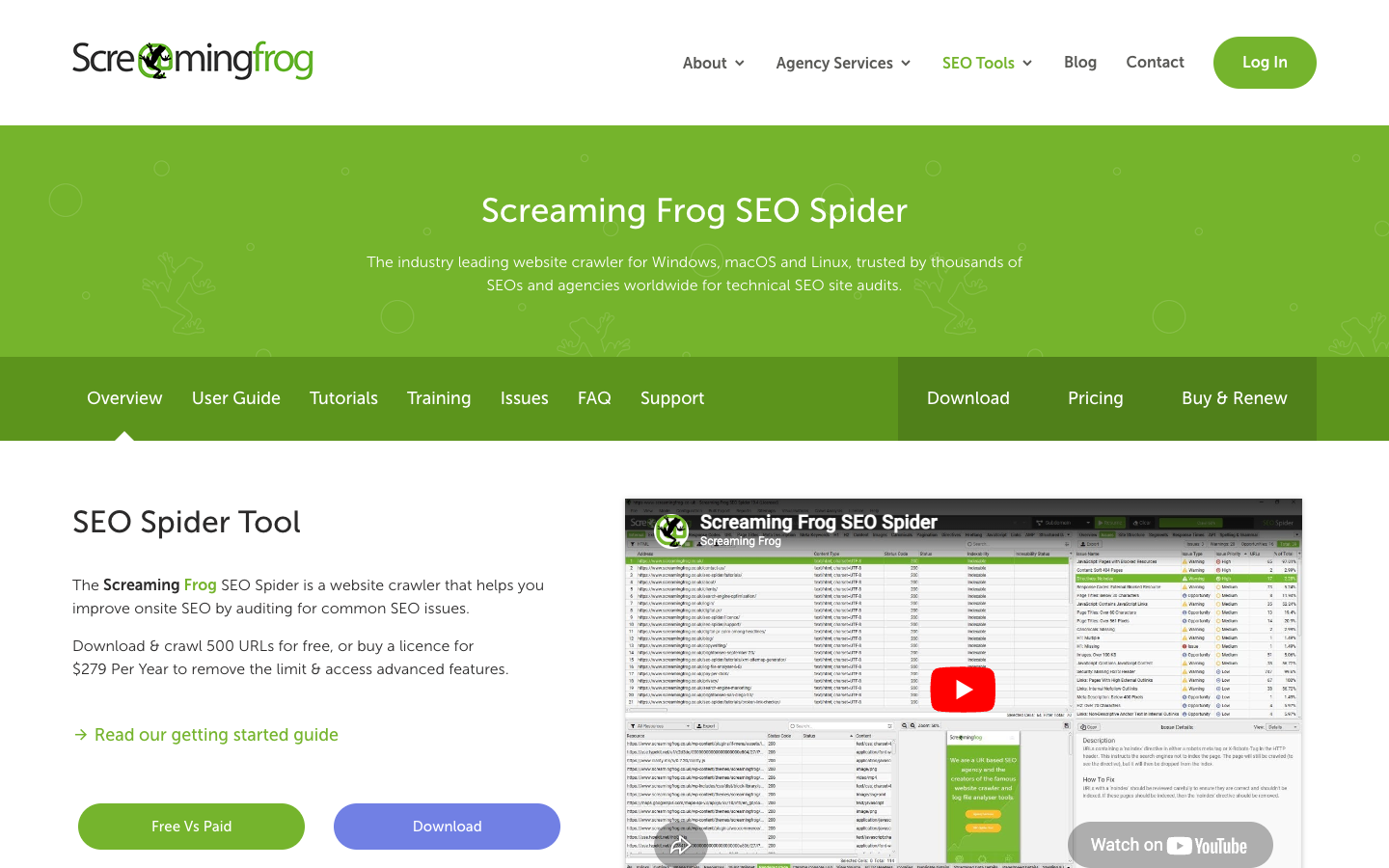
Screaming Frog is still the default technical crawler for a reason: depth and control a cloud dashboard doesn't match.
One license, per user, covers unlimited sites and unlimited crawl size bound only by your own machine's RAM. It ships an official MCP server built into the app as of version 24, letting Claude or another MCP client drive crawls and exports through natural language. The trade-off is real: desktop-only, no shared team dashboard, and a genuinely steep learning curve for anyone who wants guided recommendations instead of raw crawl tables.
It fits anyone doing recurring technical audits who's comfortable with a dense, data-table-first interface.
Who It's For
Who Screaming Frog is for (and who it isn't)
✓ Best for
- +SEO agencies delivering technical audits to clients. One license, per user, covers unlimited client sites, making the per-year cost trivial against an agency's audit revenue.
- +In-house technical SEO specialists on one large site. Custom XPath, CSS and regex extraction pull arbitrary on-page data across a full crawl in one pass, depth a guided-recommendation tool doesn't offer.
- +Developers validating site architecture around a migration. JavaScript-rendering crawls compare rendered versus raw-HTML output to catch content or links that only appear after JS execution, a standard pre-migration check.
× Consider something else if
- −You want a cloud dashboard with visual, prioritized reports. Sitebulb's Hints system and optional cloud crawling mode fit a buyer who wants guided output over raw crawl tables.Try Sitebulb →
- −You already pay for Ahrefs and want audits in the same subscription. Ahrefs' Site Audit is bundled into the suite you're likely already paying for if backlink and keyword data are also needed.Try Ahrefs →
- −You want audits combined with rank tracking and client reporting. SE Ranking's Website Audit runs inside a cloud dashboard with rank tracking, keyword research and AI-visibility tracking together.Try SE Ranking →
What You Can Do
What can Screaming Frog do?
Full-site technical audit for a client or migration
Crawl a domain and export prioritized issue reports covering broken links, redirect chains, duplicate titles and descriptions, thin content and orphan pages, typically an agency's core recurring deliverable regardless of client count.
JavaScript rendering audit
Switch to render mode with the built-in headless Chromium, crawl a React, Vue or Angular site, and compare rendered versus raw-HTML output to catch content or links that only appear after JS execution, a common check around a framework migration.
Custom data extraction via XPath, CSS or regex
Pull arbitrary on-page data, structured data values, custom attributes, review counts or price fields, across every crawled URL in one pass, used for competitive audits or migration validation beyond default SEO fields.
AI-assisted crawl automation via the official MCP server
Connect Claude or another MCP client to a running SEO Spider instance (new in version 24) and drive crawls, exports and summarization through natural-language prompts instead of manual GUI navigation, gated by an explicit setting toggle in the desktop app.
AI, API & MCP
AI, API and assistant workflows
Screaming Frog's SEO Spider is a desktop crawler with a scriptable command-line mode; there's no official API or vendor MCP server, but a community-built MCP wrapper lets agents trigger crawls through the CLI.
AI agent workflow
Headless crawls parsed for technical SEO issues
An agent can trigger a headless crawl of a client's site through the CLI, either directly or via the community MCP wrapper, and then parse the resulting CSV export for broken links or missing meta descriptions without anyone opening the desktop app. The crawl writes local export files rather than touching the live site.
Approval boundary: Because the tool only reads and crawls a site and writes local files, there's no live-site or spend action that needs sign-off. The real caution is trusting crawl commands to a single-maintainer community MCP server, so its maintenance status is worth checking before wiring it into a production workflow.
MCP
communityThird-party CLI wrapper, not a vendor server
A community MCP server at github.com/bzsasson/screaming-frog-mcp wraps the SEO Spider's command-line interface for headless crawls. It's maintained by a single independent developer rather than by Screaming Frog itself, so it carries more continuity risk than a vendor-run server, and it only exposes what the CLI can already do rather than a live API.
screaming-frog-mcp (GitHub) →API
noneNo outbound API, only a local CLI
Screaming Frog doesn't expose its own crawl data through an API. What it publishes are integration guides for pulling third-party data (GA, GSC, PageSpeed Insights, Majestic, Ahrefs, Moz) into the Spider, plus a CLI with flags like headless, crawl, and export-format for scripted or cron-triggered crawls that write CSV, XLS, or Google Sheets output. Crawling past the 500-URL free cap needs a paid SEO Spider license.
SEO Spider General - Screaming Frog →Pricing
How much does Screaming Frog cost?
The published entry plan starts at Free. For this review's professional buyer, the practical starting point is $279/year before users and add-ons. A free plan is available.
| Plan | Monthly |
|---|---|
| Free | Free, capped at 500 URLs |
| Paid (1 license)Popular | $23/mo |
The free version crawls up to 500 URLs with no time limit, a permanent free tier rather than a trial. A single-user annual license runs £199/year (around $279/year on the currently live TMB pricing, confirm the current USD price directly on Screaming Frog's site since currency selectors vary by fetch method), unlimited crawl size. Volume discounts apply at 5, 10 and 20+ licenses. The Log File Analyser is a separate product with its own license, not bundled with SEO Spider.
License is per user, not per site
One license covers unlimited sites for that individual. A 5-seat agency pays five license fees at a volume-discounted rate, not five times the base price.
The Log File Analyser is a separate purchase
It runs around $139/year per user with its own license, not included with an SEO Spider subscription, despite some older comparison content describing it as bundled.
Alternatives
When I'd choose something else
Three different buying priorities, and what I'd pick instead for each one.
Visual, prioritized audit reports

Sitebulb
For a buyer who wants prioritized Hints and visual audit reports rather than raw crawl tables, with an optional cloud-crawling mode.
Trade-off: Sitebulb costs more over a year than a Screaming Frog license and is less of an industry-default choice for pure crawl depth.
Explore Sitebulb for this use case →Audits bundled into an existing suite

Ahrefs
For a buyer who already needs Ahrefs for backlinks and keyword research and wants technical audits inside the same subscription instead of a second standalone tool.
Trade-off: Ahrefs' full suite costs far more than a standalone Screaming Frog license if backlink and keyword data aren't otherwise needed.
Explore Ahrefs for this use case →Audits combined with rank tracking and client reporting

SE Ranking
For a buyer who wants audits combined with rank tracking, keyword research and AI-visibility tracking in one cloud dashboard with client-facing reporting.
Trade-off: SE Ranking starts at multiples of Screaming Frog's yearly cost for a buyer who only needs crawl depth.
Explore SE Ranking for this use case →Keep going
- Compare Screaming Frog against the field: 27 Best SEO Software in 2026
- Compare Screaming Frog against the field: 13 Best SEO Agency Software Tools in 2026 (White-Label, Multi-Client and AI Connectors)
- Put it to work: What Is Crawl Budget? (And How to Stop Wasting It)
Downsides
Limitations to consider before subscribing
Desktop-only, no cloud dashboard
No browser access, no built-in team collaboration or shared workspace; data lives on the local machine, a real gap against SaaS competitors for teams wanting shared, always-on monitoring.
Resource-heavy on large crawls
Crawling tens or hundreds of thousands of pages is bound by the licensee's own RAM and storage; large enterprise crawls need a capable machine or database storage mode.
No keyword research, rank tracking or backlink data
Purely a technical crawler; a separate tool is needed for those categories entirely.
Steep learning curve for non-technical users
A dense, data-table-first interface; G2 reviewers rate ease-of-use noticeably lower than overall satisfaction, reflecting that it's built for technical users, not guided marketers.
My Recommendation
Buy it for crawl depth and control, not a guided dashboard
Shortlist Screaming Frog when recurring technical audits, migration checks or custom data extraction are the job, and a desktop, data-table interface isn't a dealbreaker.
Choose something else when a shared cloud dashboard, visual prioritized reporting, or bundled rank tracking and backlink data matter more than raw crawl depth.
What to check during the trial
- –Run a full crawl on a site you control on the free 500-URL tier before buying a license
- –Check your machine's RAM against your typical site size, since large crawls are bound by local resources
- –Toggle the MCP server setting and test a real crawl command through Claude before relying on it for a client workflow
- –Confirm the current USD license price directly on Screaming Frog's pricing page, since currency detection varies by how you access it
FAQ
Frequently asked questions about Screaming Frog
No. It's permanently free, capped at 500 URLs per crawl, with no signup or credit card required and no time limit.
Yes, built directly into SEO Spider version 24 and later. It exposes roughly 29 tools for crawl control, bulk exports and URL-level inspection, connecting Claude and other MCP clients to a live crawl session.
No. It's a separate product with its own annual license, priced independently from SEO Spider, despite some older comparison content describing it as bundled.
No, not in the conventional sense. Its documented API access only covers the Spider pulling data from external services like Google Analytics or Search Console during a crawl, not a public API for external tools to control it remotely.