That Marketing Buddy
Free Email Marketing

9 Best Free Email Marketing Tools (2026)

Finding the right email marketing tool doesn't have to cost you anything. In 2026, several platforms offer genuinely useful free plans that go beyond basic newsletter sending. You'll get automation, landing pages, and even audience monetization features without spending a dollar. I've researched over 20 email marketing platforms to find the ones with the most generous free plans.

Out of those, 9 made this list because they offer real value at zero cost. Not stripped-down demos disguised as free plans, but tools you can actually build a business on. Whether you're a freelance copywriter launching your first newsletter, a SaaS startup nurturing trial users, or a yoga studio building a local email list, there's a free option here that fits.

Here's what each one offers, where it shines, and where it falls short.

Last updated: March 11, 2026

This page may contain affiliate links.

Some links on this page are affiliate links, meaning I may earn a commission if you sign up (at no extra cost to you). This never influences my ratings or recommendations. Tools I wouldn't genuinely recommend are marked as such.

Who Is This Guide For?

  • Freelancers and solopreneurs launching their first email list
  • Small businesses that need email marketing but don't have budget yet
  • Newsletter creators looking for a free publishing platform
  • SaaS companies and startups building their initial subscriber base
  • Side hustlers and content creators testing email as a channel

What Free Email Marketing Software Actually Offers in 2026

Free email marketing tools have come a long way. A few years ago, "free" usually meant a barebones editor, no automation, and aggressive branding slapped on every email you sent. That's changed significantly.

Today's best free plans include drag-and-drop email builders, basic to advanced automation workflows, landing page creators, and subscriber management. Some even offer A/B testing, segmentation, and analytics on the free tier.

The main limitations you'll encounter are subscriber caps (typically 500 to 10,000), monthly email limits, and restricted access to advanced features like multivariate testing or priority support. Most free plans also add the platform's branding to your emails, though this varies by provider.

The key question isn't whether free tools are "good enough." It's which free plan matches your specific needs. A newsletter creator needs different features than an ecommerce store, and a SaaS company has different automation requirements than a local bakery. That's why I've organized this guide by use case, not just by subscriber limits.

If you're looking for a comprehensive overview of email marketing (both free and paid), check out my full email marketing software roundup or my guide to choosing the right email marketing platform.

Quick Verdict

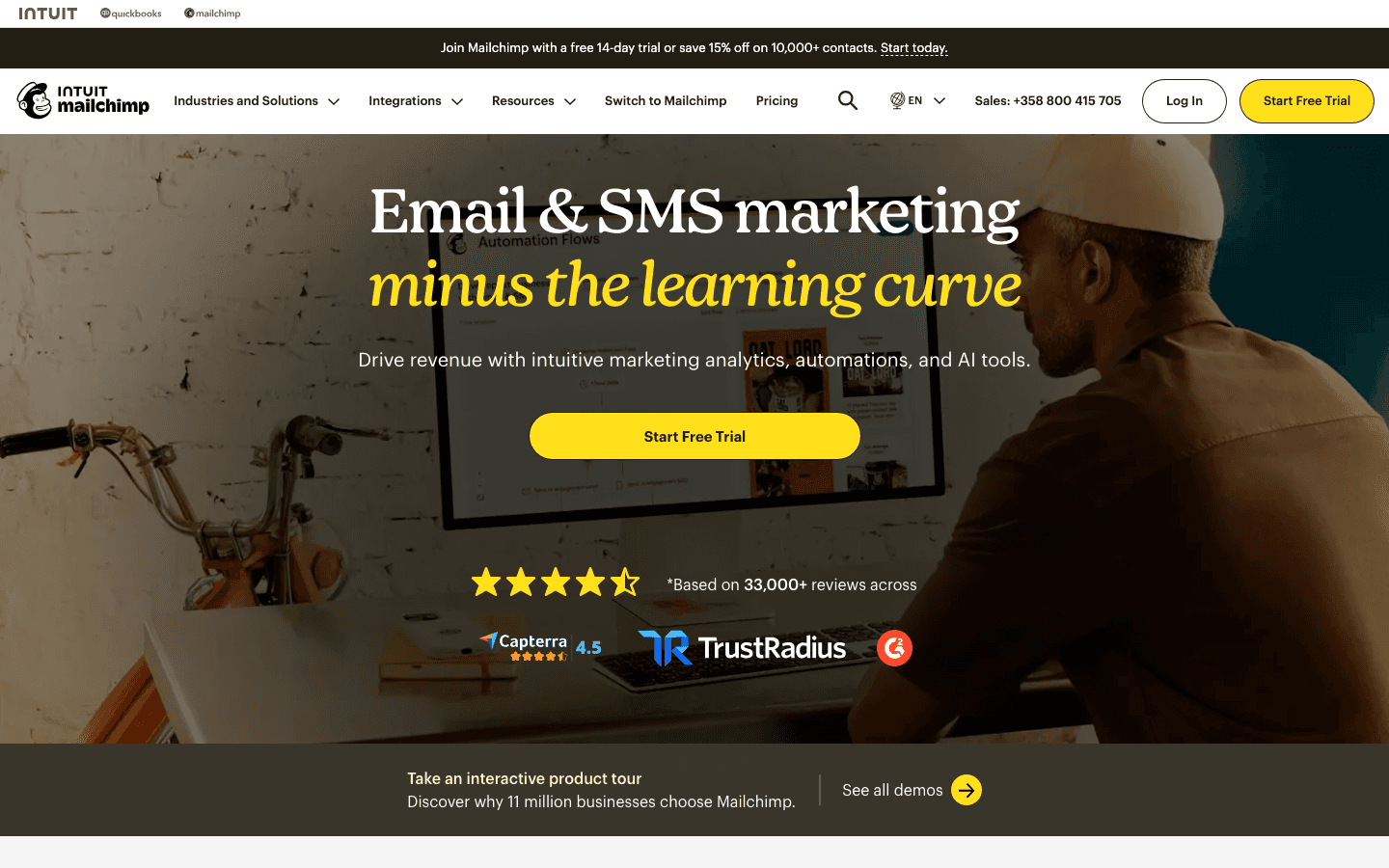
Kit is the clear winner for most people, offering 10,000 subscribers and unlimited emails on its free plan. If you need powerful automation without paying, Sender gives you unlimited automated workflows for up to 2,500 subscribers.

And if you're building a newsletter specifically, beehiiv stands out with built-in monetization tools and a custom website on the free tier.

#ToolPriceRating
1
KitTOP PICK
$33/mo8.6/10
2$7/mo8.4/10
3$43 per month8.6/10
4$9/mo8.6/10
5$10/mo8.8/10
Show all 9 tools
6Free7.8/10
7Free7.6/10
8Free7.4/10
9Free7.2/10

My Top Picks

Showing 9 of 9 tools
#1
Kit

Kit

⭐ Top Pick
8.6/10
Best for: Creators and small businesses that want the most subscribers on a free plan

Creator-focused email marketing platform with powerful automations and integrated monetization tools

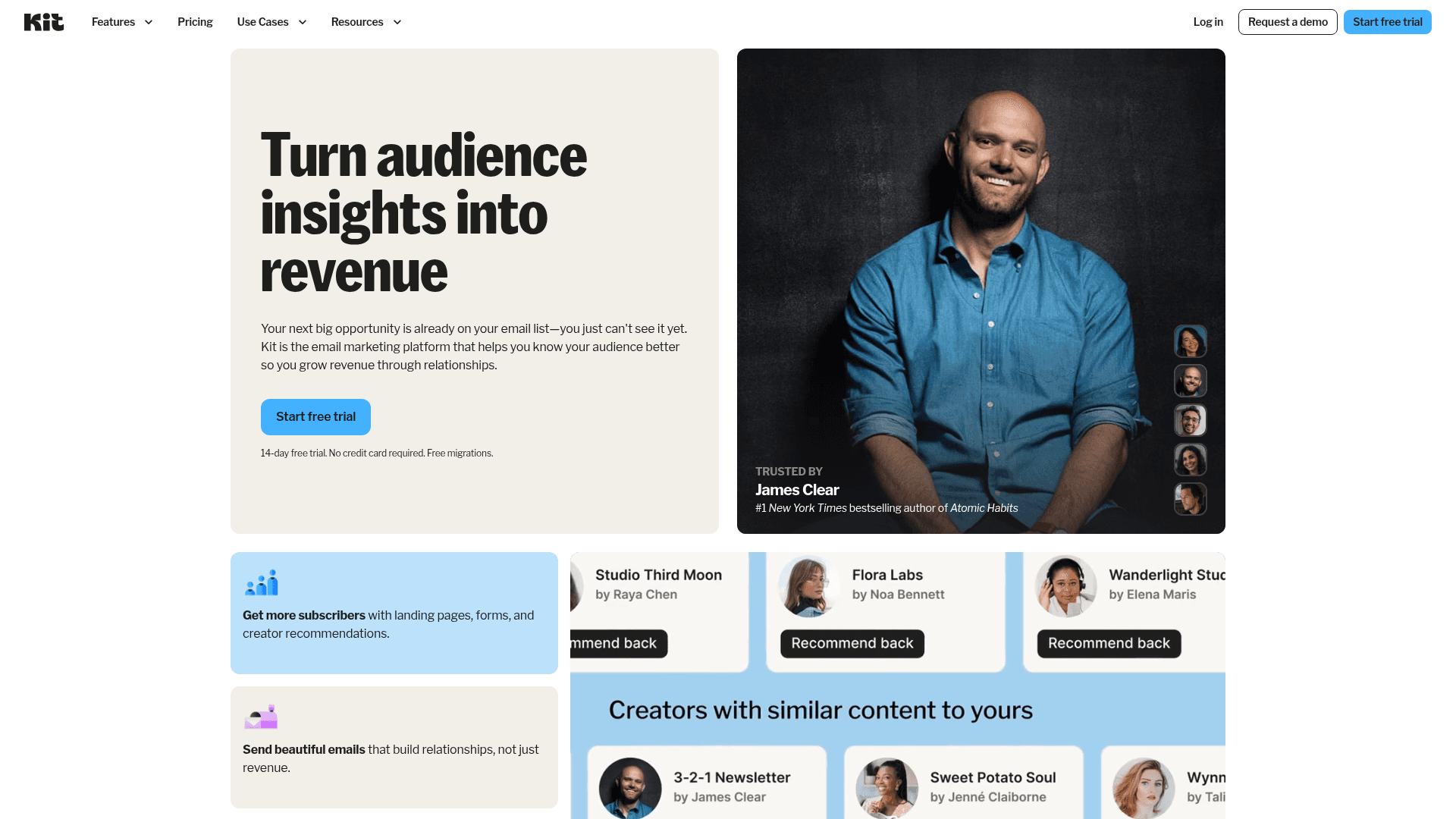
Why I like it:Kit's free plan is in a league of its own with 10,000 subscribers and unlimited email sends. That's 4x more than most competitors offer. You also get one automation sequence, landing pages, and customizable forms. The editor is clean and intuitive, built for creators who want to focus on content rather than fiddling with design. If you're a freelance writer, podcaster, or coach building an audience, Kit's free tier can carry you further than most paid plans elsewhere. Check my Kit pricing breakdown for details on when upgrading makes sense.

Key Features

10,000 Free SubscribersUnlimited Email SendsLanding Page Builder1 Automation SequenceCustomizable FormsSubscriber Tagging

Pros

  • Most generous free subscriber limit at 10,000
  • Clean, creator-friendly interface
  • Landing pages and forms included on free plan
  • Strong deliverability reputation
  • Easy migration from other platforms

Cons

  • Only one automation sequence on free plan
  • Email templates are minimal and text-focused
  • No A/B testing on free tier
  • Kit branding badge on free emails
Kit homepage screenshot
#2
Sender

Sender

Best Free Automation
8.4/10
Best for: Businesses that need automated email workflows without paying

Affordable email marketing platform with generous free plan and multichannel automation

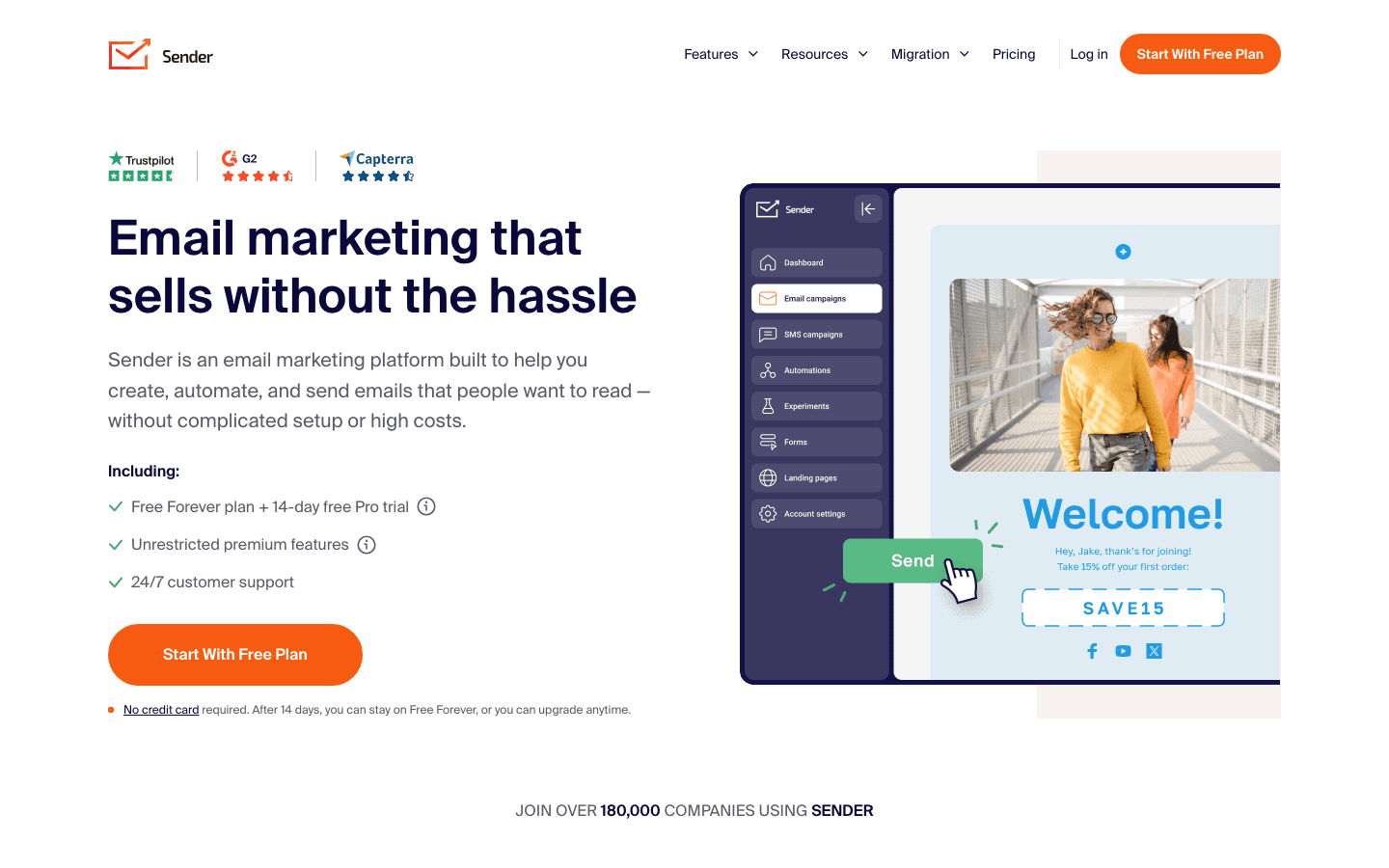
Why I like it:Sender is the only free email tool I've found that offers unlimited automation workflows. Most platforms restrict automation to paid plans or limit you to one sequence. Sender gives you the full automation builder for free, including triggers, conditions, and multi-step flows. With 2,500 subscribers and 15,000 emails per month, it's generous enough for most small businesses. Whether you're a SaaS startup building onboarding sequences or a photography business sending booking confirmations, Sender handles it. See the full Sender pricing details for upgrade options.

Key Features

2,500 Free Subscribers15,000 Emails/MonthUnlimited AutomationDrag-and-Drop BuilderSMS MarketingPopups & Forms

Pros

  • Unlimited automation on free plan (unique among competitors)
  • 15,000 monthly emails is generous for the subscriber limit
  • Combined email and SMS marketing
  • High deliverability rates
  • Responsive customer support even on free plan

Cons

  • Sender branding on all free plan emails
  • 2,500 subscriber cap is lower than Kit
  • UI is functional but not the most polished
  • Limited template library compared to larger platforms
Sender homepage screenshot
#3
beehiiv

beehiiv

Best for Newsletters
8.6/10
Best for: Newsletter creators who want a publishing platform with built-in monetization

All-in-one newsletter platform with built-in website builder and monetization tools for creators

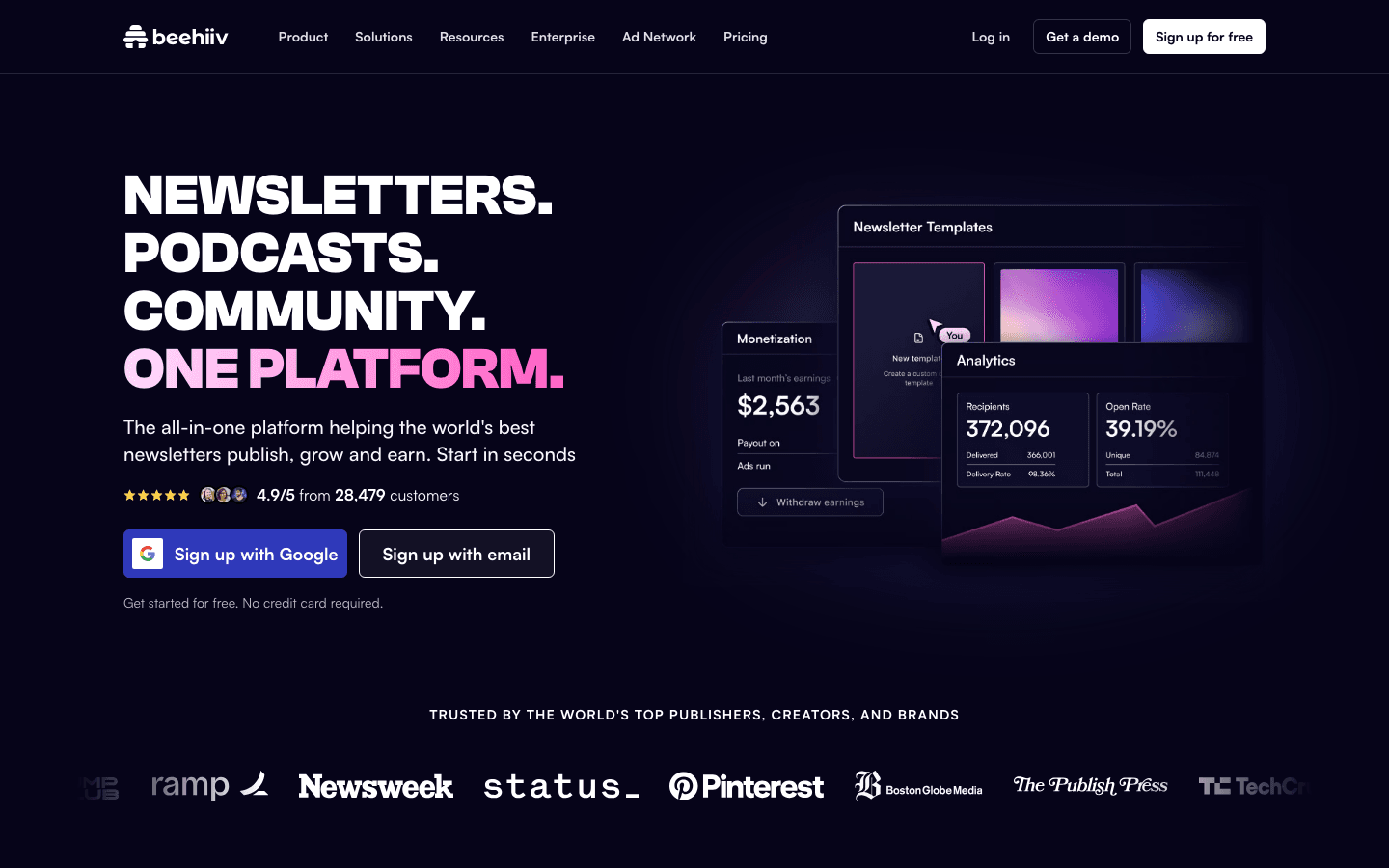
Why I like it:beehiiv isn't just an email tool. It's a complete newsletter platform. The free plan gives you 2,500 subscribers, unlimited emails, a custom website, and up to 3 separate publications. What sets it apart is built-in monetization: you can run the beehiiv Ad Network and referral programs on the free tier. If you're building a newsletter as a business (not just a marketing channel), beehiiv is purpose-built for that. Read my full beehiiv review for a deeper look at how it compares to traditional email tools.

Key Features

2,500 Free SubscribersUnlimited Email SendsCustom Website Builder3 Newsletter PublicationsAd Network AccessReferral Program

Pros

  • Unlimited email sends on free plan
  • Built-in monetization tools (ads and referrals)
  • Custom website and blog included free
  • Modern, fast editor with clean design
  • Strong analytics dashboard

Cons

  • beehiiv branding on free emails and website
  • Limited automation compared to dedicated email tools
  • No advanced segmentation on free tier
  • Focused on newsletters (not ideal for ecommerce or transactional email)
beehiiv homepage screenshot
#4
Brevo

Brevo

Best for Unlimited Contacts
8.6/10
Best for: Businesses with large contact lists that send emails infrequently

All-in-one email marketing platform with SMS, automation, and AI features at competitive prices

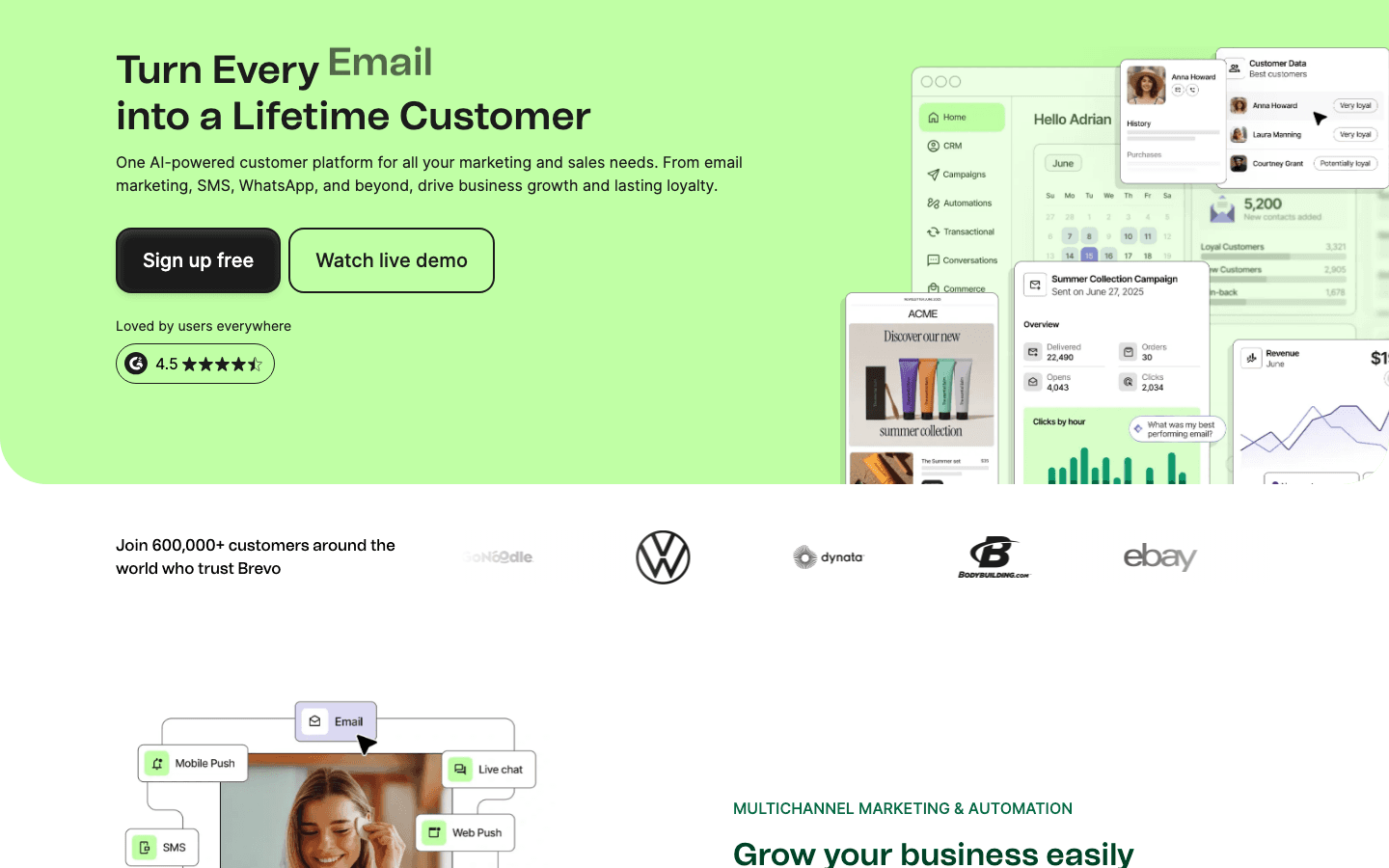
Why I like it:Brevo flips the typical free plan model. Instead of limiting subscribers, it limits daily sends. You can store unlimited contacts and send up to 300 emails per day (about 9,000 per month). This makes Brevo ideal if you have a large list but don't need to email everyone every day. The free plan also includes a basic CRM, transactional emails, and SMS marketing. For a consulting firm managing hundreds of client contacts, this approach works particularly well. Check the Brevo pricing page for upgrade options when you need higher daily limits.

Key Features

Unlimited Contacts300 Emails/DayBuilt-in CRMTransactional Email APISMS MarketingMarketing Automation

Pros

  • Unlimited contacts is unique among free plans
  • Includes CRM and deal pipeline at no cost
  • Transactional email API included for developers
  • Multi-channel: email, SMS, and WhatsApp
  • GDPR-compliant EU-based company

Cons

  • 300 emails per day limit can be restrictive for campaigns
  • Automation limited to 2,000 contacts on free plan
  • Brevo branding on all free emails
  • Email editor less intuitive than MailerLite or Kit
Brevo homepage screenshot
#5
MailerLite

MailerLite

Best Email Builder
8.8/10
Best for: Design-conscious businesses that want beautiful emails without code

Affordable email marketing with surprisingly powerful features and stellar support

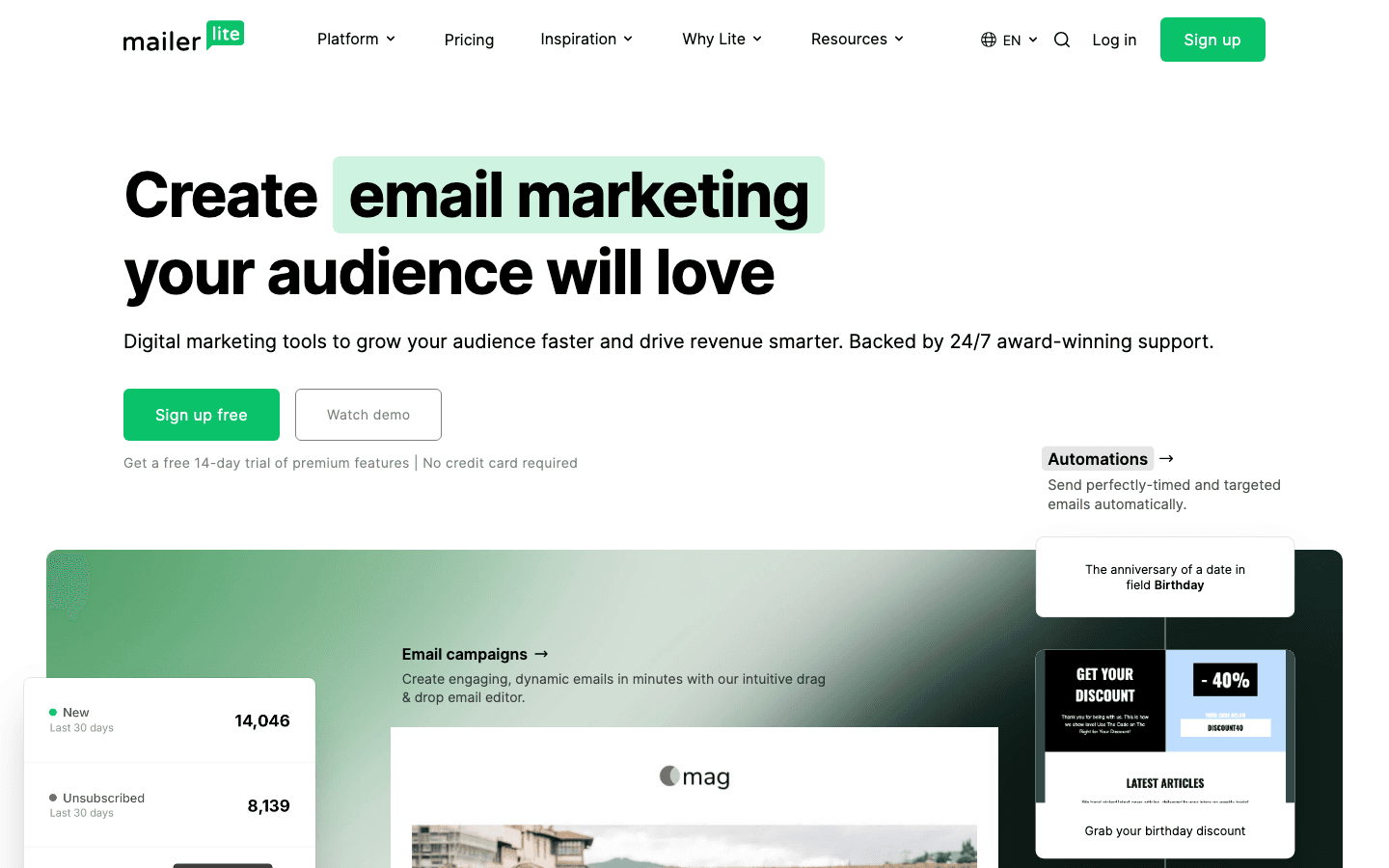
Why I like it:MailerLite has the most polished email editor among free tools. The drag-and-drop builder is genuinely intuitive, and the free plan includes automation, landing pages, a website builder, and 10 landing pages. The catch is the 500-subscriber limit (reduced from 1,000 in September 2025), which you can outgrow quickly. But while you're under that cap, the feature set is impressive for a coffee shop sending weekly specials or an ecommerce store starting its first email campaigns. Rated 8.8 in my review (highest among free tools on this list). See the MailerLite pricing breakdown for what paid plans add.

Key Features

500 Free Subscribers12,000 Emails/MonthDrag-and-Drop EditorAutomation WorkflowsLanding PagesWebsite Builder

Pros

  • Best-in-class drag-and-drop email editor
  • Automation workflows included on free plan
  • Landing pages and website builder included
  • Clean, modern interface that's easy to learn
  • Rated 8.8 (highest among free email tools)

Cons

  • Only 500 subscribers (reduced from 1,000 in 2025)
  • MailerLite branding on free emails
  • No dynamic content on free tier
  • Some premium templates locked behind paid plans
MailerLite homepage screenshot
#6
EmailOctopus

EmailOctopus

Best for Simplicity
7.8/10
Best for: Beginners who want a clean, no-fuss email platform

A lightweight email marketing platform focused on simplicity and affordability. EmailOctopus strips away the complexity of larger platforms, offering straightforward email campaigns, basic automations, and landing pages without overwhelming beginners.

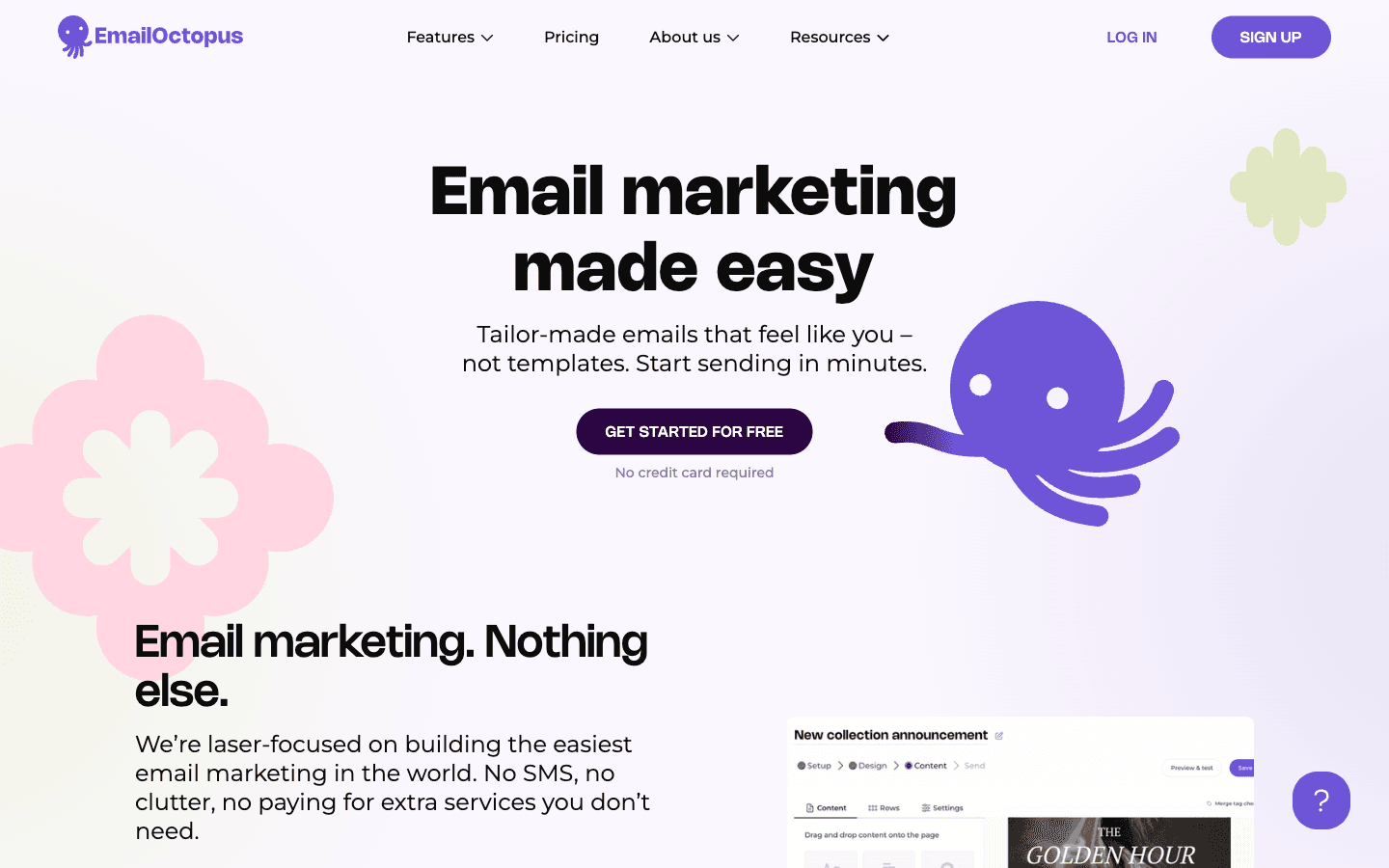
Why I like it:EmailOctopus is the simplest tool on this list, and that's its strength. The free plan offers 2,500 subscribers and 10,000 emails per month with a clean interface that won't overwhelm newcomers. It doesn't try to be an all-in-one platform. It does email well and keeps things straightforward. If you've been confused by feature-heavy tools like HubSpot or larger marketing suites, EmailOctopus is a refreshing alternative. The Amazon SES integration also means solid deliverability without the typical free-plan compromises.

Key Features

2,500 Free Subscribers10,000 Emails/MonthLanding PagesBasic AutomationsCustomizable FormsAmazon SES Integration

Pros

  • Clean, beginner-friendly interface
  • 2,500 subscribers is generous for such a simple tool
  • Amazon SES integration for strong deliverability
  • Straightforward pricing when you do upgrade
  • No bloated features you won't use

Cons

  • Basic automation compared to Sender or Kit
  • Limited email template selection
  • No built-in CRM or SMS capabilities
  • Smaller community and fewer third-party integrations
EmailOctopus homepage screenshot
Review coming soonVisit EmailOctopus
#7
Omnisend

Omnisend

Best for Ecommerce
7.6/10
Best for: Online store owners using Shopify, WooCommerce, or BigCommerce

An ecommerce-focused email and SMS marketing platform with pre-built workflows for Shopify, WooCommerce, and BigCommerce stores. Omnisend specializes in cart abandonment, product recommendations, and post-purchase automation.

Why I like it:If you run an online store, Omnisend's free plan gives you features that general-purpose email tools simply don't have. Pre-built ecommerce workflows for cart abandonment, welcome series, and browse abandonment are included from day one. The 250-contact limit is tight, but the ecommerce-specific features make it worthwhile for new stores testing email marketing. You can set up automated revenue-generating flows before you even have a large list. For larger ecommerce operations that need unlimited contacts, Brevo is a better free option.

Key Features

250 Free Contacts500 Emails/MonthPre-Built Ecommerce WorkflowsCart Abandonment AutomationProduct RecommendationsShopify & WooCommerce Integration

Pros

  • Purpose-built for ecommerce with deep store integration
  • Pre-built workflows save significant setup time
  • Cart abandonment and browse abandonment included free
  • Product recommendation blocks in emails
  • Combined email, SMS, and push notifications

Cons

  • Very tight 250-contact limit on free plan
  • Only 500 emails per month
  • Not suitable for non-ecommerce businesses
  • Limited customization options on free tier
Omnisend homepage screenshot
Review coming soonVisit Omnisend
#8
SendPulse

SendPulse

Best Multi-Channel
7.4/10
Best for: Businesses wanting email, SMS, and chatbots from one free platform

A multi-channel marketing platform offering email, SMS, chatbots, and web push notifications from a single dashboard. SendPulse combines multiple communication channels to help businesses reach customers wherever they are.

Why I like it:SendPulse stands out by offering multiple marketing channels on its free plan. You get 500 subscribers with 15,000 email sends, plus chatbot builders for Facebook Messenger, Instagram, Telegram, and WhatsApp. If you want to test multi-channel marketing without committing to separate tools for each channel, SendPulse lets you do it all from one dashboard. For a restaurant handling reservations via chatbot while sending weekly email specials, this combo is hard to beat at zero cost.

Key Features

500 Free Subscribers15,000 Emails/MonthChatbot BuilderWeb Push NotificationsSMS MarketingAI Email Suggestions

Pros

  • Multi-channel marketing on one free plan
  • 15,000 monthly emails is generous for 500 subscribers
  • Chatbots for Messenger, Instagram, and Telegram
  • Web push notifications included
  • AI-powered email content suggestions

Cons

  • 500-subscriber limit is restrictive
  • Interface can feel cluttered with so many features
  • Email editor less polished than MailerLite
  • Support response times can be slow on free plan
SendPulse homepage screenshot
Review coming soonVisit SendPulse
#9
HubSpot Email Marketing

HubSpot Email Marketing

Best CRM + Email Combo
7.2/10
Best for: B2B companies and sales teams that need email tied to their CRM

HubSpot's free email marketing comes bundled with their free CRM platform. It combines email campaigns with contact management, deal tracking, and basic reporting, making it ideal for businesses that want their email tool connected to their sales pipeline.

Why I like it:HubSpot's free plan is unique because the email tool comes bundled with a full CRM. If you're a marketing agency or SaaS company that needs to track deals alongside email campaigns, this integration is genuinely valuable. The email limits (2,000 emails per month, HubSpot branding) are more restrictive than dedicated email tools. But the CRM connection makes up for it if sales tracking is a priority. You get contact management, deal pipelines, and basic reporting all in one place. For teams that outgrow HubSpot's free email limits, the paid Marketing Hub starts at $15/month.

Key Features

2,000 Emails/MonthFree CRM IncludedContact ManagementDeal PipelineForms & Landing PagesBasic Reporting

Pros

  • Full CRM included with email marketing for free
  • Excellent for B2B sales workflows
  • Robust contact management and segmentation
  • Extensive integration ecosystem (1,000+ apps)
  • Scales well as your business grows

Cons

  • 2,000 email monthly limit is lower than most
  • HubSpot branding on all free emails
  • No automation on the free email plan
  • Can feel complex if you only need simple email
  • Paid plans are significantly more expensive than competitors
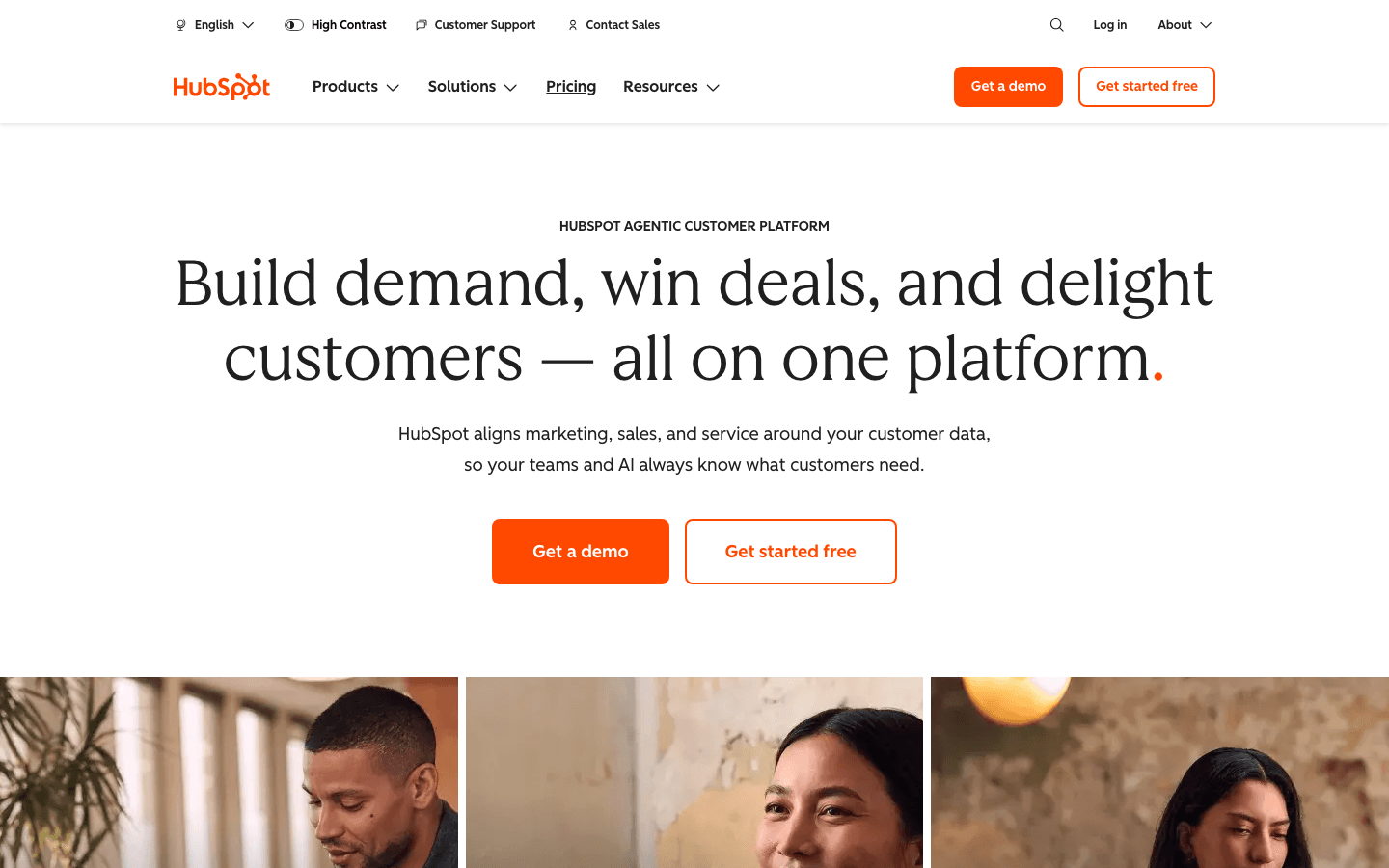
HubSpot Email Marketing homepage screenshot

How I Chose These

I evaluated over 20 email marketing platforms with free plans or free tiers. For each tool, I looked at the actual limits of the free plan (subscriber cap, email sending limits, feature restrictions), what features are genuinely usable versus locked behind a paywall, and how the free plan compares to the entry-level paid plan.

I also factored in ease of use, deliverability reputation, and whether the free plan is sustainable for growing businesses or just a short-term hook to force upgrades. Every tool on this list has an established track record with real user reviews on platforms like G2 and Capterra.

Some of the links on this page are affiliate links, which means I may earn a commission if you decide to upgrade to a paid plan. This doesn't influence my rankings or recommendations. Tools are evaluated on the same criteria regardless of affiliate status.

When to Upgrade from a Free Plan

Free plans are perfect for getting started, but there comes a point where upgrading makes sense. Here are the signs it's time to move to a paid tier.

You've hit your subscriber cap and you're turning away potential subscribers. If you're on Kit's free plan with 10,000 subscribers and still growing, that's a good problem to have. Most other platforms cap you at 500 to 2,500, which you can outgrow quickly.

You need advanced automation. Most free plans offer basic automation, but if you're building multi-step sequences with conditional logic, branching paths, and behavioral triggers, you'll need a paid plan. ActiveCampaign is my top pick for serious automation needs.

Your emails need to look polished. Free plan branding ("Sent via MailerLite" or similar) can look unprofessional for established businesses. Removing the badge is usually a paid feature.

You want dedicated support. Free plans typically offer community forums or email-only support. Paid plans unlock live chat and priority response times.

For detailed pricing breakdowns on each platform, I've created dedicated pages: Kit pricing, Sender pricing, beehiiv pricing, Brevo pricing, and MailerLite pricing.

Frequently Asked Questions

Kit (formerly ConvertKit) offers the most generous free plan with 10,000 subscribers and unlimited email sends. It also includes one automation sequence, landing pages, and forms. For most people starting out, Kit's free plan provides everything you need without feeling limited. Check my full Kit review for a detailed breakdown.

Yes, especially if you're in the early stages. Tools like Kit (10,000 subscribers), Sender (2,500 subscribers with full automation), and beehiiv (unlimited emails) provide enough features to build and maintain a profitable email list. Many successful newsletters and small businesses started on free plans and only upgraded once revenue justified the cost.

Most do. You'll typically see a small badge like "Powered by Sender" or "Sent with MailerLite" in the footer of your emails. This is how these platforms offset the cost of free plans. Removing branding is usually one of the first benefits of upgrading to a paid plan. The branding is generally subtle and most subscribers won't notice or mind it.

A free plan is permanent. You can use it indefinitely as long as you stay within the subscriber and email limits. A free trial gives you full access to paid features for a limited time (usually 14 to 30 days), then requires payment. Every tool on this list has a permanent free plan, not just a trial. Moosend, for example, only offers a 30-day free trial, which is why it's not in the main rankings.

Omnisend is built specifically for ecommerce and offers pre-built workflows for cart abandonment, welcome series, and post-purchase follow-ups on its free plan. The limitation is the 250-contact cap and 500 emails per month, so it works best for new stores just getting started. For larger ecommerce operations that need unlimited contacts, Brevo is a better free option.

The subscriber limit is the maximum number of contacts you can store in your email list. Once you hit the cap, you'll need to either remove inactive subscribers to free up space or upgrade to a paid plan. Some platforms count unsubscribed contacts toward your limit, so it's worth understanding the specific rules for your chosen tool. Check the individual pricing pages for exact details on each platform.

Most platforms let you export your subscriber list as a CSV file and import it into another tool. The switch itself is straightforward. What takes more time is rebuilding your email templates, automation sequences, and forms. I recommend testing a platform's free plan thoroughly before committing your workflows to it. To compare platforms side by side, check my comprehensive email marketing roundup.

Continue Reading

Kit

Creator-focused email marketing platform with powerful automations and integrated monetization tools

Try Kit →