
Email marketing remains the highest-ROI digital channel in 2026, generating $36 for every dollar spent according to the latest DMA reports. But choosing the wrong platform can tank your deliverability, frustrate your team, and waste months of campaign data. The best email marketing software balances automation power with ease of use while keeping your messages out of spam folders.
If you are still working out the strategy rather than the tool, my guide to better email marketing results covers list building, segmentation, deliverability and the authentication setup that decides whether any of this reaches an inbox.
This page may contain affiliate links.
Some links on this page are affiliate links, meaning I may earn a commission if you sign up (at no extra cost to you). This never influences my ratings or recommendations.
Overview
The landscape
I track 36 tools in this category. Prices range from $4/mo (Zoho Campaigns) to $299/mo (Keap). The median starting price is $15/mo, so anything below that is a good deal.
26 tools offer free plans: Zoho Campaigns, MailerSend, Sender, Selzy, and 22 more.
This roundup covers the 22 I consider worth a serious look. Each one is ranked with real pricing data, aggregated user ratings, and my honest take.
Audience
Who is this guide for?
- ✓Small business owners looking to build customer relationships
- ✓Content creators and bloggers monetizing their audience
- ✓Ecommerce brands wanting to boost sales through automation
- ✓Marketing teams needing advanced segmentation and analytics
Exclusive reader deal
30% off Omnisend for 3 months
Affiliate link. I may earn a commission at no extra cost to you.
What Actually Matters When Choosing Email Marketing Software
Most email marketing comparisons focus on feature checklists. But after testing dozens of platforms, I have found that a few things matter far more than the length of the feature list.
Deliverability is the foundation. If your emails land in spam, nothing else matters. The best platforms invest in sender reputation, offer authentication tools (SPF, DKIM, DMARC), and actively monitor deliverability across providers. ActiveCampaign, MailerLite, and Brevo consistently score well here.
Automation depth separates basic senders from real marketing tools. Every platform offers "automation" now, but the range is enormous. Some give you basic autoresponders. Others, like ActiveCampaign, let you build multi-step workflows with conditional logic, lead scoring, and CRM triggers. Know what level you actually need before paying for features you will not use.
Pricing models vary more than you think. Some platforms charge per subscriber (MailerLite, Kit), others per email sent (Brevo, SendPulse). If you have a large list but send infrequently, per-email pricing saves money. If you send daily to a small list, per-subscriber works better. Check the ActiveCampaign pricing breakdown and Brevo pricing guide to see how costs scale at different list sizes.
Ease of use is subjective but critical. A platform with every feature in the world is worthless if your team cannot figure out the email builder. MailerLite and Sender nail simplicity. ActiveCampaign and GetResponse have steeper learning curves but reward the investment.
Finally, think about where you are headed. Switching email platforms is painful because you lose automation workflows, templates, and sender reputation. Pick a tool that fits today and can grow with you for at least 2-3 years.
Quick verdict
ActiveCampaign takes the top spot for its unmatched automation capabilities and CRM integration that turns email marketing into a revenue engine. MailerLite wins for beginners who need professional results fast, while Brevo saves serious money for large lists. Moosend delivers the best automation value per dollar, and Kit remains unbeatable for creators monetizing their audiences.
Overview
Quick comparison
| # | Tool | Price |
|---|---|---|
| 1 | $15/mo | |
| 2 | $10/mo | |
| 3 | $9/mo | |
| 4 | $9/mo | |
| 5 | $7/mo |
Show all 22 tools
| 6 | $19/mo | |
| 7 | $19/mo | |
| 8 | $13/mo | |
| 9 | $39/mo | |
| 10 | $49/mo | |
| 11 | From $16/mo | |
| 12 | Free up to 200 subscribers, then $8.75/month | |
| 13 | From $20/mo per seat | |
| 14 | From $15/mo | |
| 15 | From $12/mo | |
| 16 | From $10/mo | |
| 17 | $8/mo | |
| 18 | From $9/mo | |
| 19 | $19/mo | |
| 20 | From $4/mo | |
| 21 | Free up to 500 contacts, then $27/month | |
| 22 | $13.50/month |
Rankings
My Top Picks

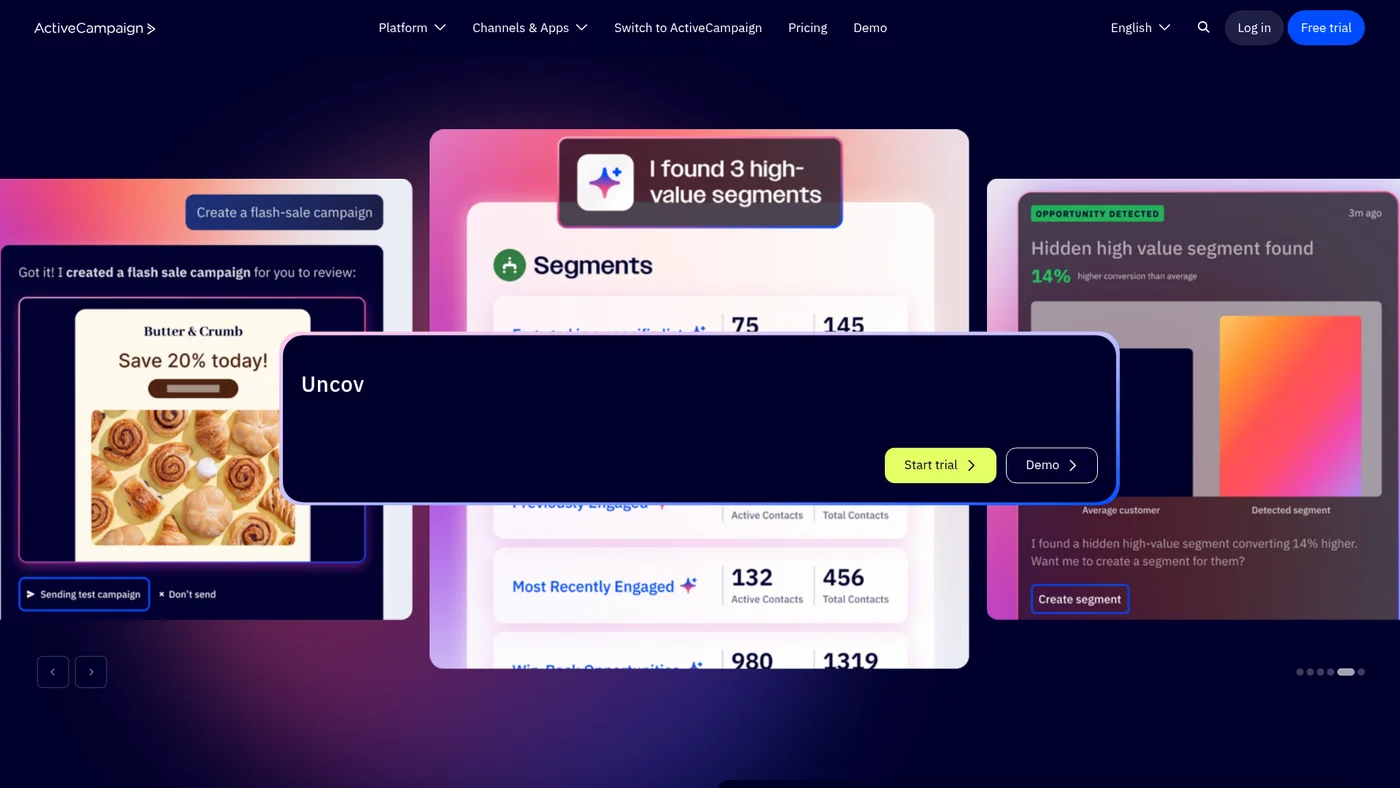
ActiveCampaign
AI-powered email marketing and automation platform for businesses serious about personalized campaigns
Key Features
Solid agent-fit with official MCP support and documented API access. ActiveCampaign's official MCP server and native Claude integration create a direct path for agents to manage email campaigns and automation workflows. The lack of published OpenAPI specs and structured outputs will require more manual prompt engineering to ensure reliable data handling.
✓Pros
- Powerful automation features
- Excellent deliverability
- Comprehensive reporting
✗Cons
- Steeper learning curve
- Can be overwhelming for beginners

MailerLite
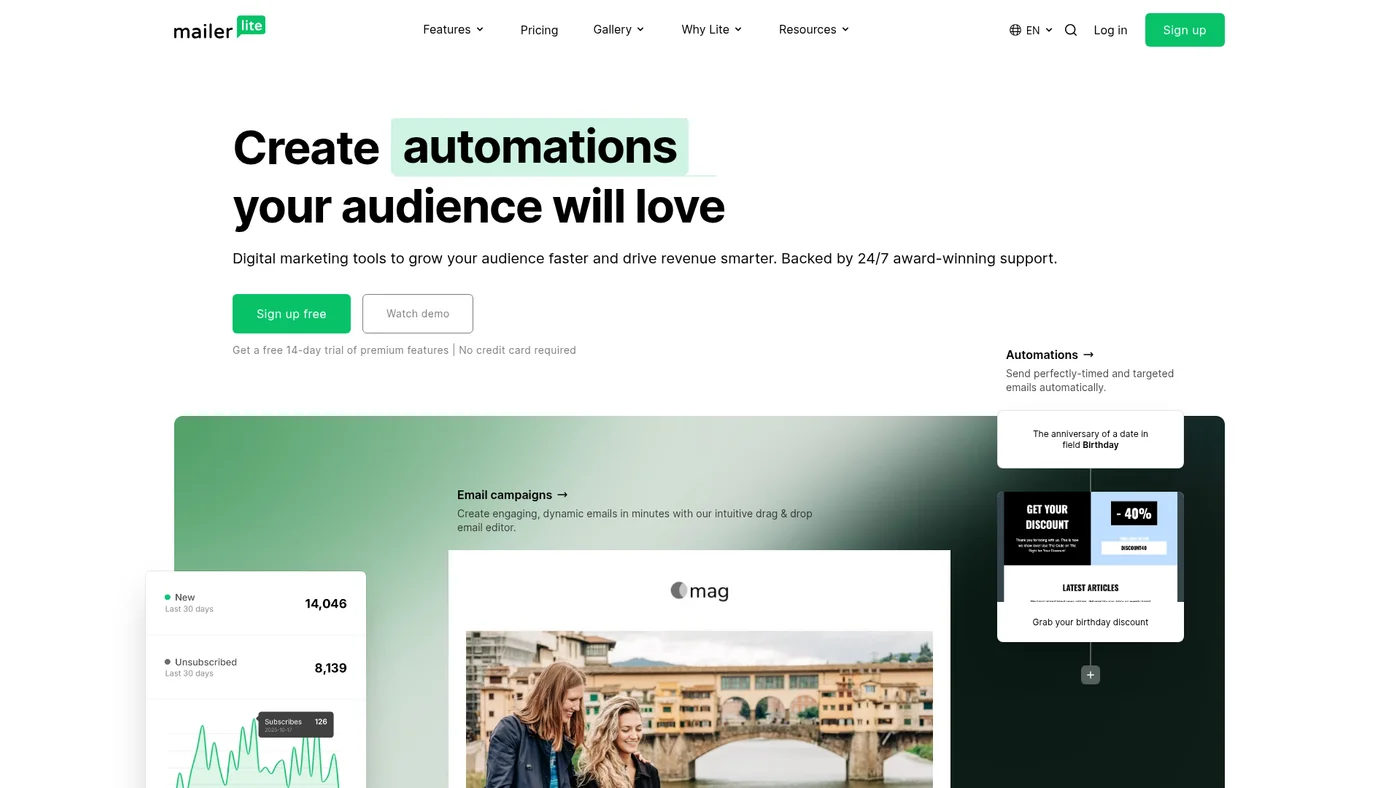
Affordable email marketing with surprisingly powerful features and stellar support
Key Features
Moderate agent-fit with community support. MailerLite has a public API with docs and a working community MCP server, plus native Claude integration, but lacks official MCP hosting, OpenAPI spec, and webhooks for event-driven workflows. The missing structured outputs and single-language SDK options limit automation complexity.
✓Pros
- Super intuitive interface
- Excellent value for money
- 24/7 customer support
✗Cons
- Limited advanced features
- Fewer integrations than competitors

Brevo
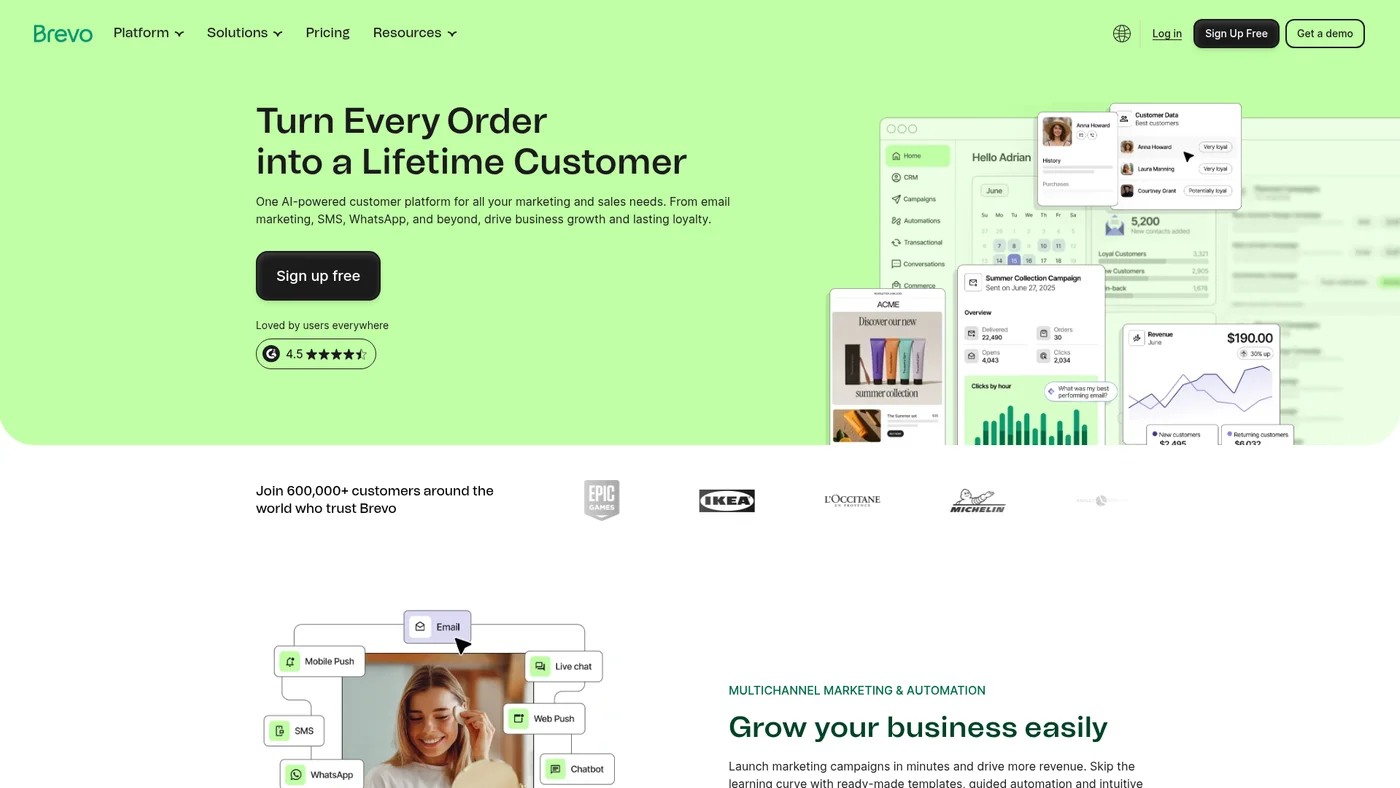
All-in-one email marketing platform with SMS, automation, and AI features at competitive prices
Key Features
Weak agent-fit without official tooling. Brevo has a community MCP server and documented public API, but lacks OpenAPI specs, SDKs, and native integrations with Claude or ChatGPT. The missing structured outputs and webhook support make it difficult to build reliable agent workflows that require real-time triggers or predictable JSON responses.
✓Pros
- Excellent free plan
- Multi-channel approach
- Good deliverability rates
✗Cons
- Daily email limits can be restrictive
- Interface feels dated

Moosend
Email marketing platform with powerful automation, landing pages, and forms at budget-friendly pricing
Key Features
Skip for agent workflows. Moosend has public API docs but no MCP server, OpenAPI spec, or SDKs, leaving little for Claude or Cursor to grip. You'd be building integrations from scratch against undocumented auth and no structured outputs.
✓Pros
- Excellent value for money
- Powerful automation
- Good deliverability
✗Cons
- Smaller template library
- Less well-known brand

Sender
Affordable email marketing platform with generous free plan and multichannel automation
Key Features
Official MCP server at mcp.sender.net/mcp, verified 2026-08-24: OAuth, 40 documented tools spanning subscribers, segments, campaigns and workflows, reads and writes, with a hard guarantee that campaigns are never sent through the connection. Claude, ChatGPT and Cursor are all documented clients. Account webhooks exist on the REST API. What keeps it off the top tier is the missing public OpenAPI spec and the lack of official server-side SDKs.
✓Pros
- Generous free automation
- Easy to use
- Good template variety
✗Cons
- Limited subscriber count on free plan
- Fewer integrations

Sequenzy
Email marketing built for AI-native workflows, with a 120-tool MCP server, native Stripe billing triggers, and 2,500 free emails a month.
Key Features
Strong agent fit, top tier for an email tool. Sequenzy ships an official MCP server exposing 120 tools on its own domain, offered both as a hosted Streamable HTTP endpoint (api.sequenzy.com/v1/mcp) and a local stdio server (npx @sequenzy/mcp). Every tool carries structured outputs (outputSchema plus readOnlyHint, destructiveHint and openWorldHint annotations), so an agent gets typed, safe results instead of raw JSON. Webhooks (create, test, replay) and a documented REST API with an llms.txt index round it out, authenticated by API key. The only gaps versus a perfect score are a published OpenAPI spec and an official REST SDK, and the 120-tool MCP already covers most of what those would give you.
✓Pros
- Only email platform here with a first-party MCP server (~113 tools)
- SaaS-native: Stripe integration, transactional + marketing in one API
- Free tier makes it risk-free to start
✗Cons
- Newer tool with a shorter track record than incumbents
- MCP is stdio + API-key (a local connector, not hosted OAuth)
- Framework guides rather than full multi-language SDKs; rate limits unpublished

GetResponse
AI-powered email marketing platform with automation, landing pages, and webinars starting at $19/month
Key Features
Limited agent-fit without official backing. GetResponse has a community MCP server and documented public API, but lacks OpenAPI specs, SDKs, and native integrations with Claude or ChatGPT. The missing structured outputs and webhook support make it harder to build reliable agent workflows compared to platforms with first-party MCP implementations.
✓Pros
- All-in-one marketing solution
- Good automation features
- Competitive pricing
✗Cons
- Interface could be more modern
- Limited template customization

Campaign Monitor
Elegant email marketing platform with powerful automation and beautiful templates for growing businesses
Key Features
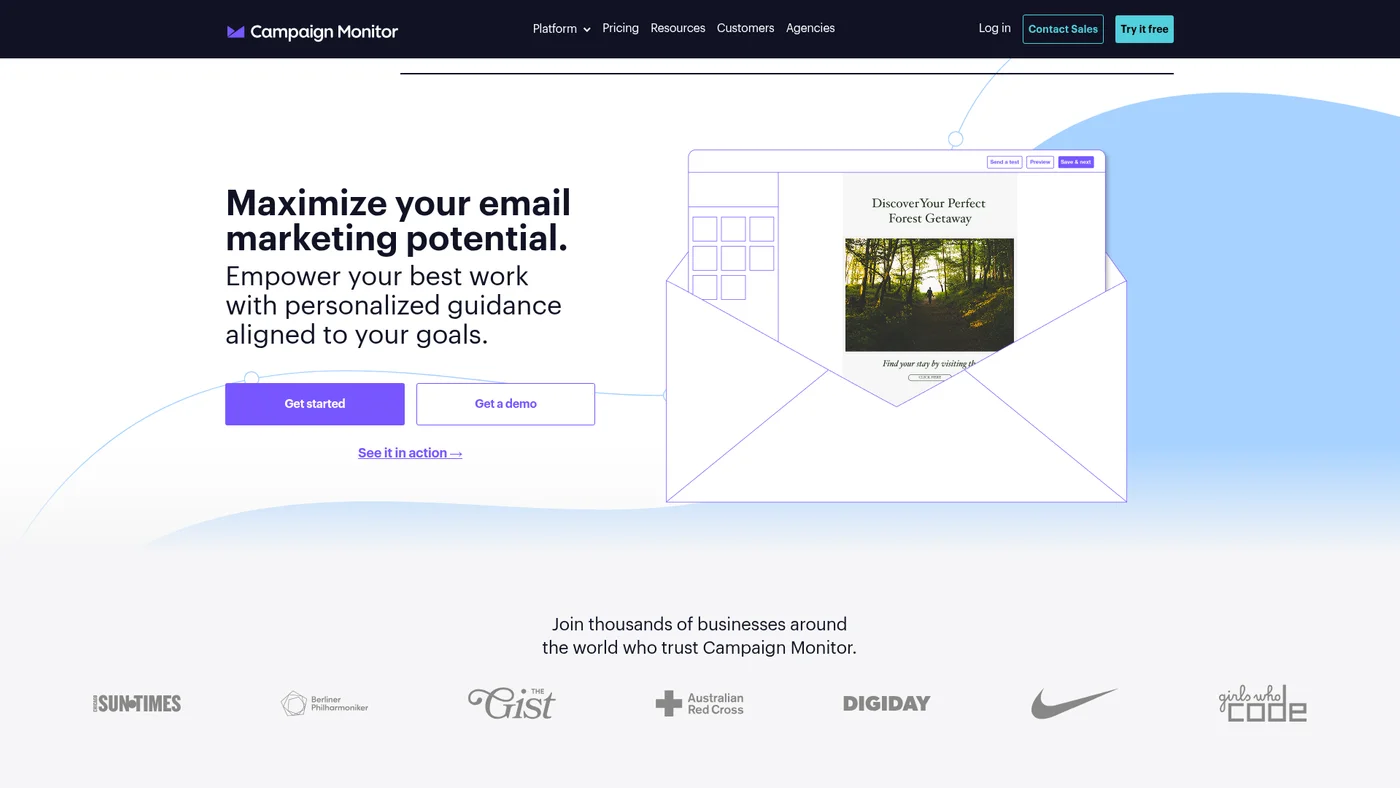
Reachable, with nothing first-party to reach for. Campaign Monitor publishes documented REST API endpoints and webhooks for campaign and subscriber events, which is the part an agent can use, and Zapier and Make both have native connectors. There is no official MCP server, no OpenAPI spec and no SDK, so an assistant cannot connect directly without a wrapper. A community server exists at github.com/pauliowest/cmon-mcp, but with a single star and one maintainer it is a starting point rather than something to depend on.
✓Pros
- Best-in-class email templates and design tools
- Strong deliverability and sender reputation
- Good analytics with visual journey tracking
✗Cons
- Higher pricing than some competitors at scale
- Automation features less advanced than ActiveCampaign

Kit
Creator-focused email marketing platform with powerful automations and integrated monetization tools
Key Features
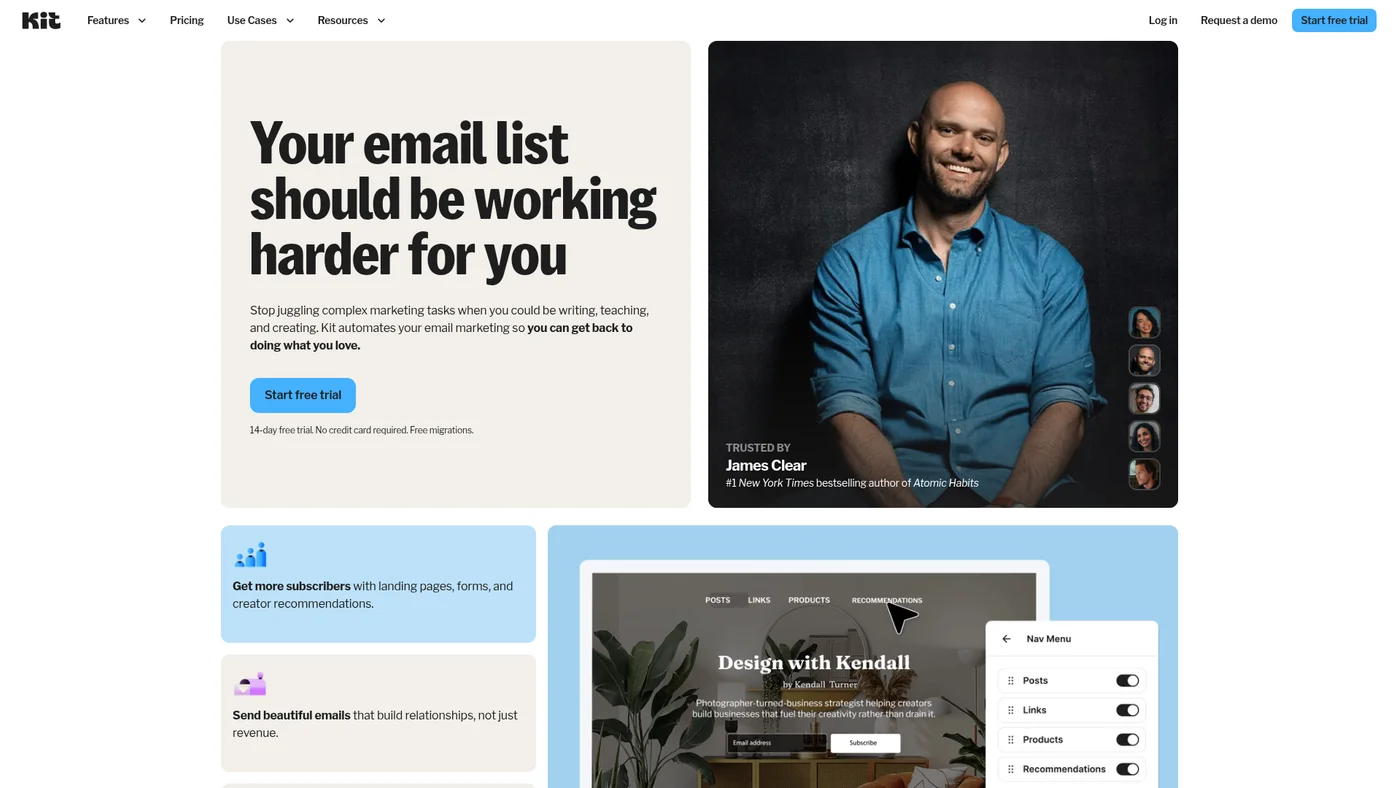
Official MCP at app.kit.com/mcp verified 2026-07-07: OAuth, full v4 surface incl. writes w/ safety annotations, ChatGPT+Claude+Cursor, paid plans, 120rpm. Second Developer Docs MCP at developers.kit.com/mcp. llms.txt live. Score 7->8 (Joonas approved).
✓Pros
- Built specifically for creators
- Excellent customer support
- Intuitive automation
✗Cons
- More expensive than alternatives
- Limited design customization

Beehiiv
All-in-one newsletter platform with built-in website builder and monetization tools for creators
Key Features
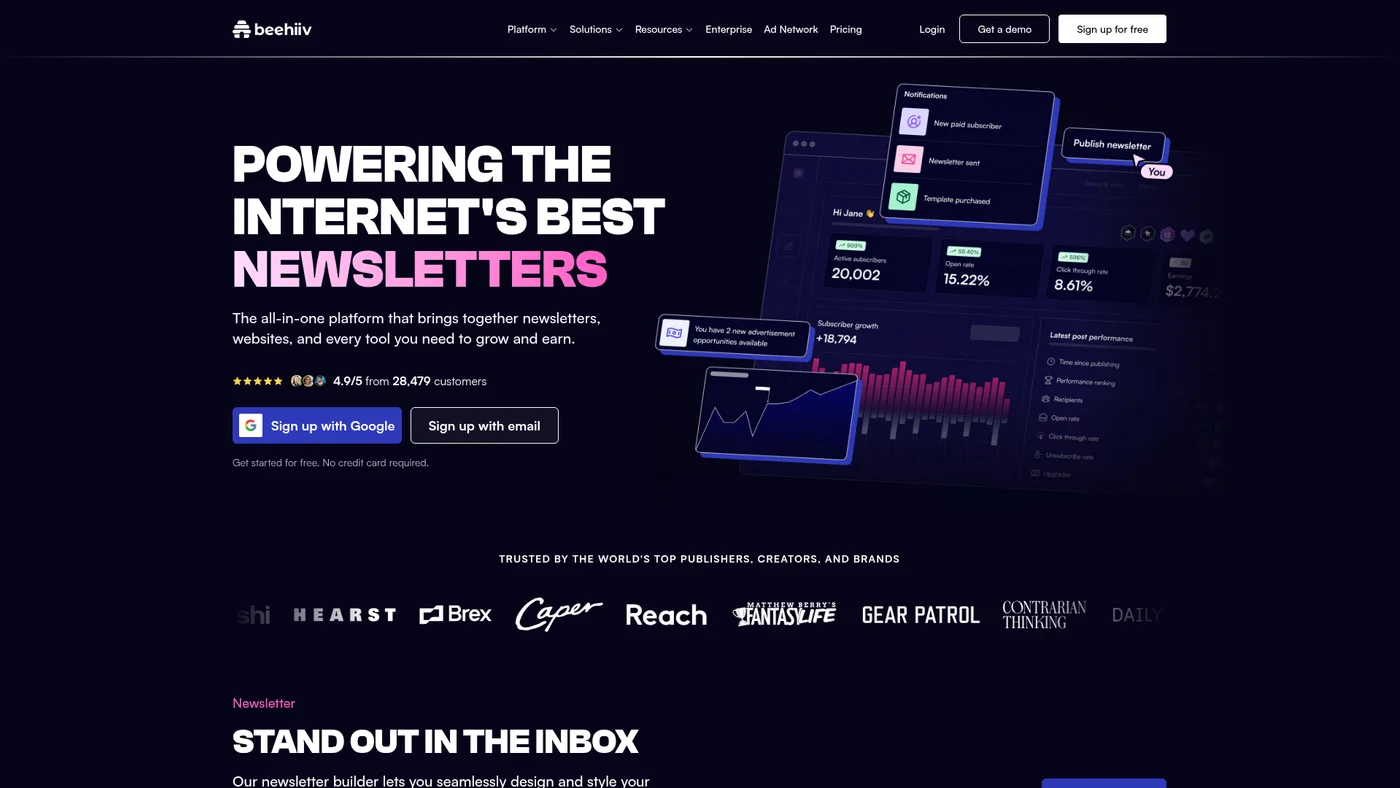
Moderate agent fit with an official MCP server and documented API, but limited by missing OpenAPI specs and lack of SDK support. The MCP bridge helps with Claude workflows, though you'll need custom auth handling and manual JSON parsing for structured data extraction. Skip this if you need webhooks or native integration with other LLM platforms.
✓Pros
- Creator-focused features
- Built-in monetization
- Growing fast
✗Cons
- Newer platform
- Limited automation options

Omnisend
Ecommerce-focused email and SMS marketing platform with powerful automation and 160+ integrations
Key Features
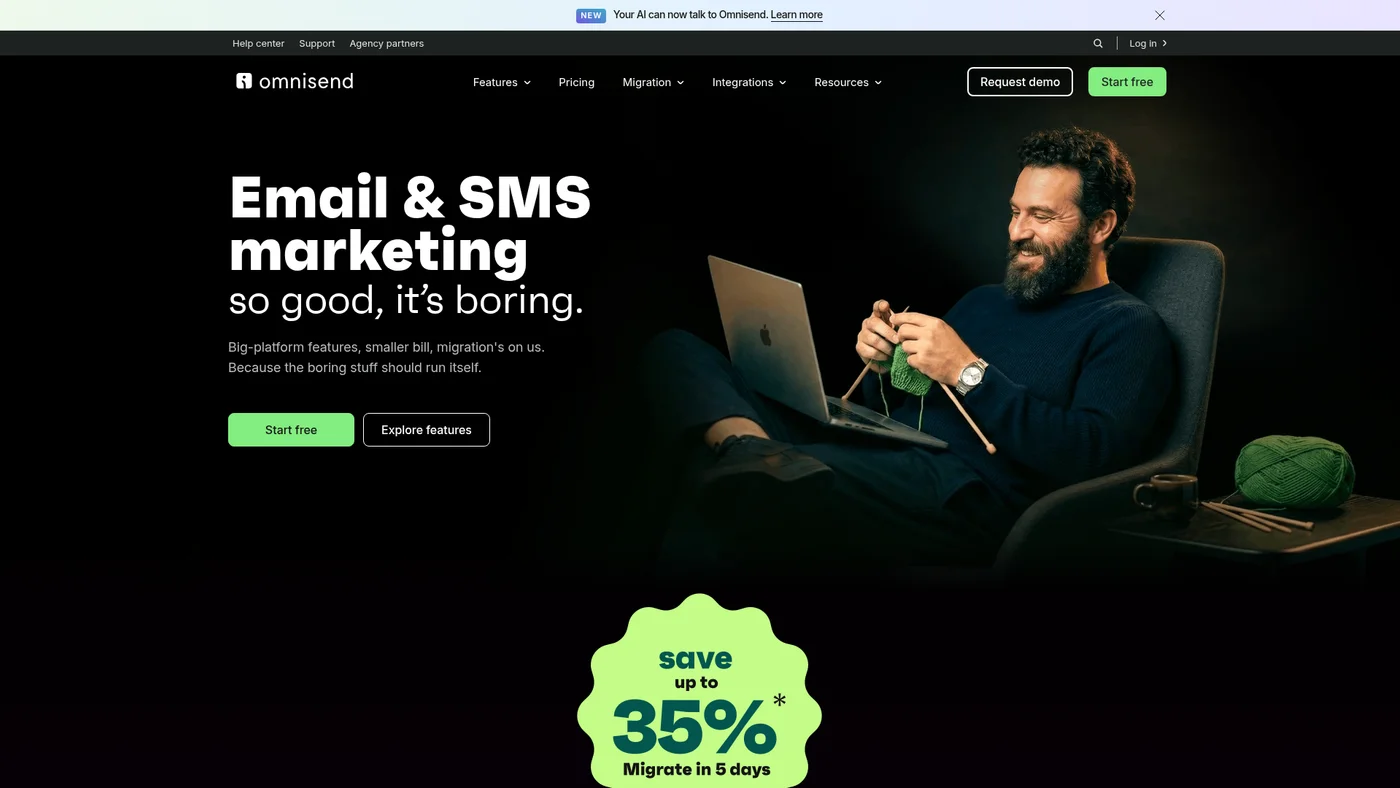
Solid agent fit with a first-party MCP server and a clean REST API. Omnisend hosts an official MCP server at mcp.omnisend.com/mcp, authenticated over OAuth, so an agent can create campaigns, build automations, recommend and edit segments, and pull revenue reporting from Claude or ChatGPT. The REST API (api.omnisend.com/api) is date-versioned via an Omnisend-Version header, uses cursor pagination and RFC 9457 error bodies, and spans contacts, events, products, campaigns, segments, automations, and reports. It sits below the GA-official tier because the one-click Claude connector is still coming soon (custom connector for now), there are no official SDKs, and webhooks are an automation-workflow action rather than a subscription API.
✓Pros
- Ecommerce-specific features
- Multi-channel campaigns
- Good template variety
✗Cons
- Limited for non-ecommerce use
- Pricing can add up quickly

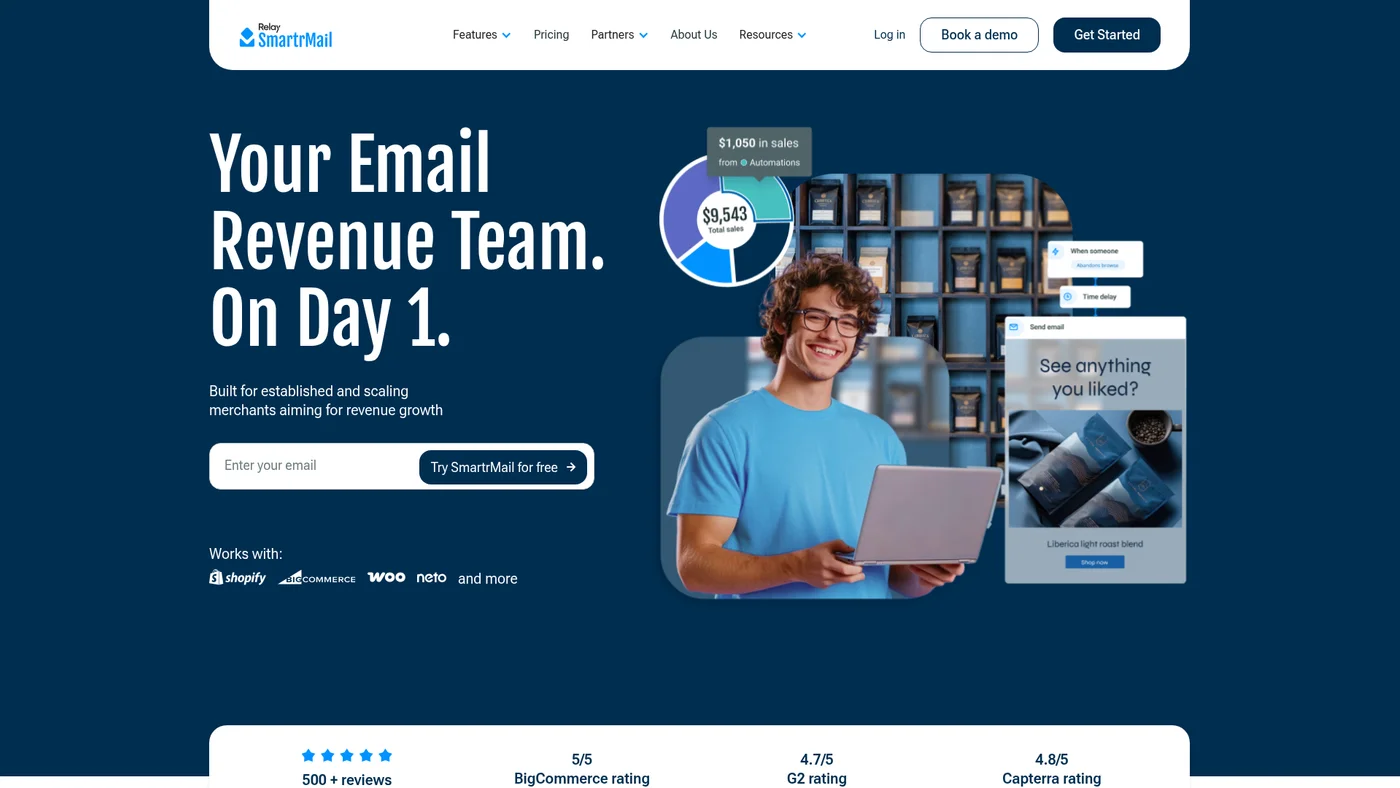
SmartrMail
Ecommerce email marketing automation specifically designed for online stores.
Key Features
✓Pros
- Ecommerce-specific features
- Easy setup
- Affordable pricing
✗Cons
- Limited to ecommerce use
- Fewer customization options

HubSpot
All-in-one CRM and marketing platform with a real free tier, per-seat paid plans, and credit-metered AI features.
Key Features
Strong agent fit with an official, HubSpot-hosted MCP server. The remote CRM MCP server at mcp.hubspot.com is generally available, connects any MCP client over streamable HTTP, and authenticates with OAuth 2.1 (PKCE), with read and write access across contacts, companies, deals, tickets, and more. An official npm package and a large documented API round it out. Agents get a first-party, well-supported integration path here.
✓Pros
- CRM and email share one database (no middleware glue)
- Free tier covers small teams up to 2 users + 2,000 emails/mo
- Massive integration ecosystem (2,000+ apps)
✗Cons
- Professional jump from Starter is steep ($800/mo plus $3,000 onboarding)
- Email automation depth lags dedicated platforms like ActiveCampaign
- Credit-metered AI features break monthly-budget predictability


AWeber
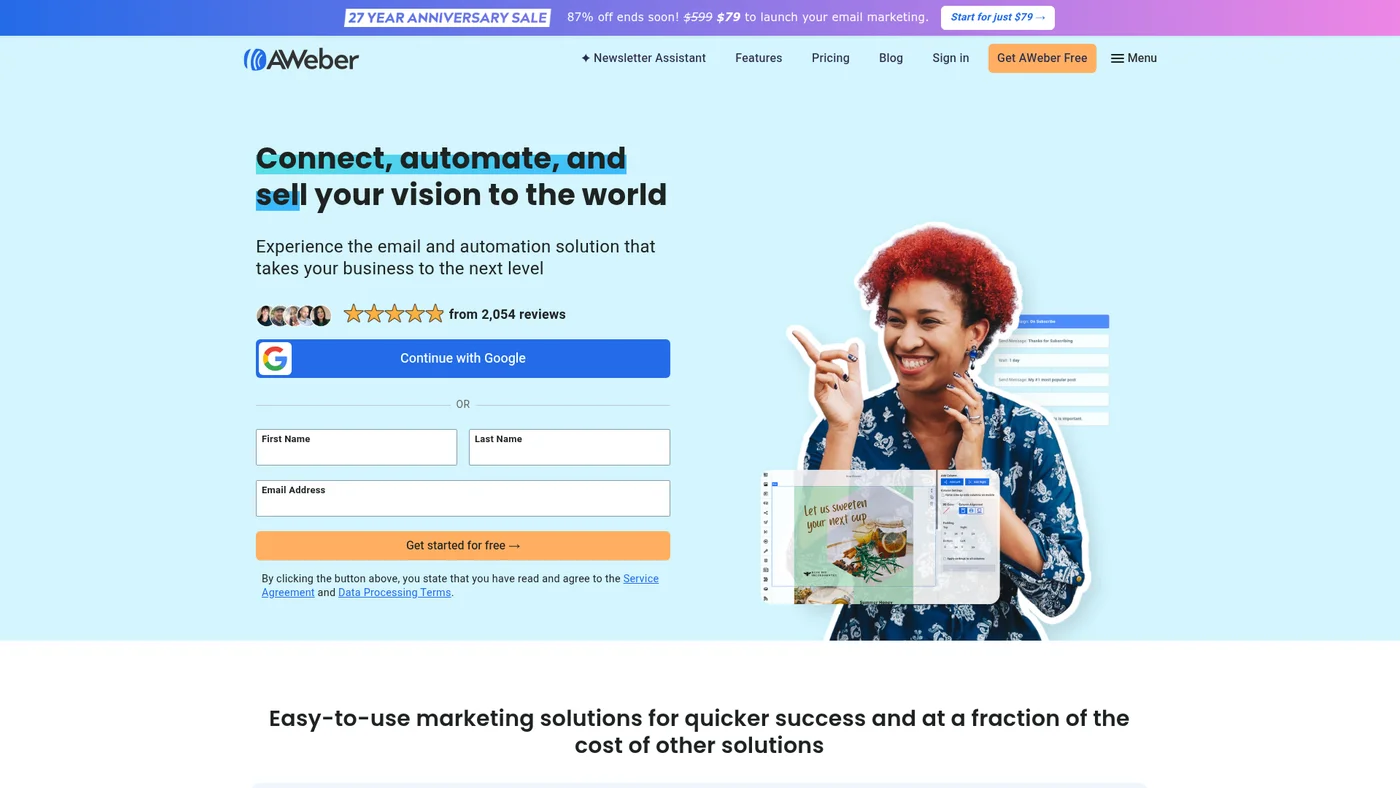
Established email marketing platform with 27 years of experience, AI features, and reliable fundamentals
Key Features
Moderate agent-fit with official MCP support. AWeber offers an official MCP server and documented public API, plus native ChatGPT integration, making it accessible for basic automation workflows. The absence of Claude integration, webhooks, and structured outputs limits deeper agent autonomy and real-time responsiveness.
✓Pros
- Excellent customer support
- Reliable service
- Good for beginners
✗Cons
- Limited advanced features
- Interface feels dated

Constant Contact
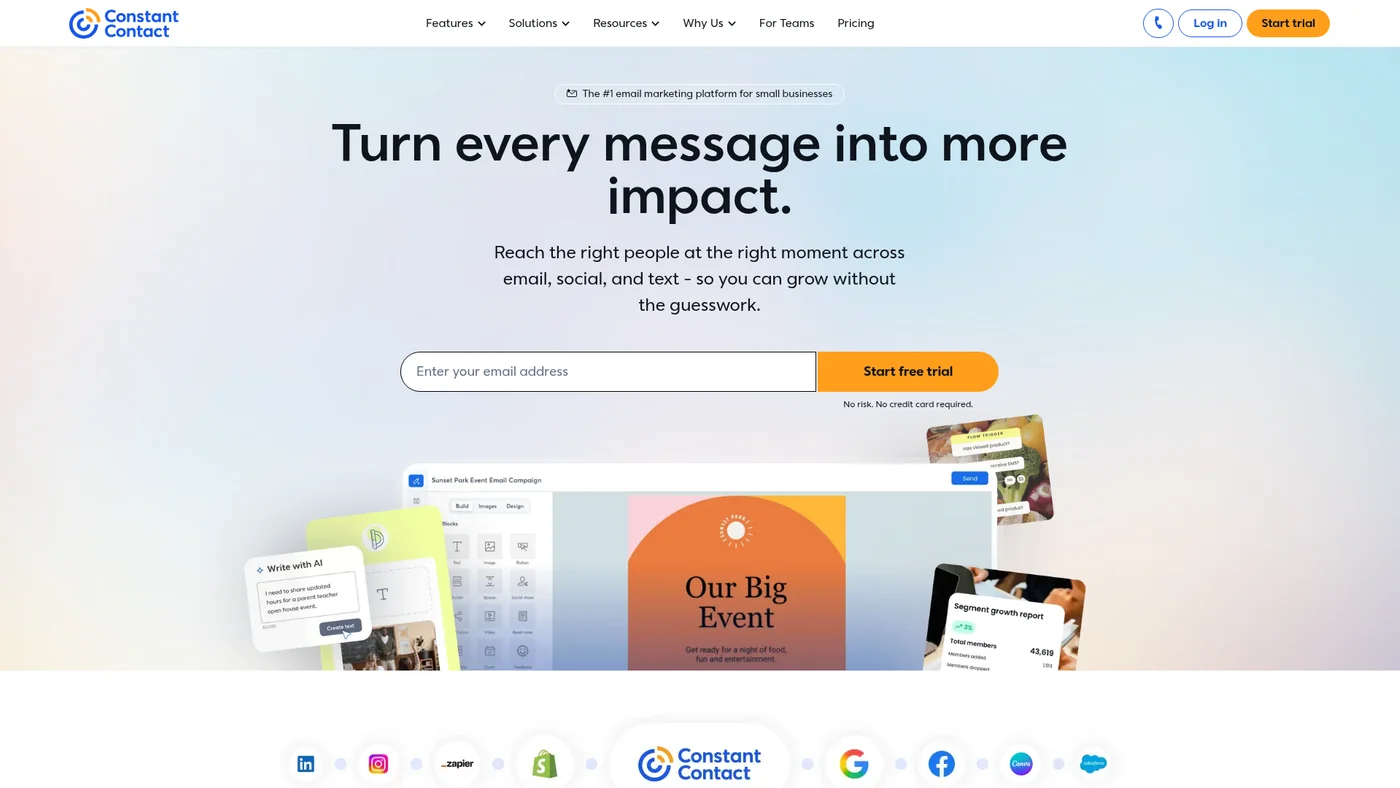
Established email marketing platform with simple tools but outdated features at $12-80/month
Key Features
Partial API access, limited agent integration. Constant Contact has a public API with documentation and a community MCP server, but lacks an official MCP, OpenAPI spec, and webhooks that agents need for reliable automation. The missing structured outputs and absent SDK support make it slow to wire into Claude or Cursor workflows.
✓Pros
- Outstanding customer support
- Great for local businesses
- Comprehensive feature set
✗Cons
- Higher pricing
- Interface feels outdated

EmailOctopus
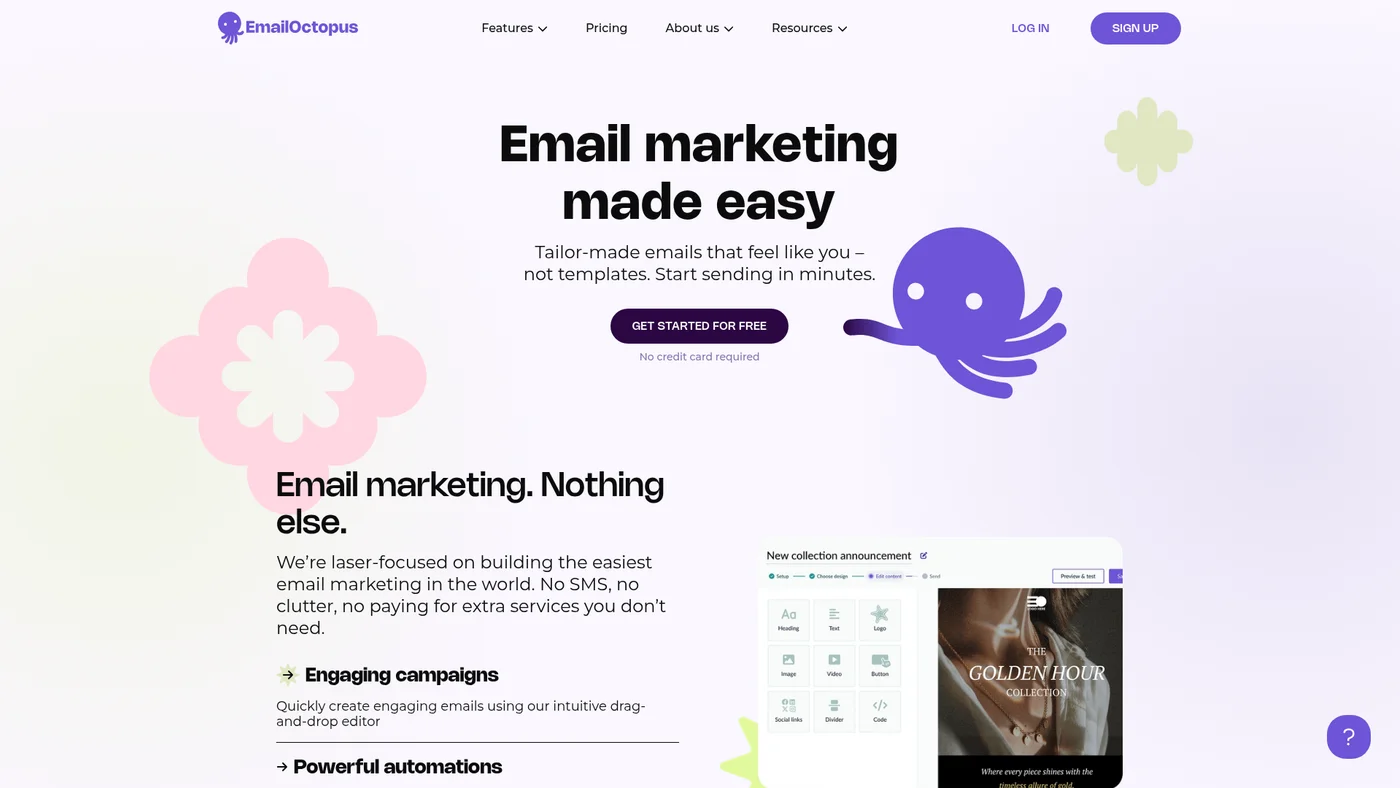
Budget-friendly email marketing platform with a generous free plan and simple automation for small businesses.
Key Features
Not ready for agent workflows. EmailOctopus has documented API endpoints but lacks OpenAPI specs, SDKs, and any MCP server, making integration with Claude or Cursor require custom parsing and manual API calls. The absence of webhooks and structured outputs further limits real-time automation and reliable data handling in agentic contexts.
✓Pros
- Very affordable pricing
- Clean, simple interface
- Good deliverability
✗Cons
- Limited features
- Basic template selection

SendPulse
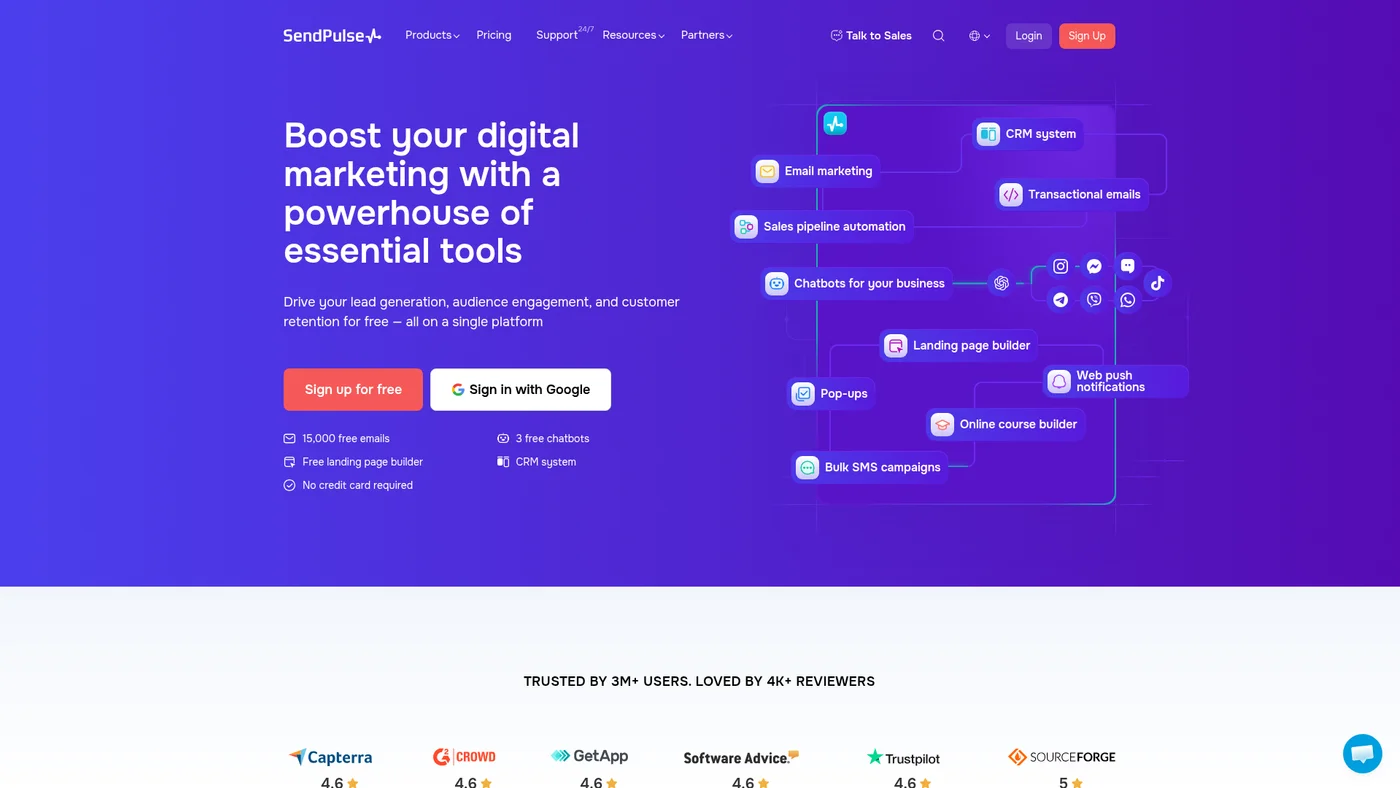
Multi-channel marketing platform with email, SMS, web push, and chatbot features.
Key Features
✓Pros
- True multi-channel platform
- Competitive pricing
- Good automation features
✗Cons
- Interface can be confusing
- Support quality varies

Mailjet
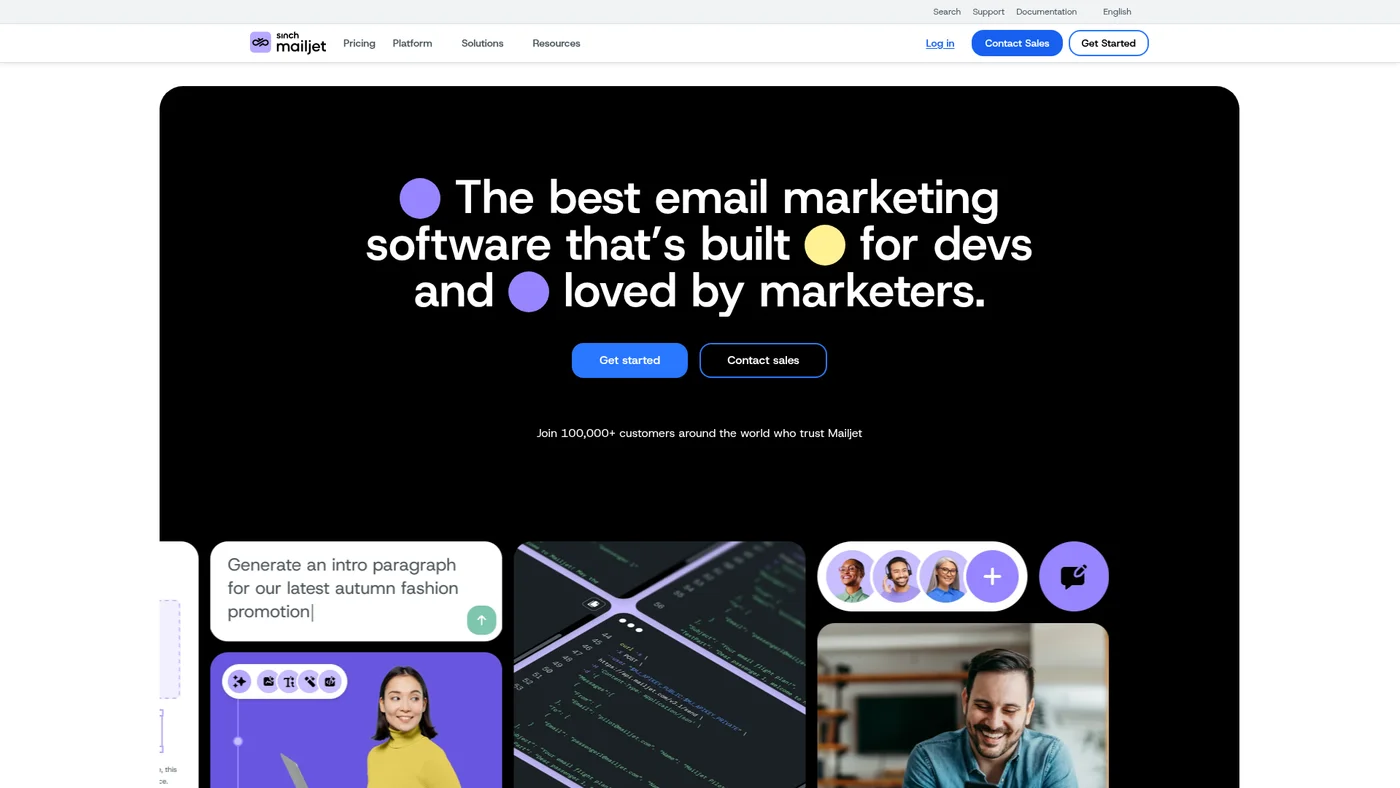
Email platform combining marketing campaigns with developer APIs and volume-based pricing
Key Features
Strong agent-fit for email workflows. Mailjet offers an official MCP server, documented public API, and support across 6 SDK languages (PHP, Ruby, Python, C#, Java, Node), making it straightforward to integrate into Claude and Cursor pipelines. The main limitation is lack of OpenAPI specs and structured outputs, which would require manual schema definition for complex agent tasks.
✓Pros
- Strong API capabilities
- Collaborative features
- Good for developers
✗Cons
- Limited automation features
- Can be complex for non-technical users

Benchmark Email
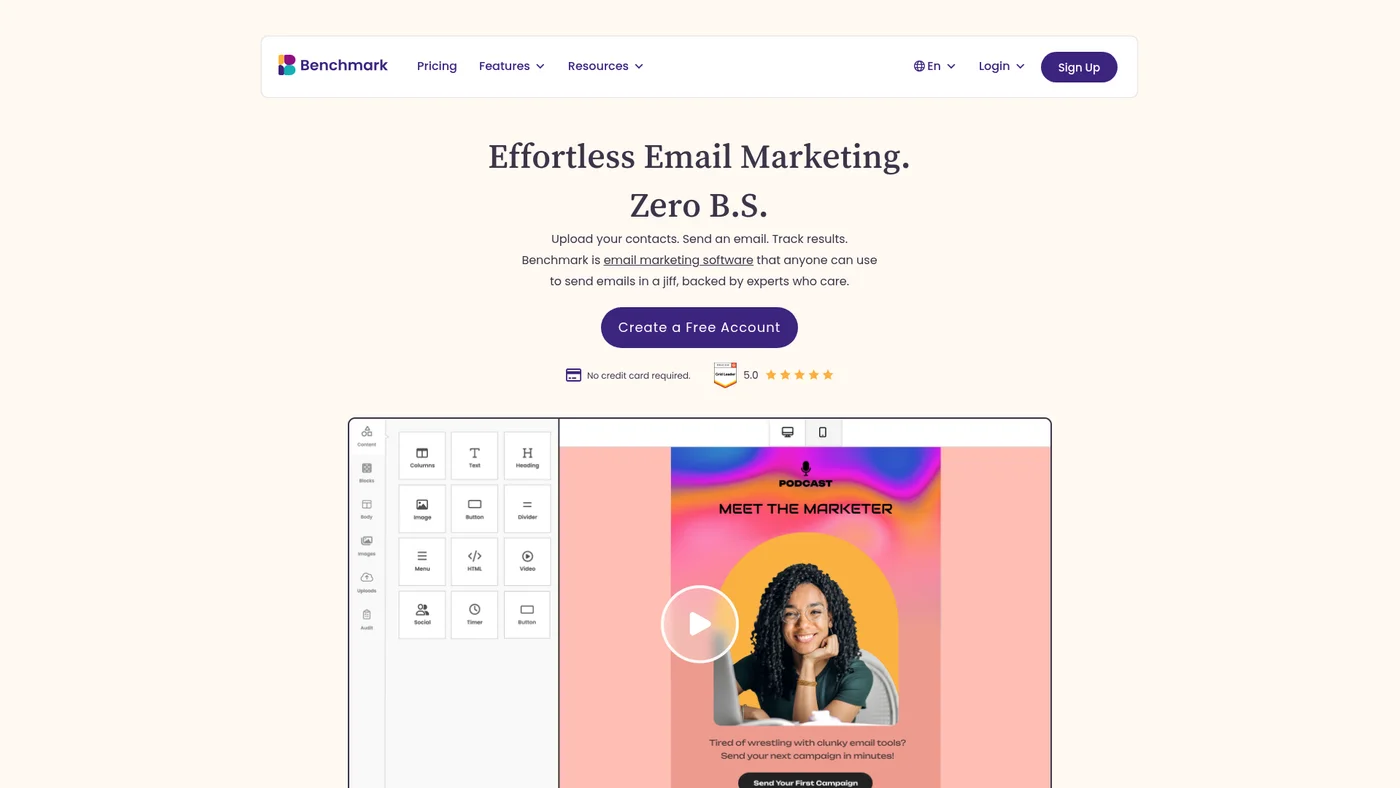
Simple email builder with AI tools but no automation or A/B testing
Key Features
Poor agent-fit without MCP or webhooks. Benchmark Email has a documented API with Node SDK support, but lacks an MCP server, OpenAPI spec, and webhook capabilities that agents need for real-time workflows. The missing structured outputs and event-driven architecture make it difficult to integrate into autonomous agent loops.
✓Pros
- Excellent A/B testing
- Good free plan
- Helpful support resources
✗Cons
- Limited automation on free plan
- Fewer integrations than competitors

Zoho Campaigns
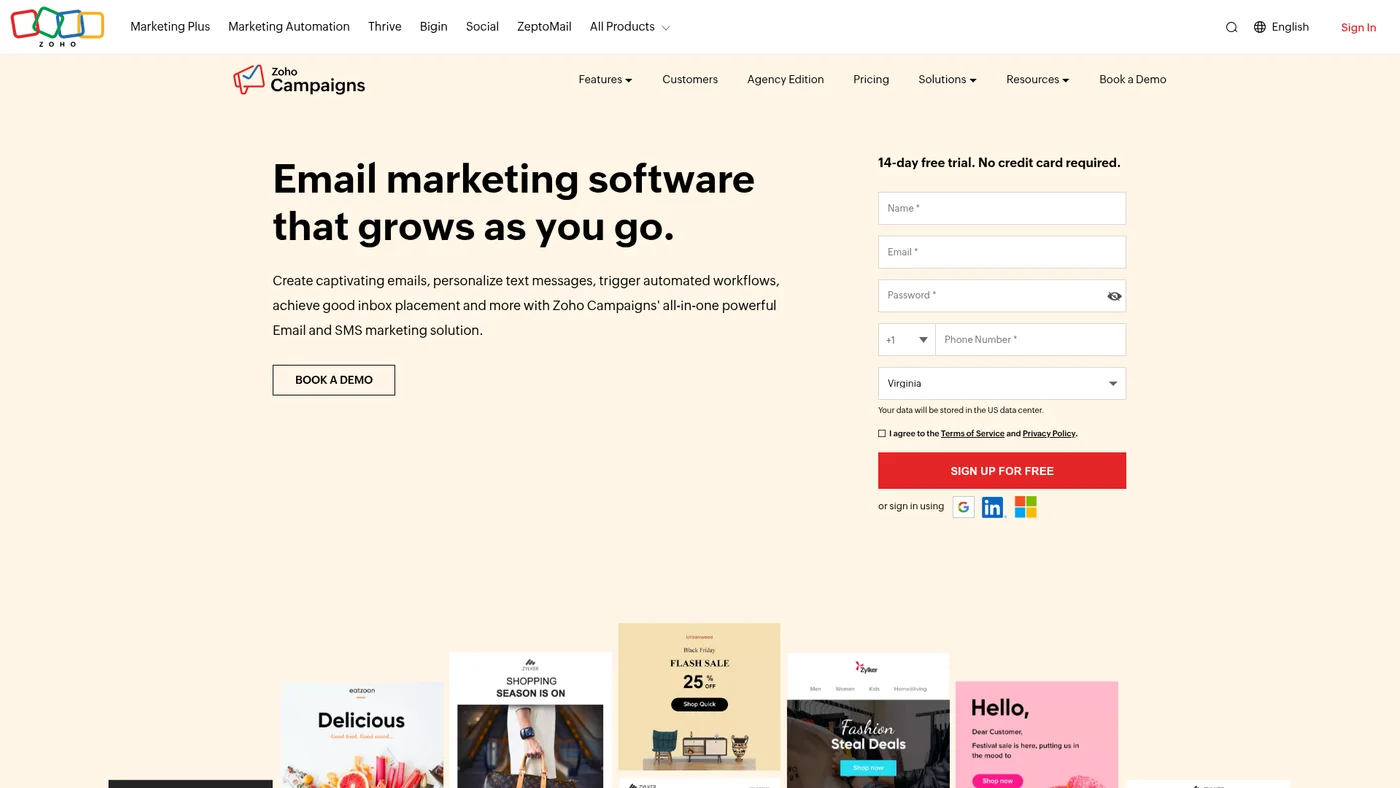
Email marketing platform with SMS and deep Zoho ecosystem integration for business users
Key Features
Moderate agent-fit with official MCP support. Zoho Campaigns offers an official MCP server and documented public API, giving Claude workflows a foundation for integration, but lacks OpenAPI specs, SDKs, and structured outputs that would enable deeper automation. The missing webhooks and JSON output modes limit real-time responsiveness and data parsing in agent chains.
✓Pros
- Excellent CRM integration
- Affordable pricing
- Part of complete business suite
✗Cons
- Best only if using other Zoho products
- Limited third-party integrations

Mailmodo
Interactive email marketing platform with AMP emails and AI-powered features.
Key Features
✓Pros
- Cutting-edge email technology
- AI-powered features
- Good automation
✗Cons
- AMP not supported by all email clients
- Steeper learning curve

CleverReach
European-based email marketing service with GDPR compliance and reporting tools.
Key Features
✓Pros
- Strong GDPR compliance
- European data centers
- Good template variety
✗Cons
- Limited free plan
- Fewer features than competitors
Price landscape
How prices compare
Starting prices across all 36 tools in this category.


At scale
How prices change as you grow
Pricing at 1K, 5K, and 10K contacts for tools reviewed in this guide.
| Tool | 1K | 5K | 10K |
|---|---|---|---|
| Zoho Campaigns | $7/mo | $31/mo | $49/mo |
| MailerLite | $15/mo | $39/mo | $73/mo |
| Moosend | $16/mo | $48/mo | $88/mo |
| GetResponse | $16/mo | $48/mo | $69/mo |
| AWeber | $25/mo | $60/mo | $100/mo |
| Omnisend | $20/mo | $70/mo | $130/mo |
| Campaign Monitor | – | $75/mo | $117/mo |
| ActiveCampaign | $15/mo | $79/mo | $149/mo |
| Kit | $39/mo | $89/mo | $139/mo |
| Benchmark Email | $36/mo | $108/mo | $168/mo |
Methodology
How I chose these
I evaluated these platforms across four critical factors: deliverability performance (using third-party testing data from email service providers), automation sophistication (workflow complexity, triggers, and conditional logic), pricing value (cost per contact and feature accessibility), and ease of use (setup time and learning curve for non-technical users).
Each tool was scored based on G2 and Capterra user reviews, official feature documentation, and pricing analysis. Deliverability data comes from independent testing services and user-reported inbox placement rates across Gmail, Outlook, and Yahoo. Automation capabilities were ranked by workflow complexity, available triggers, and CRM integration depth.
Pricing evaluation considered total cost of ownership, including hidden fees, contact list scaling, and feature restrictions across plan tiers.
Signs You Have Outgrown Your Current Email Platform
If your current platform works fine, do not switch just because something newer and shinier exists. But there are clear signals that it is time to upgrade.
Hitting subscriber or send limits constantly is the most obvious one. If you are on a free plan and approaching the ceiling every month, upgrading to a paid tier (or switching to a platform with better free limits) saves you from scrambling.
Weak automation is a growth killer. If you find yourself manually segmenting lists, sending time-sensitive emails by hand, or wishing you could trigger emails based on website behavior, you need a platform with real automation. ActiveCampaign is the natural upgrade for automation-heavy workflows.
Poor deliverability is harder to spot but more damaging. If your open rates are declining despite good content, your platform's sender reputation might be dragging you down. Test with a tool like Mail Tester before blaming your subject lines.
Missing integrations slow everything down. If you are manually exporting CSV files between your email tool and your CRM, ecommerce platform, or payment processor, you are wasting hours that a better-integrated platform would eliminate.
For a detailed look at what each platform costs as you scale, check the pricing guides for MailerLite, Kit, GetResponse, and Moosend.
FAQ
Frequently Asked Questions
Deliverability, automation depth, ease of use, and pricing that scales with your list. Deliverability is the most important because nothing else matters if your emails hit spam. After that, match the automation level to your needs. A solo blogger does not need the same workflow builder as a marketing agency. I cover this in detail in the What Actually Matters section above.
Most platforms start at $7-15 per month for small lists under 1,000 subscribers. Free plans from MailerLite (1,000 subscribers), Brevo (300 emails per day), and Sender (2,500 subscribers) let you get started without paying. Mid-tier plans for 5,000-10,000 subscribers typically run $30-70 per month. Check the ActiveCampaign pricing guide and MailerLite pricing guide for detailed cost comparisons at different list sizes.
Subscriber lists transfer easily since every platform supports CSV import and export. The painful part is losing automation workflows, email templates, and sender reputation. Plan at least 2-4 weeks for migration, and run both platforms in parallel during the transition. If you are considering a switch, my alternatives pages show direct comparisons for every major platform.
Email marketing covers sending newsletters, campaigns, and broadcasts to your list. Marketing automation adds behavior-triggered emails, lead scoring, conditional workflows, and multi-channel sequences. Platforms like ActiveCampaign and GetResponse offer full automation. Simpler tools like MailerLite and Sender cover basic automation that works for most small businesses.
It is the single most important factor. A platform with great templates but poor deliverability means your emails end up in spam folders. ActiveCampaign, MailerLite, and Brevo consistently test well for deliverability. Look for platforms that offer SPF, DKIM, and DMARC authentication, plus dedicated IP options as you scale.
For ecommerce specifically, look for abandoned cart recovery, product recommendation emails, and deep integrations with Shopify or WooCommerce. Omnisend is built specifically for ecommerce. Brevo and GetResponse also handle ecommerce well with their automation builders and transactional email capabilities.
Not always. Brevo handles both marketing and transactional emails on one platform, which simplifies your stack. If you are sending very high volumes of transactional emails (order confirmations, password resets), a dedicated service gives you better deliverability for those critical messages.
MailerLite offers the best free plan overall with up to 1,000 subscribers, automation, and a solid email builder. Sender gives you 2,500 subscribers free with automation included. Brevo's free tier is based on email volume (300 emails per day) rather than subscribers, which works well if you have a larger list but send less often.
Continue reading






10+ years in digital marketing. I review SEO and AI visibility software for small business owners and solo operators: what each plan really costs, which one actually covers the job, and where a tool stops being worth it. Checked against vendor documentation and real user feedback, and against my own use where I have it.