
Selling online courses is one of the most profitable digital business models, but choosing the wrong platform can cost you months of wasted effort and thousands in fees. The course platform market has exploded with options ranging from dedicated course builders to all-in-one marketing suites that include course hosting.
I analyzed the top platforms across different use cases, budgets, and business models. Here are the 12 that stand out for course creators, coaches, and educators in 2026.
This page may contain affiliate links.
Some links on this page are affiliate links, meaning I may earn a commission if you sign up (at no extra cost to you). This never influences my ratings or recommendations.
Audience
Who is this guide for?
- ✓Course creators and educators looking for the best platform to host and sell courses
- ✓Coaches and consultants who want to package their expertise into digital products
- ✓Businesses building employee training or customer education programs
- ✓Content creators expanding into paid courses alongside their existing audience
Quick verdict
For most course creators, Teachable is the best overall choice because it combines course hosting, marketing tools, and a polished student experience in one platform. If budget is your top priority, Systeme.io offers a free plan with unlimited courses.
For creators who want a dedicated course platform without the marketing extras, Thinkific ($49/month) gives you the most flexibility in course design. And if community is your business model, Skool ($99/month) is the simplest way to combine courses with an engaged community.
Dedicated Course Platform vs. All-in-One: Which Should You Choose?
The biggest decision when choosing a course platform is whether you need a dedicated course builder or an all-in-one marketing platform that includes courses. Dedicated platforms like Thinkific, Teachable, and LearnWorlds excel at the learning experience: interactive videos, graded assessments, completion certificates, and SCORM compliance. They are designed specifically for education. All-in-one platforms like Kajabi, Kartra, and Systeme.io combine courses with email marketing, sales funnels, landing pages, and automation. You pay for one subscription instead of four or five separate tools. The trade-off is that their course builders are typically simpler. If your business model is primarily courses and coaching, start with a dedicated platform. If you need a full marketing stack and courses are one part of your business, an all-in-one platform saves both money and complexity.
Overview
Quick comparison
| # | Tool | Price |
|---|---|---|
| 1 | $39/mo | |
| 2 | $179/mo | |
| 3 | $54/mo | |
| 4 | $17/mo | |
| 5 | $29/mo |
Show all 12 tools
| 6 | $59/mo | |
| 7 | $99/mo | |
| 8 | $49/mo | |
| 9 | $97/mo | |
| 10 | $19/mo | |
| 11 | $49/mo | |
| 12 | $27/mo |
Rankings
My Top Picks

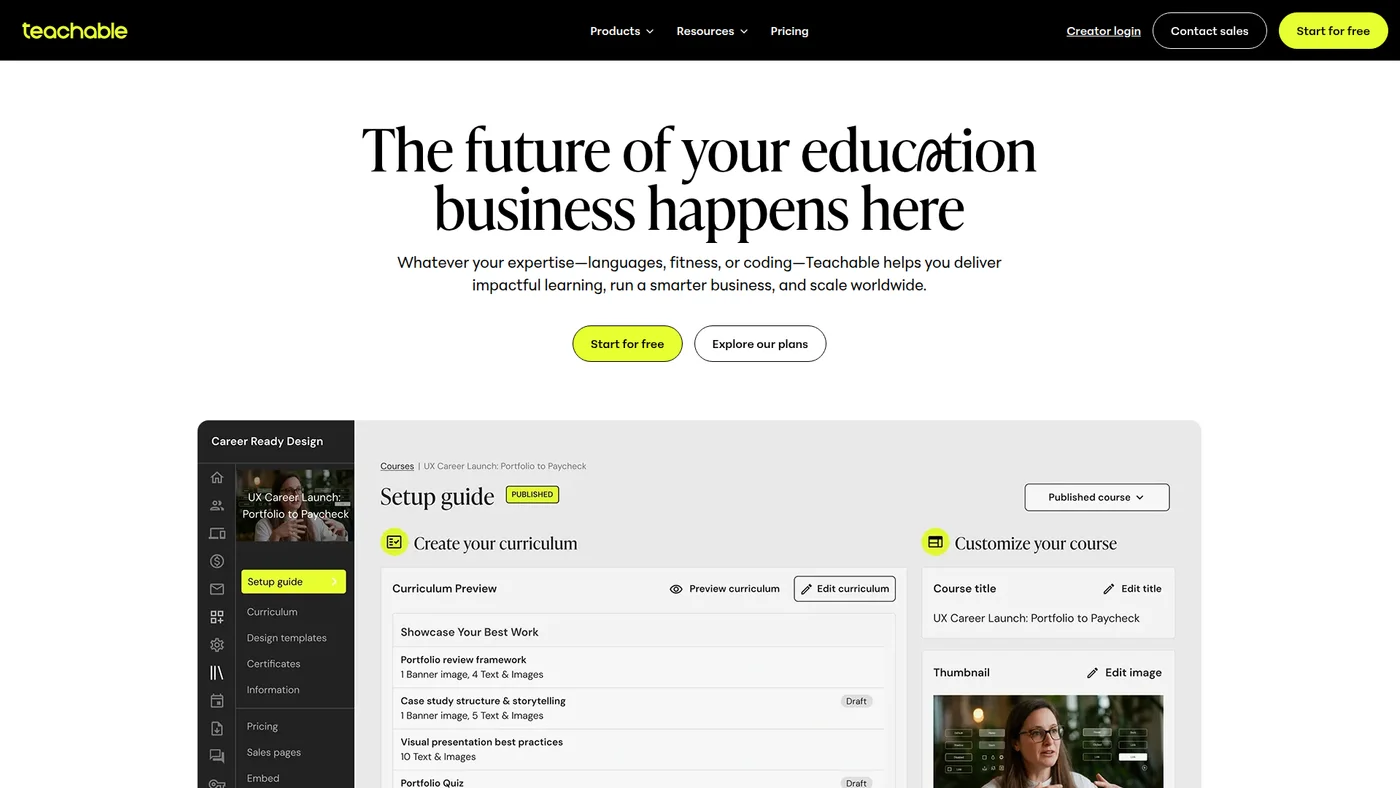
Teachable
Course platform with AI tools, global payments, and mobile apps for serious creators scaling worldwide
Key Features
Not agent-ready. Teachable offers a public API with documentation, but lacks MCP support, OpenAPI specs, SDKs, and structured outputs that most agent workflows require. Without these integrations, you'll face friction connecting it to Claude or Cursor for automation.
✓Pros
- Fastest setup among dedicated course platforms
- Built-in payment processing handles taxes and international payments
- Coaching product type is unique among competitors
✗Cons
- 7.5% transaction fee on Starter plan adds up quickly
- Course builder is less flexible than Thinkific or LearnWorlds
- Advanced features locked behind expensive Growth plan ($189/month)

Kajabi
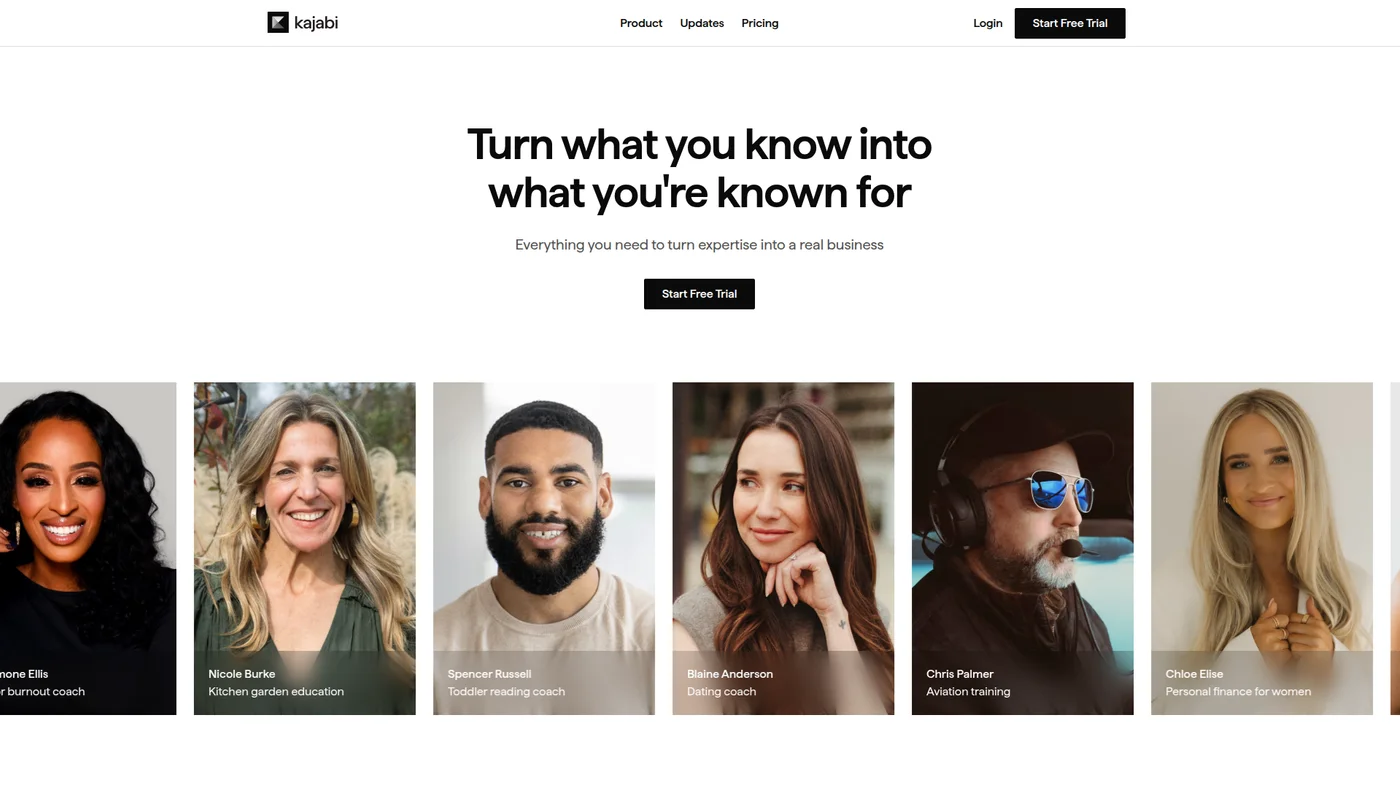
All-in-one platform for course creators, coaches, and experts to build, market, and sell knowledge products
Key Features
Strong agent fit through a first-party MCP. Kajabi runs its own OAuth-gated MCP server at mcp.kajabi.com/mcp and sells it as a named product, so an assistant can reach courses, products, transactions and subscribers directly rather than through a wrapper. A documented public API with OAuth sits behind it, and Zapier and Make cover the no-code path. Still missing are a published OpenAPI spec and SDKs, so anything the MCP does not expose means handling the HTTP yourself.
✓Pros
- Everything you need in one platform (courses, email, pages, checkout)
- Polished student experience with branded mobile app
- Strong marketing automation built specifically for course launches
✗Cons
- Expensive entry at $179/month compared to dedicated course platforms
- Course design templates are less flexible than Thinkific or LearnWorlds
- Limited customization without coding knowledge

Thinkific
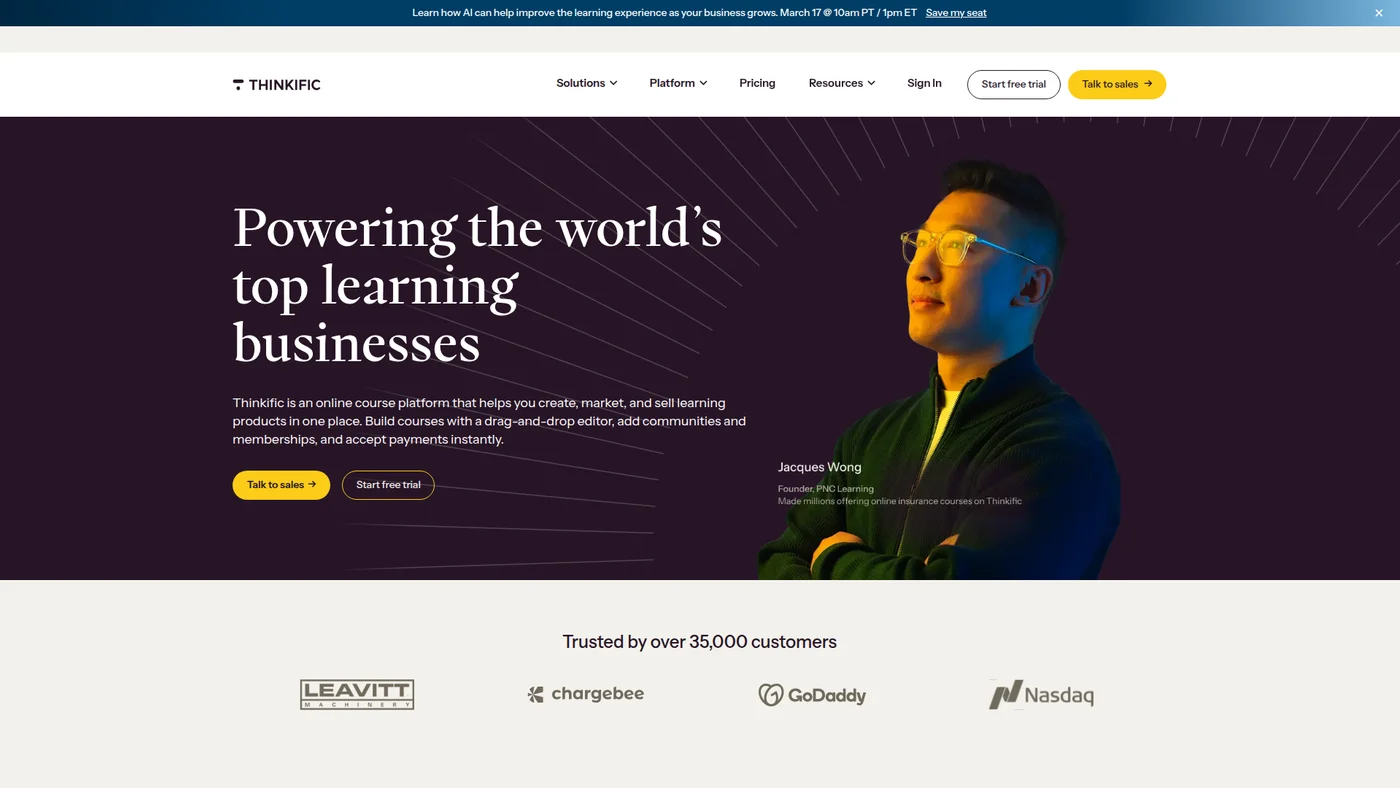
Course platform with drag-and-drop builder, communities, and commerce tools for educators and businesses
Key Features
Moderate agent fit with community MCP support. Thinkific has a documented public API and works with Claude and ChatGPT, but lacks official MCP hosting on its own domain, OpenAPI specs, and webhook support, which limits real-time automation and structured data handling in agent workflows.
✓Pros
- Zero transaction fees means more revenue stays with you
- Most flexible course builder for diverse content types
- Strong student management and progress tracking tools
✗Cons
- No built-in email marketing or sales funnel tools
- Free plan was removed, now only a 14-day trial
- Basic website builder compared to all-in-one platforms

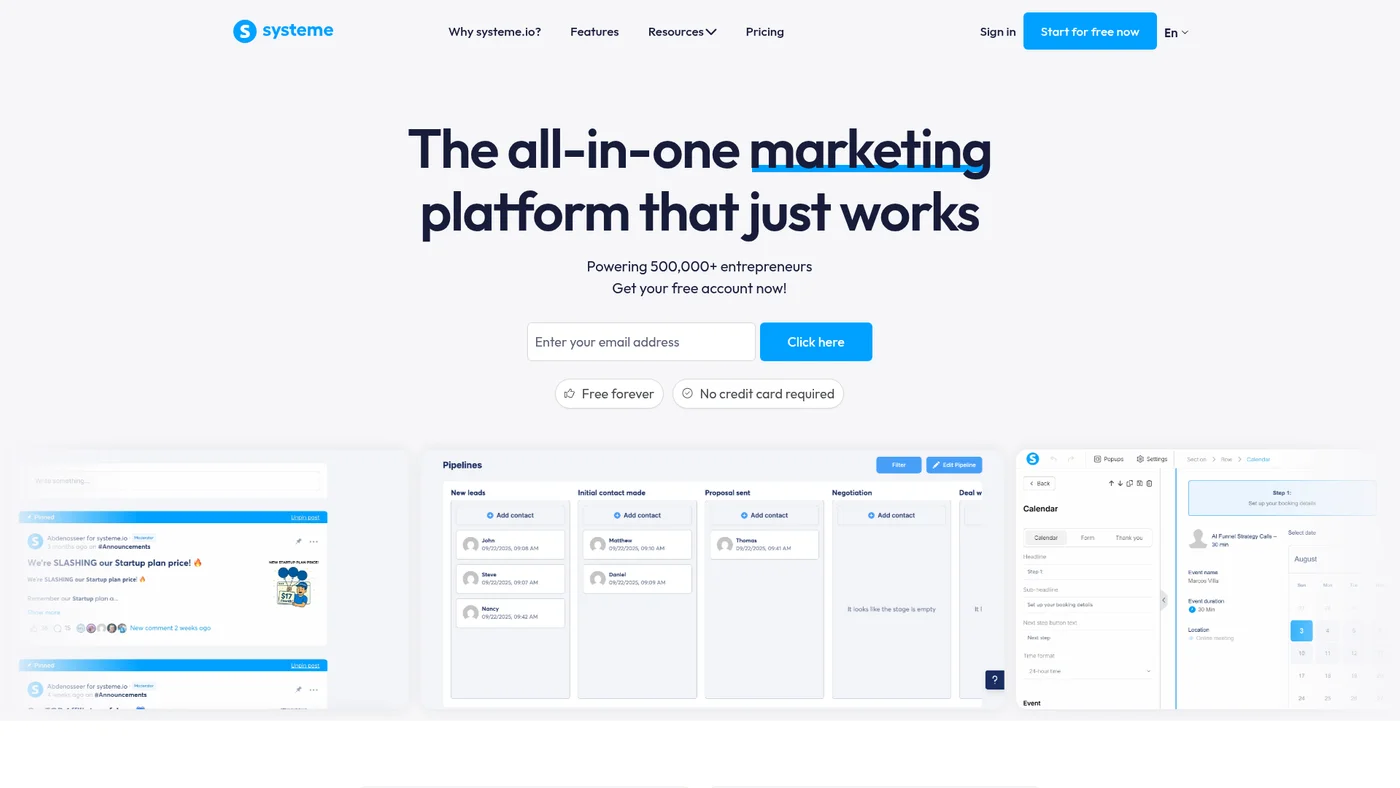
Systeme.io
Complete marketing platform with sales funnels, email marketing, courses, and more at budget-friendly prices
Key Features
Official MCP verified 2026-07-08: mcp.systeme.io/mcp, API-key auth (X-MCP-Key header or mcpKey param, 90-day keys, max 2), FREE PLAN, ChatGPT+Claude, contacts/tags/newsletters/opt-in-funnels write tools, rate-limited. OAuth planned. 4->7 Joonas approved.
✓Pros
- Free plan with no time limit and unlimited courses
- All-in-one platform replaces 4-5 separate tools
- Paid plans start at just $17/month
✗Cons
- Course builder lacks advanced features like quizzes and certificates
- Student experience is not as polished as Kajabi or Thinkific
- Limited customization options for course pages

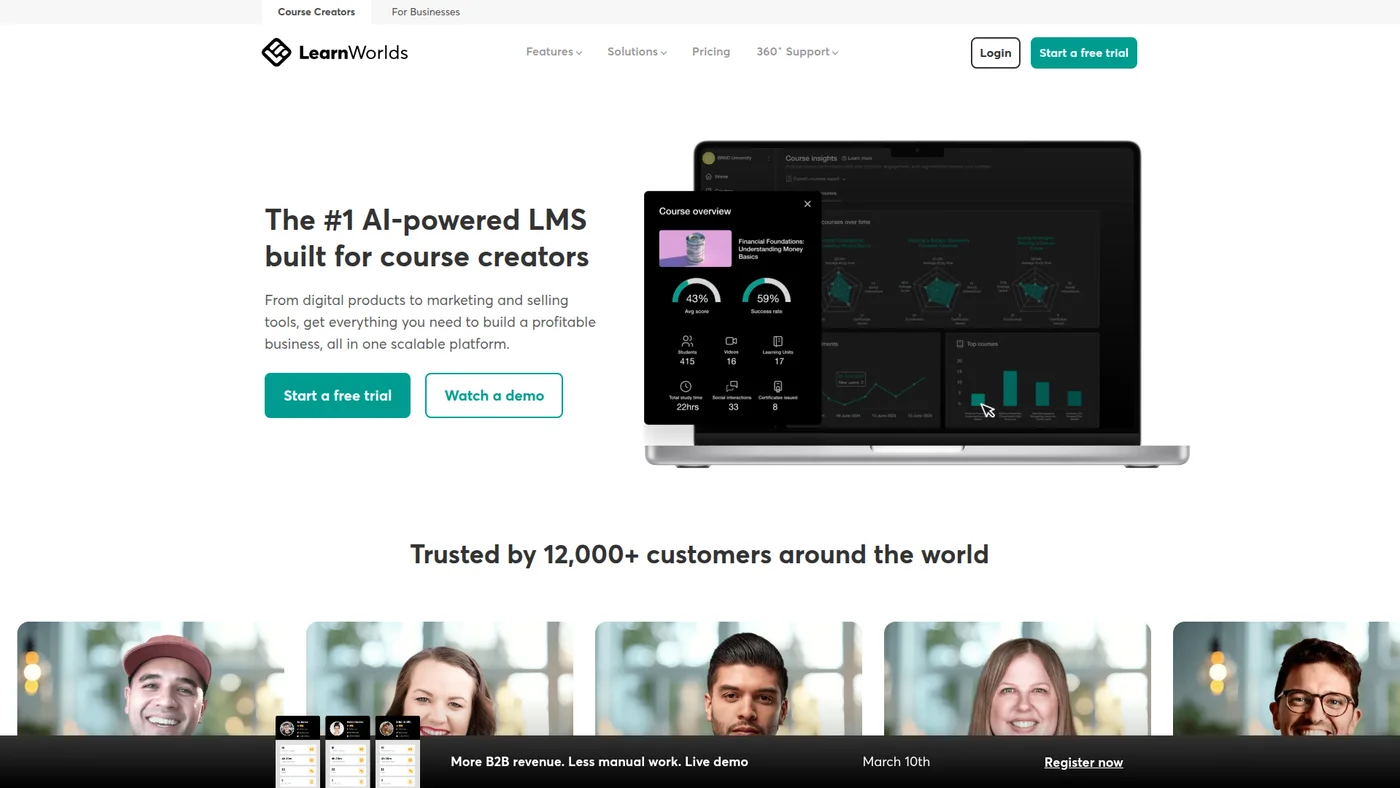
LearnWorlds
AI-powered course platform with interactive video tools and white-label branding at premium prices
Key Features
Workable if you are willing to build. LearnWorlds has a documented public API covering student, course and enrollment data, which is the real integration surface here. There is no official MCP server, no OpenAPI spec and no SDKs, so nothing connects an assistant to it out of the box. The community server at github.com/ohneben/Learnworlds-MCP wraps all 94 endpoints and marks each tool read-only or write, which is the right instinct for student records, but it is a one-person project with a single star and you would be reviewing that code yourself.
✓Pros
- Most advanced interactive learning features among dedicated platforms
- Built-in video editing saves time and eliminates extra tools
- SCORM support makes it ideal for corporate training use cases
✗Cons
- $5 per enrollment fee on Starter plan makes it expensive at scale
- Learning curve is steeper than simpler platforms like Teachable
- Pro Trainer plan ($99/month) needed to remove transaction fees

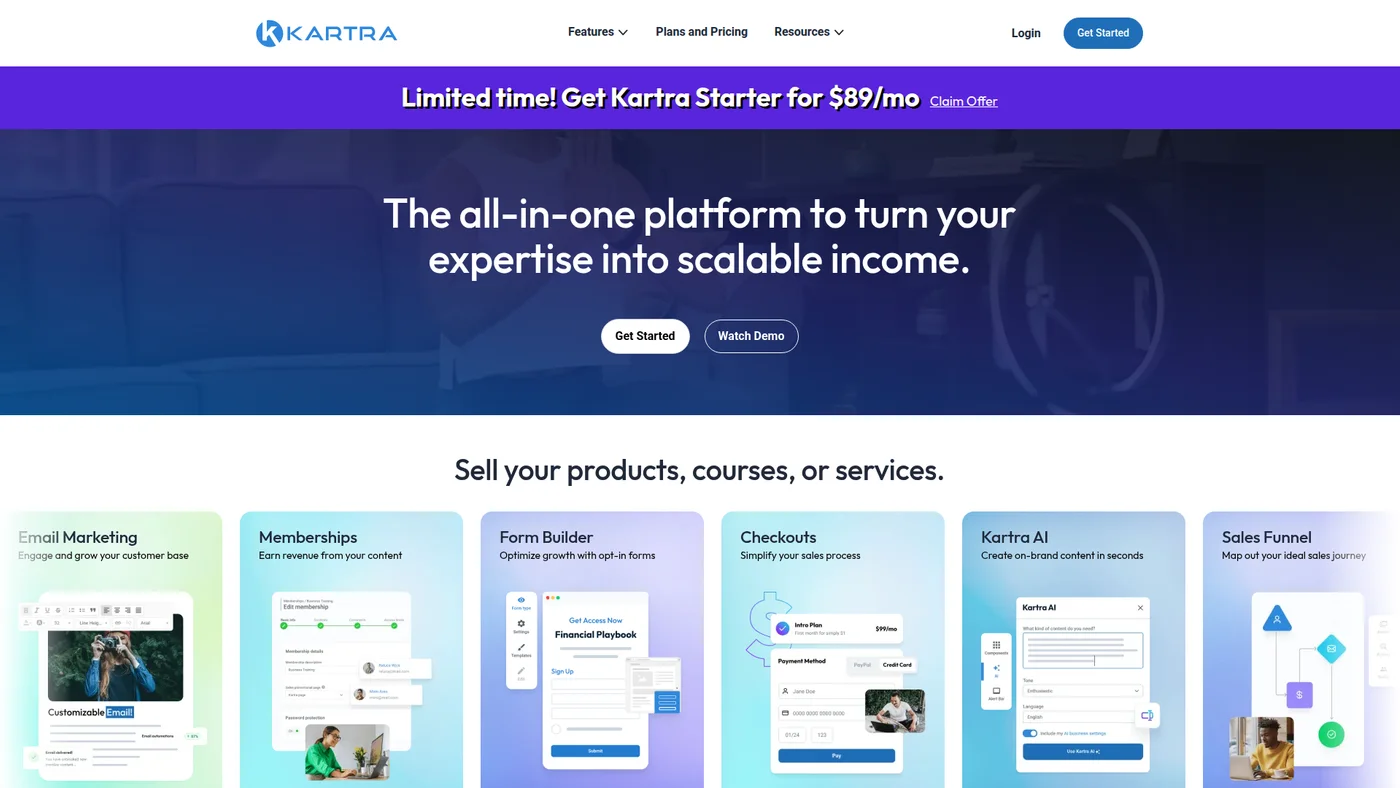
Kartra
True all-in-one marketing platform with advanced funnels, email automation, and membership hosting
Key Features
Skip for agent workflows. Kartra has a documented public API, but lacks MCP support, OpenAPI specs, webhooks, and structured outputs—all critical for Claude/Cursor integration. Without these primitives, you'll need heavy custom glue code to make it talk to modern AI agents.
✓Pros
- Most powerful marketing automation among all-in-one platforms
- Free plan available for testing before committing
- Built-in helpdesk and live chat features are unique
✗Cons
- Course builder is simpler than dedicated course platforms
- Interface can feel overwhelming for beginners
- Some advanced features require higher-tier plans

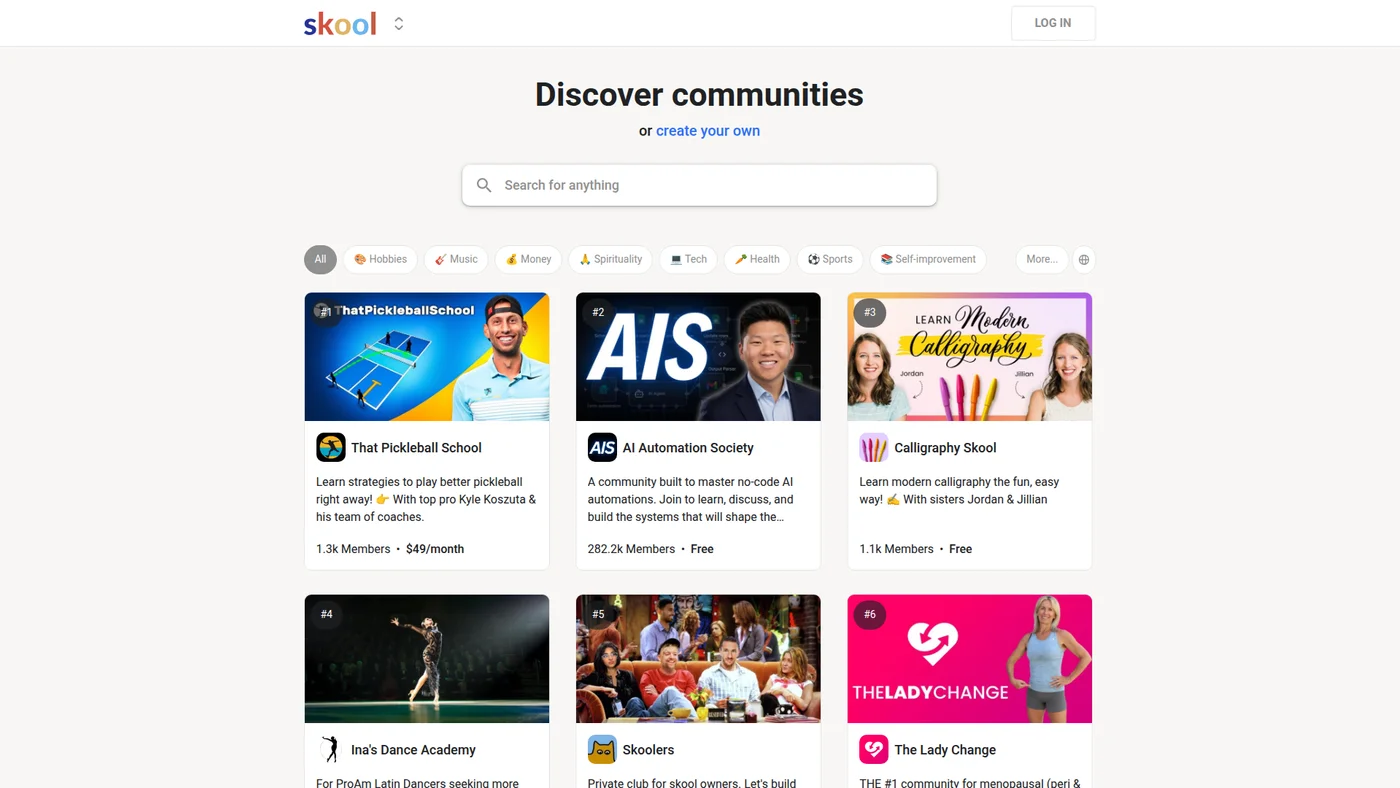
Skool
Community-first platform combining courses with gamified engagement, discussion feeds, and events
Key Features
✓Pros
- Best community engagement features with gamification and leaderboards
- Deliberately simple interface reduces setup time to hours
- Low-cost Hobby plan ($9/month) for testing the model
✗Cons
- Course builder is very basic compared to dedicated platforms
- Limited customization and branding options
- 10% transaction fee on Hobby plan is steep at scale

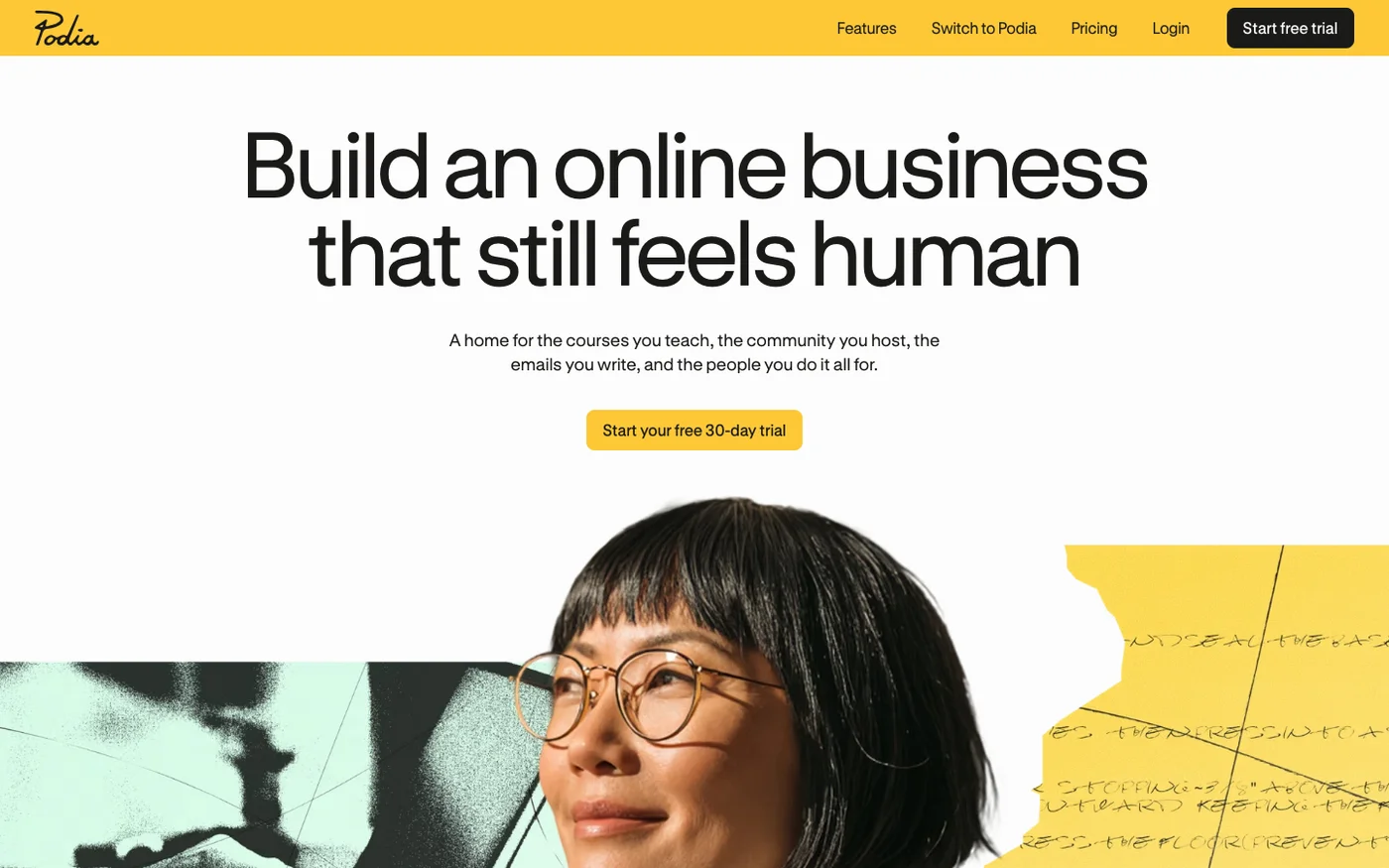
Podia
All-in-one platform bundling courses, community, coaching, and email for creators, from $49/month.
Key Features
No public developer API. podia.com/api returns 404 and Podia publishes no developer documentation; the hasApi=true flag came from martech-db and was wrong. Verified 2026-08-04.
✓Pros
- Simplest interface among all platforms on this list
- Combines courses, downloads, coaching, community, and events in one place
- Email marketing included (up to 100 subscribers on Mover)
✗Cons
- 5% transaction fee on the Mover plan reduces margins
- Course builder lacks quizzes, certificates, and advanced assessments
- Limited design customization options

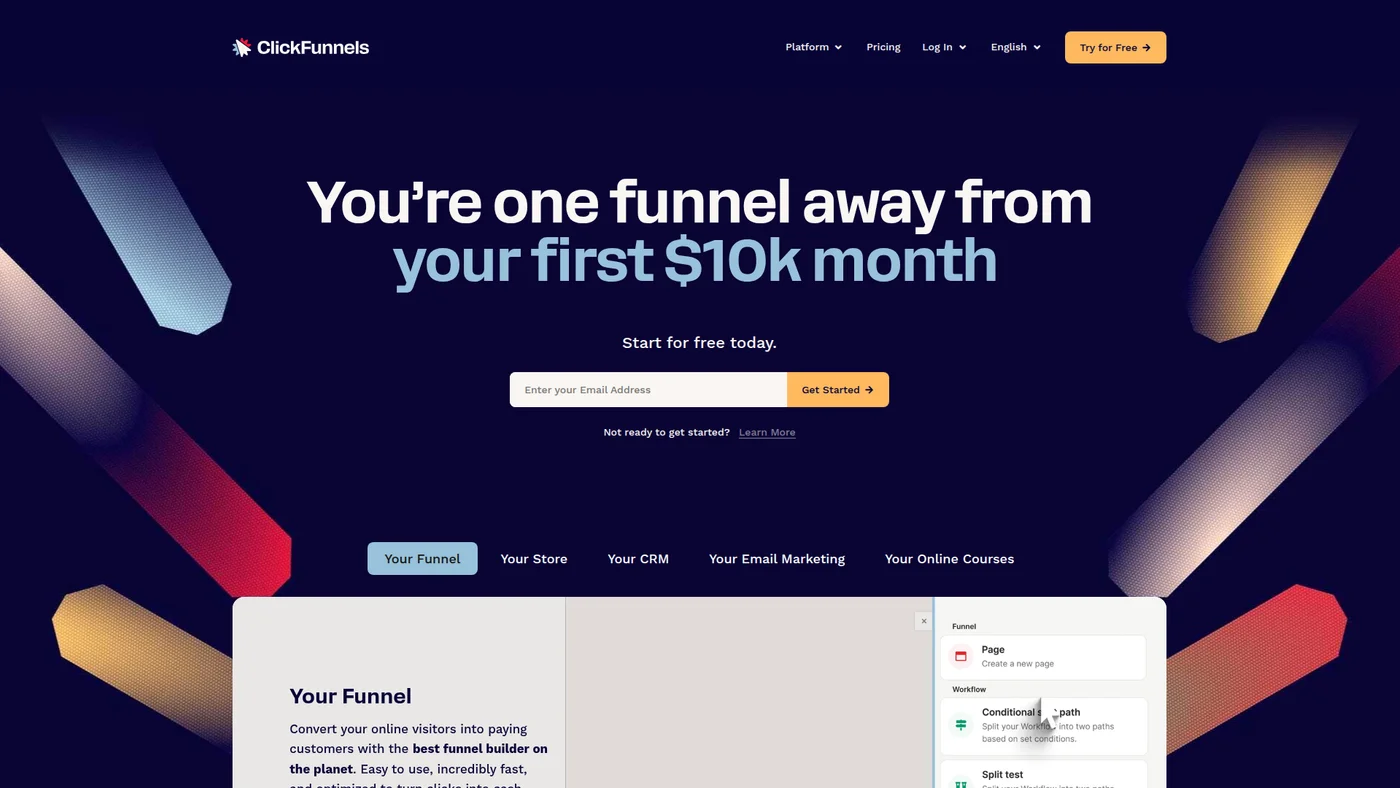
ClickFunnels
All-in-one marketing platform for building sales funnels, hosting courses, and managing customers
Key Features
Strong agent fit with an official MCP server in technical preview. ClickFunnels exposes a Labs MCP endpoint (mcp.myclickfunnels.com) with roughly 100 tools across contacts, orders, products, courses, and webhooks, backed by a published OpenAPI spec, an llms.txt index, webhooks, and a Node SDK. The caveats are real: it is beta and currently Claude Desktop only, so treat it as early but legitimate.
✓Pros
- Best funnel builder for course launches and webinar sales
- One-click upsells and order bumps maximize revenue per student
- 14-day free trial plus 30-day money-back guarantee
✗Cons
- $97/month is expensive if you only use course hosting
- Course builder is basic compared to dedicated platforms
- Limited to 3 courses on the Launch plan

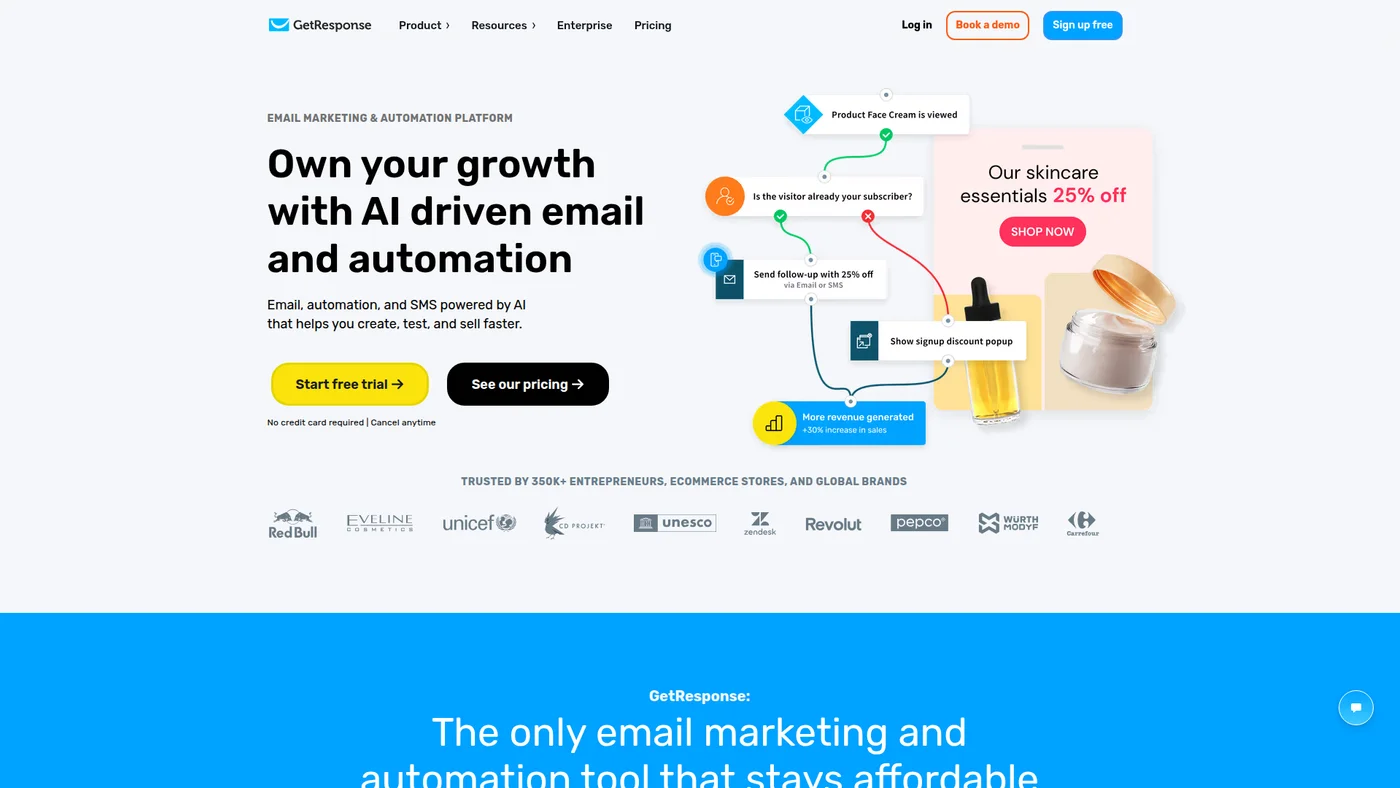
GetResponse
AI-powered email marketing platform with automation, landing pages, and webinars starting at $19/month
Key Features
Limited agent-fit without official backing. GetResponse has a community MCP server and documented public API, but lacks OpenAPI specs, SDKs, and native integrations with Claude or ChatGPT. The missing structured outputs and webhook support make it harder to build reliable agent workflows compared to platforms with first-party MCP implementations.
✓Pros
- Combines email marketing and course hosting in one subscription
- Webinar hosting is included (most competitors charge extra)
- Most affordable entry point at $19/month for email features
✗Cons
- Course creator is a newer feature, less mature than dedicated platforms
- Full course features require higher-tier plans
- Not ideal if courses are your primary product

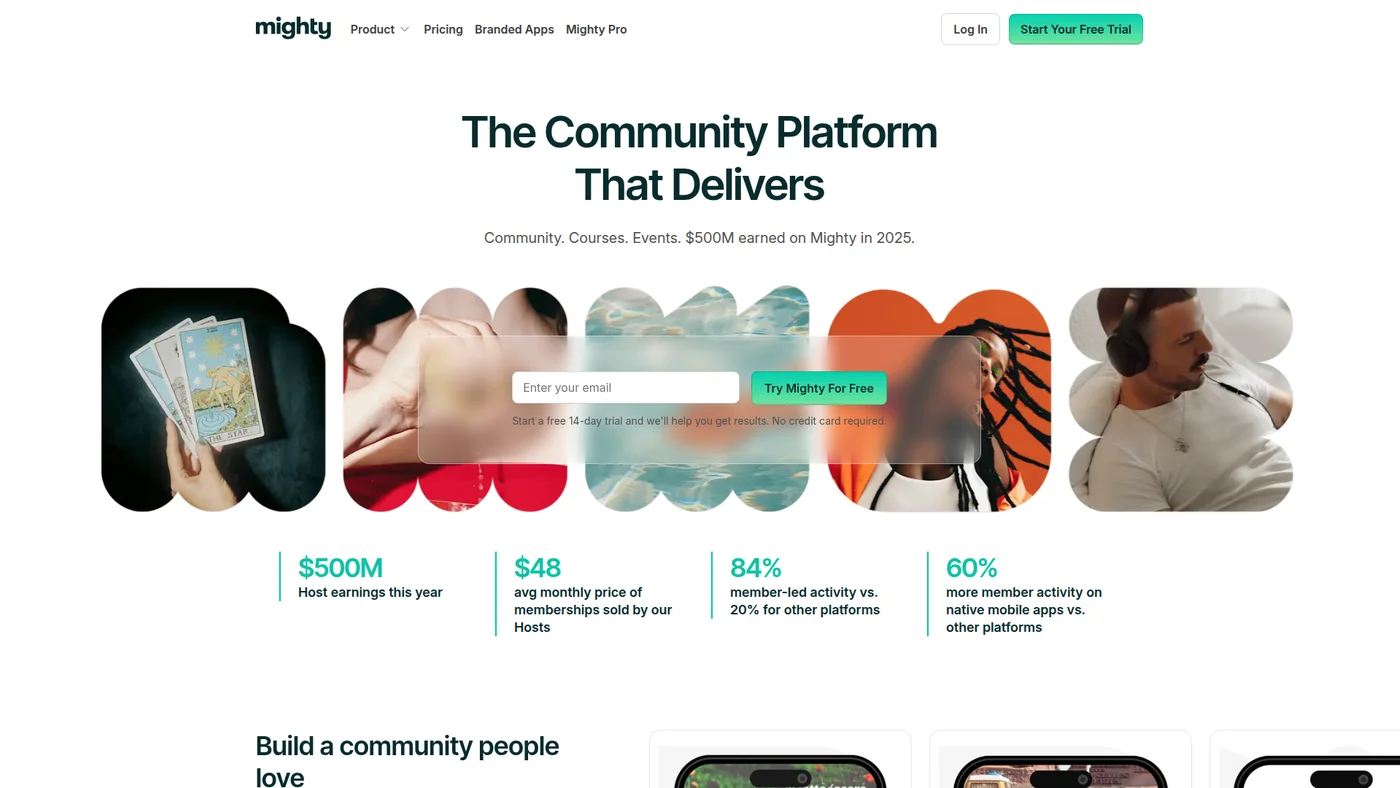
Mighty Networks
Community-powered platform for memberships, courses, and events with branded mobile and web apps
Key Features
✓Pros
- Branded mobile app creates a premium member experience
- Strong community engagement features rival Skool
- Flexible monetization with memberships, courses, and bundles
✗Cons
- 3% transaction fee on Community plan, 2% on Courses plan
- Course builder requires the $99/month Courses plan
- Steeper learning curve than simpler platforms like Podia

Builderall
All-in-one marketing platform with 25+ tools including website builder, email marketing, and course creation
Key Features
Weak fit for agent workflows. Builderall runs no MCP server: nothing on builderall.com mentions one, and the addresses you would guess return web pages rather than a protocol endpoint. What exists is narrower than the platform, a documented token-authenticated API for MailingBoss, Builderall's email tool, rather than for Builderall as a whole. No CLI, no SDKs, no OpenAPI spec. An agent can be wired to the email side with custom code, and everything else means Zapier or the interface.
✓Pros
- Unbeatable value at $17/month for 25+ tools including courses
- Unlimited students and courses with no transaction fees
- Includes tools most competitors charge extra for (webinars, chatbot)
✗Cons
- Course builder interface feels dated compared to dedicated platforms
- Steep learning curve with so many tools in one platform
- Customer support quality can be inconsistent
Price landscape
How prices compare
Starting prices across all 5 tools in this category.


Understanding Transaction Fees and Hidden Costs
The monthly subscription price is not the full picture. Several platforms charge transaction fees that eat into your revenue as you scale. Teachable charges 7.5% on the Starter plan. LearnWorlds charges $5 per enrollment on its Starter plan. Skool takes 10% on the Hobby plan. Podia charges 5% on the Mover plan. Mighty Networks charges 2-3% depending on your plan. These fees become significant as your student count grows. A $100 course with 100 students per month means $750 in transaction fees on Teachable's Starter plan. Upgrading to a higher plan with zero transaction fees almost always pays for itself once you cross 20-30 sales per month. Factor in payment processing fees too: Stripe charges 2.9% + $0.30 per transaction on top of any platform fees.
Ready to Build Your Course? Start Here
Picking a platform is just one piece of the puzzle. If you are starting from scratch, my step-by-step guide to creating and selling an online course walks through everything from validating your idea to pricing, launching, and marketing your course.
Not sure if a course is the right model for you? Some creators do better with a membership site instead. I break down the differences in revenue, content requirements, and which audiences each model attracts in my post on online course vs membership site.
Methodology
How I chose these
I evaluated each platform based on course creation features (drip content, quizzes, certificates), student experience, marketing tools, pricing transparency, and scalability. For the all-in-one platforms, I weighted how well their course features compare to dedicated course builders. Transaction fees, student limits, and hidden costs were major factors in the rankings.
I also considered how easy it is for a non-technical creator to launch their first course within a week.
FAQ
Frequently Asked Questions
It depends on your business model. If courses are your primary product, a dedicated platform like Thinkific or Teachable gives you more control over the student experience with features like quizzes, certificates, and SCORM support. If you also need email marketing, sales funnels, and a website, an all-in-one platform like Kajabi or Systeme.io saves money by replacing multiple subscriptions. Start with an all-in-one if you are just launching, and consider a dedicated platform once you need advanced course features.
Systeme.io offers the most generous free plan with unlimited courses, sales funnels, and email marketing for up to 2,000 contacts. Skool's Hobby plan at $9/month is the next most affordable option. Keep in mind that free plans often come with limitations like transaction fees or branding restrictions that cost you more as your student base grows.
Pricing ranges from free (Systeme.io) to $179/month (Kajabi). Most dedicated course platforms charge $29-99/month. Watch out for transaction fees: Teachable charges 7.5% on its Starter plan, LearnWorlds charges $5 per enrollment on its Starter plan, and Skool charges 10% on the Hobby plan. These fees can add up quickly once you start making sales.
Yes, but it requires planning. Most platforms let you export your student email list, but course content (videos, quizzes, progress data) usually needs to be manually recreated on the new platform. Some platforms like Thinkific offer migration assistance. The best strategy is to own your email list separately from your course platform so your student relationships are not locked into one tool.
Focus on these five factors: course builder flexibility (multimedia lessons, quizzes, certificates), student experience (mobile access, progress tracking), marketing tools (email, funnels, affiliate programs), pricing transparency (watch for transaction fees and hidden limits), and scalability (will the platform grow with you without massive price jumps).
Marketplaces like Udemy give you access to millions of potential students but take a large revenue cut (up to 63%) and control your pricing. Self-hosted platforms on this list let you keep 95-100% of revenue, control your pricing, and own your student relationships. Most successful course creators start on a self-hosted platform and use marketplaces only as an additional distribution channel.
Continue reading






10+ years in digital marketing. I review marketing software for AI-stack fit: real pricing, MCP and API support, and how cleanly each tool drops into an AI agent workflow, cross-checked against verified data and real user feedback.