
Google shipped its own Model Context Protocol server for the Google Ads API, it is free, and it exposes exactly three tools. That one sentence organises this entire category. The free, first-party option answers any question you can phrase as a query and changes nothing. Everything else on this page is charging you for the write path, or for the guardrails that make the write path survivable.
So the question is not "which Google Ads tool is best". It is whether you need an assistant that reads, an assistant that writes, or a system that does the work without you in the conversation at all. I have grouped these ten tools by that answer rather than by feature count. Every MCP claim here was checked against the vendor's own documentation on 23 August 2026.
That mattered more than usual in this category: probing endpoints returns nonsense (two vendors return HTTP 200 on an MCP path that is actually a marketing page), and the search results are dominated by ad-tech vendors publishing "comparison" posts about their own competitors. Prices were read from vendor pricing pages the same day.
This page may contain affiliate links.
Some links on this page are affiliate links, meaning I may earn a commission if you sign up (at no extra cost to you). This never influences my ratings or recommendations.
Audience
Who is this guide for?
- ✓Advertisers who want to ask questions of a live Google Ads account without opening the interface
- ✓PPC managers deciding whether to let an agent write to campaigns at all
- ✓B2B SaaS teams who need an account built properly before anything can be optimised
- ✓Agencies pricing tooling against client count rather than ad spend
- ✓Anyone paying an agency retainer and wondering what the software underneath costs
Quick picks
Which tool is right for you?
Skip the scroll. Pick your situation:


Quick verdict
Install Google's own MCP server first, whatever else you do. It is free, first-party, and read-only, so you can point an agent at a live account with no risk. For a lot of people the job was only ever reporting and diagnosis, and that is where the spending stops. If you need the assistant to actually change things, Ryze AI is my pick.
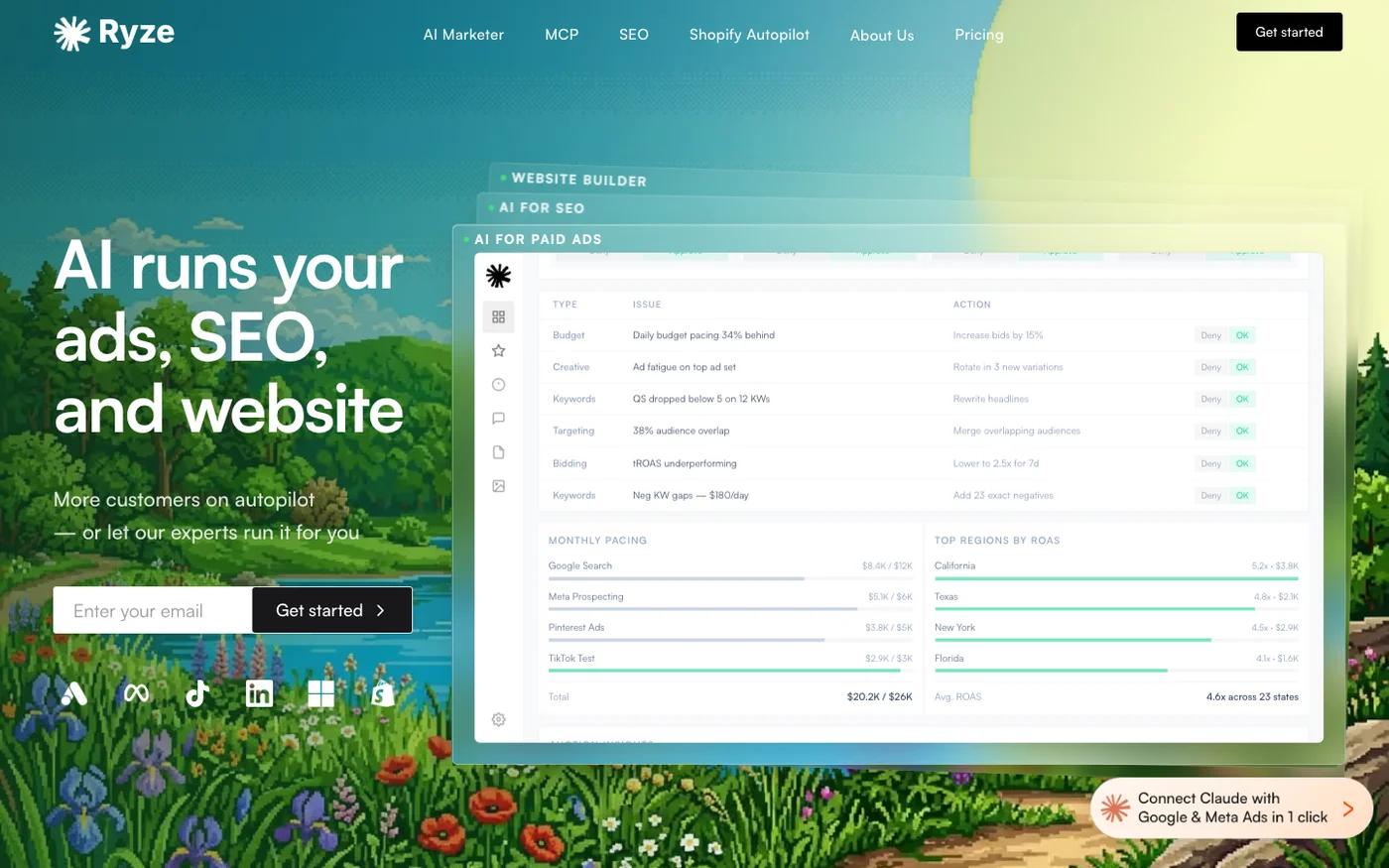
Its connector is free to connect, exposes 150+ tools across campaigns, keywords, search terms, budgets and reporting, reads and writes with approval controls, and needs no developer token or Cloud project. The paid autopilot starts at $89 a month as a flat fee that ignores your ad spend. Adspirer is the one to take if approval controls are not a firm enough guarantee.
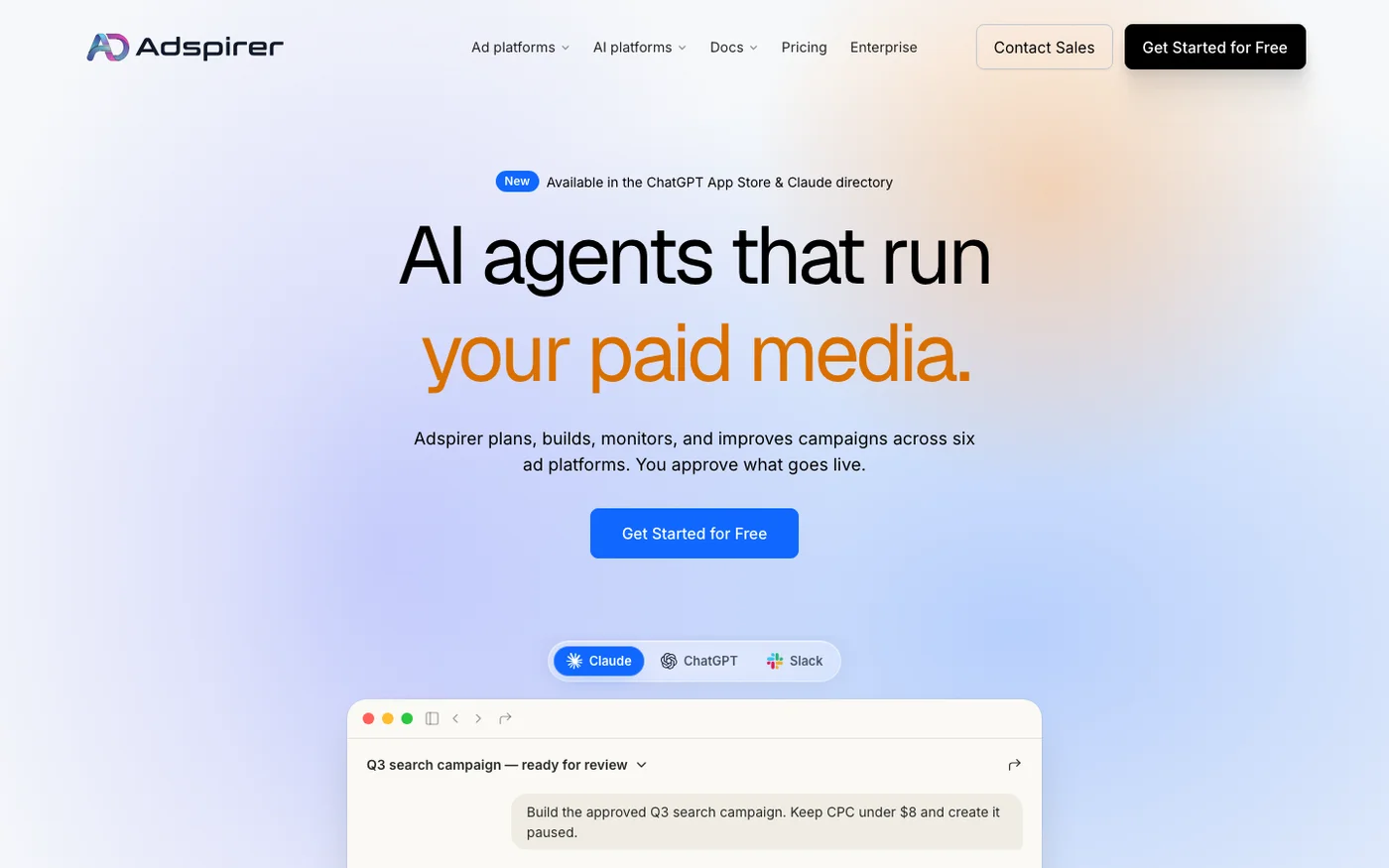
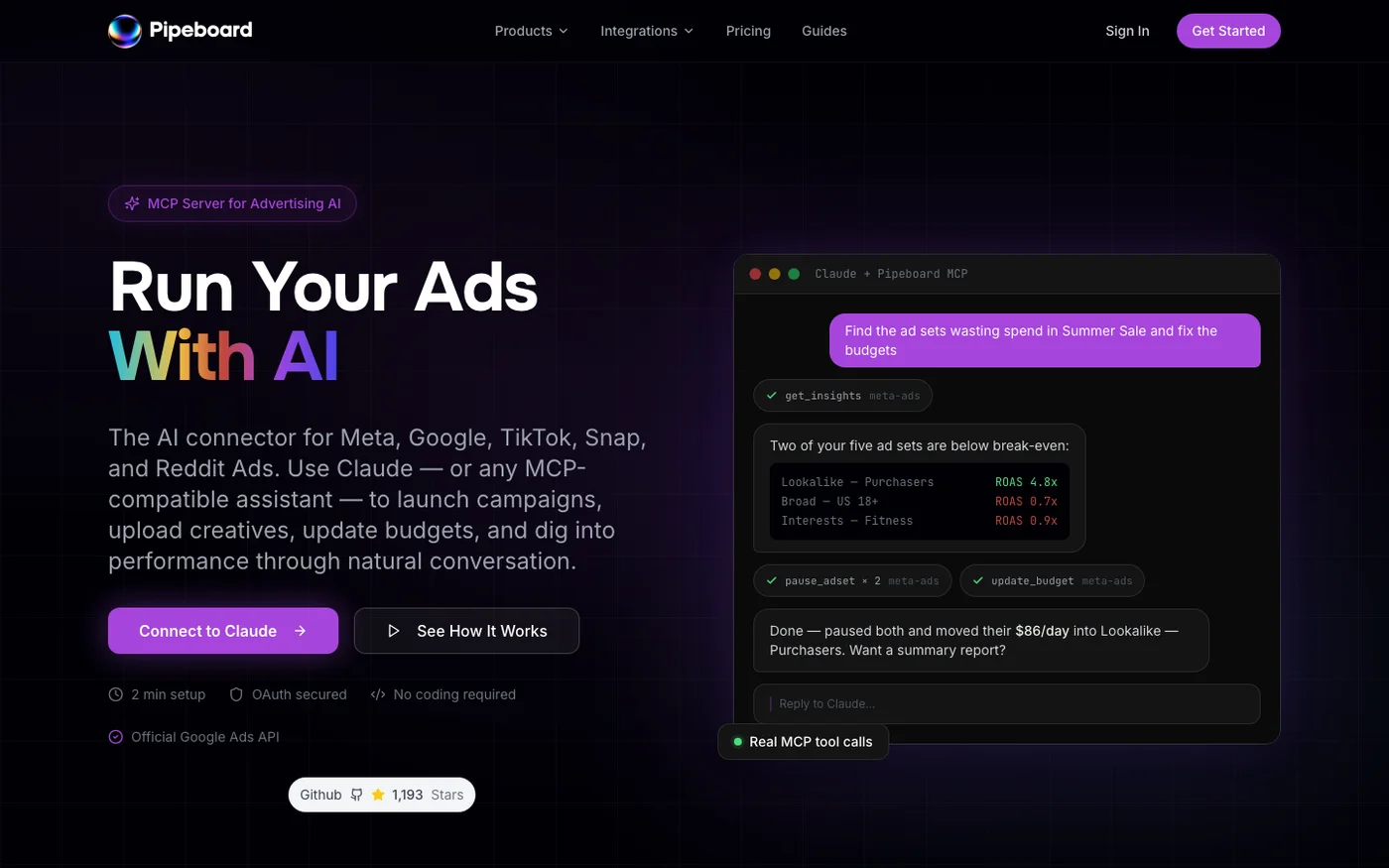
Around 100 tools across six ad platforms, installed from Claude's Connector Directory in about two minutes, and campaigns created paused for review so nothing can start spending on its own. Free for 15 tasks a month, then $49. Pipeboard is the value play at $29.90 a month, with per-platform endpoints that keep an agent's blast radius small and an open-source Meta server you can actually read.
Its free tier of 30 weekly executions is the most usable one here. For established PPC teams, Optmyzr from $209 a month has the deepest feature set and the most conservative MCP: it writes keywords only, with a forced preview. If you sell B2B SaaS and have no account yet, SaaS Ads Studio builds one from a brief for £149 a month. And if none of this appeals, that is a legitimate answer.
Opteo from $129 and Adalysis from $149 have no assistant access and are still good tools. groas at $999 a month skips the software question entirely and replaces the agency.
Read, write, or hand it over? Answer this before you compare features
Every tool below sits at one of three levels of trust, and picking the level first collapses a ten-way decision into a three-way one.
Read only. Google's own MCP server, free. An assistant can query anything in your account through GAQL and cannot change a thing. If your actual complaint is "I do not want to build another report", stop here and spend nothing.
Write with rails. Adspirer, Pipeboard, Ryze AI, Optmyzr and SaaS Ads Studio all let an assistant change things, and each one constrains it differently. Optmyzr is the most cautious: keywords only, mandatory preview, everything else stays in the interface. Adspirer will build a whole Performance Max campaign but leaves it paused for you to launch. That distinction is the single most important thing on this page and no pricing table shows it.
Hand it over. groas takes the account and runs it, with a human account manager owning the guardrails. There is no MCP because there is no conversation: you are buying an outcome, not a tool.
Most people reading this need level one and buy level two. Try the free option for a fortnight before deciding you need more, because the answer is often that you did not.
If you have already installed Google's server and hit its read-only wall, what each alternative does that Google's cannot is the same ten tools sorted by that one question.
Overview
Quick comparison
| # | Tool | Price |
|---|---|---|
| 1 | Free connector / $89 mo | |
| 2 | Free / $49 mo | |
| 3 | Free / $29.90 mo | |
| 4 | Free | |
| 5 | From $209/mo |
Show all 10 tools
| 6 | Free / £149 mo | |
| 7 | Free MCP install | |
| 8 | From $129/mo | |
| 9 | From $149/mo | |
| 10 | $999/mo |
Rankings
My Top Picks
Ryze AI
A hosted MCP connector exposing 150+ Google Ads tools with read and write access, free to connect, plus a paid autopilot product on top.
Key Features
✓Pros
- Largest tool count of any MCP connector in this comparison
- Free to connect, so write-capable MCP access costs nothing to try
- No developer token or Cloud project, unlike Google's own server
- Search Console and GA4 alongside the ad platforms in one connection
✗Cons
- MCP endpoint is a default Cloud Run hostname, not a branded, stable-looking domain
- No published server card or developer documentation site
- Scale figures on the site are vendor claims with nothing independent behind them
- Approval controls are a softer guarantee than campaigns that land paused by default
Adspirer
MCP-native ad ops covering six platforms, with over 100 tools and campaigns created paused for your approval.
Key Features
✓Pros
- Widest platform coverage of any MCP in this comparison
- Campaigns land paused, so an agent cannot spend money by surprise
- Connector Directory install is genuinely a two-minute job
- Task pricing does not punish you for scaling ad spend
✗Cons
- A task is a variable unit, so heavy build months burn a tier fast
- No dashboard of its own, which is a problem if a client wants a login
- Six platforms of surface area means a broad agent permission by default
Pipeboard
Separate MCP endpoints per ad platform, built on the official Meta and Google Ads APIs, with an open-source Meta server behind it.
Key Features
✓Pros
- Cheapest paid entry point of any MCP-first tool here
- Per-platform endpoints keep an agent's blast radius small
- Open-source Meta server means the write path is auditable
- Free tier is usable rather than a demo
✗Cons
- Priced by ad account slots, so agencies jump tiers on client count alone
- Scoped tokens are not on the free plan
- Reporting depth is thinner than a full PPC platform like Optmyzr
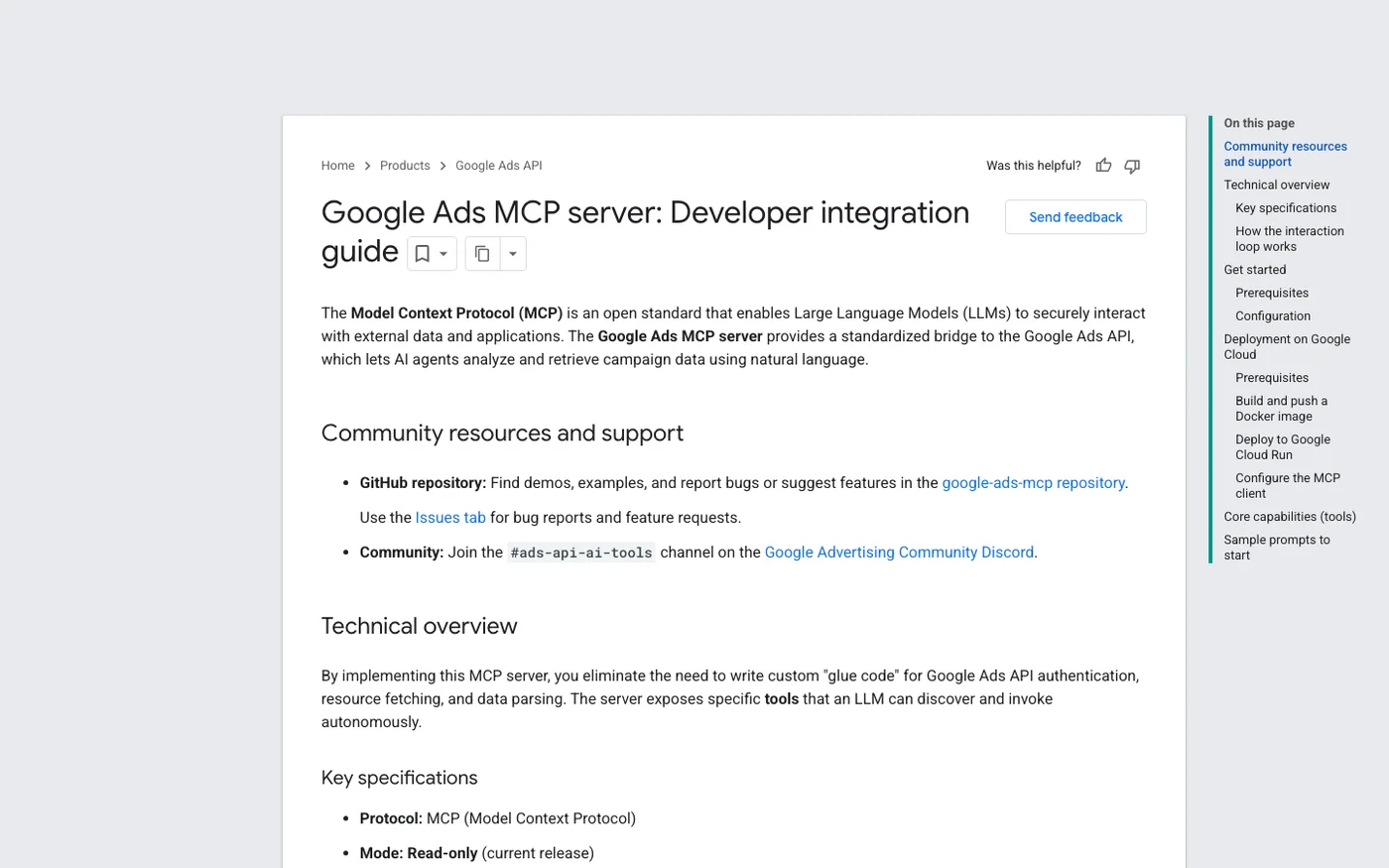
Google Ads MCP Server
Google's own first-party MCP server for the Google Ads API. Three tools, strictly read-only, free.
Key Features
✓Pros
- Free, first-party, and it will not be deprecated out from under you
- Read-only means an agent literally cannot spend your money
- GAQL through the assistant answers almost any reporting question
✗Cons
- Cannot change anything, which for many people is the entire point of automation
- Google Ads only, no Meta, TikTok or LinkedIn
- Setup needs a Cloud project, a developer token and comfort in a terminal
- No account structure opinions, no recommendations, no guardrails
Optmyzr
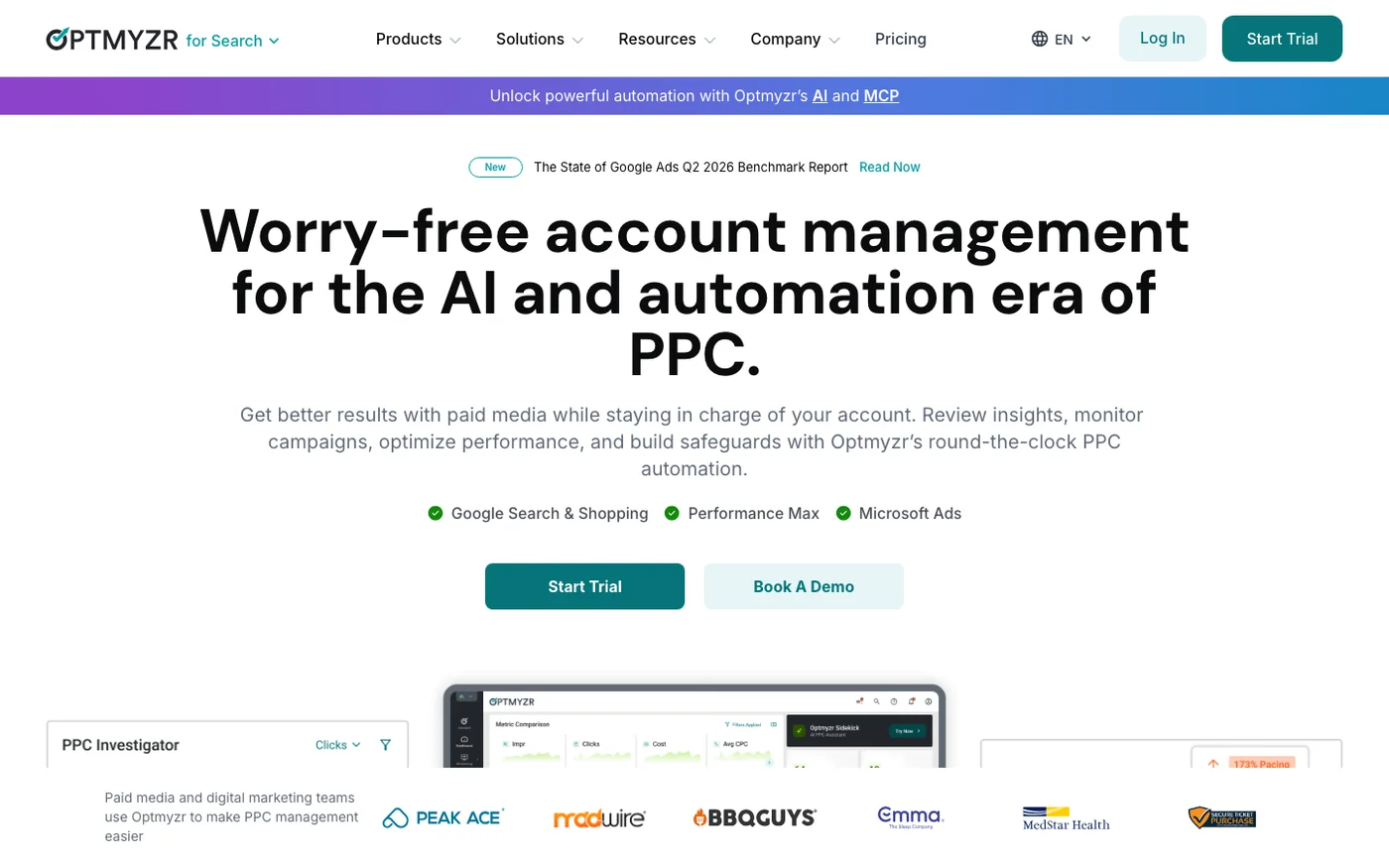
The established PPC toolkit, with a Sidekick MCP on every paid plan and a hard limit on what it will write.
Key Features
✓Pros
- The deepest PPC feature set of anything in this roundup
- MCP included on every paid plan rather than gated to enterprise
- Narrow write scope with a forced preview is the safest write model here
- Six ad platforms under one subscription
✗Cons
- By far the highest entry price of the tools with published pricing
- The MCP cannot make campaign changes beyond keywords
- One connector per MCP URL, so multi-account setups need URL parameters
- Hard to justify below roughly $25K monthly ad spend
SaaS Ads Studio
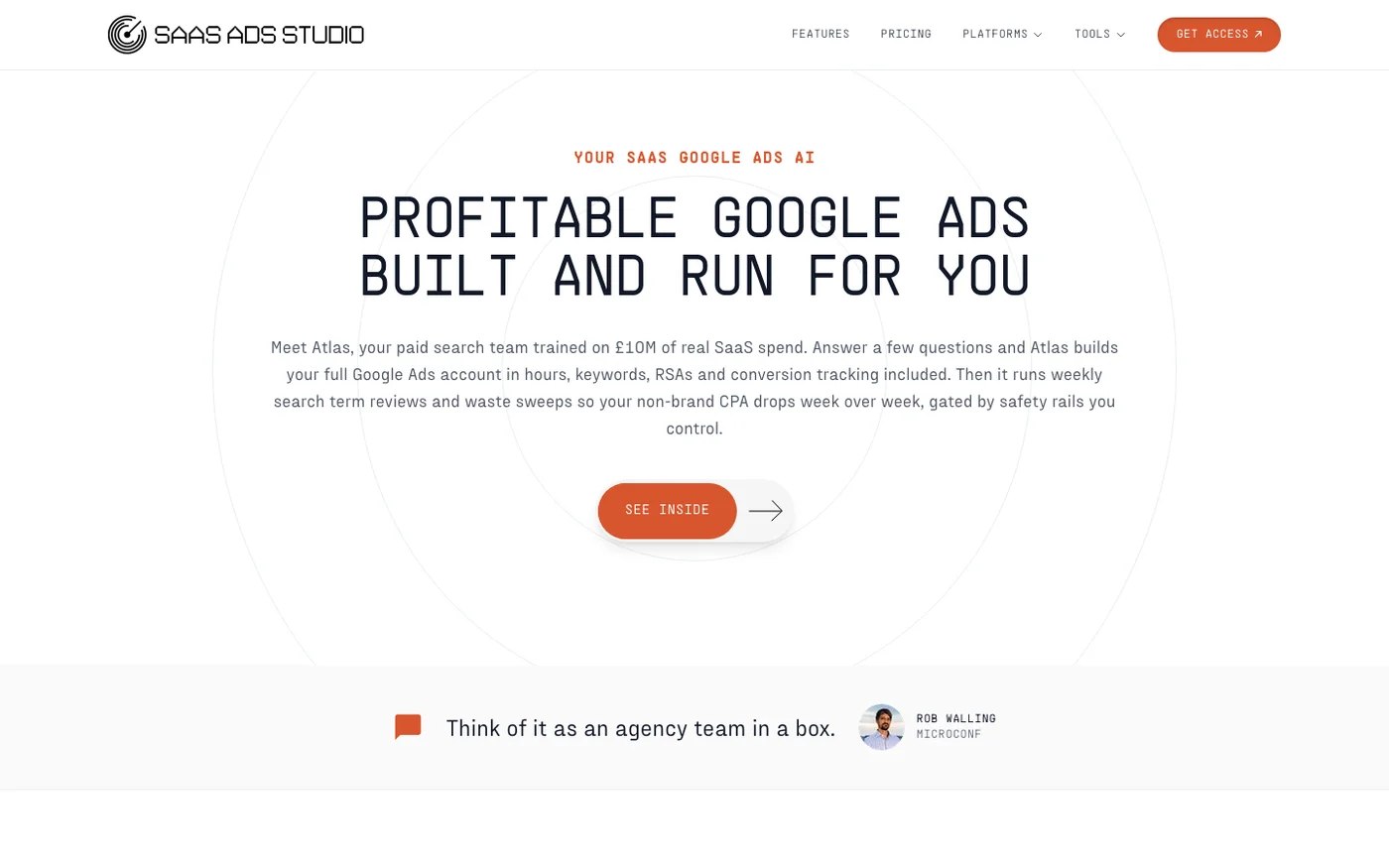
Atlas builds your Google Ads account from a brief, then runs weekly waste sweeps, with its own MCP server.
Key Features
✓Pros
- The only tool here that builds the account rather than assuming one exists
- Category focus means the defaults are right for B2B SaaS out of the box
- The £299 tier buys automation plus human review for less than either usually costs
- Real free tier including conversion tracking setup
✗Cons
- Built for B2B SaaS, so the specialisation is a liability for anyone else
- Priced in pounds, which is an FX variable if you budget in dollars
- Smallest company here, with the shortest track record
- Third-party directories carry stale pricing for it, so check the site

BlueAlpha
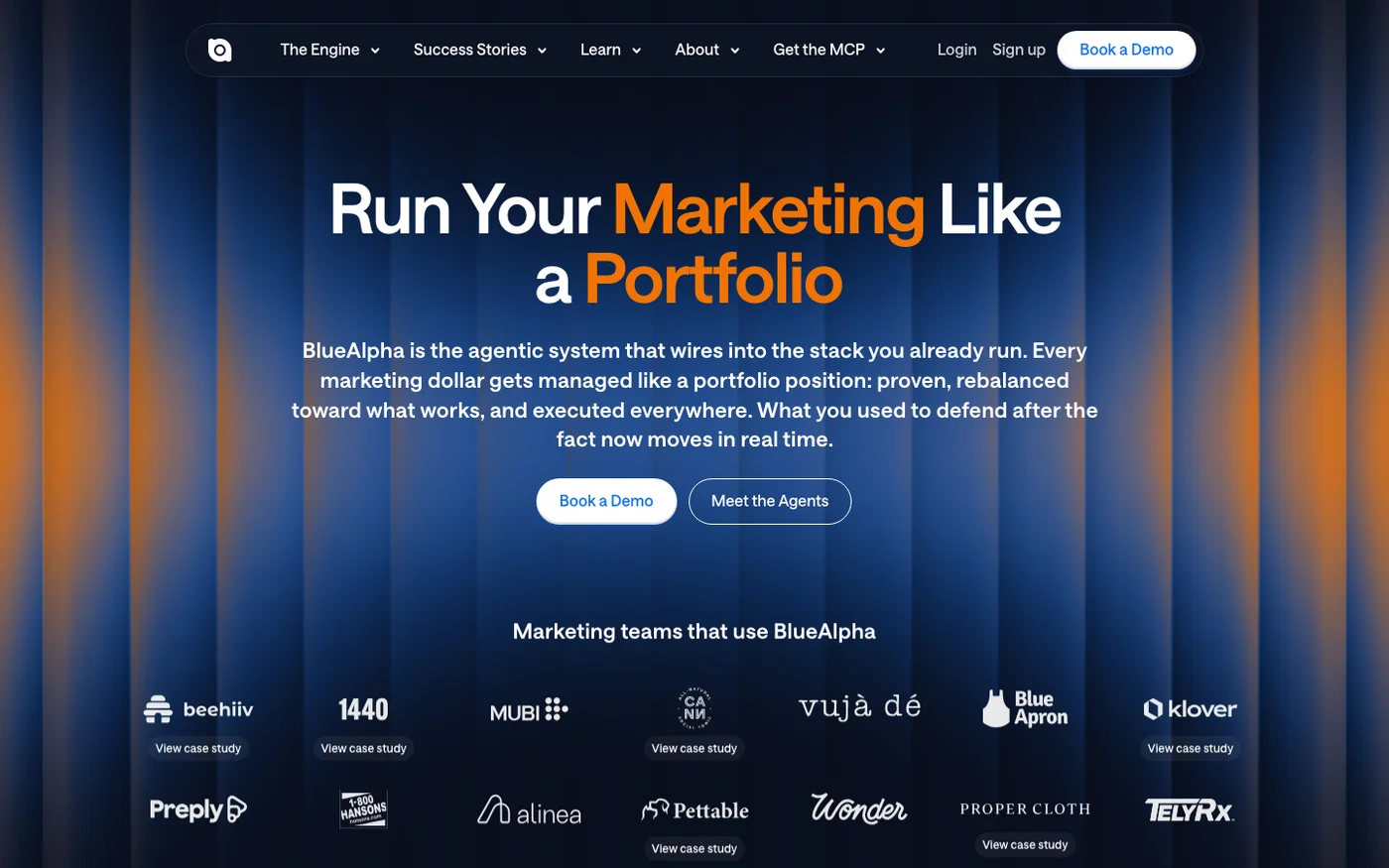
Agent-based paid media platform with a free MCP covering four ad platforms, built around causal measurement.
Key Features
✓Pros
- The only tool here answering incrementality rather than optimisation questions
- Free MCP install makes it a cheap second opinion on an existing account
- Four platforms with genuinely platform-specific capabilities
✗Cons
- No published endpoint, auth method or platform pricing
- The valuable parts (MMM, competitive indexing) are client-only
- Measurement focus means it will not do your day-to-day account work

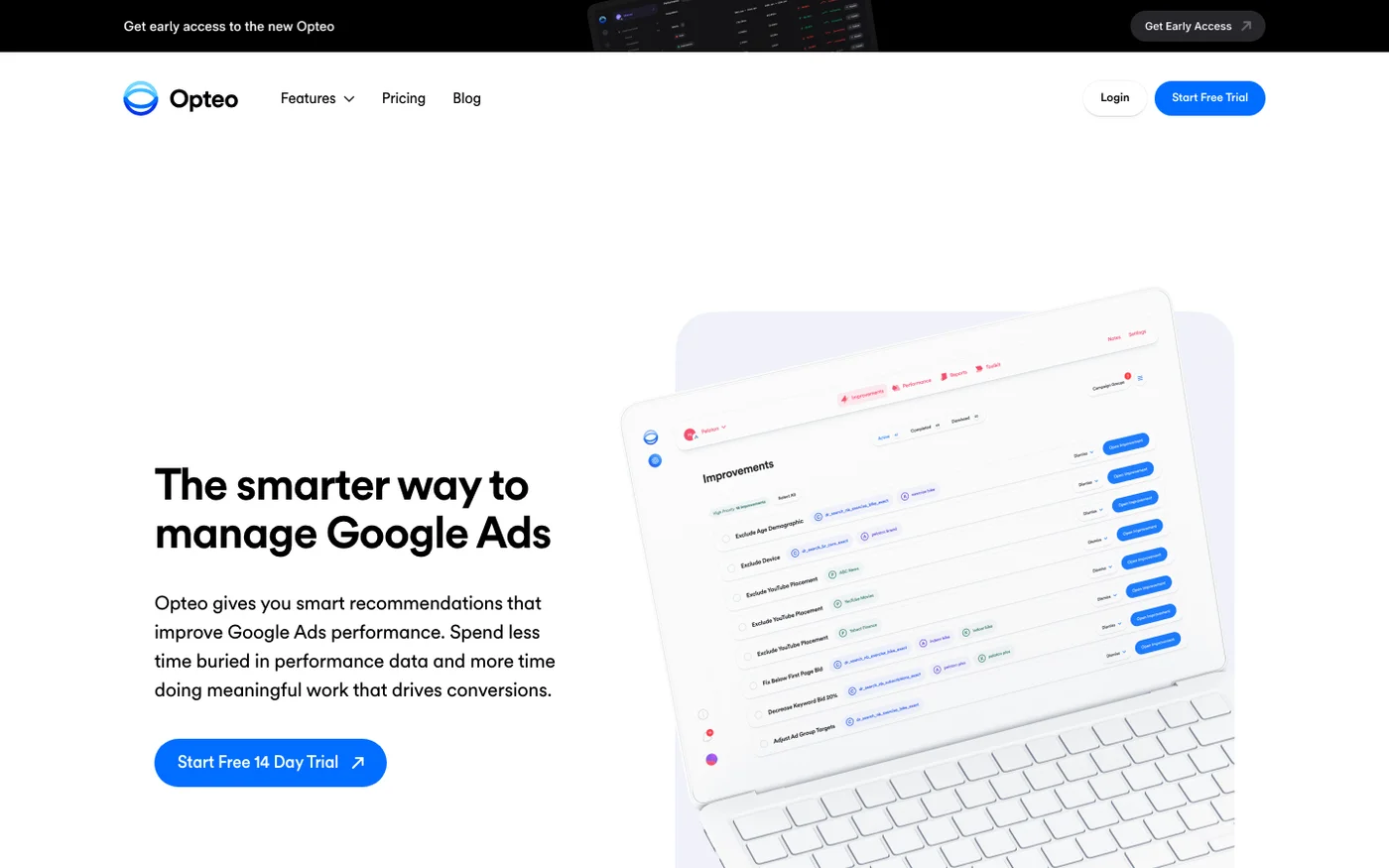
Opteo
Google Ads optimisation built on prioritised recommendations you review and apply individually.
Key Features
✓Pros
- Every change gets a human decision, which is the right default for many accounts
- Recommendations are specific and prioritised rather than a generic audit dump
- Cheaper entry than Optmyzr with a similar review-first philosophy
✗Cons
- No MCP or API-driven assistant access at all
- Google Ads only
- 24-hour refresh on the entry plan is slow for volatile spend

Adalysis
Over 100 automated daily checks ranked by urgency, plus a serious ad-testing engine.
Key Features
✓Pros
- The most thorough automated account auditing in this comparison
- Ad testing acts on statistical significance, not on vibes
- One plan, so there is no feature-gating puzzle to solve
✗Cons
- No MCP or assistant access
- Audit-first, so it tells you what is wrong more than it fixes it
- Spend-tiered pricing means success moves you up a tier automatically
groas
A fully autonomous paid search engine with a named human account manager, priced as an agency replacement.
Key Features
✓Pros
- Priced against an agency retainer rather than against software, and undercuts most
- The trial does not start until the engine is actually running
- Human account manager included rather than sold as an upgrade
✗Cons
- No MCP server or assistant access of any kind
- The $15,000 monthly spend cap is low for a serious ecommerce advertiser
- You are buying an outcome, so you give up direct control of the account work
- Highest monthly price in this roundup by a wide margin
What I left out, and why it matters here
If you have been researching this category you will have seen "alternatives" pages listing Optmyzr next to Directive next to Madgicx as if they were the same kind of thing. They are not, and the mixing is why the category is confusing.
Agencies are not software. Directive, Hey Digital, Refine Labs and Powered by Search appear on tool comparison lists constantly. They are agencies. They will run your ads with humans, they bill a retainer, and comparing their "pricing" to a $129 software subscription is meaningless. If you want an agency, hire one. Just do not shortlist one against Opteo.
Meta-first tools are not Google Ads tools. Madgicx is a capable platform and it is built around Meta. It has no MCP server, so it cannot be driven by an assistant at all. It belongs on a Facebook ads roundup, not this one.
Legacy names carry legacy assumptions. WordStream is now part of LocaliQ and the product people remember is not the product they would buy today. I would rather leave it out than describe something stale.
Padding stayed out. A handful of newer names surface constantly in this category, almost entirely through their own comparison blogs, and a big content operation is not evidence that a product is thin. Ryze AI is on this list precisely because I went and checked rather than assuming: its MCP connector, tool count and pricing are all documented on its own site and it earned a place. Anything I could not confirm against first-party documentation is still absent, because a roundup padded with tools nobody checked is worth less than a shorter one.
Meta-first tools have their own page now. Madgicx, Pipeboard's Meta server, Markifact and the rest are compared in my roundup of Facebook and Meta ads automation tools, where the picture is almost inverted: Meta ships a first-party MCP that appears to be gated, so the third-party servers are the ones that work today.
Before you give an agent write access to live ad spend
Analytics MCPs are low stakes: the worst case is a wrong number. Ads MCPs spend money. Four things are worth setting up before you connect one.
Start read-only for a fortnight. Use Google's free server and find out what you actually ask for. Most people discover their real need was reporting, and the ones who genuinely need write access arrive at it with a clear list of what they want written.
Prefer scoped credentials. Pipeboard offers permission-scoped tokens from its Pro plan up. Use them. A credential that can read performance and adjust budgets but cannot create campaigns is a smaller mistake than one that can do everything.
Check the default state of anything created. Adspirer creating campaigns paused is not a small detail, it is the difference between reviewing a draft and discovering a live spend. Ask what state a new campaign lands in before you let anything build one.
Do not run it unattended. An agent with write access to ad spend should not be on a schedule. Run it when you are watching. Every tool here is faster than doing the work by hand even with you sitting in the loop, so the unattended version buys you very little and risks a great deal.
The same logic applies to any tool you connect to an assistant, and my guide to using MCP with marketing tools covers the general version of this.
Methodology
How I chose these
I sorted these on four things: whether an MCP server exists, whether it can write or only read, what the write path is protected by, and the real monthly price. Provenance mattered more here than in any category I have looked at.
Probing endpoints was useless: one vendor returns HTTP 200 on /.well-known/mcp/server-card.json with a JavaScript app shell, and another returns 200 on /mcp with a marketing page. Both would read as a working MCP server to anything checking status codes.
Every server named on this page was confirmed from the vendor's own documentation, with the endpoint, the auth method and the client list quoted from there. The search results are also unusually compromised. Several vendors in this category run large content operations publishing comparison posts about their competitors, and they rank well for rival brand names.
Nothing on this page is sourced from a competitor's blog. Write scope is graded rather than treated as a yes or no. Google's server writes nothing. Optmyzr writes keywords with a mandatory preview. Adspirer creates campaigns but leaves them paused. Adalysis pauses losing ad variants but only inside a test you defined.
Those are four different risk profiles and calling them all "automation" hides the only thing you need to know. Pricing was read from each vendor's own pricing page on 23 August 2026. One correction worth flagging: a third-party directory lists SaaS Ads Studio at four price points that do not match the vendor's own site. I used the vendor's.
Optmyzr and Adalysis publish separate list prices per currency, so those are quoted as published rather than converted. No vendor here is a paying partner of this site, and nobody was contacted before publication.
How to pick without reading all ten
You want answers, not changes. Google Ads MCP Server. Free, first-party, read-only. Try it before you buy anything.
You want an assistant that runs the account. Ryze AI. The largest tool surface here at 150+, free to connect, no developer token, and it covers Search Console and GA4 alongside the ad platforms.
You want a firmer safety guarantee than approval controls. Adspirer. Six platforms, campaigns land paused for review, priced per task rather than per ad spend.
You want that as cheaply as possible. Pipeboard at $29.90 a month, or its free tier if 30 executions a week covers you.
You already run PPC seriously. Optmyzr from $209 a month, with the safest write model here.
You are B2B SaaS with no account yet. SaaS Ads Studio at £149 a month builds it, then manages it.
Your question is whether the spend works at all. BlueAlpha, free MCP install, pointed at an account you run elsewhere.
You want changes reviewed by a human, always. Opteo from $129 or Adalysis from $149. No assistant access, and that is the point.
You want it off your desk entirely. groas at $999 a month, up to $15,000 in monthly ad spend.
If you are wiring several tools to an assistant, my roundup of web analytics tools applies the same read-versus-write test to the analytics side, and the best SEO APIs covers the search data equivalent.
FAQ
Frequently Asked Questions
Yes. Google publishes a first-party MCP server for the Google Ads API in its developer toolkit. It exposes three tools: list_accessible_customers, search (which runs GAQL queries), and get_resource_metadata. It runs locally in Python over stdio, authenticates with OAuth 2.0 or a service account, and installs via pipx. It is free. The critical limitation is that it is strictly read-only: in Google's own words it cannot modify bids, pause campaigns, or create new assets.
Adspirer creates campaigns across six platforms and leaves them paused for review. Ryze AI's connector reads and writes across 150+ tools with write actions behind approval controls. Pipeboard supports campaign and ad set operations including duplication and bulk changes, with permission-scoped tokens from its Pro plan. Optmyzr's Sidekick MCP writes positive and negative keywords with a mandatory preview and nothing broader. SaaS Ads Studio ships an Atlas MCP Server alongside a product that builds and manages accounts. Google's own server, Opteo, Adalysis and groas write nothing through an MCP.
Free, using Google's own MCP server, if reading data is enough. If you need write access, Ryze AI's connector is free to connect, Pipeboard's free tier gives 30 AI tool executions a week across two ad accounts, and Adspirer's free tier gives 15 tasks a month across all six of its platforms. The cheapest paid plans are Pipeboard Pro at $29.90 a month, Adspirer Plus at $49 and Ryze AI's Paid Ads Autopilot at $89. Optmyzr, the most established option, starts at $209 a month.
It depends entirely on the write scope, which is why that is graded rather than treated as yes or no here. A read-only server like Google's cannot cause damage. Adspirer creating campaigns paused means you review before anything spends. Optmyzr's keyword-only writes with a forced preview are narrower still. The risky configuration is a broad credential running unattended on a schedule, so use permission-scoped tokens where the vendor offers them, check what state new campaigns land in, and run agent sessions while you are watching.
Opteo at $129 a month for 10 accounts and $25,000 monthly spend is the closest like-for-like, with the same review-before-applying philosophy and no MCP. Adalysis at $149 a month is stronger on automated auditing and ad testing. If assistant access is what you want from Optmyzr, Adspirer at $49 a month or Pipeboard at $29.90 do more through an MCP than Optmyzr's does, though neither has Optmyzr's depth as a PPC platform.
Because alternatives pages in this category routinely mix them in. Directive, Hey Digital, Refine Labs and Powered by Search are agencies: they run ads with people and bill a retainer, usually a percentage of spend or a four-figure monthly fee. Comparing that to a $129 software subscription tells you nothing. The genuine software-versus-service hybrid here is groas at $999 a month, which pairs an autonomous engine with a named human account manager and prices itself explicitly against an agency retainer.
Adspirer covers Google, Meta, LinkedIn, TikTok, Amazon and ChatGPT Ads. Ryze AI covers Google, Meta and TikTok Ads plus GA4, Search Console and Shopify in the same connection. Pipeboard covers Meta, Google, TikTok, Snap and Reddit with a separate MCP endpoint per platform. Optmyzr covers Google, Microsoft, Amazon, Yahoo, Meta and LinkedIn. BlueAlpha covers Google, Meta, TikTok and LinkedIn. Google's own server, Opteo and Adalysis are Google Ads only, and SaaS Ads Studio covers Google plus Facebook.
Three different models, and they favour different advertisers. Adspirer charges per task, so cost tracks how much work you delegate rather than how much you spend on ads. Pipeboard charges per ad account slot, which is cheap for one brand and expensive for an agency with many clients. Optmyzr, Opteo and Adalysis all price by monthly ad spend tier, so growth moves you up a tier automatically. Ryze AI and groas both charge a flat fee that ignores ad spend entirely, at $89 and $999 a month respectively, though groas caps you at $15,000 of monthly spend. Model your cost at next year's spend, not this month's.

10+ years in digital marketing. I review marketing software for AI-stack fit: real pricing, MCP and API support, and how cleanly each tool drops into an AI agent workflow, cross-checked against verified data and real user feedback.