
This page may contain affiliate links.
Some links on this page are affiliate links, meaning I may earn a commission if you sign up (at no extra cost to you). This never influences my ratings or recommendations.
I confirmed that by hand rather than trusting a directory: a GET returns 405, a POSTed initialize request comes back with a structured "Authentication Required" MCP error, and an unknown path answers "MCP server not found for path". That is Meta's own MCP router, gated behind Business OAuth, and it is free. Then the problem starts. Meta's documentation pages for it return 404.
Its developer blog post renders empty. No Meta-published CLI exists on npm. Every specific claim in circulation, a count of 29 tools, three permission tiers, campaigns created paused, traces back to third-party blogs rather than to Meta. Pipeboard, which competes with it, states the endpoint is in a gated beta returning is_ads_mcp_enabled: false for most ad accounts.
That is a rival talking about a rival, but it is consistent with documentation you cannot reach. So the honest advice is: try it, because it is free and the OAuth flow answers the availability question in about a minute.
Then come back here, because if your account is not enabled, or the scope turns out to be narrower than you need, these eight all run on the standard Meta Marketing API and work on any account you already have access to. Each entry below answers one question: what does this do that Meta's own server does not?
Why Switch
Why people look for Meta Ads MCP Server alternatives
Availability appears limited, and Meta's own documentation for the server is not publicly reachable
Its tool count, permission scopes and write behaviour cannot be confirmed from any first-party source
It is Meta Ads only, so nothing else in your stack comes with it
No creative production: on Meta the asset decides performance and the endpoint does not build one
No pixel or Conversions API diagnostics, where a lot of Meta attribution quietly breaks
It reports Meta's own attribution, which is the most generous in advertising
No vendor support layer when something behaves unexpectedly
Alternatives
Best Meta Ads MCP Server alternatives
9 alternatives ranked.

Pipeboard
Top PickAnyone whose account was not let into Meta's rollout
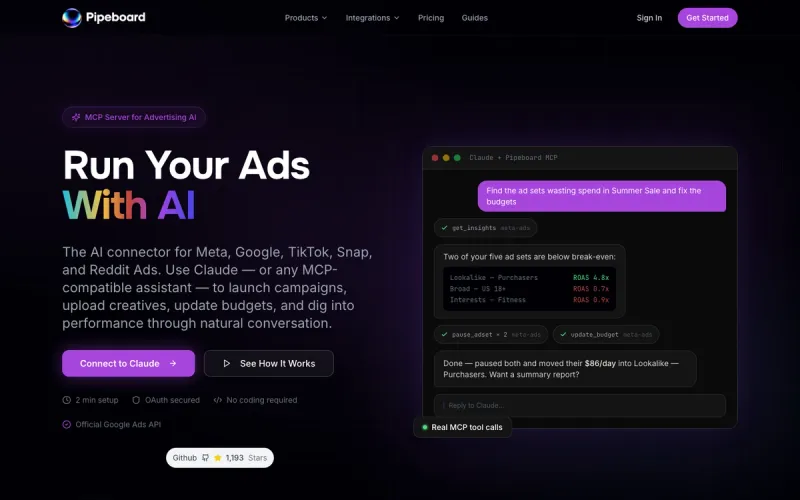
A source-available Meta Ads MCP with 30+ tools that creates every campaign paused by default.
Why consider Pipeboard
It works. Pipeboard runs on the standard Meta Marketing API, so it connects to any ad account you already have access to rather than depending on a beta gate.
Pros
- +Runs on the standard Marketing API, so no rollout to wait for
- +30+ Meta tools covering campaigns, creative, targeting and bulk operations
- +Campaigns created in PAUSED status by default, documented rather than promised
- +One-click duplication of campaigns, ad sets, ads and creatives
Cons
- −Priced by ad account slots, so agencies jump tiers on client count alone
- −Permission-scoped tokens start at the Pro plan
- −Thinner reporting than a dedicated analytics platform

Markifact
Media buyers whose bottleneck is creative and tracking, not campaign structure
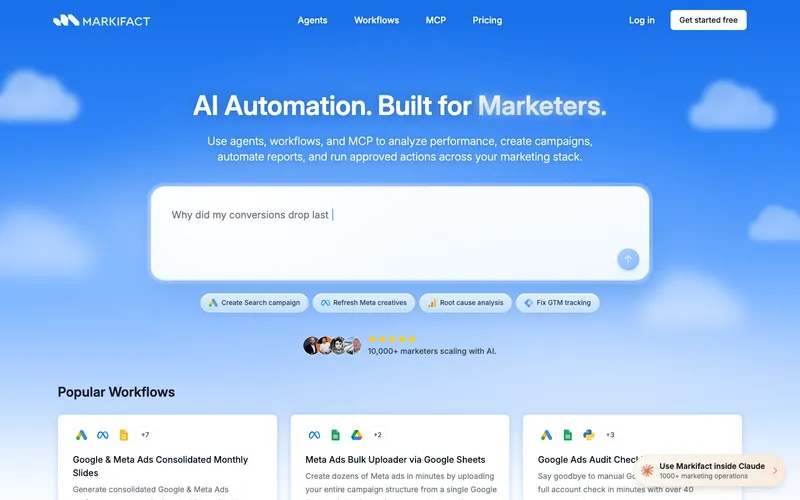
A Meta Ads MCP in Claude's connector directory covering creative production, audiences and pixel diagnostics, with approval on every write.
Why consider Markifact
It makes the creative and checks the pixel. On Meta the asset decides performance, and no first-party MCP claim covers building video, carousel and catalog ads or diagnosing Conversions API match quality.
Pros
- +Builds image, video, carousel and catalog ads and links them to ad sets
- +Inspects Meta Pixel and Conversions API setup, event coverage and match quality
- +Custom, lookalike and engagement audience management
- +Creative fatigue detection and budget shifting to winners
Cons
- −Credit-based pricing is hard to predict before you know your usage
- −Pro to Team is a jump from $79 to $249 with nothing between
- −Free tier is 200 one-time credits, so it is a trial not a plan

Adspirer
Advertisers running Meta alongside Google, TikTok and LinkedIn
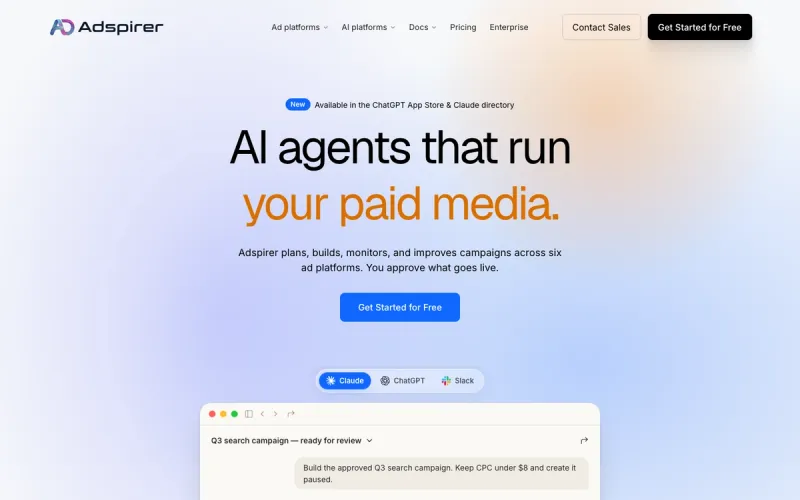
MCP-native ad ops across six ad platforms with campaigns created paused, priced per task rather than per account.
Why consider Adspirer
It covers five other ad platforms. Meta's server is Meta only, so a cross-channel question needs a second connection unless you start here.
Pros
- +Google, Meta, LinkedIn, TikTok, Amazon and ChatGPT Ads from one connection
- +Campaigns created paused for review
- +Installs from Claude's Connector Directory with OAuth in about two minutes
- +Priced per task, never as a share of ad spend
Cons
- −About 20 Meta tools, shallower than a Meta-first server
- −A task is a variable unit, so heavy build months burn a tier fast
- −No creative production or pixel diagnostics

Ryze AI
Teams who want ads, analytics and Search Console behind one connection
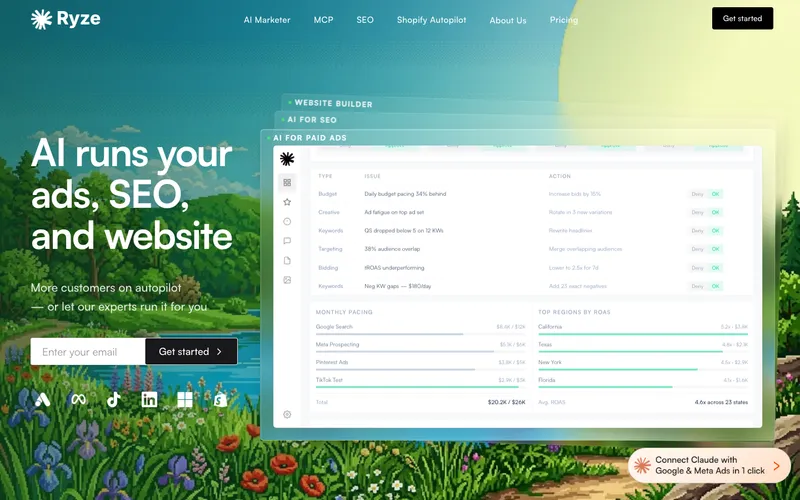
A hosted connector with 150+ tools spanning ad platforms and analytics sources, free to connect.
Why consider Ryze AI
It brings the rest of the stack. One connection covers Meta, Google and TikTok plus GA4, Search Console and Shopify, which no ad-platform MCP does.
Pros
- +Largest tool surface in this comparison at 150+
- +Free to connect, so write-capable access costs nothing to trial
- +Analytics and Search Console alongside the ad platforms
- +Read and write with approval controls, or keep it read-only
Cons
- −Endpoint is a default Cloud Run hostname rather than a branded domain
- −No published server card or developer documentation site
- −Scale claims are vendor-stated with nothing independent behind them

Bïrch (formerly Revealbot)
Advertisers who want automation running whether or not they are in a chat window
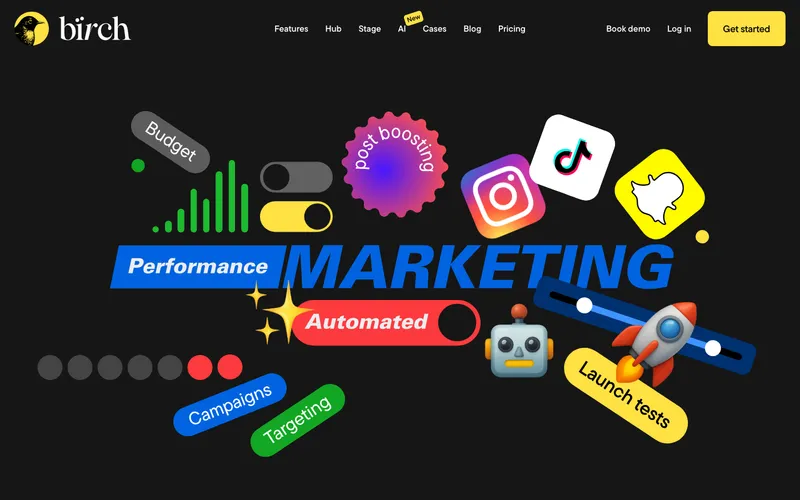
The long-running Meta automation-rules platform, rebranded from Revealbot, with an MCP for rules, logs and account structure.
Why consider Bïrch (formerly Revealbot)
It acts without being asked. An MCP only does something when you prompt it; Bïrch's rules run continuously, and its MCP exists to explain what they did.
Pros
- +Rules run continuously: budget scaling, CPA-based pausing, post boosting
- +MCP at mcp.bir.ch/mcp explains why a rule fired, instead of you reading logs
- +One-command Claude Code setup with no API key
- +Years of track record under the Revealbot name
Cons
- −The MCP reads Bïrch's own data rather than writing to your ad account
- −Spend-tiered pricing with overages above your limit
- −Older guidance still points at the Revealbot name

BlueAlpha
Teams who suspect Meta's reported ROAS is flattering them
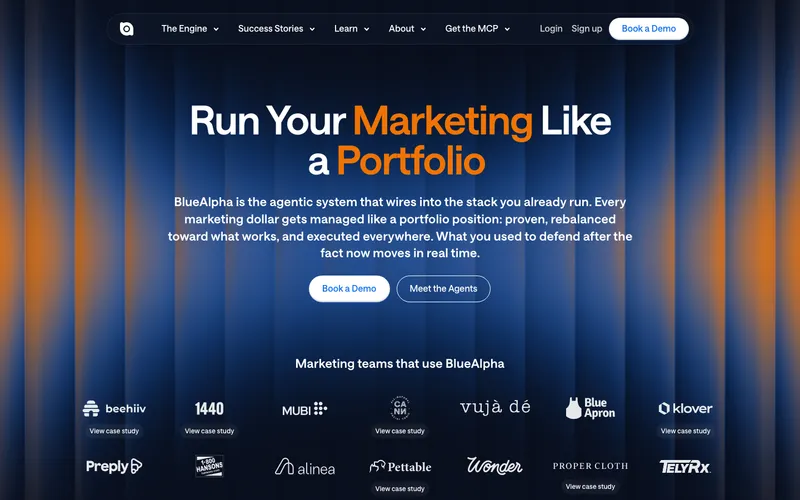
Agent-based paid media platform with a free MCP giving Meta account structure, performance breakdowns and creative fatigue detection.
Why consider BlueAlpha
It does not take Meta's word for it. Meta's own server reports Meta's own attribution; BlueAlpha runs causal MMM and incrementality testing, which is the only way to check it.
Pros
- +Incrementality and causal MMM rather than platform-reported ROAS
- +Free MCP install, so it is a cheap second opinion on an account run elsewhere
- +Full Meta account structure and performance breakdowns
- +Covers Google, TikTok and LinkedIn for cross-channel reallocation
Cons
- −No published endpoint URL, auth method or platform pricing
- −Marketing mix modelling and competitive ad indexing are client-only
- −Will not do your day-to-day campaign work

Optmyzr
PPC teams who run Meta as a secondary channel behind search
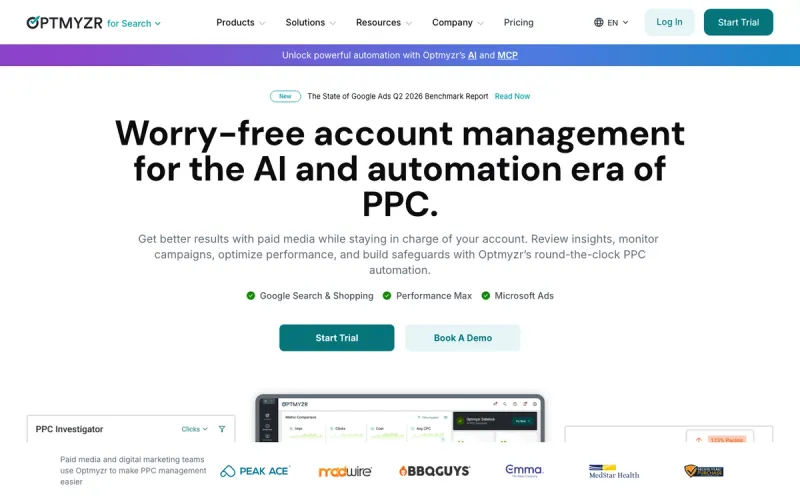
The established PPC platform covering Meta among six channels, with a Sidekick MCP and a deliberately narrow write scope.
Why consider Optmyzr
It puts Meta inside a real PPC platform. Meta's server gives you an endpoint and nothing else; Optmyzr adds reporting, alerting and a Rule Engine across six ad channels.
Pros
- +Six ad platforms under one subscription and one bill
- +MCP included on every paid plan rather than gated to enterprise
- +Reporting, competitor analysis, alerts and Rule Engine strategies
- +The most cautious write model here, with a forced preview
Cons
- −The MCP writes keywords only, which does nothing on a Meta campaign
- −Built for search first, so Meta is a secondary channel in the product
- −Highest entry price here at $209/month

Madgicx
Ecommerce teams who would rather have opinionated defaults than a prompt box
A Meta-first ecommerce ad platform bundling automation, targeting, analytics and creative, with no MCP server.

Why consider Madgicx
It removes the assistant from the equation. Nobody has to learn what to ask for, because the platform ships ecommerce defaults built from a lot of Meta spend.
Pros
- +One opinionated platform instead of a toolkit you assemble
- +Ecommerce defaults for targeting, creative and automation
- +Cheapest entry of the full platforms here at $45/month
- +7-day free trial
Cons
- −No MCP server at all: /mcp returns 404 and MCP appears only as blog content
- −Full pricing only visible inside the app once it reads your ad spend
- −Meta-first, so other channels are barely covered

Crush
Small advertisers with no media buyer who do not want to learn one
An AI media buyer that runs Facebook ad copy, creative, targeting and budget on autopilot, with no MCP to connect.

Pros
- +No MCP, no prompting and no media buying knowledge required
- +Runs copy, creative, targeting and budget rather than reporting on them
- +Cheap during the intro period and cancellable in one click
Cons
- −Renews at $79.95/month, four times the advertised intro rate
- −No MCP and no API, so no assistant access at all
- −You give up direct control of the account work
Checklist
What to look for in an alternative
Test Meta's own server before comparing anything. It costs nothing, and whether your account is enabled decides which half of this page matters to you. After that, judge on write model rather than tool count. The distinction that matters is between a documented default and a promised workflow. Pipeboard states campaigns are created in PAUSED status, which is a property of the system.
Approval controls are a workflow you can click through in a hurry when you are busy. Both are reasonable, and they are not the same guarantee. Check what "supports Meta" actually means, because the platform list lies. Optmyzr supports Meta and its MCP writes only keywords, which does nothing to a Meta campaign. Bïrch's MCP reads its own rules and execution logs rather than touching your ad account.
Adspirer covers six platforms with roughly 20 Meta tools, where Pipeboard covers Meta alone with 30+. Count the per-platform tools, not the logos. Weigh creative separately. On Google the work is words: keywords, match types, negatives.
On Meta the work is the asset, so a server that builds video, carousel and catalog creatives is doing the job, and one that only manages campaign structure is doing the admin around it. And treat attribution as its own question. Meta's numbers are the most generous in advertising, so a tool that only reads Meta's reporting inherits Meta's optimism.
That is the argument for pointing something incrementality-shaped at the account alongside whatever runs your day-to-day. The full comparison, including the three that have no useful Meta write path at all, is in my roundup of Facebook and Meta ads automation tools.
The search-side equivalent, where Google's own MCP is free and strictly read-only, is the Google Ads automation roundup, and if MCP itself is new, start with the practical guide to using MCP with marketing tools.
FAQ
Frequently Asked Questions
Two reasons. Availability appears limited: Meta's documentation for the server returns 404, and Pipeboard states the endpoint is a gated beta reporting is_ads_mcp_enabled: false for most accounts. And even where it works, it is Meta Ads only, with no creative production, no Pixel or Conversions API diagnostics, and no way to check Meta's own attribution against an incrementality measurement. Test it first, because it is free and takes a minute to find out.
Pipeboard, Markifact, Adspirer and Ryze AI all run on the standard Meta Marketing API, so they work on any ad account you already have access to. Pipeboard is the most Meta-specific with 30+ tools and campaigns created paused by default. Markifact has the widest Meta feature coverage including creative production and Pixel diagnostics. Adspirer and Ryze AI treat Meta as one platform among several.
Markifact is the one that does this properly: image, video, carousel and catalog ads, connected to campaigns and ad sets in one workflow. Pipeboard handles creative upload including carousels and A/B testing. This matters more on Meta than on any other channel, because the creative asset is what decides performance, so a server that only manages campaign structure is handling the admin rather than the work.
Meta's own is free, so start there. Among alternatives, Ryze AI's connector is free to connect, Pipeboard's free tier gives 30 tool executions a week across two ad accounts, and Markifact starts with 200 one-time credits. The cheapest paid plans are Pipeboard Pro at $29.90 a month and Adspirer Plus at $49. Markifact is $79 with unlimited ad accounts, and Optmyzr starts at $209.
Yes, it rebranded to Bïrch and now lives at bir.ch. The automation-rules product is the same, and it has since added an MCP at mcp.bir.ch/mcp which I verified is live and OAuth-gated, with setup documented for Claude.ai, ChatGPT, Claude Code and Codex. Its MCP covers rule setup, execution logs and account structure rather than writing to your ad account, which is a sensible split: the rules do the acting, and the assistant explains what they did. Pricing starts at $49 a month for up to $10K in monthly ad spend.
No. Its /mcp path returns 404 and the only MCP URLs in its sitemap are two blog posts about ads MCPs in general, with no product page and no endpoint. Madgicx bundles automation, targeting, analytics and creative into one Meta-first ecommerce platform rather than exposing your account to an assistant, starting at $45 a month billed monthly at the lowest ad spend band. That is a different design choice rather than a missing feature, and it suits teams who would rather not learn to prompt.
If your account is enabled, yes, and it costs nothing. A first-party connection has no third party between the assistant and your ad account, which is the cleanest route to raw account data. A sensible setup is Meta's server for reading, plus one third-party server for the work it does not do, whether that is creative production, cross-channel coverage or incrementality. The one thing to avoid is connecting several overlapping Meta MCPs at once, because the assistant then has to choose between near-identical tools and will sometimes choose badly.
Still considering Meta Ads MCP Server?
Read the full review for the complete breakdown.

Joonas Rotko
Author & founder of That Marketing Buddy
I score marketing software for AI-stack fit (MCP, API, agent-readiness), backed by 10+ years in digital marketing. I track 60+ tools so you can find the right fit.
This page may contain affiliate links. I earn a commission at no extra cost to you. This never influences the recommendations.