
A Pinterest automation tool does the repetitive Pinterest work for you: generating pins from your content, writing titles and descriptions, picking boards, and scheduling everything so your account stays active without daily effort. I compared 7 of the best for 2026.
I ranked them on what actually moves the needle for a marketer: how much of the pin-making and scheduling each one automates, which platforms it connects to (WordPress, Shopify, Etsy and the rest), how easy it is to run hands-off, and what it costs.
As a tiebreaker I also checked AI-stack fit, meaning whether the tool exposes a clean API or an MCP server an external agent can drive, since that is where this category is heading. BlogToPin is my overall pick because it automates the part everyone hates, making the pins.
Tailwind is the most Pinterest-native scheduler, Metricool is the best fit if you want your own AI agents to run the show, and Publer is the budget option that still ships an API. Verified against each vendor's live site in June 2026.
This page may contain affiliate links.
Some links on this page are affiliate links, meaning I may earn a commission if you sign up (at no extra cost to you). This never influences my ratings or recommendations.
Overview
The landscape
I track 22 tools in this category. Prices range from $1/mo (Zernio) to $149/mo (Ayrshare). The median starting price is $20/mo, so anything below that is a good deal.
10 tools offer free plans: Zernio, Publer, Unipile, Buffer, and 6 more.
This roundup covers the 9 I consider worth a serious look. Each one is ranked with real pricing data, aggregated user ratings, and my honest take.
Audience
Who is this guide for?
- ✓Bloggers who want pins made from posts they already publish
- ✓Ecommerce and Etsy sellers automating product pins
- ✓Solo marketers who want a Pinterest queue that runs itself
- ✓Agencies scheduling Pinterest across many client accounts
- ✓Teams building toward an AI-driven, API-connected social stack
Quick picks
Which tool is right for you?
Skip the scroll. Pick your situation:
What is a Pinterest automation tool?
A Pinterest automation tool is software that handles the repetitive parts of Pinterest marketing for you. At a minimum it schedules pins so you do not have to post manually. The better ones go further and automate creation: they read your blog posts or product pages, generate pin images, write SEO titles and descriptions, match each pin to the right board, and then queue everything out over days or weeks. Some also recycle your best evergreen pins on a loop. The dividing line in 2026 is whether a tool just schedules what you make, or actually makes the pins for you, which is where the real time savings are.
Quick verdict
BlogToPin is the best Pinterest automation tool for most people: it turns your blog posts and products into scheduled, SEO-optimized pins automatically. Tailwind is the most Pinterest-native scheduler and has a real free plan. Metricool is the best AI-stack fit thanks to its official MCP server and API.
Publer is the cheapest option that still gives you an API, Pin Generator is the fastest for bulk pin design, and RecurPost is the budget pick for evergreen recycling. Match the tool to whether your bottleneck is making pins or scheduling them.
How I picked and ranked these
I started from the job most marketers actually want done: keep a Pinterest account active and driving traffic without spending hours in the tool. So I ranked on automation depth first (does it make pins or only schedule them), then integrations, hands-off running and price. AI-stack fit (API and MCP) is the tiebreaker, not the headline, because it is where the category is heading even if it is not what most buyers sort on today. Tools that are pure analytics dashboards, or generic schedulers with no real Pinterest support, were left off.
Overview
Quick comparison
| # | Tool | Price |
|---|---|---|
| 1 | $25/mo | |
| 2 | From $16.99/mo | |
| 3 | From $17.99/mo (billed annually) | |
| 4 | From $9/mo, or $90/yr | |
| 5 | From $22/mo (billed annually) |
Show all 9 tools
| 6 | From $19/mo | |
| 7 | $5/mo | |
| 8 | $29/mo | |
| 9 | $9/mo |
Rankings
My Top Picks

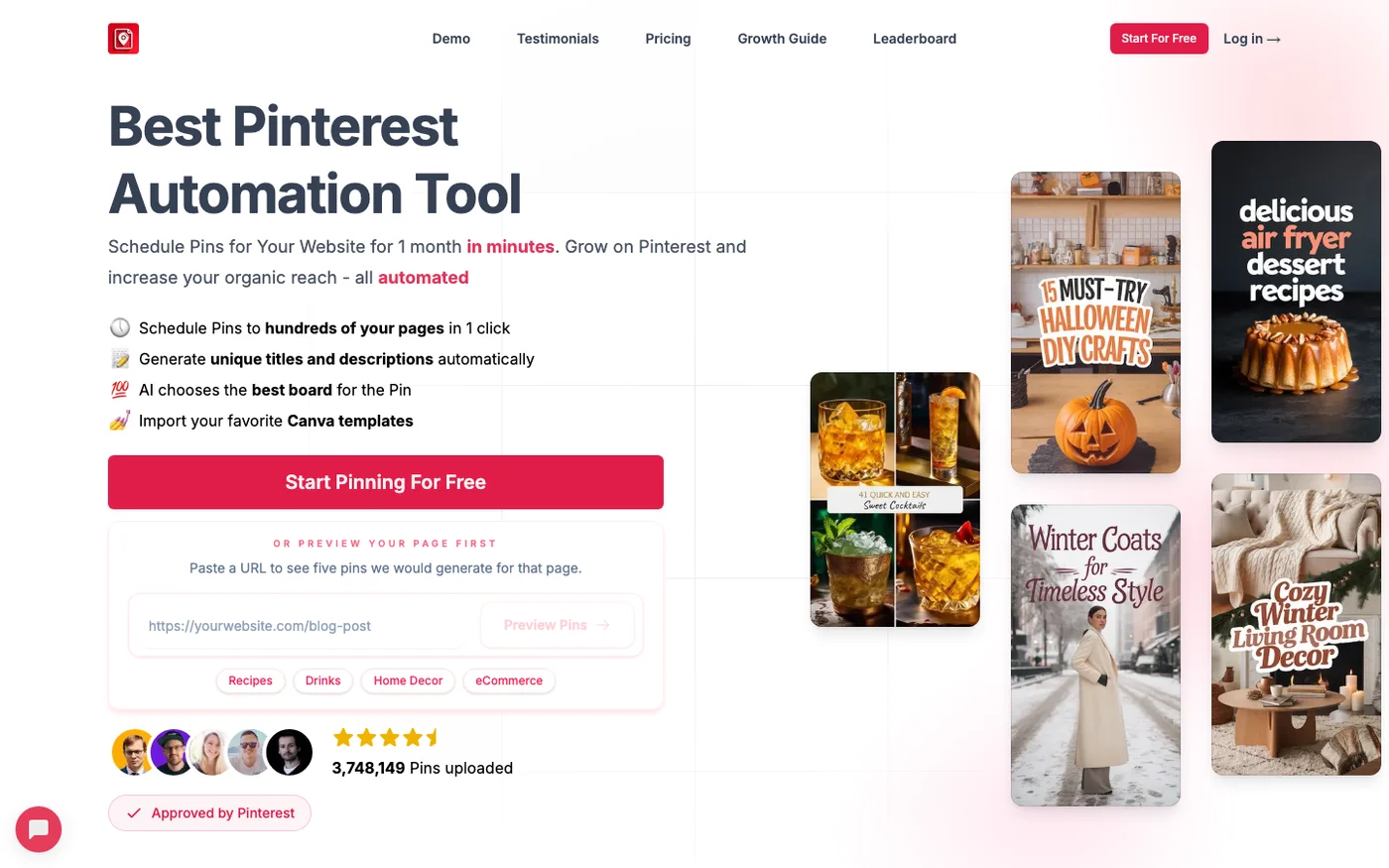
BlogToPin
Turns your blog posts and products into scheduled, SEO-optimized Pinterest pins automatically.
Key Features
✓Pros
- Automates the slow part: pin creation, not just scheduling
- Pinterest-approved and integrates with the platforms bloggers use
- Clean, public pricing with unlimited accounts on every tier
✗Cons
- No permanent free plan (free pinning is limited)
- Closed to your stack: no public API or MCP server

Pin Generator
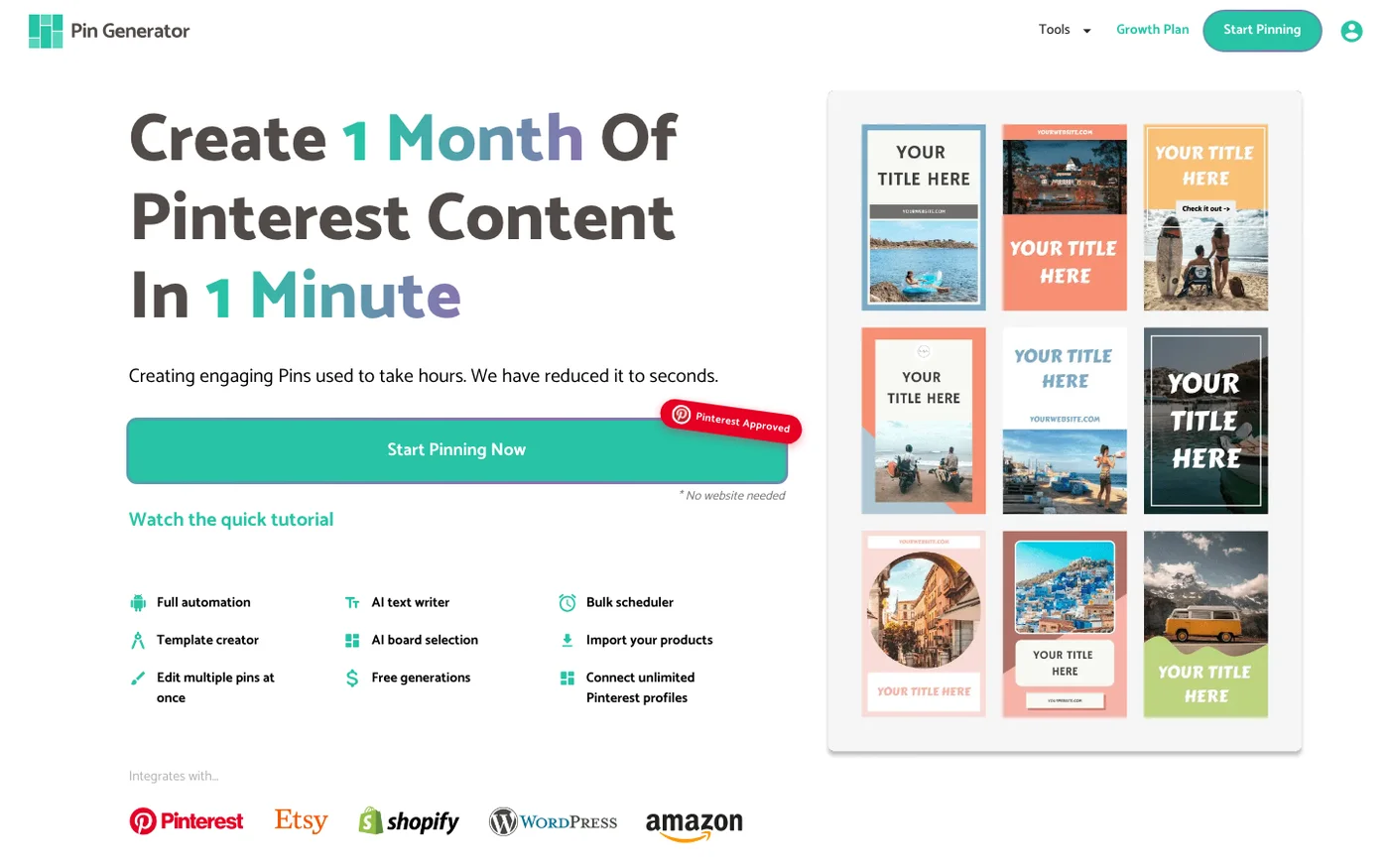
AI tool that reads a blog post or product URL and produces dozens of on-brand pin designs, then queues them to Pinterest.
Key Features
✓Pros
- Fast bulk pin design from existing pages
- Auto-creates pins on new posts/products via plugins
- Clear public pricing
✗Cons
- No free plan, and credits cap output
- No API or webhooks

Tailwind
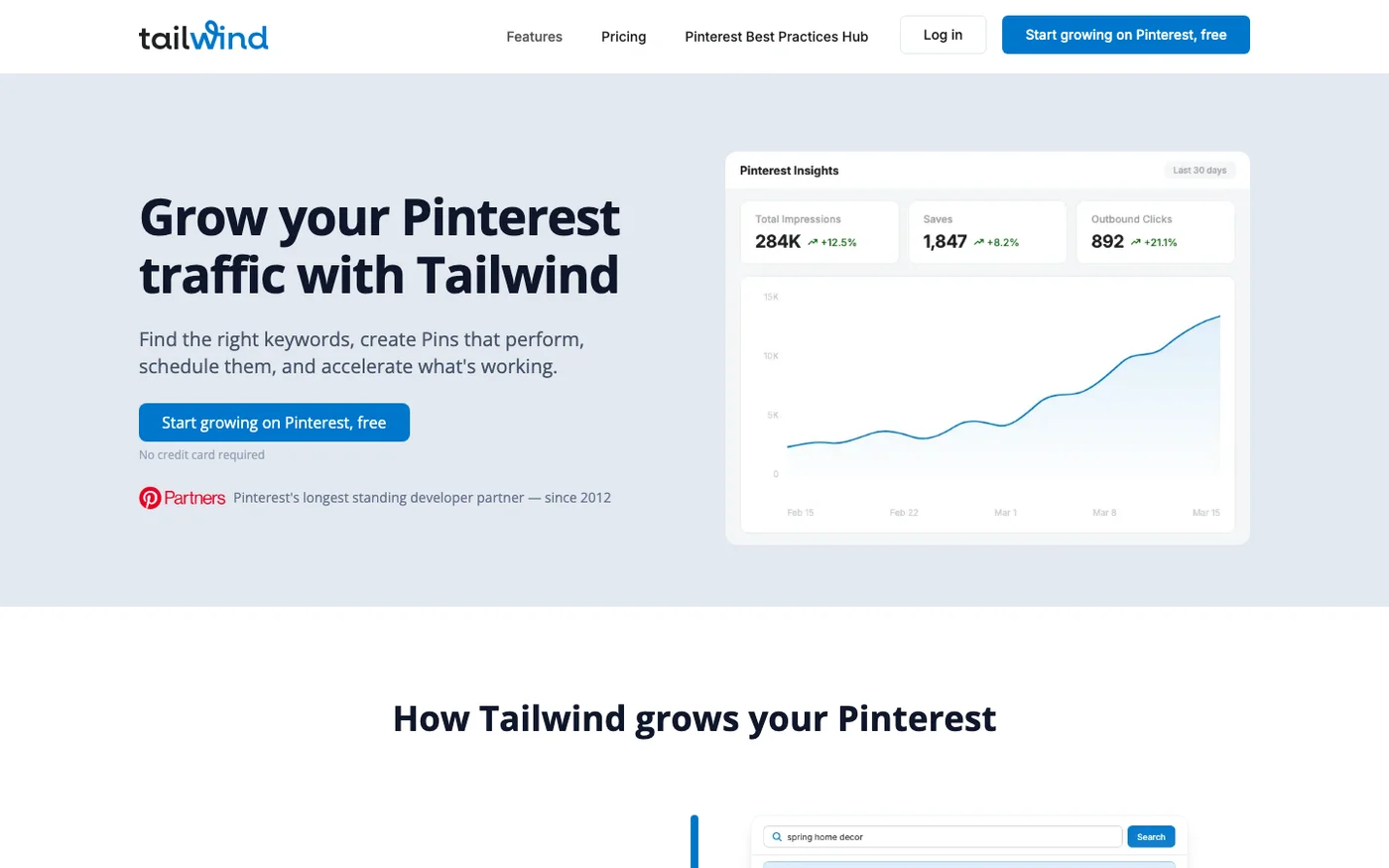
The long-standing Pinterest-approved scheduler, with AI-picked posting times, board lists and Communities for reach.
Key Features
✓Pros
- The most Pinterest-tuned scheduler here
- Real free plan and Pinterest-approved
- SmartSchedule saves real time
✗Cons
- Modular pricing adds up if you want everything
- No public API or MCP

RecurPost
Scheduler built around recycling: queue evergreen pins in bulk and let them reshare on a repeating loop.
Key Features
✓Pros
- Cheapest entry here with real recycling
- Bulk CSV upload for hands-off queues
- Long trial plus money-back guarantee
✗Cons
- No public API
- Less Pinterest-specific tuning than Tailwind


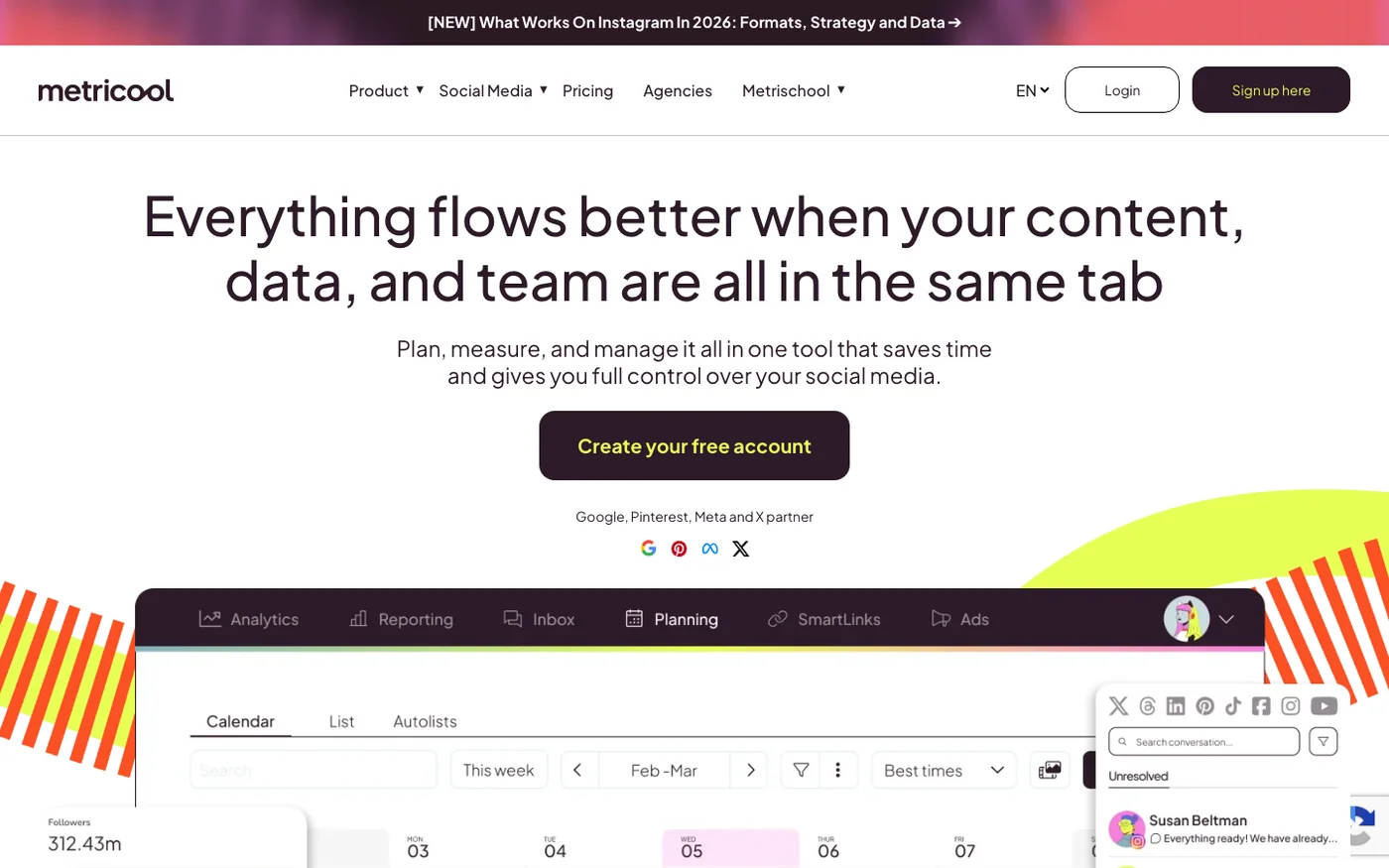
Metricool
Analytics-first scheduler for many networks (Pinterest included) with an API and an official MCP server.
Key Features
✓Pros
- Real MCP server, the strongest agent-readiness signal here
- Deep analytics, not just scheduling
- Free plan to start
✗Cons
- Pinterest needs a paid tier
- API and MCP gated to Advanced (around $53/mo)

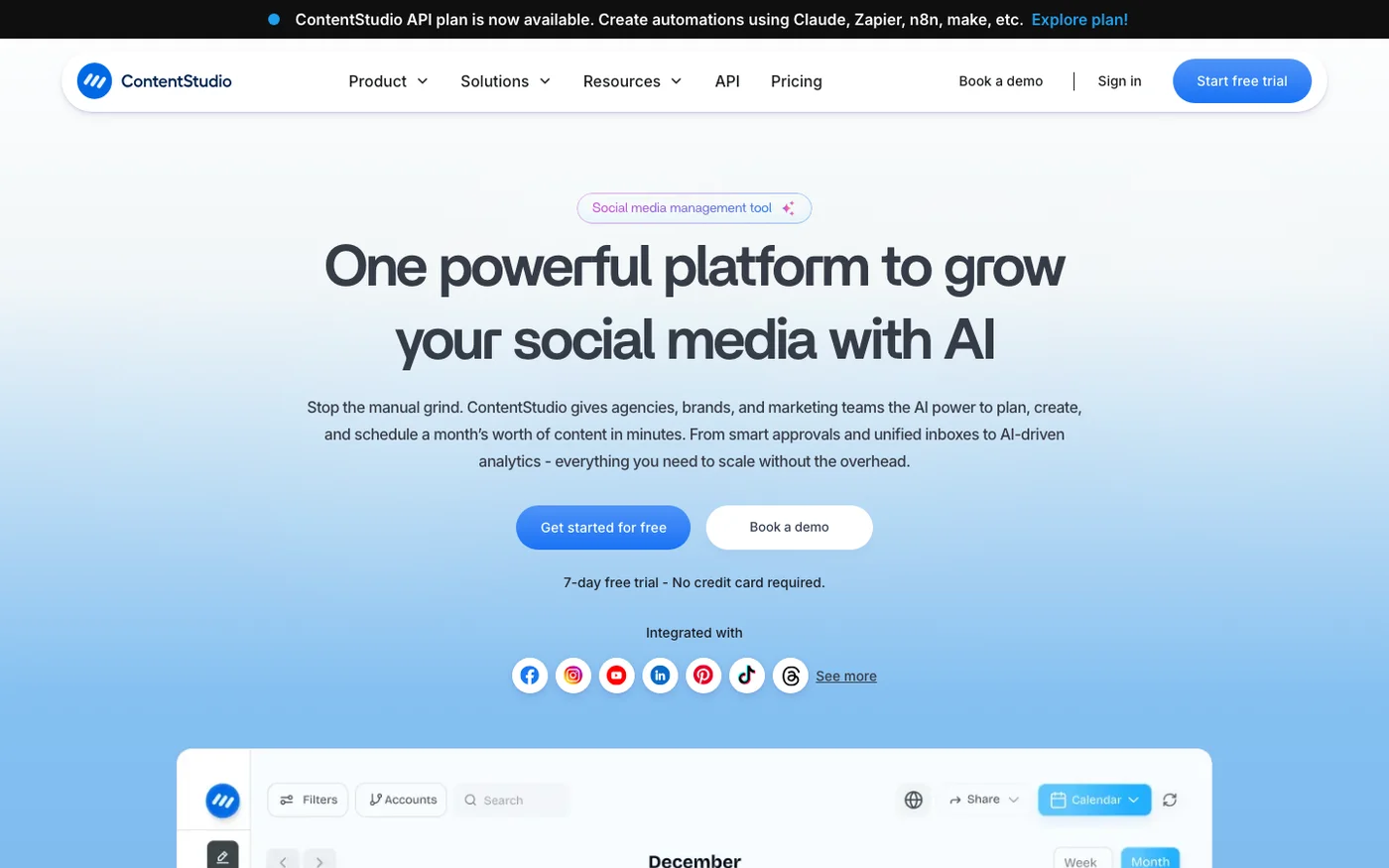
ContentStudio
AI-first content and scheduling platform covering Pinterest and ten-plus networks, with an API and an MCP server.
Key Features
✓Pros
- API and MCP for agent-driven workflows
- Strong AI content and discovery
- Widest channel coverage here
✗Cons
- No free plan
- Pinterest is not its main focus

Publer
Social scheduler with a free-forever plan, per-account pricing from $4/mo billed yearly, and an official MCP server.
Key Features
Middling agent fit, with a real API but a community MCP. Publer documents an official REST API (bulk scheduling, analytics) but gates it to Business and Enterprise plans, so cheaper tiers get no programmatic access. MCP support comes from a low-traction community server (alexkess/publer-mcp-server) wrapping that API, not a first-party endpoint, and there are no official SDKs or OpenAPI spec. It is automatable across 13 networks if you are on a Business plan and comfortable with a community bridge.
✓Pros
- Cheapest tool here that still has an API
- Bulk scheduling and recycling
- Genuine free plan
✗Cons
- API gated to the Business tier
- No MCP, and not Pinterest-specialized


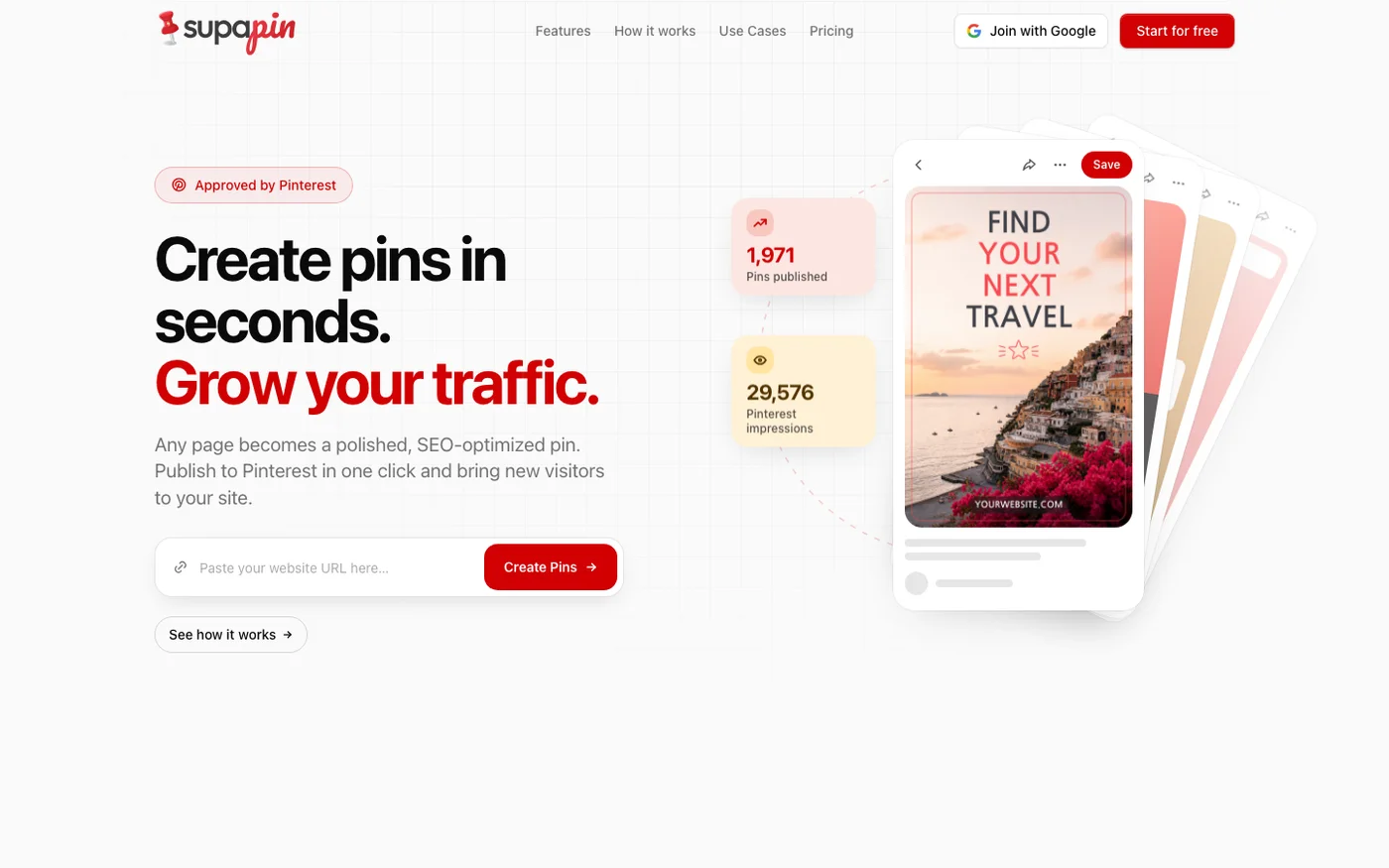
Supapin
Pinterest-only pin automation that turns web pages into scheduled, SEO-optimized pins.
Key Features
✓Pros
- Pins inherit your brand styling instead of looking template-generated
- Creating and previewing pins is free with no credit card
- No website or pin limits on any tier
- Publishes through Pinterest's official API rather than scraping
✗Cons
- No public API and no MCP server, so nothing in your stack can drive it
- Free tier cannot publish, only create and preview
- Pricing page defaults to the yearly toggle, so monthly is $29 not the $17 shown
- Credits reset each month and do not roll over, and there are no refunds for partial months

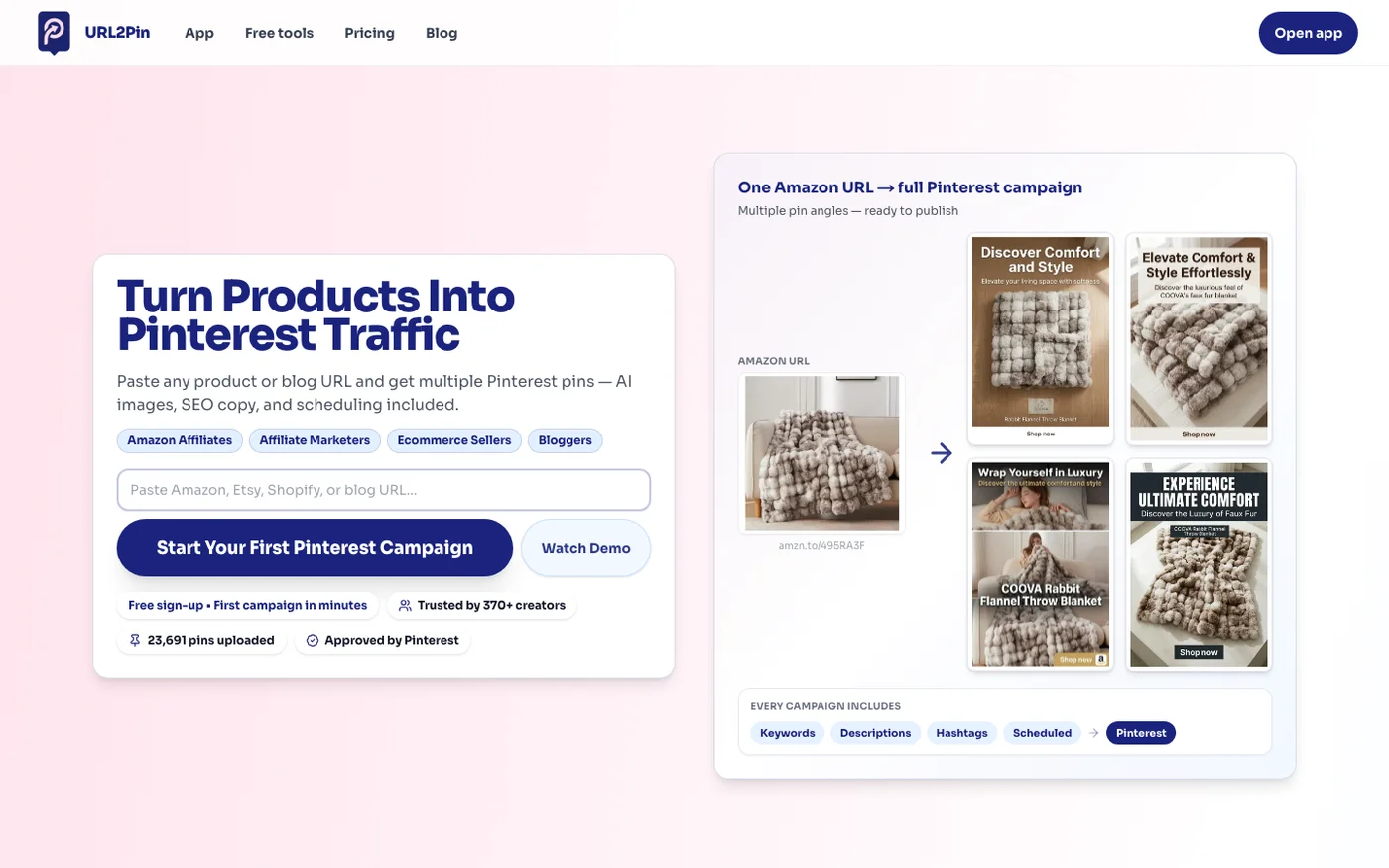
URL2Pin
Turns any product, Etsy, or blog URL into ready-to-publish Pinterest pins with AI images and copy.
Key Features
✓Pros
- Cheapest entry in the category ($9/mo billed monthly) with a real free plan
- Built for Amazon affiliates and Etsy/Shopify sellers
- Generates pins straight from a URL, no design work
- Publishes through Pinterest's official API rather than scraping
✗Cons
- No public API and no MCP server, so nothing in your stack can drive it
- Young and small, with a short track record and little third-party review history
- Pricing page defaults to the yearly toggle, so monthly is $9 not the $7 shown
- Free plan cannot schedule to Pinterest (create and export only)
Price landscape
How prices compare
Starting prices across all 22 tools in this category.


Which Pinterest tools plug into your AI stack?
This is the tiebreaker, and it splits the field cleanly. If you want your own agents to run Pinterest (so a tool like Claude can read your analytics and schedule pins), the strongest signal is a first-party MCP server. Two tools here ship one: Metricool (an official, open-source MCP server) and ContentStudio (an MCP server that connects to Claude, Zapier, n8n and Make). On plain APIs, Publer exposes its API on the Business tier. Tailwind, BlogToPin, Pin Generator and RecurPost have no public API, so they are hands-off rather than agent-driven. BlogToPin automates pin creation inside the product, but it has no API for your own stack to call. For most marketers this is a nice-to-have today, but it is worth weighing if you are building toward an AI-run stack.
Methodology
How I chose these
I scored each tool on four things that matter for Pinterest automation: how much of the work it automates (pin generation, titles and descriptions, board selection, scheduling), which content sources and platforms it connects to, how hands-off it can run, and pricing.
As a secondary differentiator I checked AI-stack fit: whether the tool exposes a usable REST API and, the strongest signal, an MCP server an external agent can connect to. I verified pricing, features and integration claims against each vendor's live site in June 2026. Prices are in USD; where a vendor defaults to another currency or bills annually, I have said so.
FAQ
Frequently Asked Questions
For most people, BlogToPin: it turns your blog posts and product pages into scheduled, SEO-optimized pins automatically, generating the images, titles, descriptions and board matches for you. Tailwind is the best Pinterest-native scheduler if you mainly need smart scheduling rather than pin creation, and it has a real free plan.
Not if you use an approved tool. Pinterest allows scheduling and automation through tools that use its official API and follow its policies. BlogToPin and Tailwind are Pinterest-approved, and the others here publish through supported integrations. What Pinterest discourages is spammy bot behavior (mass following, fake engagement), which these scheduling and pin-creation tools do not do.
BlogToPin and Pin Generator are built for exactly this: both read your blog posts and turn them into pins automatically, and both have WordPress integrations that fire new pins whenever you publish. BlogToPin adds AI board matching, more platforms (Shopify, Etsy, Medium) and an API, while Pin Generator focuses on fast bulk pin design from any URL.
Tailwind has a genuine forever-free plan, and Metricool and Publer both have free tiers (though Pinterest sits on Metricool's paid plans). BlogToPin lets you pin for free before paying but has no permanent free plan, and Pin Generator and ContentStudio offer trials rather than free tiers. For a no-cost start, Tailwind is the easiest.
Metricool ships an official open-source MCP server plus a REST API, and ContentStudio has an MCP server that connects to Claude, Zapier, n8n and Make. Publer exposes its API on the Business tier. Tailwind, BlogToPin, Pin Generator and RecurPost have no public API. If you want your own AI agents to run Pinterest, Metricool is the strongest fit.
Continue reading






10+ years in digital marketing. I review SEO and AI visibility software for small business owners and solo operators: what each plan really costs, which one actually covers the job, and where a tool stops being worth it. Checked against vendor documentation and real user feedback, and against my own use where I have it.