
Landing pages convert visitors into leads and customers, but building them from scratch takes hours of design and development work. A good landing page builder lets you skip the coding, launch pages in minutes, and test different versions to find what converts best. I compared the most popular landing page builders across different use cases, from enterprise PPC teams to solo creators on a budget.
Here are the 7 that stood out for their conversion features, ease of use, and value for money. Before you pick a builder, my guide to sales funnels and landing pages covers what belongs above the fold, the copywriting frameworks that hold up, and how to run an A/B test that tells you something real.
This page may contain affiliate links.
Some links on this page are affiliate links, meaning I may earn a commission if you sign up (at no extra cost to you). This never influences my ratings or recommendations.
Overview
The landscape
I track 18 tools in this category. Prices range from $7/mo (Sender) to $139/mo (Semrush). The median starting price is $49/mo, so anything below that is a good deal.
6 tools offer free plans: Sender, Brevo, Systeme.io, GetResponse, and 2 more.
This roundup covers the 8 I consider worth a serious look. Each one is ranked with real pricing data, aggregated user ratings, and my honest take.
Audience
Who is this guide for?
- ✓Marketers running PPC campaigns who need dedicated post-click landing pages
- ✓Small business owners building lead capture and opt-in pages
- ✓Agencies managing landing pages across multiple clients
- ✓Creators and freelancers who need simple, high-converting pages without a developer
Quick verdict
For most marketers, Leadpages hits the right balance between features and affordability ($49/month) with unlimited traffic, A/B testing, and real-time conversion guidance. If you need advanced AI optimization, Unbounce ($99/month) offers Smart Traffic that automatically routes visitors to your best-converting variant.
For PPC-heavy teams, Instapage ($99/month) has the best collaboration tools and built-in heatmaps. On a tight budget, Landingi ($29/month) and Swipe Pages ($29/month) both deliver solid features at half the price of premium builders.
Overview
Quick comparison
Rankings
My Top Picks

Leadpages
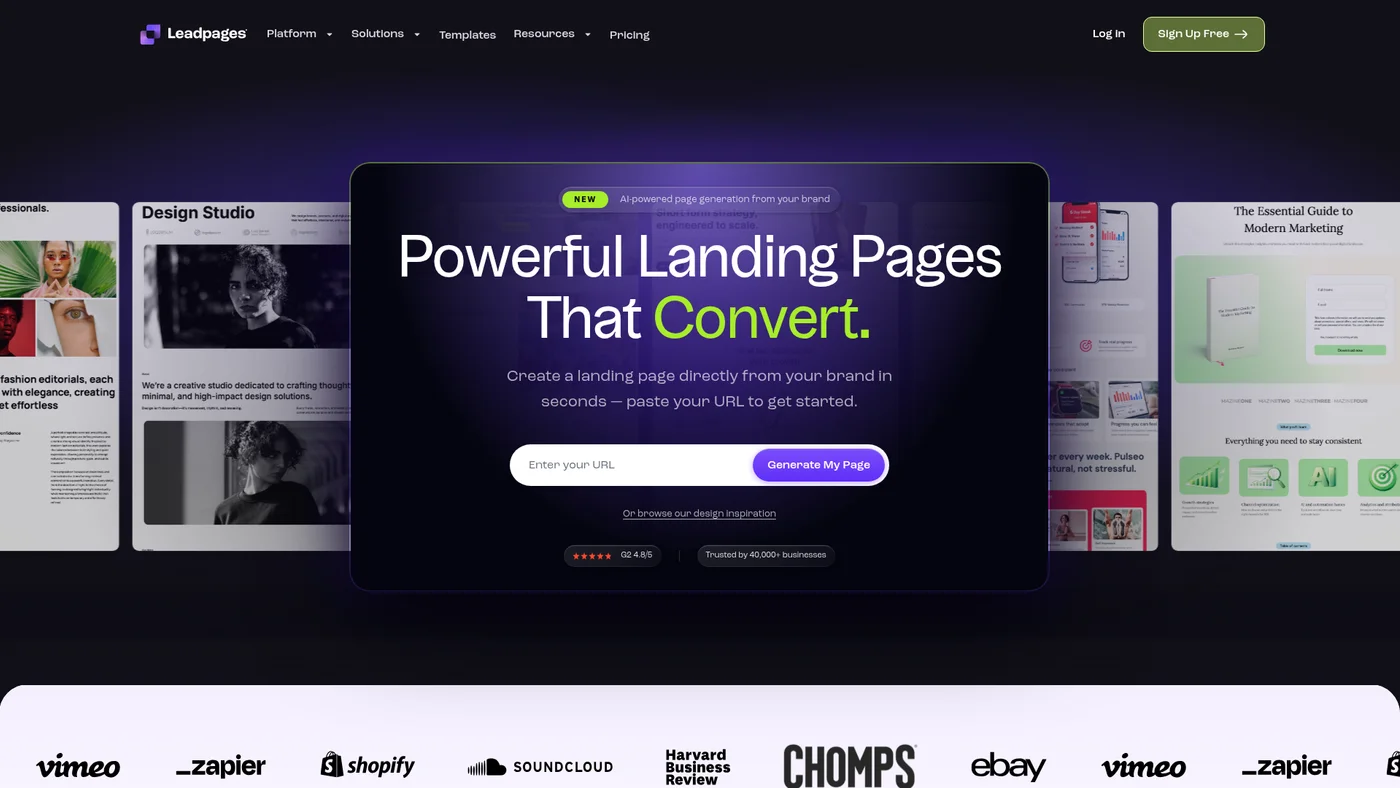
Drag-and-drop landing page builder with 200+ templates and strong conversion optimization tools
Key Features
Strong agent-fit for Claude workflows. Leadpages has an official MCP server and documented public API with OpenAPI spec, enabling direct integration with Claude and ChatGPT. Missing webhooks and structured outputs limits real-time automation and data parsing capabilities.
✓Pros
- Unlimited traffic and leads on every plan, unlike most competitors
- Leadmeter conversion guidance helps beginners build higher-converting pages
- Most affordable option among established landing page builders
✗Cons
- Grid-based editor limits design flexibility compared to Unbounce or Instapage
- Limited font selection and no custom font uploads
- Mobile view customization is restrictive

Unbounce
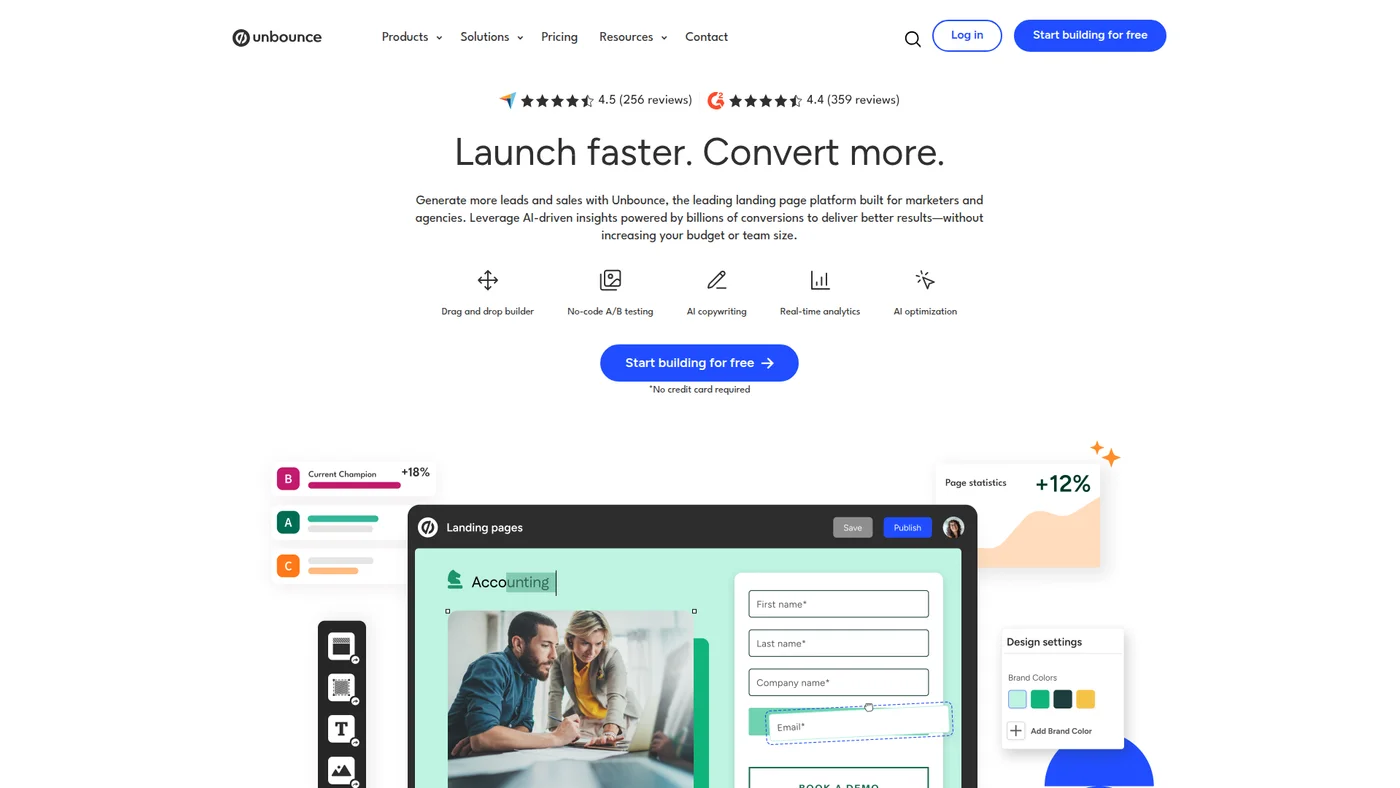
Drag-and-drop landing page builder with A/B testing and AI optimization for marketers and agencies
Key Features
Moderate agent fit with community support. Unbounce has a public API with docs and a community MCP server, enabling Claude and ChatGPT integration for landing page automation. The lack of official MCP, OpenAPI spec, and structured outputs limits programmatic reliability for complex agent workflows.
✓Pros
- Smart Traffic AI delivers measurable conversion lifts without manual test management
- Mature platform with 99.99% uptime and fast page loads
- Excellent integrations with Salesforce, HubSpot, Zapier, and webhooks
✗Cons
- Expensive entry at $99/month, A/B testing requires $149/month plan
- Smart Traffic (the key differentiator) is locked behind $249/month Optimize plan
- Visitor limits on all plans

Landingi
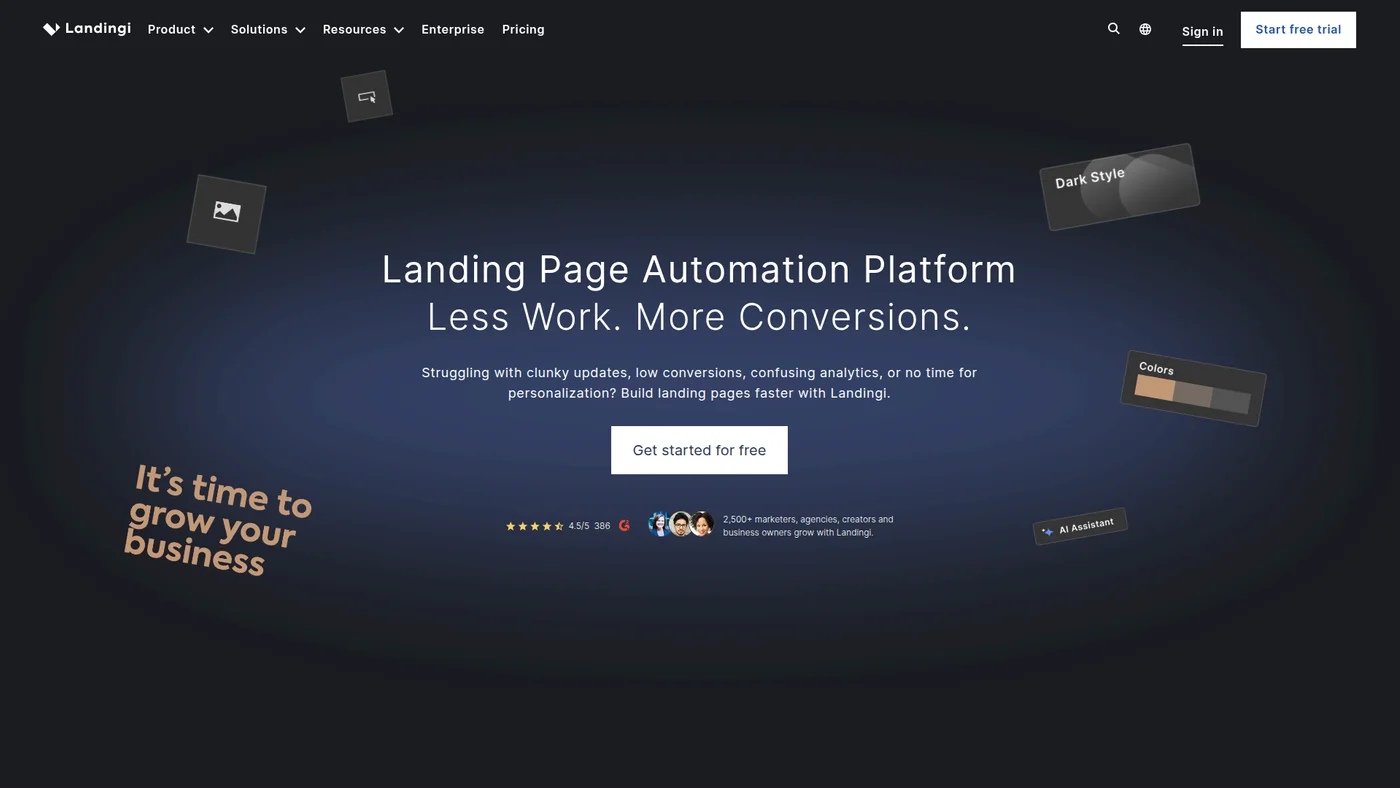
Landing page builder with AI assistance, A/B testing, and 170+ integrations for marketers
Key Features
Landingi has a real API (OAuth 2.0 authorization-code flow) for managing landing pages, forms and leads, but the documentation sits BEHIND the platform - credentials and docs come from account settings and it is positioned as an Agency-plan option. There is no public developer portal to link to, so apiDocsUrl is empty by design. No official vendor MCP server: a Zapier bridge exists at zapier.com/mcp/landingi, but a third-party bridge is not a vendor server.
✓Pros
- Best value for money with feature-rich plans starting at $29/month
- Massive template library with dedicated pop-up and thank-you page templates
- Smart Sections save significant time for agencies managing multiple client pages
✗Cons
- Visitor caps on all plans with overage charges
- A/B testing only available on Agency plan ($149/month)
- Editor is not as polished as Unbounce or Instapage for complex layouts

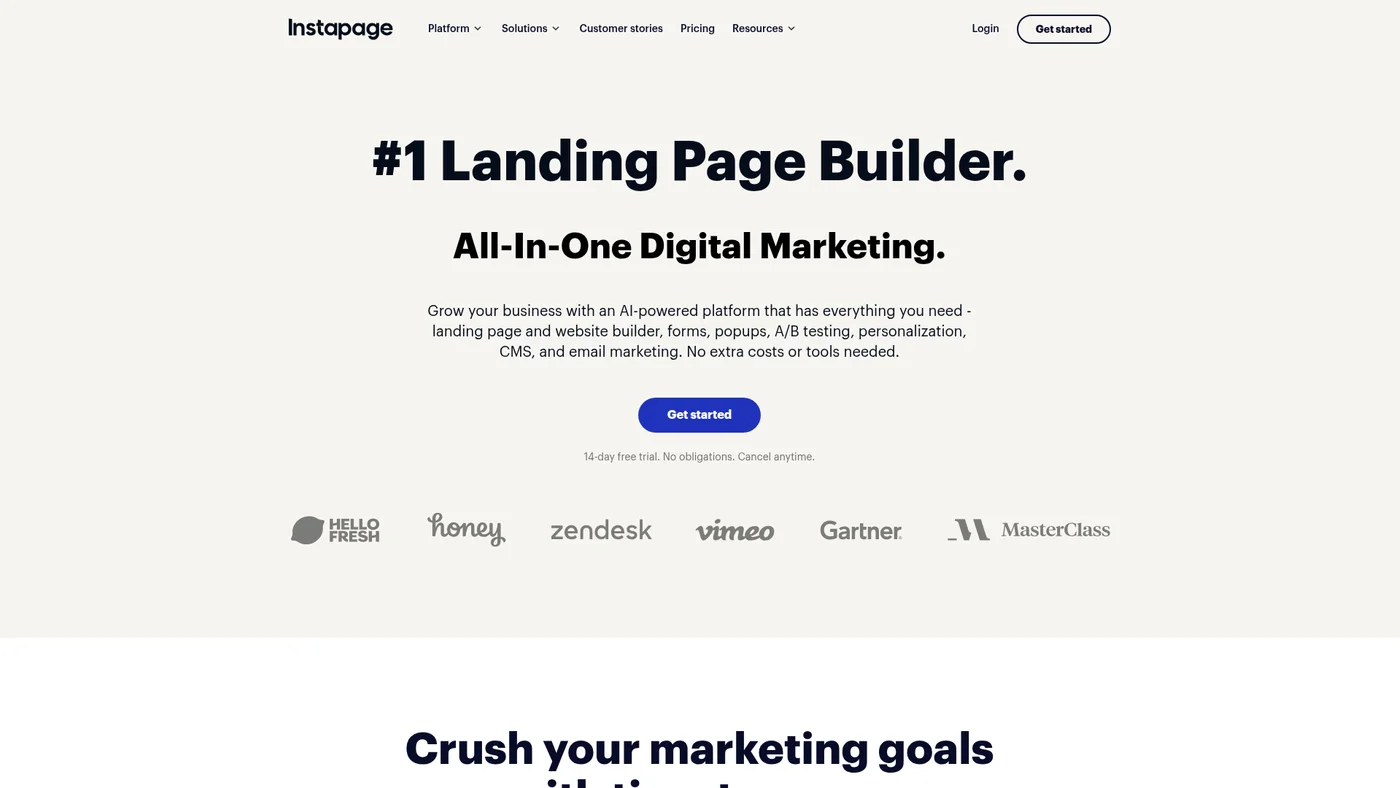
Instapage
Drag-and-drop landing page builder with A/B testing and personalization for marketers
Key Features
Not recommended for agent workflows. Instapage publishes API docs and an OpenAPI spec, but lacks MCP support, SDKs, and structured output capabilities that agents need for reliable integration. Without webhooks or native LLM connections, you'd be building custom bridges to make it work in Claude or Cursor.
✓Pros
- Built-in heatmaps eliminate the need for separate analytics tools
- Best-in-class team collaboration with commenting, approvals, and co-editing
- Instablocks and global blocks save time managing dozens of pages
✗Cons
- Heatmaps and advanced analytics locked to Optimize plan ($199/month)
- Steep pricing for solo marketers or small businesses
- Smaller template library than Leadpages or Landingi

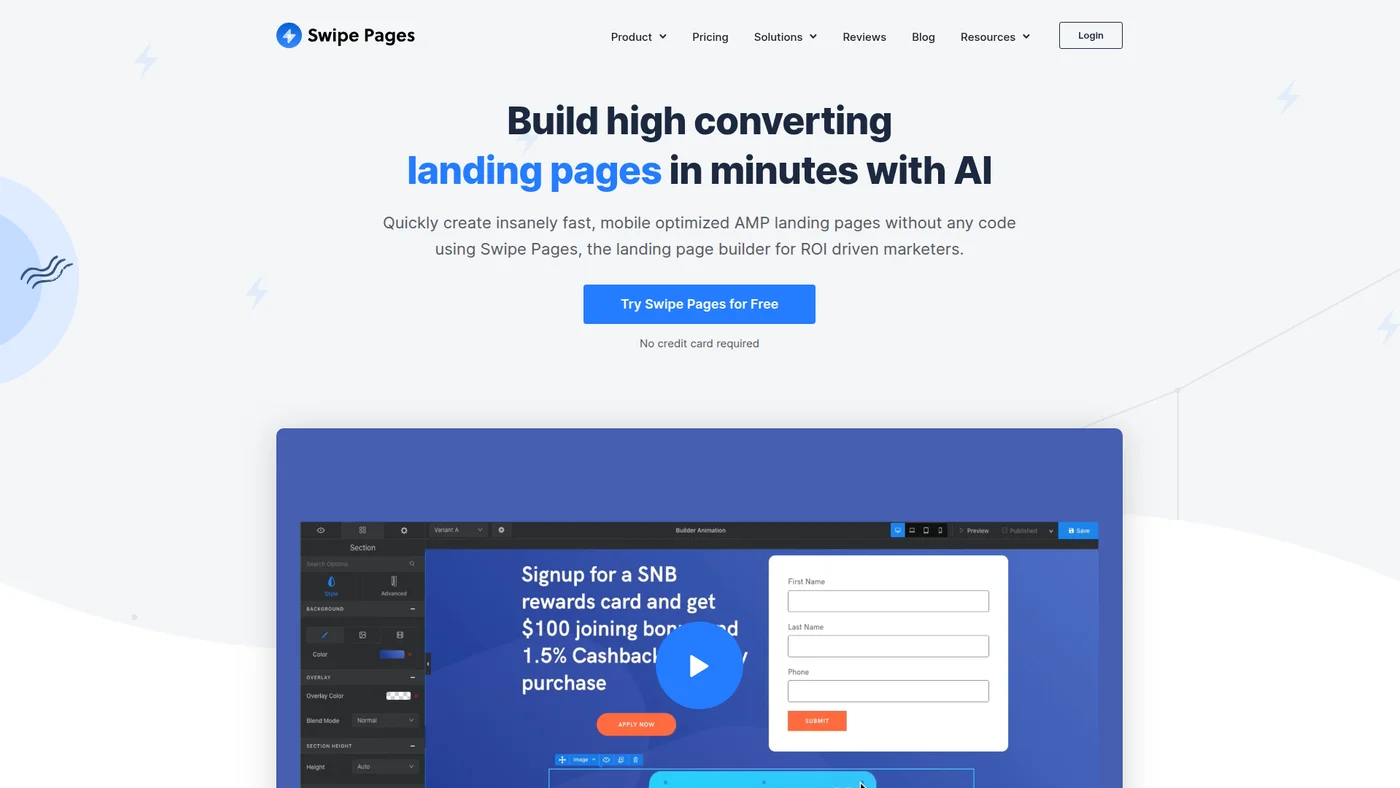
Swipe Pages
Mobile-first landing page builder with AMP support and Instagram Stories-style swipe experience.
Key Features
✓Pros
- AMP support is a genuine differentiator for mobile ad campaigns
- Affordable at $29/month with A/B testing included on higher plans
- Swipe-card mobile format increases engagement on mobile
✗Cons
- Smaller template library compared to Leadpages or Landingi
- Visitor limits on all plans
- Smaller community with fewer tutorials and third-party resources

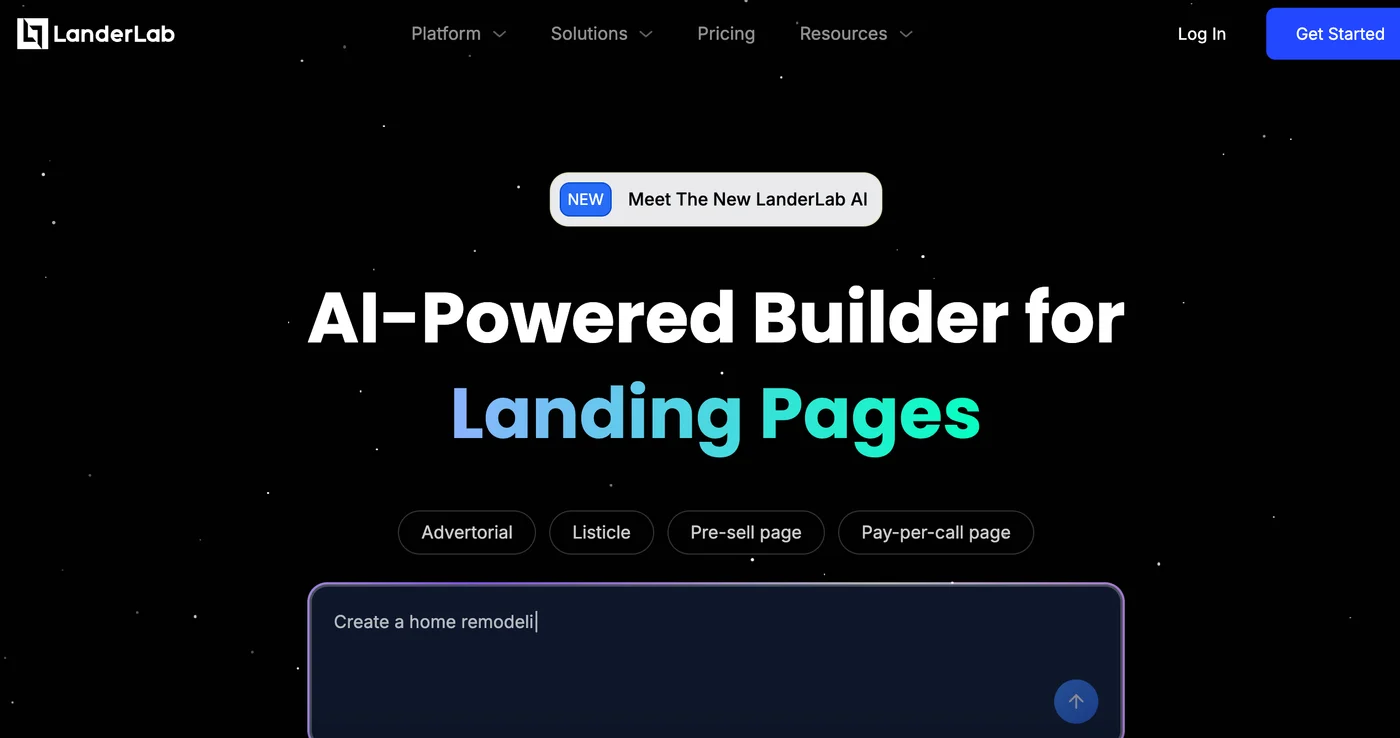
LanderLab
AI-powered landing page builder specialized for performance marketing with proven templates and native integrations
Key Features
LanderLab advertises an official MCP server on its own homepage ("Run LanderLab from Claude, ChatGPT & more"). martech-db recorded hasMcpServer=false, which was wrong. The endpoint URL is not published on any public page (landerlab.io/mcp-server 404s), so mcpServerUrl is deliberately empty rather than guessed. landerlab.io/api also 404s, so the public API is unconfirmed - do not claim a REST API in prose.
✓Pros
- URL cloning is incredibly useful for adapting proven page designs quickly
- AI Quiz Funnels are a unique feature for lead qualification
- Built-in performance marketing tracker integrations other builders lack
✗Cons
- More expensive entry point ($69/month) for what is a simpler builder
- Smaller template library compared to mainstream builders
- Features for general business use (forms, CRM integrations) are less developed

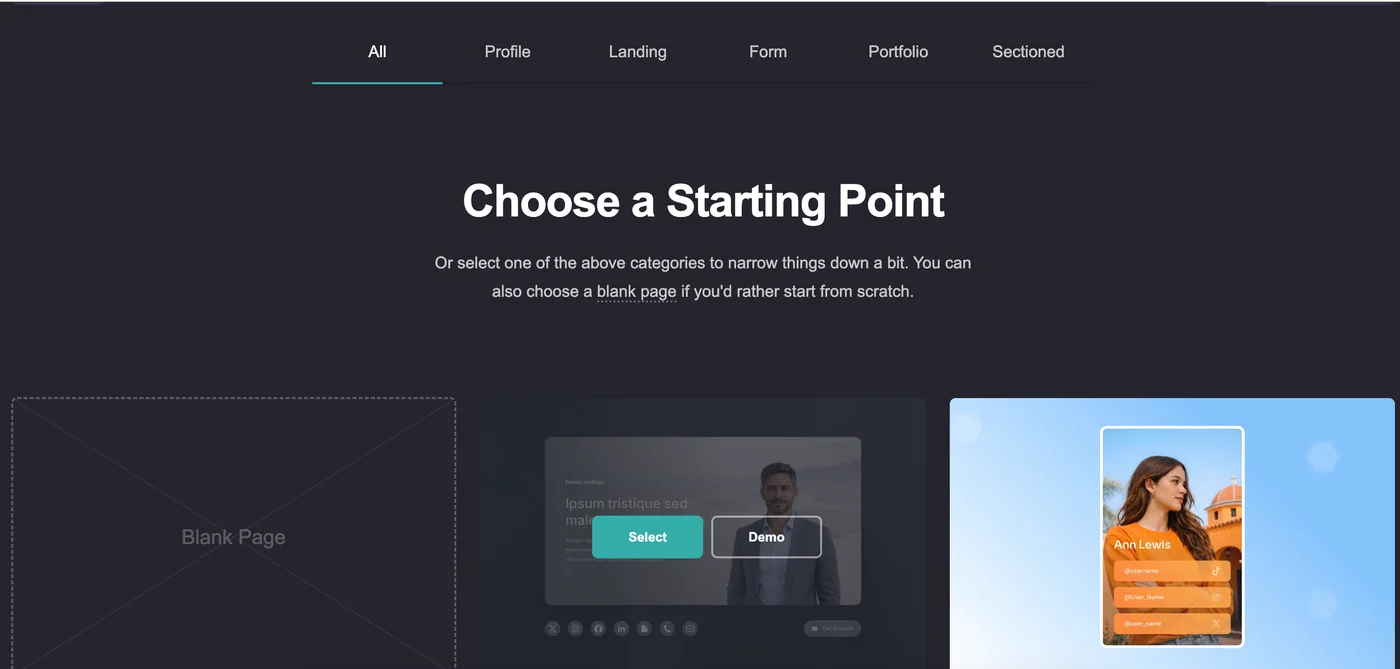
Carrd
Ultra-affordable one-page site builder for lead capture, product launches, and link-in-bio pages.
Key Features
✓Pros
- Unbeatable price at $19/year for a Pro plan with custom domains and forms
- Extremely fast setup with most users building their first site within an hour
- Sites load very fast due to simplicity
✗Cons
- Limited to single-page sites only (no multi-page support)
- No A/B testing, heatmaps, or conversion optimization tools
- Very limited design customization beyond basic template adjustments

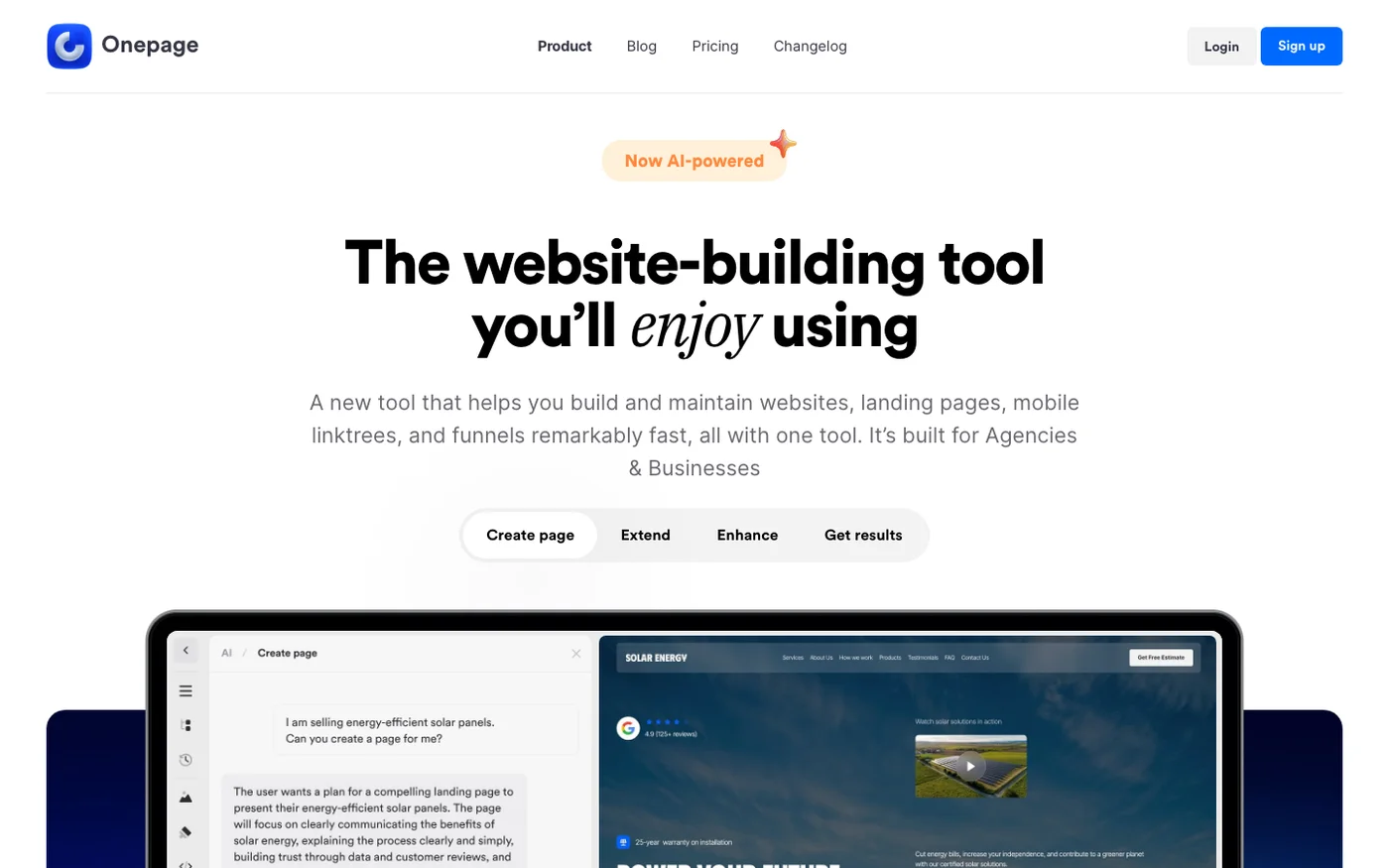
Onepage
AI landing page builder with EU pricing and MCP on every tier, though check what it generates before publishing.
Key Features
Onepage ships an MCP server included on every plan, free included (limited on free). Their changelog entry for the Onepage Agent says: MCP support - Connect Claude, Cursor, Codex, and more to build in your projects with the same context the built-in Agent has. The pricing page banner advertises it as included in all plans. No public MCP server URL or setup docs found on the site, so this looks like a client-side/stdio connection configured from inside the app rather than a hosted remote endpoint. No public REST API documented.
✓Pros
- The AI output is genuinely good: editorial layout, sensible type, copy that respected a no-hype brief
- It explains its own judgement calls in the chat and offers to reverse them
- MCP on every plan, which none of Leadpages, Unbounce or Carrd offer
✗Cons
- AI output is a first draft, not a finished page: read every section before publishing
- Template catalogue is small: two starter kits plus a few dozen single pages, not the hundreds Wix or Squarespace offer
- No free trial on paid plans, and multi-step funnels cost €39.90/mo extra as an add-on
Price landscape
How prices compare
Starting prices across all 18 tools in this category.


At scale
How prices change as you grow
Pricing at 1K, 5K, and 10K contacts for tools reviewed in this guide.
| Tool | 1K | 5K | 10K |
|---|
Methodology
How I chose these
I have built and tested dozens of landing pages across different platforms over the years, for everything from lead magnets to product launches and paid ad campaigns. I evaluated each builder on ease of use, template quality, conversion optimization features (A/B testing, analytics), page load speed, and pricing transparency.
I also considered how well each tool integrates with popular email marketing platforms and CRM tools, since a landing page that does not connect to your marketing stack is not very useful.
What Landing Page Builders Do (And When You Need One)
Every marketing campaign needs a destination, and your website homepage is not it. A landing page is a standalone page designed for one specific goal: getting visitors to take a single action, whether that is signing up for a newsletter, downloading a guide, or buying a product.
Landing page builders let you create these focused pages without touching code. Most come with drag-and-drop editors, pre-designed templates, and built-in conversion tools like A/B testing and form builders. Some go further with AI optimization, heatmaps, and dynamic content personalization.
You need a dedicated landing page builder when your regular website builder makes it difficult to create focused, distraction-free pages. If you are running paid ads (Google Ads, Facebook Ads, Instagram Ads), sending traffic to a general website page is one of the most common and costly mistakes. A dedicated landing page matched to your ad copy will consistently convert 2-5x better than a generic page.
Even if you are not running ads, landing pages are essential for email opt-ins, webinar registrations, product launches, and seasonal promotions. The builders in this guide range from enterprise-grade platforms with AI optimization to simple tools that cost less than $2 per month.
FAQ
Frequently Asked Questions
A website builder (like Wix or Squarespace) creates full websites with navigation, multiple pages, and general content. A landing page builder creates focused, single-purpose pages designed for one specific conversion goal. Landing page builders include conversion-specific features like A/B testing, dynamic text replacement, and form analytics that most website builders lack.
WordPress can create landing pages with plugins, but dedicated builders offer drag-and-drop editing, built-in A/B testing, and faster page load times without the overhead of managing themes and plugins. If you run paid ads or need to launch pages quickly, a dedicated builder pays for itself through better conversion rates and saved time.
There is no fixed number. Create a separate landing page for each campaign, offer, or audience segment. Companies that increase their landing pages from 10 to 15 tend to see a 55% increase in leads. Every ad group, email campaign, and lead magnet should point to its own dedicated page.
A strong headline that matches your ad or traffic source, a clear call-to-action above the fold, social proof (testimonials, logos, numbers), fast load times (under 3 seconds), and minimal distractions (no navigation menu, no competing links). A/B testing different headlines and CTAs can improve conversions by 20-50% over time.
AMP (Accelerated Mobile Pages) landing pages load nearly instantly on mobile devices, which can improve Quality Score and reduce cost-per-click in Google Ads. If mobile traffic makes up a significant portion of your ad spend, AMP pages from tools like Swipe Pages are worth testing. The trade-off is slightly less design flexibility.
Yes, all builders in this guide integrate with major email marketing platforms like ActiveCampaign, Moosend, Kit, and Brevo. Most offer native integrations or connect through Zapier. Form submissions on your landing page automatically add contacts to your email lists, so your follow-up sequences can start immediately.
Continue reading






10+ years in digital marketing. I review marketing software for AI-stack fit: real pricing, MCP and API support, and how cleanly each tool drops into an AI agent workflow, cross-checked against verified data and real user feedback.