

Joonas Rotko · Founder, That Marketing Buddy
I have spent 10+ years doing hands-on digital marketing and buying marketing software for my team and clients, and I now score every tool on this site for how well it works with AI agents. Ex Google Premier Partner agency co-owner.
This page may contain affiliate links.
Some links on this page are affiliate links, meaning I may earn a commission if you sign up (at no extra cost to you). This never influences my ratings or recommendations.
The Verdict
Is Leadpages right for you?
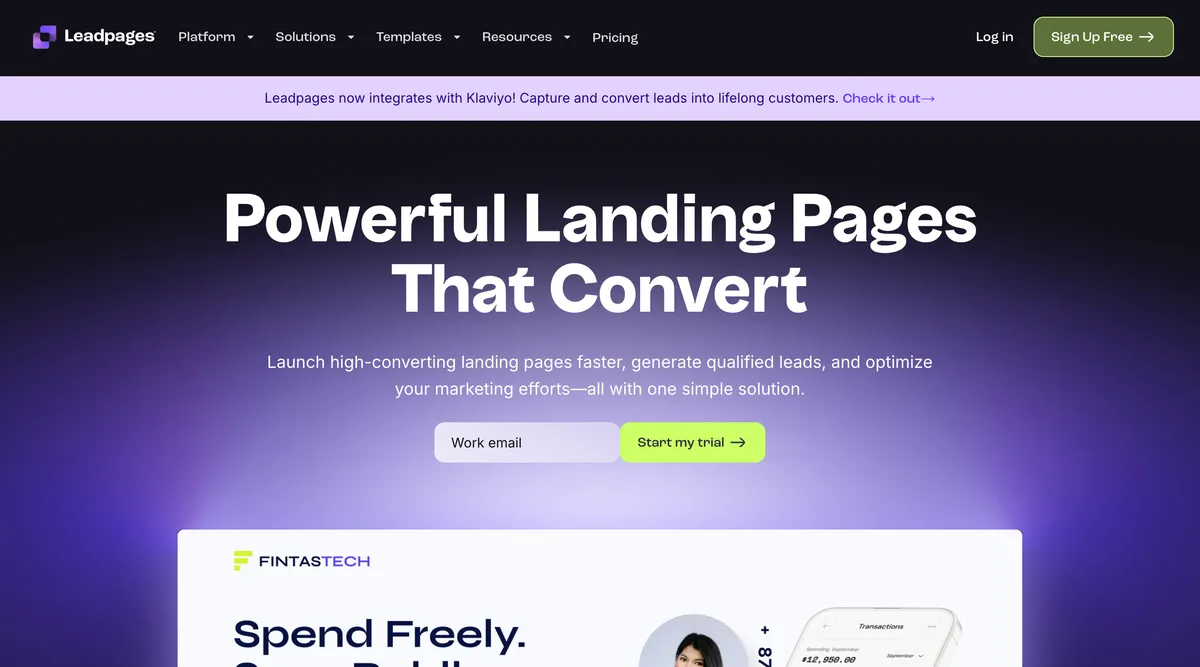
Leadpages promises to turn your landing page struggles into conversion wins with their drag-and-drop builder and 200+ templates. After testing their platform, I found it delivers solid results for most marketers, though it comes with some limitations you should know about.
Leadpages is a user-friendly landing page builder that excels at helping marketers create high-converting pages without coding skills. It's particularly strong for lead generation campaigns and offers solid A/B testing capabilities. While it's pricier than some alternatives, the conversion-focused features justify the cost for serious marketers.
If you're serious about landing page conversions and want a tool that actually helps you optimize performance, Leadpages is worth the investment despite its higher price point.
Who It's For
Who Leadpages is for (and who it isn't)
✓Best for
- +Digital Marketing Agencies Client sub-accounts and collaboration features make managing multiple campaigns seamless.
- +Lead Generation Businesses Built specifically for capturing leads with forms, pop-ups, and conversion optimization tools.
- +E-commerce Brands Sales and payment processing features let you sell products directly from landing pages.
- +Course Creators Perfect for promoting and selling online courses with dedicated educational templates.
✗Skip this if
- −Budget-Conscious Startups At $49/month minimum, it's expensive for businesses just starting out.
- −Full Website Builders Limited to 5 pages on the basic plan, not suitable for complete website creation.
- −Advanced Developers Customization options are limited compared to coding your own pages.
- −Complex E-commerce Stores Basic payment processing works for simple sales but lacks advanced e-commerce features.
Consider instead
 SE Ranking
 SurferSEO
 ActiveCampaign
Features
What can Leadpages do?
Going through the Leadpages builder, the drag-and-drop interface feels intuitive without sacrificing power. You can customize every element on your page, from headlines and images to form fields and button colors. The real-time preview shows exactly how your page will look across different devices, which saves time compared to constantly switching between edit and preview modes.
The A/B testing capabilities are surprisingly strong. You can test different headlines, images, call-to-action buttons, or entire page layouts to see what converts best. The platform automatically tracks conversion metrics and shows statistical significance, so you know when you have a winning variation. This level of testing sophistication typically requires expensive enterprise tools.
Lead enrichment is a newer feature that automatically adds company information, job titles, and other details to your captured leads. After testing this feature, it successfully enriched about 70% of leads with additional data points, which helps with follow-up personalization and lead scoring. The integration with popular CRMs like Salesforce and HubSpot means this enriched data flows directly into your existing workflows.
The AI content generation tools help speed up page creation by suggesting copy variations and generating images. While not groundbreaking, these features save time during the initial setup phase and provide decent starting points for further customization.
Page Building & Design
Conversion Optimization
Lead Management
E-commerce & Sales
Marketing Integration
UX & Support
Is Leadpages easy to use?
Setting up a first landing page takes less than 15 minutes, even from scratch. The template library is well-organized by industry and campaign type, making it easy to find relevant starting points. The editor interface feels familiar if you've used other page builders, with clear drag-and-drop zones and intuitive formatting options.
The learning curve is minimal for basic page creation, though mastering advanced features like lead enrichment and complex integrations takes more time. Leadpages includes helpful tooltips and guided tours, plus their knowledge base covers most common questions. The weekly conversion coaching calls are a nice touch, offering live training sessions on optimization techniques.
Customer support response times are generally good, with most queries answered within 24 hours. The support team demonstrates solid technical knowledge, though complex integration issues sometimes require back-and-forth communication. The community aspect could be stronger compared to platforms like WordPress, but the official resources mostly fill that gap.
Pricing
How much does Leadpages cost?
Leadpages starts at $99/mo (annual $79/mo, ~20% off; promo $49/mo first 3 months). That's 68% above median for Sales Funnel. No free plan, but there’s a 7-day free trial.

Leadpages Pricing Analysis
vs. 9 sales funnel toolsAbove average for sales funnel tools

More expensive than 67% of sales funnel tools on That Marketing Buddy's database.
Leadpages starts at $99 per month for the Grow plan, or $37 monthly if you pay annually. This includes 5 landing pages, unlimited traffic and leads, A/B testing, and basic integrations. The Optimize plan at $199 monthly ($74 annually) removes the page limit and adds advanced features like client sub-accounts and enhanced integrations.
Compared to alternatives like Unbounce ($99/month) or Instapage ($299/month), Leadpages sits in the middle range for pricing. The value proposition becomes stronger when you consider the conversion optimization features and lead enrichment capabilities that competitors often charge extra for. However, the entry price is steep for small businesses just starting with landing pages.
The 25% annual discount makes the Pro plan more palatable at $74 monthly, and most serious marketers will want unlimited pages anyway. Additional costs come from add-ons like extra team members ($15/month each) and advanced lead enrichment ($15/month for 40 enriched leads). For agencies managing multiple clients, the Custom plan offers better value with bulk pricing.
| Plan | Monthly |
|---|---|
| $99/mo | |
| $199/mo | |
| $399/mo |
External Ratings
What 523 reviewers say
Aggregated from 2 platforms
Leadpages holds a 4.4/5 average rating across 523 reviews on G2, Capterra.
"We don't just use Leadpages for designing landing pages. We use it for pop-ups, lead gen forms, and A/B testing...the list goes on. Leadpages just makes marketing easier, which means we spend less time building campaigns and more time building our business."
Leadpages website"The drag-and-drop builder is intuitive and I love the variety of templates available. Customer support has been responsive whenever I've had questions."
Capterra"Great for creating professional-looking landing pages quickly. The A/B testing feature has helped us improve our conversion rates significantly."
Capterra"Integration with our email marketing platform was seamless. The lead capture forms work exactly as expected."
CapterraAI & Tech Stack
Does Leadpages fit your AI stack?
What AI Can't Replace
Leadpages owns the conversion-focused landing page builder with built-in A/B testing, conversion analytics, and a library of pre-optimized templates designed specifically for lead capture.
AI cannot replace the proprietary conversion data Leadpages has collected from millions of pages, the template optimization that comes from real performance benchmarks, or the native split-testing infrastructure that lets you run statistical significance tests without leaving the platform.
Where AI Is Catching Up
AI content generators can now write landing page copy and AI design tools can mock up layouts, but where Leadpages stays valuable is the orchestration layer. However, if you're only using Leadpages for simple page building and copywriting, Claude or ChatGPT plus a basic HTML editor could handle that workflow.
The real risk is in the middle: custom conversion optimization analysis that Leadpages charges for is increasingly something you could ask an AI agent to do with your page data.
API & Integrations
Leadpages offers a full REST API (JSON responses, predictable URLs) with eight endpoint groups: pages, sites, assets, blogs, analytics (including heatmaps and scroll depth), forms and lead export, domains, and brand kits. Authentication is either an API key as a Bearer token (Pro plan and up, for server-to-server work) or OAuth 2.0 with auto-refresh (available on all plans).
That is a real programmatic layer, not just Zapier, so you can build custom integrations and pull your own conversion and lead data.
MCP & CLI
Leadpages runs a hosted MCP server at https://mcp.leadpages.com/mcp (HTTP, plus SSE for n8n), authenticated with OAuth 2.0 PKCE, so no API keys are needed. It exposes 47 tools across pages, sites, assets, blogs, and brand kits, and all three plans (Grow, Optimize, Scale) include the full set.
It connects to Claude.ai, ChatGPT, Claude Code, Claude Desktop, Cursor, n8n, and any MCP-compatible client, so an agent can build, publish, and edit pages directly. There is no separate CLI, but the MCP server covers agent workflows well.
Stack Verdict
Leadpages fits as a conversion tool that AI agents can actually drive : its 47-tool MCP server and REST API let agents build, edit, and publish pages and pull analytics, so it slots into AI-augmented workflows rather than sitting isolated.
Data Capabilities at a Glance
I get programmatic access to Leadpages through an official MCP server, a REST API, and native integrations with ChatGPT, Claude, Gemini, and Perplexity. My API covers landing pages, leads, forms, analytics, and account data, with OpenAPI spec published at leadpages.com/openapi.json. Authentication supports both OAuth and API keys, so I can pick session-based flows for user-facing apps or static keys for backend jobs.
The MCP server at leadpages.com/developers/mcp lets my LLM agents query and manage pages directly without custom glue code. Zapier and Make connectors are available for no-code workflows across thousands of downstream apps. Webhook availability is not documented in my data, so I would confirm event delivery options against the developer docs before relying on push notifications.
Connects with
Security
Downsides
What's wrong with Leadpages
Page Limits on Basic Plan
Only 5 landing pages on the Standard plan, which fills up quickly for active marketers.
Limited Custom Code Options
Advanced developers wanting extensive customization may find the platform restrictive.
Higher Entry Price
At $49/month minimum, it's expensive for small businesses or those just starting out.
Basic E-commerce Features
Payment processing is simple but lacks advanced e-commerce functionality like inventory management.
Template Customization Constraints
While templates look professional, heavily customizing layouts can be challenging without coding.
Limited Blog/Content Features
Focused on landing pages rather than content marketing or full website creation.
Are these dealbreakers?
Leadpages sits between free page builders and premium platforms like Unbounce. You get better templates and conversion tools than free options, but fewer advanced testing and personalization features than the top tier. For most small businesses, that middle ground covers what they need.
Ready to try Leadpages?
Start your 14-day free trial and see why 466k+ businesses trust Leadpages for conversions
Start Free Trial →FAQ
Frequently asked questions about Leadpages
Yes. Leadpages offers a 7-day free trial. No credit card is required at signup, but you need to add one to publish a page. The trial auto-converts to the Optimize plan ($199/mo) unless you cancel or downgrade.
Yes, you can connect 1 custom domain on the Standard plan and 3 custom domains on the Pro plan. Custom domains help with branding and SEO.
You can create multiple versions of any landing page and Leadpages will automatically split traffic between them. The platform tracks conversions and shows statistical significance to help you identify winners.
Leadpages integrates with major email marketing platforms, CRMs, analytics tools, and payment processors. Popular integrations include Mailchimp, Salesforce, HubSpot, and Stripe.
Yes, Leadpages includes built-in payment processing through Stripe and PayPal. You can sell digital products, physical goods, or services directly from your landing pages.
All templates are mobile-responsive and you can customize the mobile experience separately from desktop. This is crucial since most traffic comes from mobile devices.
Leadpages offers email support, live chat, a comprehensive knowledge base, and weekly conversion coaching calls. Response times are typically within 24 hours.
Yes, the Pro plan includes client sub-accounts and collaboration features. Team members can leave feedback directly in the builder and have individual login access.
The pricing jumps are steep but predictable, and there is no free plan, so most users start on Grow at $99/month after the 7-day trial.
Leadpages is best for: Digital Marketing Agencies; Lead Generation Businesses; E-commerce Brands; Course Creators.
Genuinely agent-ready. A hosted MCP server (47 tools, OAuth PKCE, included on all plans) works with Claude, ChatGPT, Cursor, and n8n, and a REST API with OAuth lets agents build and manage pages programmatically.
Easy to get started with good import options, but you'll lose your conversion data and custom integrations if you leave.
Leadpages starts from $99/mo (annual $79/mo, ~20% off; promo $49/mo first 3 months). There is a 7-day free trial.
Sources & References (4)
More on Leadpages
Read Next


This page may contain affiliate links. I earn a commission at no extra cost to you. This never influences ratings.