That Marketing Buddy
SEO Tools

15 Best Free SEO Tools That Actually Work (2026)

You do not need to spend hundreds per month to start doing real SEO. Some of the most powerful SEO tools are completely free, and others offer free tiers generous enough to handle serious work. I have tested dozens of free SEO tools and narrowed it down to 15 that actually deliver results.

This list covers everything from keyword research and rank tracking to technical audits and content optimization, without asking for your credit card. If you are looking for paid options too, check my best SEO software list for a full comparison.

Whether you are a freelancer on a tight budget, a small business owner handling your own marketing, or someone who wants to validate whether paid tools are worth the upgrade, these free options give you a strong foundation.

Last updated: February 27, 2026

This page may contain affiliate links.

Some links on this page are affiliate links, meaning I may earn a commission if you sign up (at no extra cost to you). This never influences my ratings or recommendations. Tools I wouldn't genuinely recommend are marked as such.

Who Is This Guide For?

  • Freelancers and small business owners doing SEO on a budget
  • Bloggers and content creators who want better search visibility
  • Marketing agencies testing tools before committing to paid plans
  • Beginners learning SEO who need hands-on practice with real tools
  • Side project builders who need basic SEO without monthly costs

What Free SEO Tools Can (And Cannot) Do

Free SEO tools have come a long way. A few years ago, you needed a $100+ monthly subscription just to do basic keyword research. Today, Google alone provides a suite of tools that covers search performance, analytics, keyword data, page speed, and trend analysis, all completely free.

The main limitation of free tools is depth and scale. Free versions typically restrict the number of searches per day, pages you can crawl, or keywords you can track. Competitor research is also limited since most free tiers only let you analyze your own sites. If you need to reverse-engineer a competitor's entire keyword strategy or monitor hundreds of rankings daily, you will eventually need a paid tool.

That said, for most small businesses, freelancers, and bloggers, a smart combination of free tools covers 80% of what you need. Google Search Console plus Google Analytics gives you performance data. A free site audit tool like Ahrefs Webmaster Tools or Seobility catches technical issues. And Google Keyword Planner or Ubersuggest handles basic keyword research.

The tools in this list are organized into three groups. Google's own tools give you direct data from the search engine itself. Free tiers of premium platforms let you test professional tools before committing. And standalone free tools cover specific tasks like technical crawling, WordPress optimization, and structured data validation.

Quick Verdict

Google Search Console is the one tool every website owner should use, period. It is completely free and gives you direct data from Google about your search performance. Pair it with Ahrefs Webmaster Tools for free backlink analysis and site audits, and Screaming Frog Free for technical crawling up to 500 pages.

If you need keyword research without paying, Google Keyword Planner combined with Ubersuggest Free covers the basics. When you are ready to upgrade to a full SEO suite, Semrush is the industry standard, and you can start with their free tier to see if it fits your workflow before committing.

#ToolPriceRating
1Free9.5/10
2Free8.8/10
3Free8/10
4Free8.5/10
5Free7.8/10
Show all 15 tools
6Free9/10
7Free8.5/10
8Free8.2/10
9Free7.5/10
10Free8/10
11Free9/10
12Free8.5/10
13Free7.8/10
14Free7.5/10
15Free8/10

My Top Picks

Showing 15 of 15 tools
#1
Google Search Console

Google Search Console

⭐ Top Pick
9.5/10
Best for: Every website owner who wants direct search performance data from Google

Free tool from Google that shows how your site performs in search results. See which queries bring traffic, which pages are indexed, and what technical issues need fixing.

Why I like it:This is the only tool that gives you actual data straight from Google. You see exactly which search queries bring people to your site, your click-through rates, indexing status, and any crawl errors. No third-party tool can replicate this data because it comes directly from the source. If you only use one SEO tool, this should be it.

Key Features

Search Performance DataIndex Coverage ReportsCore Web VitalsURL InspectionSitemap SubmissionMobile Usability

Pros

  • Direct data from Google, not estimates
  • Completely free with no usage limits
  • Shows exact search queries and click-through rates
  • Identifies indexing and crawl issues automatically

Cons

  • Only covers Google search (not Bing or others)
  • Data has a 2-3 day delay
  • Interface can feel overwhelming for beginners
Google Search Console homepage screenshot
#2
Google Analytics (GA4)

Google Analytics (GA4)

8.8/10
Best for: Understanding traffic sources, user behavior, and conversion tracking

Free web analytics platform that tracks website traffic, user behavior, conversions, and audience demographics. Essential for understanding how visitors interact with your site.

Why I like it:GA4 tells you where your traffic comes from, what people do on your site, and which pages convert best. For SEO specifically, it helps you understand which organic landing pages perform well and where visitors drop off. Pair it with Search Console for the complete picture: Search Console shows how you appear in search, GA4 shows what happens after the click.

Key Features

Traffic Source AnalysisUser Behavior TrackingConversion TrackingAudience DemographicsReal-Time ReportsCustom Dashboards

Pros

  • Completely free for most websites
  • Deep behavior and conversion insights
  • Integrates perfectly with Search Console and Google Ads
  • Custom event tracking for any user action

Cons

  • Steep learning curve compared to GA3
  • Event-based model confuses users coming from Universal Analytics
  • Can be blocked by ad blockers
Google Analytics (GA4) homepage screenshot
#3
Google Keyword Planner

Google Keyword Planner

8/10
Best for: Basic keyword research with real Google search volume data

Free keyword research tool inside Google Ads. Shows search volume ranges, competition levels, and keyword suggestions based on seed terms or URLs.

Why I like it:The data comes directly from Google, which makes it more reliable than third-party estimates. You need a Google Ads account (free to create, no ad spend required) to access it. The catch is that search volumes show ranges (like 1K-10K) unless you are running ads. Still, for finding keyword ideas and understanding relative search demand, it is hard to beat for free.

Key Features

Search Volume RangesKeyword SuggestionsCompetition LevelsCPC EstimatesURL-Based IdeasLocation Filtering

Pros

  • Data comes directly from Google
  • Good for discovering related keyword ideas
  • Shows commercial intent through CPC data
  • Location and language filtering

Cons

  • Shows volume ranges instead of exact numbers (unless running ads)
  • Designed for PPC, not specifically SEO
  • Limited to Google search data only
Google Keyword Planner homepage screenshot
#4
Google PageSpeed Insights

Google PageSpeed Insights

8.5/10
Best for: Checking page speed and Core Web Vitals scores

Free tool that analyzes page loading performance on mobile and desktop. Reports Core Web Vitals scores and provides specific optimization recommendations.

Why I like it:Page speed is a confirmed Google ranking factor, and Core Web Vitals directly impact your search visibility. This tool gives you the exact scores Google uses, plus actionable recommendations for improvement. I run every new page through it before publishing and check it again after major changes.

Key Features

Core Web Vitals ScoresMobile & Desktop AnalysisPerformance OpportunitiesDiagnostic DetailsLighthouse IntegrationReal User Data (CrUX)

Pros

  • Uses the same metrics Google uses for ranking
  • Provides specific, actionable fix recommendations
  • Shows both lab data and real user experience data
  • Completely free with no limits

Cons

  • Only tests one page at a time
  • Scores can vary between tests
  • Some recommendations require developer knowledge to implement
Google PageSpeed Insights homepage screenshot
#5
Google Trends

Google Trends

7.8/10
Best for: Spotting keyword trends, seasonal patterns, and rising topics

Free tool that shows search interest over time for any topic or keyword. Useful for identifying seasonal patterns, comparing topics, and discovering trending searches.

Why I like it:Google Trends does something no other free tool does: it shows you whether interest in a topic is growing, declining, or seasonal. This is incredibly valuable for content planning. If a keyword is trending upward, getting content out early gives you a first-mover advantage. If it is seasonal, you know when to publish and refresh.

Key Features

Interest Over TimeRegional InterestRelated TopicsRelated QueriesTrend ComparisonsReal-Time Trends

Pros

  • Shows trend direction that volume numbers alone cannot
  • Great for seasonal content planning
  • Compare up to 5 topics side by side
  • Completely free with unlimited searches

Cons

  • Shows relative interest, not absolute search volume
  • Not useful for niche topics with low search volume
  • Cannot export data easily for reporting
Google Trends homepage screenshot
#6
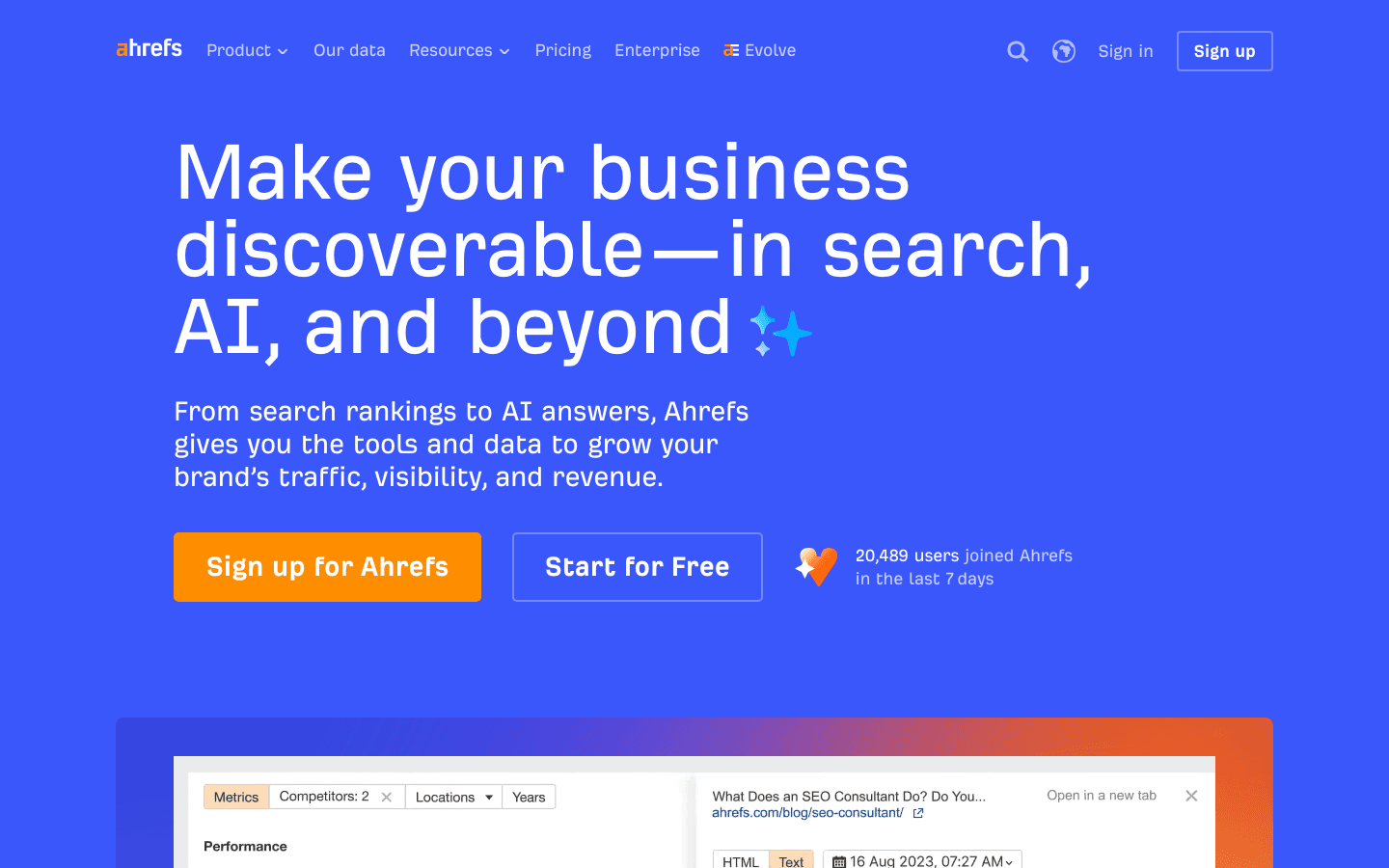
Ahrefs Webmaster Tools

Ahrefs Webmaster Tools

Best Free Backlink Checker
9/10
Best for: Free site audits and backlink analysis for your own websites

Free version of Ahrefs that provides site audit and backlink data for websites you own. Covers most of what you need for technical SEO and backlink monitoring.

Why I like it:Ahrefs Webmaster Tools gives you access to the same site audit and backlink data that paid Ahrefs users get, but only for sites you verify ownership of. The site audit catches technical issues, and the backlink profile shows who links to you. If you want the full Ahrefs experience with competitor research, check the Ahrefs pricing breakdown.

Key Features

Site AuditBacklink ProfileReferring DomainsInternal Link AnalysisBroken Links DetectionHealth Score

Pros

  • Full site audit with the same quality as paid Ahrefs
  • Detailed backlink profile for your own sites
  • No credit card required to sign up
  • Regular re-crawling to track improvements

Cons

  • Only works for sites you own (cannot research competitors)
  • No keyword research in the free version
  • No rank tracking included
Ahrefs Webmaster Tools homepage screenshot
#7
Semrush Free

Semrush Free

Best Free All-in-One Preview
8.5/10
Best for: Getting a taste of professional SEO tools before committing to a paid plan

Free tier of the industry-leading SEO platform. Offers 10 searches per day across keyword research, domain analysis, and site audit with limited results.

Why I like it:The free tier gives you 10 searches per day, which is enough for quick keyword checks and competitor peeks. You get access to most tools, just with limited results per query. It is the best way to see if Semrush is worth the investment before upgrading. For the full breakdown of what each paid plan includes, check the Semrush pricing guide.

Key Features

10 Daily SearchesKeyword OverviewDomain OverviewSite Audit (100 pages)Position Tracking (10 keywords)Backlink Analytics

Pros

  • Access to nearly all Semrush tools
  • 10 searches per day is enough for quick checks
  • Site audit for up to 100 pages
  • No credit card needed

Cons

  • 10 search limit feels restrictive for serious research
  • Results are truncated (top 10 instead of full lists)
  • Constant upgrade prompts
Semrush Free homepage screenshot
#8
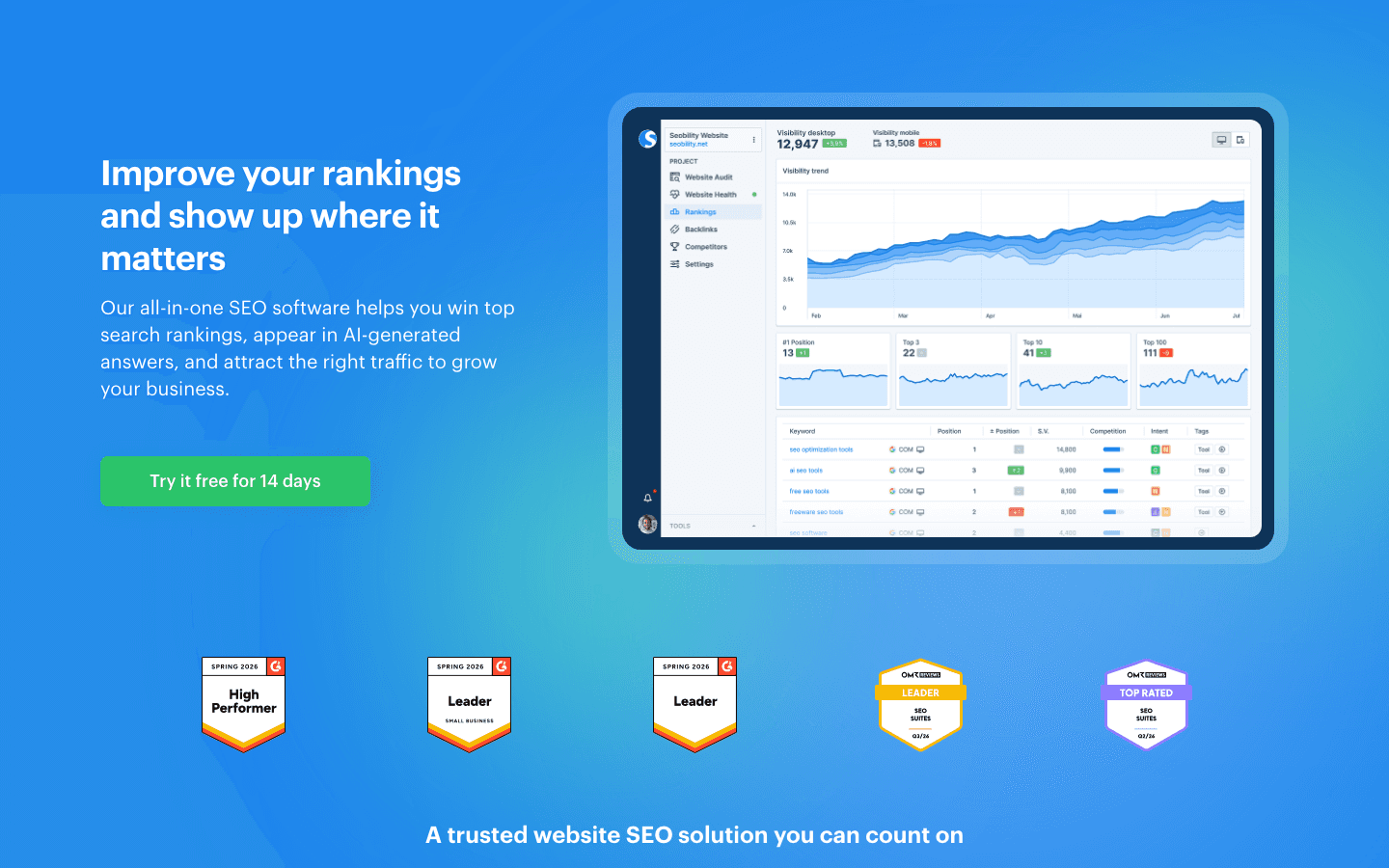
Seobility Free

Seobility Free

8.2/10
Best for: Small sites that need a thorough technical SEO audit without paying

Free SEO checker that crawls up to 1,000 pages and provides a detailed site audit with technical, on-page, and link structure analysis.

Why I like it:Seobility offers one of the most generous free tiers in SEO. You get a full site audit for up to 1,000 pages, a daily rank tracker for 10 keywords, and backlink monitoring. For small to medium sites, this covers most of what you need. See the Seobility pricing comparison if you eventually need more.

Key Features

1,000 Page CrawlOn-Page AnalysisTechnical SEO Checks10 Keyword Rank TrackingBacklink MonitoringSEO Score

Pros

  • 1,000 page crawl limit is very generous for free
  • Clean, easy-to-understand reports
  • Daily rank tracking for 10 keywords included
  • TF-IDF content analysis tool

Cons

  • One project only on the free plan
  • Crawl frequency is limited compared to paid
  • No competitor analysis in the free version
Seobility Free homepage screenshot
#9
Ubersuggest Free

Ubersuggest Free

7.5/10
Best for: Quick keyword research when you need basic volume and difficulty data

Neil Patel's SEO tool that offers free keyword research, domain analysis, and content ideas with a daily search limit. Good starting point for basic keyword research.

Why I like it:Ubersuggest gives you 3 free searches per day, which is enough for quick keyword validation. The interface is beginner-friendly and shows keyword difficulty, search volume, and content ideas in a clean layout. It is not as deep as Ahrefs or Semrush, but for someone just getting started with keyword research, it removes the complexity.

Key Features

3 Daily SearchesKeyword SuggestionsSearch Volume & DifficultyContent IdeasDomain OverviewChrome Extension

Pros

  • Very beginner-friendly interface
  • Chrome extension for quick SERP insights
  • Content idea suggestions based on top-performing pages
  • Shows keyword difficulty at a glance

Cons

  • Only 3 searches per day on free
  • Data accuracy is lower than premium tools
  • Aggressive upselling throughout the interface
Ubersuggest Free homepage screenshot
Review coming soonVisit Ubersuggest Free
#10
Moz Free SEO Tools

Moz Free SEO Tools

8/10
Best for: Checking Domain Authority and getting quick link metrics while browsing

Collection of free tools from Moz including MozBar Chrome extension, Link Explorer (limited), Domain Authority checker, and Keyword Explorer (limited searches).

Why I like it:The MozBar Chrome extension is something I use almost daily. It overlays Domain Authority and Page Authority scores directly on search results, which makes competitive analysis effortless while browsing. The free Link Explorer gives you 10 queries per month for deeper link analysis. For the full Moz experience, see the Moz pricing guide.

Key Features

MozBar Chrome ExtensionDomain Authority CheckerLink Explorer (10/month)Keyword Explorer (10/month)Page Authority ScoresSpam Score

Pros

  • MozBar is the best free SEO Chrome extension
  • Domain Authority is an industry-standard metric
  • Quick link analysis without logging in
  • Spam Score helps evaluate link quality

Cons

  • Free Link Explorer limited to 10 queries per month
  • DA is a Moz metric, not a Google metric
  • Some free tools require account creation
Moz Free SEO Tools homepage screenshot
#11
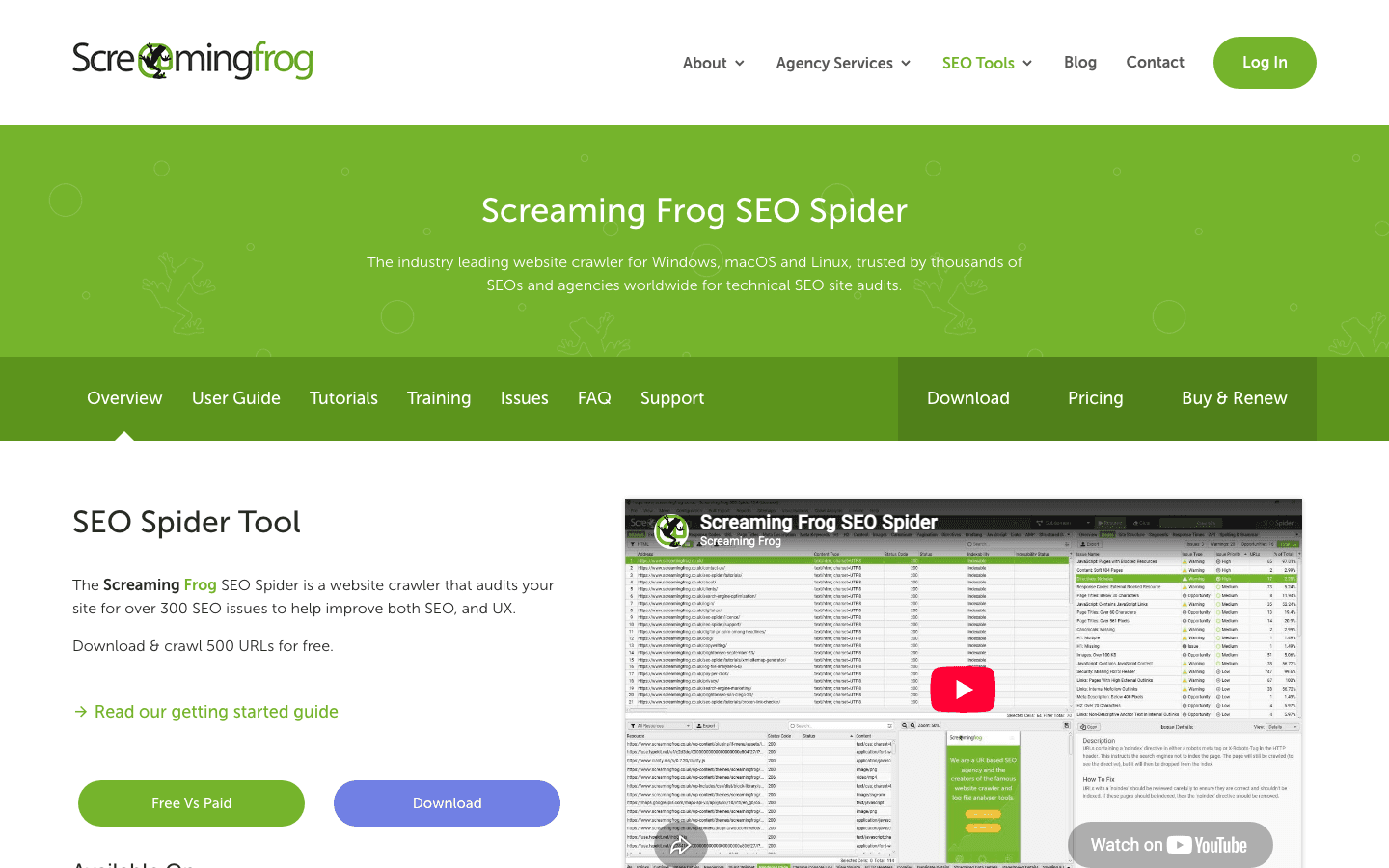
Screaming Frog SEO Spider (Free)

Screaming Frog SEO Spider (Free)

Best Free Technical Audit
9/10
Best for: Technical SEO audits and finding crawl issues on small to medium sites

Desktop-based website crawler that audits up to 500 URLs for free. Finds broken links, redirect chains, duplicate content, missing meta tags, and other technical SEO issues.

Why I like it:Screaming Frog is the industry standard for technical SEO crawling, and the free version handles up to 500 URLs. It finds broken links, redirect chains, duplicate titles, missing meta descriptions, and more. For most small to medium websites, 500 pages is enough to cover the entire site. SEO professionals use this tool daily.

Key Features

500 URL Crawl LimitBroken Link DetectionRedirect Chain AnalysisDuplicate Content FinderMeta Tag AuditResponse Code Analysis

Pros

  • Industry-standard technical SEO crawler
  • 500 URLs covers most small sites completely
  • Extremely detailed technical data
  • Desktop app runs fast without browser overhead

Cons

  • 500 URL limit blocks larger sites
  • Desktop-only (no cloud version in free tier)
  • Interface is not beginner-friendly
  • No scheduled crawling on free version
Screaming Frog SEO Spider (Free) homepage screenshot
#12
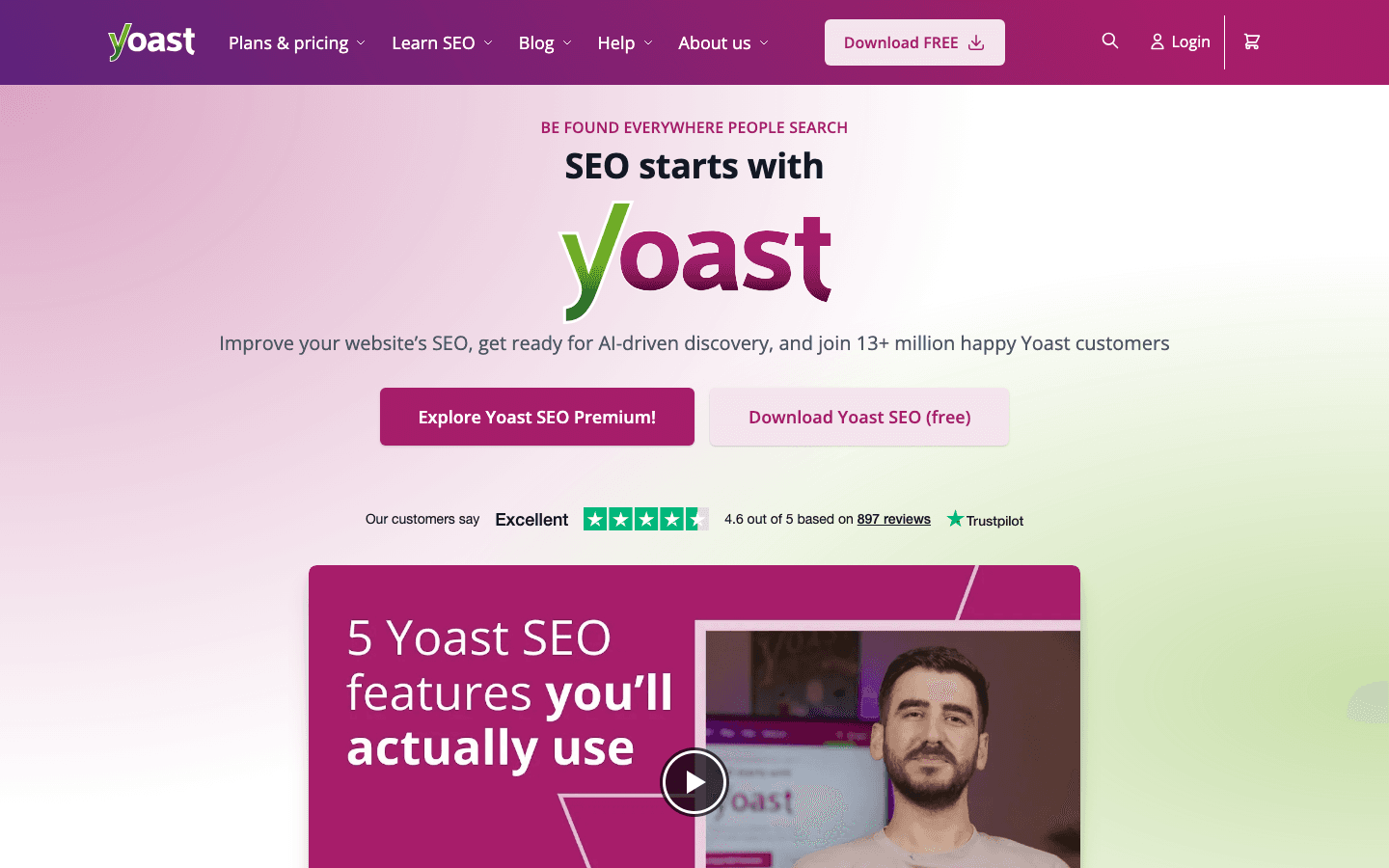
Yoast SEO

Yoast SEO

Best Free WordPress SEO
8.5/10
Best for: WordPress users who want built-in on-page SEO guidance

The most popular WordPress SEO plugin. Free version handles meta tags, XML sitemaps, breadcrumbs, readability analysis, and on-page SEO scoring for every post and page.

Why I like it:If your site runs on WordPress, Yoast is essentially a requirement. The free version handles everything most sites need: meta titles and descriptions, XML sitemaps, canonical URLs, breadcrumbs, and a real-time content analysis that scores your on-page SEO as you write. It takes the guesswork out of on-page optimization.

Key Features

On-Page SEO AnalysisReadability ScoringXML SitemapsMeta Tag ManagementBreadcrumbsCanonical URL Control

Pros

  • Covers all essential on-page SEO for WordPress
  • Real-time content scoring as you write
  • Automatic XML sitemap generation
  • Used on millions of WordPress sites

Cons

  • WordPress only (not for other platforms)
  • Premium version needed for redirect management
  • Can slow down WordPress if combined with many other plugins
Yoast SEO homepage screenshot
Review coming soonVisit Yoast SEO
#13
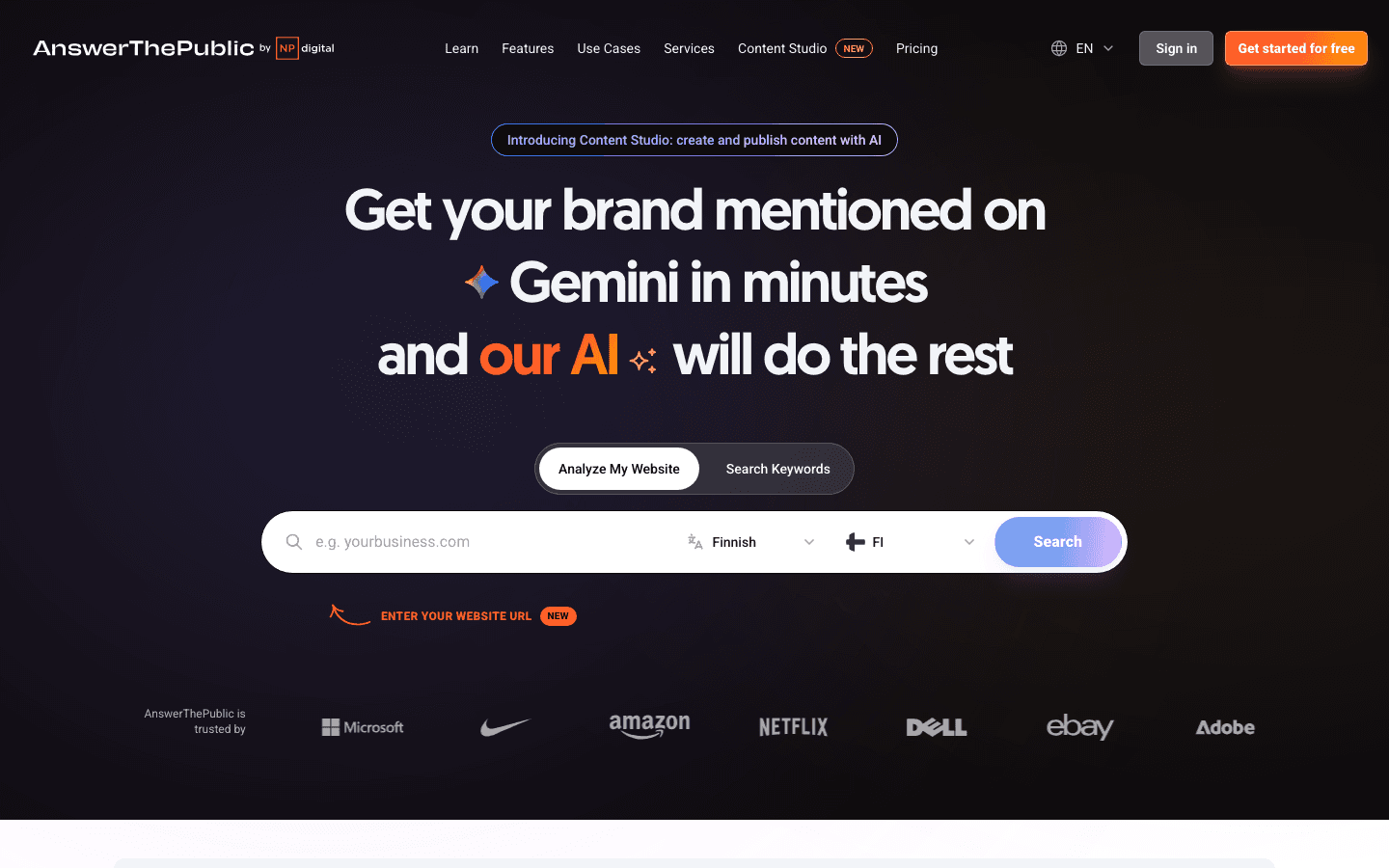
AnswerThePublic

AnswerThePublic

7.8/10
Best for: Finding question-based keywords and content ideas

Visual keyword research tool that shows questions, prepositions, comparisons, and related searches people type around any topic. Free tier offers limited daily searches.

Why I like it:AnswerThePublic excels at one thing: showing you the questions real people ask about a topic. Type in a seed keyword and it generates hundreds of question-based queries organized by who, what, when, where, why, and how. This is gold for FAQ sections, blog post ideas, and People Also Ask optimization.

Key Features

Question-Based KeywordsVisual Keyword MapsComparison QueriesPreposition QueriesAlphabetical SuggestionsCSV Export

Pros

  • Unique question-based keyword visualization
  • Great for content ideation and FAQ creation
  • Shows keywords you would never think to search
  • Visual format makes patterns easy to spot

Cons

  • Limited to 3 free searches per day
  • No search volume or difficulty data
  • Owned by Neil Patel, pushes Ubersuggest heavily
AnswerThePublic homepage screenshot
#14
AlsoAsked

AlsoAsked

7.5/10
Best for: Mapping People Also Ask data for content planning and topic clusters

Maps out Google's People Also Ask questions in a branching tree format. Shows how questions relate to each other, revealing content gaps and topic clusters.

Why I like it:AlsoAsked does something clever: it maps the People Also Ask boxes from Google search results into a visual tree. You see not just the first level of questions, but the follow-up questions people ask after clicking those. This reveals how topics connect and helps you plan content clusters that cover a subject comprehensively.

Key Features

PAA Question MappingBranching Tree VisualizationMulti-Level Question DepthRegional DataCSV ExportSearch History

Pros

  • Unique visualization of PAA relationships
  • Reveals content gaps competitors miss
  • Great for planning topic clusters and silos
  • Shows question depth beyond surface level

Cons

  • Limited free searches per month
  • Only covers People Also Ask data
  • No search volume or traffic estimates
AlsoAsked homepage screenshot
#15
Google Rich Results Test

Google Rich Results Test

8/10
Best for: Validating Schema markup and checking rich snippet eligibility

Free tool that validates structured data markup (Schema.org) on any page. Shows which rich result types your page is eligible for and flags any markup errors.

Why I like it:Rich results (star ratings, FAQ dropdowns, how-to steps) can significantly boost your click-through rate in search results. This tool tells you exactly whether your structured data is valid and which rich result types you qualify for. I use it every time I add or update Schema markup to make sure everything renders correctly before Google crawls the page.

Key Features

Schema ValidationRich Result PreviewError DetectionWarning FlagsURL or Code TestingMobile & Desktop Preview

Pros

  • Directly from Google, so results are authoritative
  • Shows exactly which rich results your page qualifies for
  • Tests both live URLs and pasted code snippets
  • Completely free with no usage limits

Cons

  • Tests one page at a time only
  • Does not suggest which Schema types to add
  • No bulk testing capability
Google Rich Results Test homepage screenshot

How I Chose These

I evaluated each tool based on what you actually get for free, not what the marketing page promises. Some tools advertise a "free plan" but lock everything useful behind a paywall. Those did not make this list.

For each tool, I looked at the practical daily usage limits, the quality of data compared to paid alternatives, how easy it is to get started without technical knowledge, and whether the free version is genuinely useful on its own or just a teaser for the paid plan. I also considered how these tools work together.

A single free tool rarely covers everything, but the right combination of 3-4 free tools can replace a $200/month subscription for basic SEO needs.

When Should You Upgrade to a Paid SEO Tool?

Free tools work well when you are managing a single site with under 500 pages and targeting a handful of keywords. But there are clear signals that it is time to consider a paid option.

If you find yourself hitting daily search limits regularly, that is the most obvious sign. Running out of Ubersuggest or Semrush free searches mid-research session breaks your workflow and slows you down.

Competitor research is another trigger. Free tools mostly limit you to your own data. Once you need to see what keywords competitors rank for, where their backlinks come from, or what content gaps exist between your site and theirs, you need paid access.

Scale matters too. If you are managing multiple client sites, tracking more than 10-20 keywords, or running weekly audits on sites with thousands of pages, free tier limits become a real bottleneck.

The natural upgrade from the Semrush free tier is to their paid plans, which unlock unlimited searches, full competitor analysis, and advanced features like content optimization and rank tracking. Check the [Semrush pricing breakdown](https://thatmarketingbuddy.com/pricing/semrush) to see which plan fits your needs. For a broader look at all paid options, see my [best SEO software](https://thatmarketingbuddy.com/best/seo-software) list.

Frequently Asked Questions

Google's own tools (Search Console, Analytics, Keyword Planner) provide data directly from the source, so they are as accurate as it gets. Third-party free tools like Ubersuggest or Seobility use their own data sources which may differ from paid tools, but they are accurate enough for basic keyword research, site audits, and tracking. The main trade-off is data depth and coverage, not accuracy.

Yes, especially if you are managing a single site. Google Search Console, Google Analytics, Ahrefs Webmaster Tools, and Screaming Frog Free cover performance tracking, backlink monitoring, and technical audits. For keyword research, Google Keyword Planner plus AnswerThePublic gives you a solid foundation. You will only need paid tools when you outgrow the daily limits or need competitor analysis.

There is no single free tool that replaces Ahrefs or Semrush entirely. The closest approach is combining several free tools: Ahrefs Webmaster Tools for backlink data, Seobility Free for site audits, Google Keyword Planner for keyword research, and Screaming Frog for technical crawling. When you are ready to invest, [Semrush](https://thatmarketingbuddy.com/review/semrush) is the most comprehensive option. See the full [Semrush pricing breakdown](https://thatmarketingbuddy.com/pricing/semrush) and my [best SEO software](https://thatmarketingbuddy.com/best/seo-software) comparison for more options.

You should use both. They serve different purposes. Search Console shows how your site appears in Google search: which queries bring impressions and clicks, indexing status, and technical issues. Analytics shows what happens after someone lands on your site: behavior, conversions, traffic sources, and audience data. Together they give you the complete picture of your SEO performance.

Yes, Screaming Frog offers a genuinely free version that crawls up to 500 URLs per project. For most small to medium websites, this covers the entire site. The paid version ($259/year) removes the URL limit and adds features like scheduled crawling, custom extraction, and Google Analytics integration. But for basic technical SEO audits, the free version is more than enough.

The most effective free combination is: Google Search Console (search performance and indexing), Google Analytics (traffic and behavior), Ahrefs Webmaster Tools (backlinks and site audit), Google Keyword Planner (keyword research), and Screaming Frog Free (technical crawling). This covers all five core SEO areas without spending anything. Add Yoast SEO if you are on WordPress for on-page optimization.

Related Content

Semrush Free

Free tier of the industry-leading SEO platform. Offers 10 searches per day across keyword research, domain analysis, and site audit with limited results.

Try Semrush Free →