


Joonas Rotko · Founder, That Marketing Buddy
I assess marketing software through 10+ years of agency work, current product research, buyer needs, competing tools and total cost.
How this review was prepared
This is a research-based review built from Yoast's Premium and WooCommerce product pages, its July 2025 pricing announcement, refund policy, developer documentation and the WordPress.org plugin listing, checked on 28 September 2026.
This page may include affiliate links, meaning I may earn a commission if you sign up (at no extra cost to you).
The Verdict
Is Yoast SEO right for you?
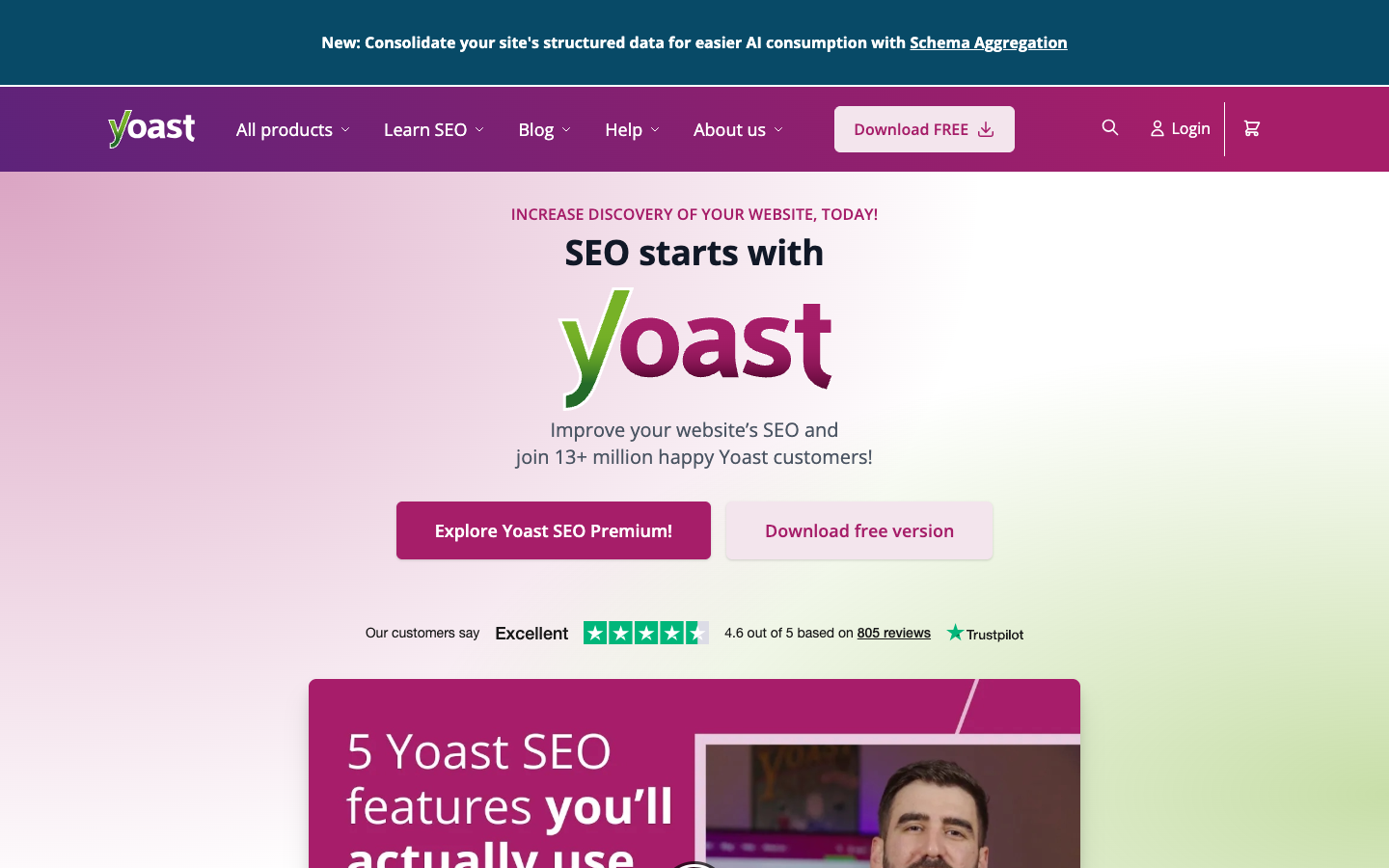
Yoast SEO is an on-page and markup plugin for WordPress, not a keyword research or rank-tracking platform, and the free plugin already handles the editor checks most small sites need.
Premium costs $118.80 a year per site ($9.90 a month billed annually, before VAT). It buys the tools that clean a site up over time: a redirect manager with CSV import and export, checks against up to five keyphrases, internal linking suggestions, AI title and description drafting, and the Local, News and Video SEO plugins that used to be sold separately.
It fits owners who move or delete pages, publish steadily and maintain their own WordPress SEO. It does not tell you what to write about or where you rank, so it needs a research tool beside it.
Who It's For
Who Yoast SEO is for (and who it isn't)
✓ Best for
- +WordPress owners who move and delete pages. Premium prompts you to create a redirect when a URL changes, and the manager accepts bulk CSV imports, which replaces manual server edits after a restructure.
- +Teams filling metadata gaps on older posts. The bulk editor filters pages that lack titles or descriptions, lets AI draft options and saves nothing until a person approves, which suits sites with hundreds of empty fields.
- +Local, news and video publishers. Since July 2025 Premium bundles Local SEO, News SEO and Video SEO, so a business that once bought each add-on separately now licenses them under one subscription.
× Consider something else if
- −You need keyword research, rank tracking or competitor data. Yoast does not track rankings or research keywords. SE Ranking covers those jobs and the reporting around them, and can run alongside Yoast on the same site.Try SE Ranking →
- −You want drafts scored against pages that already rank. Yoast checks a draft against its own rules. Surfer compares it with the pages ranking for a keyword, which is a different way to decide what a post should contain.Try Surfer SEO →
- −You need a whole-site crawl audit, not editor checks. Yoast works page by page inside WordPress. Seobility crawls the full site for technical and on-page issues and does not depend on the CMS.Try Seobility →
What You Can Do
What can Yoast SEO do?
Check a post before publishing
Set a focus keyphrase, then read the traffic-light scores for keyphrase use, readability and inclusive language before the post goes live. Premium adds analysis against up to five keyphrases in one pass.
Repair links after a restructure
After moving or deleting pages, Premium prompts for the redirect and handles bulk redirects from a CSV, so old URLs keep resolving to the right page.
Fill missing meta descriptions in bulk
Filter the bulk editor for pages without titles or descriptions, let AI draft options, review each and approve. Yoast states that nothing saves until you approve it.
Prepare a site for AI crawlers
Use the llms.txt feature to choose which pages an LLM guide includes. On Premium, turn on schema aggregation and the bot blocker to control which AI crawlers may use your content for training.
AI, API & MCP
AI, API and assistant workflows
Yoast SEO exposes a read-only REST API on any WordPress site running the plugin, but has no MCP server and no cloud-hosted endpoint of its own.
AI agent workflow
Audit meta titles and schema across a site's URLs
An agent with access to a WordPress site's REST endpoint can fetch computed SEO metadata for a batch of URLs, titles, meta descriptions, canonical tags, and Schema.org markup, to audit length and correctness across the site. It cannot write anything back through this API.
Approval boundary: There's no approval boundary to define for writes because writes aren't possible through Yoast's API at all. Any actual fix has to go through WordPress's own post-editing endpoints or the block editor instead.
MCP
noneNo hosted MCP server exists
There is nothing external to connect to, since Yoast doesn't run a cloud-hosted MCP endpoint and no third-party one was found either.
API
officialRead-only metadata API scoped to a single WordPress install
Yoast's REST API rides on a WordPress site's own installation, appending yoast_head and yoast_head_json fields to standard WP REST responses or serving them directly through a get_head endpoint. Yoast's own documentation states plainly that the API is currently read-only and does not support POST or PUT calls, and reaching it requires network access to that specific WordPress install.
Yoast SEO REST API docs →Pricing
How much does Yoast SEO cost?
The published entry plan starts at Free. For this review's professional buyer, the practical starting point is $118.80/yr before users and add-ons. A free plan is available.
| Plan | Monthly |
|---|---|
| Free | Free |
| PremiumPopular | Annual only |
| WooCommerce SEO | Annual only |
The Yoast SEO plugin is free. Yoast SEO Premium is $9.90 a month billed annually at $118.80 per site, before VAT. Yoast's euro pages show the same figures, €9.90 and €118.80. Since July 2025 that one subscription includes the Local SEO, News SEO and Video SEO plugins, one Google Docs add-on seat (extra seats are $5 a month each), Yoast SEO Academy and 24/7 support. Yoast WooCommerce SEO adds store-specific tools at $14.90 a month billed annually, $178.80 a year. Yoast SEO for Shopify is a separate app at $19 per 30 days with a 14-day free trial, and Yoast says its annual option gives 12 months for the price of 10.
Premium is licensed per site
One subscription covers one site or domain, and you choose the number of sites at checkout. Yoast says bulk purchases get discounts and points sites managing 100 or more to custom agency licensing.
Refunds cover the first purchase only
Yoast refunds a first purchase within 30 days on request. Renewals and monthly subscriptions are not refundable, so treat the first month as the test window and cancel in MyYoast before renewal if it does not fit.
Read prices as ex-VAT list prices
Yoast lists amounts without VAT and offers USD, EUR and GBP at checkout. Your total will differ by country.
Alternatives
When I'd choose something else
Three different buying priorities, and what I'd pick instead for each one.
Keyword, rank and competitor data

SE Ranking
SE Ranking supplies the research and tracking that Yoast leaves out, and its reports suit teams that must show ranking movement to clients or managers.
Trade-off: It is a separate platform rather than a WordPress plugin, so it does not check drafts inside the editor.
Explore SE Ranking for this use case →Content scored against ranking pages

Surfer SEO
Surfer helps writers decide which topics and terms a page needs by comparing it with pages that already rank.
Trade-off: It works in its own editor across any CMS and does not manage redirects, schema or sitemaps the way Yoast does.
Explore Surfer SEO for this use case →Whole-site technical audits

Seobility
Seobility crawls the whole site for technical and on-page issues, which shows problems that a page-by-page editor check never reaches.
Trade-off: It reports problems but does not fix them in WordPress the way Yoast's redirect manager and bulk editor can.
Explore Seobility for this use case →Keep going
- Compare Yoast SEO against the field: Best Free SEO Tools for a Small Business
Downsides
Limitations to consider before subscribing
WordPress is the home platform
Premium and its extras install as WordPress plugins. Shopify has a separate paid app with its own pricing, and other platforms are not covered.
Free-plan AI access is unclear
Yoast's Premium page says its AI tools come with Premium, while the WordPress.org listing describes AI features without marking each one as paid. Check which AI tools work in the free plugin before promising editors AI drafts.
No search demand or rank data
Yoast scores the page you wrote. It does not suggest topics from search demand or report where pages rank.
Per-site licensing multiplies with client sites
An agency with 20 client sites needs 20 subscriptions before any volume discount, which changes the economics compared with per-account tools.
My Recommendation
Stay on free until redirects, keyphrases or bulk metadata become recurring work
Shortlist Premium when you move pages often, need to fix metadata across many older posts, or want local, news and video markup under one subscription for a single site at $118.80 a year.
Choose SE Ranking when the gap is keyword and rank data, Surfer when you need competitive content guidance, or Seobility when the site needs a full crawl audit.
What to check during the trial
- –Install the free plugin on a staging copy and check whether its traffic-light scores match how you write
- –Count your redirects, orphaned posts and missing meta descriptions to price Premium against the hours it saves
- –Confirm which AI tools work without Premium before promising editors AI drafts
- –Use the 30-day refund window on the first Premium purchase and connect only the sites you need
FAQ
Frequently asked questions about Yoast SEO
$118.80 a year per site, shown as $9.90 a month billed annually, before VAT. Yoast SEO itself is free, and WooCommerce SEO is $178.80 a year.
The redirect manager, up to five keyphrases per post, internal linking suggestions, the AI content planner and bulk editor, schema aggregation and the bot blocker, plus the Local, News and Video SEO plugins and 24/7 support.
No. One subscription covers one site or domain, and you choose how many sites you need at checkout, with bulk discounts.
Yes, within 30 days of an initial purchase on request. Renewals and monthly subscriptions are excluded.
Yoast documents a read-only REST API and a PHP API that run on your own WordPress site. It documents no MCP server run by Yoast.
Sources & References (5)
Spot something out of date?Vendors and readers, send me the correct fact.
Software sites change almost every week, and I want every claim on this page to be factually correct. If you are a vendor or a reader, send me the correct fact and a link to the official page. I will check it and update the page. The opinions and rankings stay mine.