
This page may contain affiliate links.
Some links on this page are affiliate links, meaning I may earn a commission if you sign up (at no extra cost to you). This never influences my ratings or recommendations.
Whether you need more advanced funnel capabilities, better pricing, or different features, there are plenty of alternatives available. To understand the full picture, review my Unbounce Pricing guide and my complete Unbounce Review before exploring alternatives.
Why Switch
Why people look for Unbounce alternatives
Pricing can get expensive, especially for small businesses or agencies managing multiple campaigns
Limited funnel-building capabilities compared to more comprehensive sales funnel platforms
Some users find the interface overwhelming or prefer simpler drag-and-drop builders
You need more advanced automation features or better integration with specific marketing tools
You want a platform that includes email marketing or CRM features in one package
Alternatives
Best Unbounce alternatives
15 alternatives ranked. 2 are cheaper. 1 offer free plans.

Leadpages
Top PickSmall businesses and marketers who want unlimited traffic without usage-based pricing
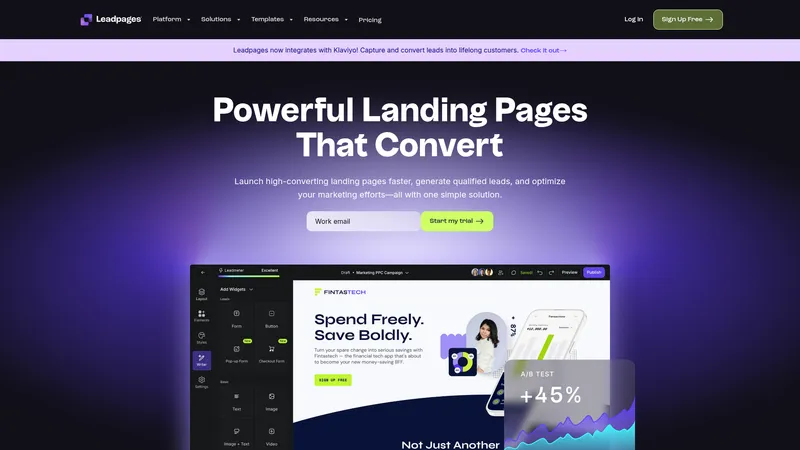
Simple drag-and-drop landing page builder with unlimited traffic on all plans.
Why consider Leadpages
Leadpages offers a straightforward approach with unlimited traffic on all plans. The platform focuses on simplicity while still providing essential features like A/B testing and lead capture tools. Read my Leadpages Review for a full breakdown.
Pros
- +Unlimited traffic on all plans
- +Simple drag-and-drop interface
- +Strong template library for quick setup
Cons
- −Fewer advanced features compared to enterprise platforms
- −Limited customization options for complex designs

Clickfunnels
Entrepreneurs and small businesses building complete sales funnels with e-commerce features
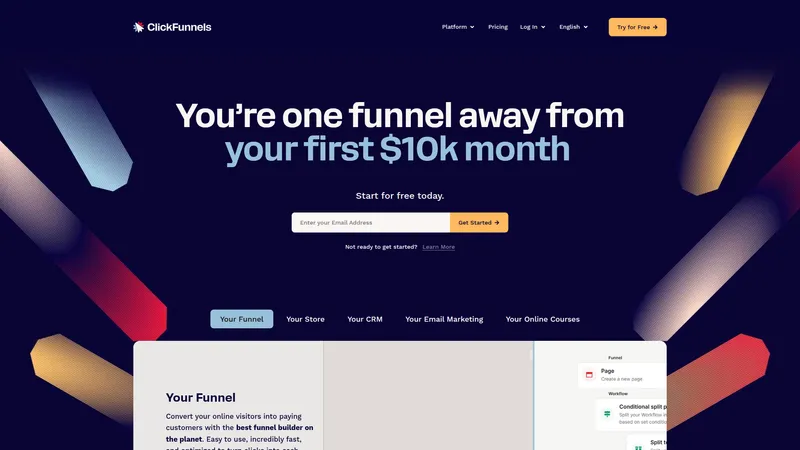
Complete sales funnel platform with drag-and-drop editor and e-commerce capabilities.
Why consider Clickfunnels
ClickFunnels goes beyond landing pages to create complete sales processes with upsells, downsells, and payment processing. It's designed for businesses selling products or services online. Read my ClickFunnels Review for more details.
Pros
- +Complete sales funnel creation capabilities
- +Built-in e-commerce and payment processing
- +Strong community and educational resources
Cons
- −Higher pricing starting at $97/month
- −Can be complex for simple landing page needs

Perspective Funnels
Mobile-focused businesses wanting all-in-one CRM and funnel capabilities
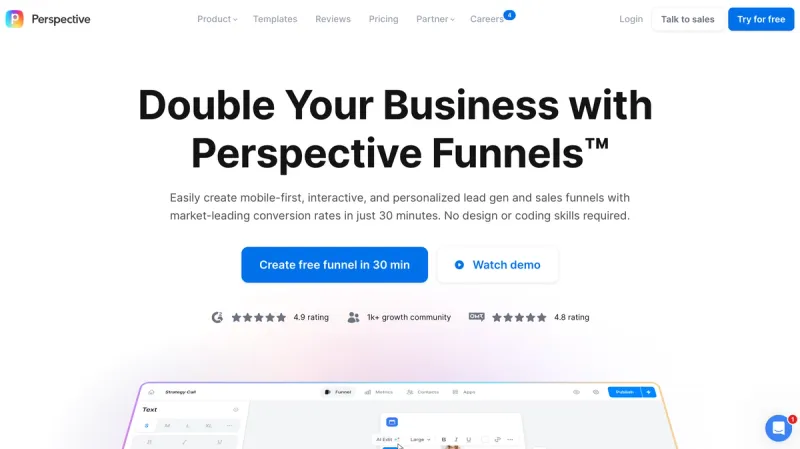
Mobile-first funnel builder with interactive templates for lead generation, sales, and recruiting with integrated CRM and automation.
Why consider Perspective Funnels
Perspective takes a mobile-first approach with integrated CRM and automation features. The platform claims significantly higher conversion rates through interactive, mobile-optimized funnel design. Check out my Perspective Review for a detailed look.
Pros
- +Mobile-first design philosophy
- +Integrated CRM and automation tools
- +Claims 700% higher conversion rates
Cons
- −Limited desktop optimization focus
- −Newer platform with less market validation

Heyflow
Businesses wanting mobile-first interactive funnels with strong conversion optimization
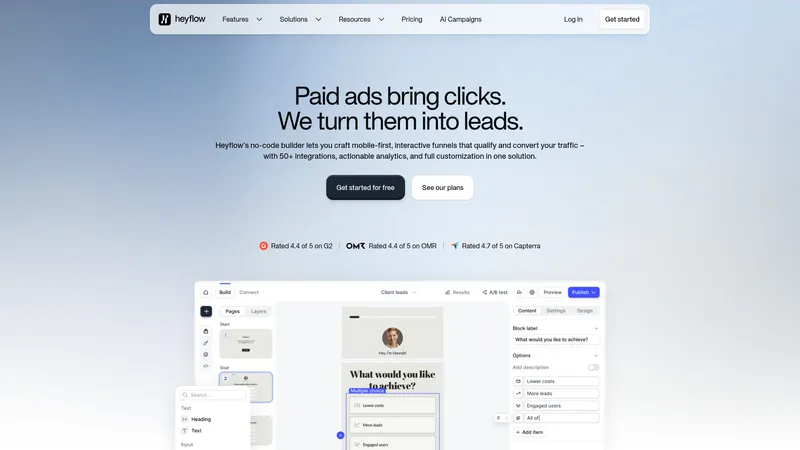
No-code builder for creating mobile-first interactive funnels and landing pages that convert paid traffic into qualified leads.
Why consider Heyflow
Heyflow specializes in mobile-optimized conversion funnels with over 40 interactive elements. The platform focuses specifically on turning paid traffic into qualified leads through interactive experiences.
Pros
- +40+ conversion-focused drag-and-drop blocks
- +Built-in A/B testing and detailed analytics
- +50+ direct integrations with popular marketing tools
Cons
- −Higher starting price at $79/month
- −Newer platform with smaller community

Instapage
Enterprise teams and agencies needing advanced personalization and campaign visualization
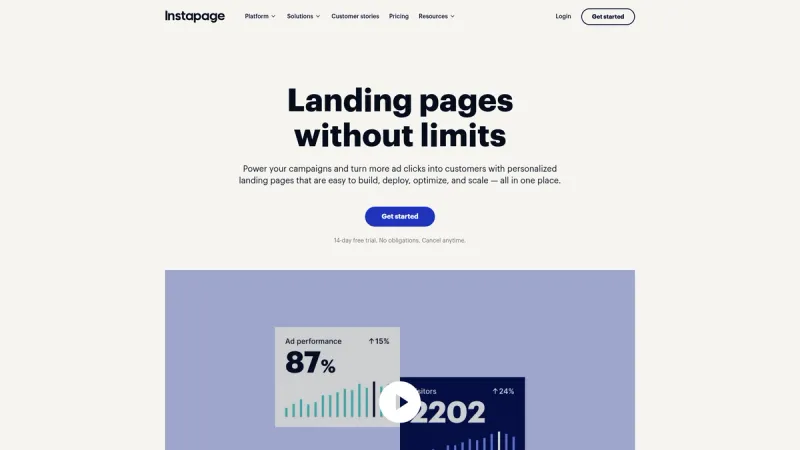
Drag-and-drop landing page builder with AI content generation, A/B testing, and personalization for marketers and agencies.
Why consider Instapage
Instapage offers an AdMap feature that visualizes entire campaign structures and AI-powered content generation. It's built for teams managing complex, multi-variant campaigns. See my Instapage Review for a complete breakdown.
Pros
- +AI-powered content generation and testing
- +AdMap visualization for campaign management
- +Advanced personalization capabilities
Cons
- −Pricing only available through sales contact
- −Can be overkill for simple landing page needs

Landingi
Digital marketers wanting extensive template variety and AI-powered automation
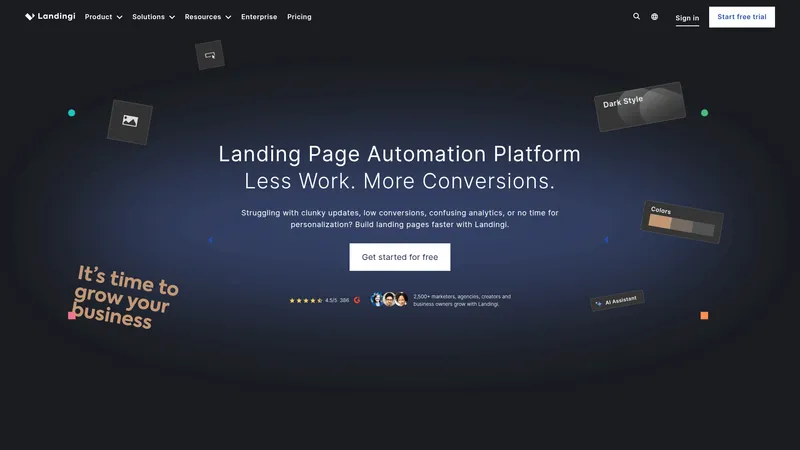
Landing page automation platform with drag-and-drop builder, A/B testing, and AI assistance for digital marketers.
Why consider Landingi
Landingi offers one of the largest template libraries with 400+ options and AI assistance for content creation. The platform focuses on automation to help marketers scale their campaigns efficiently. Read my Landingi Review for an in-depth look.
Pros
- +400+ professionally designed templates
- +AI-powered content generation and workflow automation
- +170+ integrations with CRM and marketing tools
Cons
- −Pricing requires sales contact
- −Learning curve for advanced automation features

GetResponse
Businesses wanting landing pages integrated with comprehensive email marketing automation
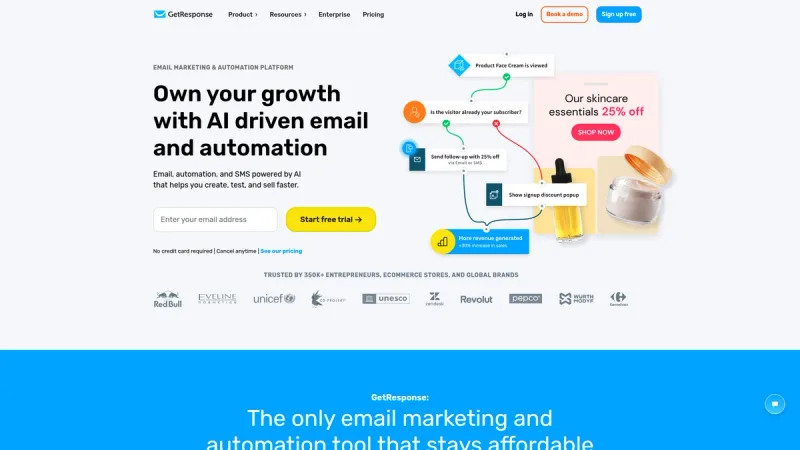
All-in-one marketing platform with landing page builder and email marketing automation.
Why consider GetResponse
GetResponse combines landing page creation with email marketing, webinars, and automation in one platform. This makes it efficient for businesses running integrated marketing campaigns. Read my GetResponse Review for a full breakdown.
Pros
- +All-in-one marketing platform with email automation
- +Competitive pricing starting at $19/month
- +Includes webinar hosting capabilities
Cons
- −Landing page features less advanced than specialized tools
- −Interface can feel cluttered with multiple features

Kit
Creators, authors, and course builders who need landing pages integrated with audience building
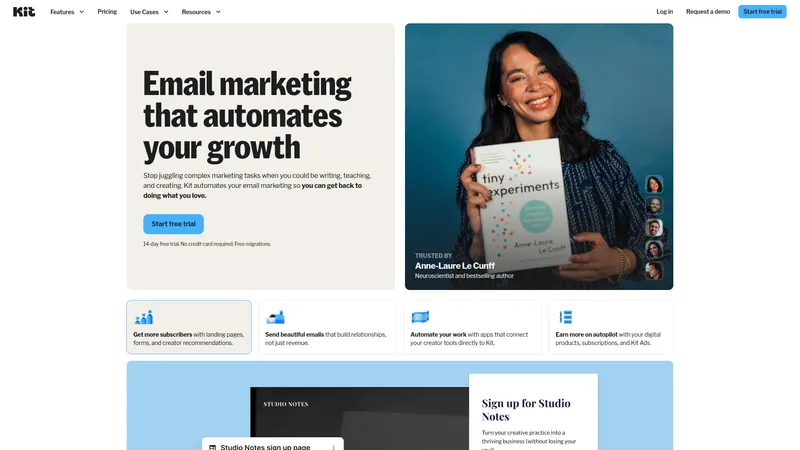
Email marketing automation platform designed for creators, authors, and entrepreneurs to grow their audience and automate marketing tasks.
Why consider Kit
Kit is designed specifically for creators with features like digital product monetization and audience segmentation. The landing pages integrate seamlessly with creator-focused automation workflows. Read my Kit Review for more details.
Pros
- +Creator-focused automation and segmentation
- +Digital product selling capabilities
- +Strong email marketing integration
Cons
- −Limited design customization options
- −Best suited for creator economy, not general business

Mailchimp
Small businesses wanting basic landing pages with free email marketing features
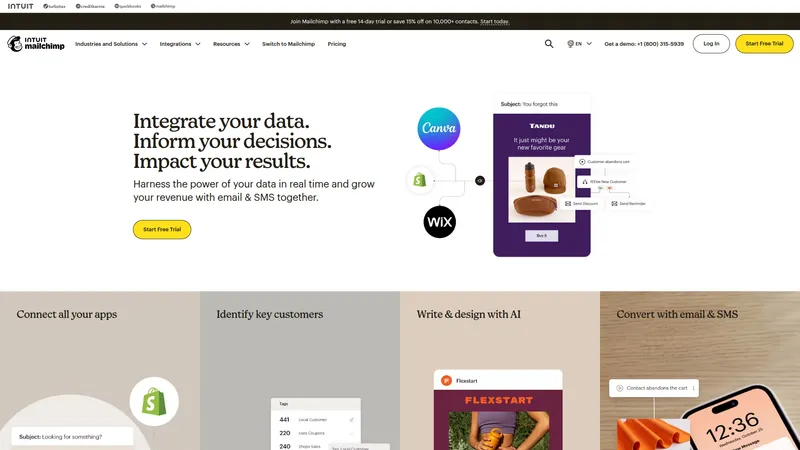
Marketing automation platform with built-in landing page creation tools.
Why consider Mailchimp
Mailchimp's landing page builder integrates directly with their email marketing platform, making it easy to capture leads and nurture them. The free plan makes it accessible for budget-conscious businesses. Check out my Mailchimp Review for a detailed look.
Pros
- +Free plan available with basic features
- +Direct integration with email marketing
- +User-friendly for marketing beginners
Cons
- −Limited landing page customization options
- −Fewer advanced features compared to specialized platforms

HubSpot
Growing businesses wanting landing pages integrated with comprehensive CRM and sales tools
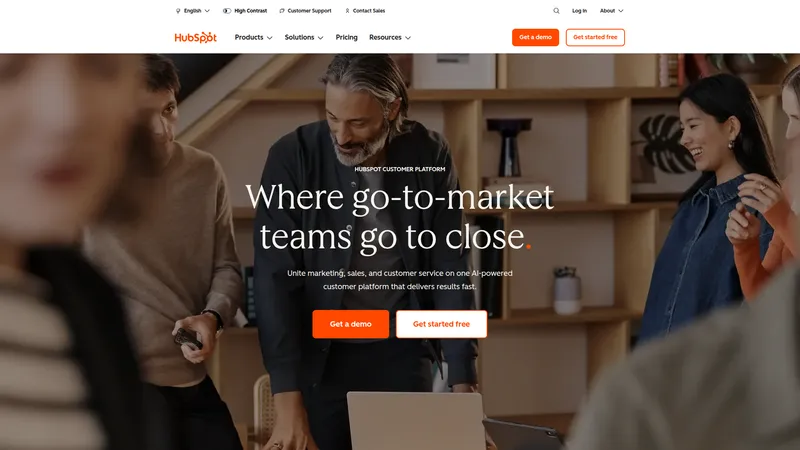
AI-powered customer platform that unites marketing, sales, and service teams with CRM, automation, and analytics tools.
Why consider HubSpot
HubSpot's landing page tools are part of a complete business growth platform with AI agents, CRM, and sales automation. It's ideal for businesses wanting everything integrated in one system.
Pros
- +Complete CRM platform with landing page integration
- +AI-powered automation and customer service
- +2,000+ integrations with existing tools
Cons
- −Can be overwhelming for simple landing page needs
- −Advanced features require higher-tier plans

Swipe Pages
Marketers prioritizing page speed and mobile performance above all else
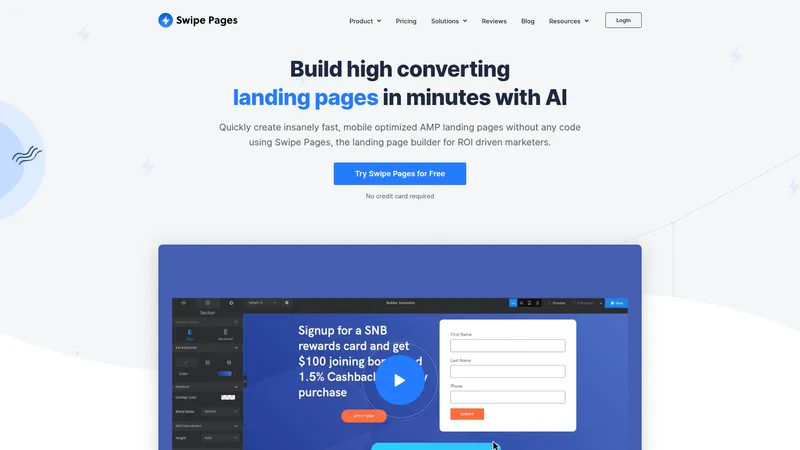
AI-powered drag-and-drop landing page builder that creates fast, mobile-optimized AMP pages for marketers and agencies.
Why consider Swipe Pages
Swipe Pages uses AMP technology to create ultra-fast loading pages, which can significantly improve conversion rates. The AI-powered builder simplifies the creation process while maintaining speed.
Pros
- +AMP technology for fastest possible loading times
- +AI-powered page builder for quick setup
- +Mobile-optimized responsive design
Cons
- −Pricing requires sales contact
- −Limited design flexibility due to AMP constraints

Carrd
Freelancers and small projects needing simple, fast one-page sites
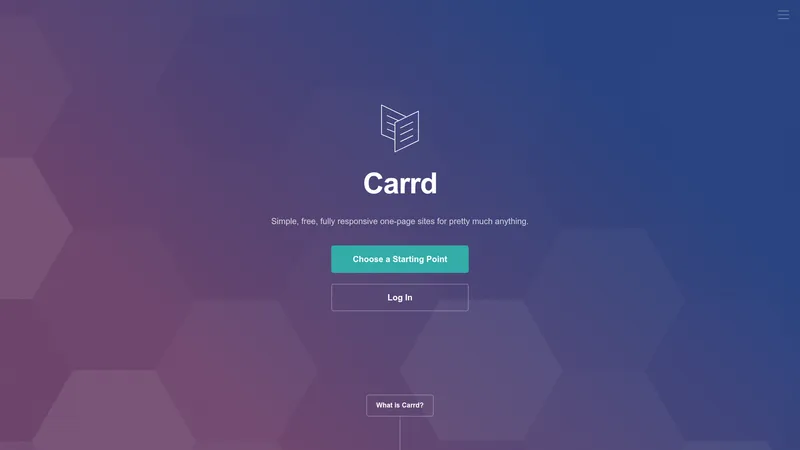
A website builder for creating simple, responsive one-page sites with templates and customization options.
Why consider Carrd
Carrd focuses on simplicity with a streamlined approach to creating responsive one-page sites. The free tier and low-cost paid plans make it extremely accessible for basic landing page needs.
Pros
- +Free tier with essential features
- +Extremely simple and fast setup
- +Fully responsive design out of the box
Cons
- −Very limited functionality compared to full platforms
- −Not suitable for complex landing page requirements

Elementor
WordPress users wanting powerful page building with AI assistance
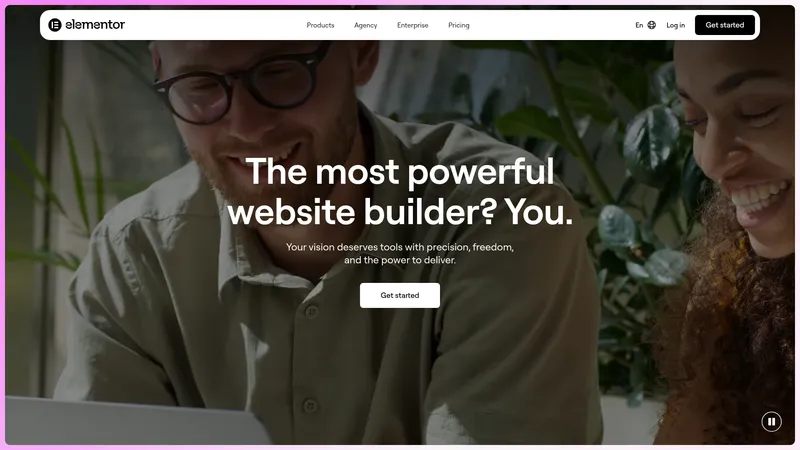
Visual drag-and-drop WordPress website builder with AI tools for creating professional websites without coding knowledge.
Why consider Elementor
Elementor integrates directly with WordPress while providing visual editing capabilities and AI-powered tools. It's perfect for businesses already using WordPress who want more design control.
Pros
- +Native WordPress integration
- +AI-powered design and content generation
- +Visual drag-and-drop editing
Cons
- −Requires WordPress hosting and management
- −Learning curve for advanced customization

Webflow
Design-conscious teams and agencies wanting pixel-perfect control without coding
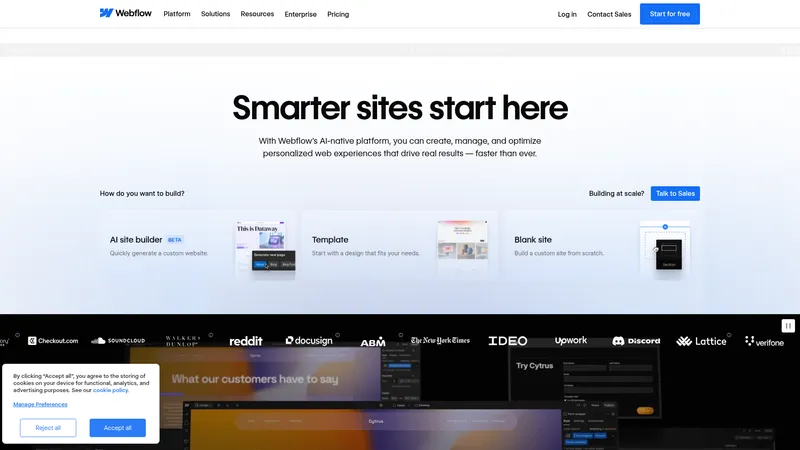
Visual web design platform that lets marketing teams build, manage, and optimize websites without coding.
Why consider Webflow
Webflow bridges the gap between design tools and web development, offering precise visual control while generating clean code. It's ideal for teams prioritizing design quality and custom interactions.
Pros
- +Precise visual design control
- +Clean, fast-loading generated code
- +Advanced animation and interaction capabilities
Cons
- −Steeper learning curve for non-designers
- −Pricing can get expensive for multiple projects

Thrive Architect
WordPress users focused on conversion optimization and A/B testing
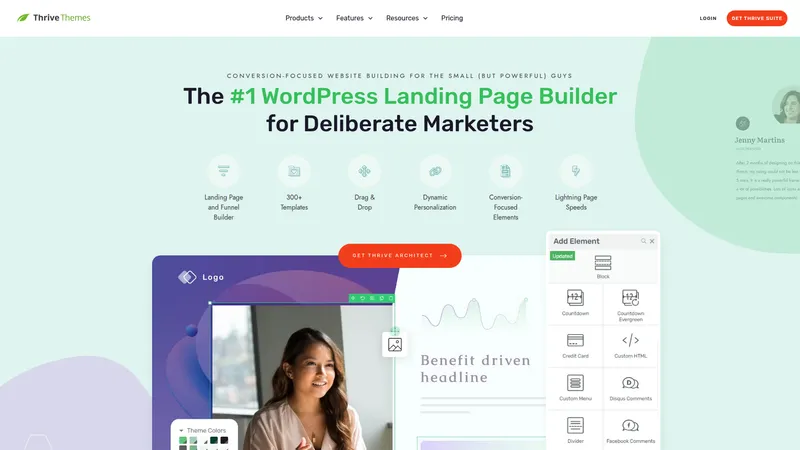
A WordPress page builder plugin with drag-and-drop functionality, 300+ templates, and conversion-focused features for marketers.
Why consider Thrive Architect
Thrive Architect is built specifically for conversion optimization within WordPress. With 300+ templates and built-in testing features, it's designed to help WordPress users maximize their landing page performance.
Pros
- +300+ conversion-focused templates
- +Built-in A/B testing capabilities
- +Integrates seamlessly with WordPress
Cons
- −Limited to WordPress sites only
- −Requires separate WordPress hosting and maintenance
Price Chart
How Unbounce compares on price
Of the 8 alternatives tracked, 2 start at a lower price than Unbounce's $29/mo. 1 offer a free plan.


Checklist
What to look for in an alternative
Consider your primary use case first. If you're building simple landing pages, look for platforms with clean interfaces and good template libraries. For complex sales funnels, prioritize tools with advanced automation and multiple page flows. Pricing structure matters too. Some platforms charge per page, others per visitor, and some offer unlimited usage at fixed rates.
Think about your traffic volume and how many campaigns you'll run simultaneously. Also consider your team's technical skills and whether you need features like A/B testing, analytics, or specific integrations with your existing marketing stack.
For a broader look at the top options in this category, check my best sales funnel software roundup.
FAQ
Frequently Asked Questions
Unbounce focuses on creating individual landing pages with strong A/B testing, while ClickFunnels builds complete sales funnels with multiple pages, upsells, and payment processing. Choose ClickFunnels if you need full funnel capabilities.
Yes, several options offer free plans including Carrd, Mailchimp, and HubSpot. However, free plans typically have limited features and may include platform branding.
Leadpages and GetResponse are popular choices for small businesses due to their reasonable pricing and unlimited traffic policies. Both offer essential features without enterprise-level complexity.
Most platforms don't offer direct migration tools, so you'll likely need to rebuild your pages. However, you can export your content and images from Unbounce to use in your new platform.
Most alternatives offer no-code drag-and-drop builders. Webflow and Elementor provide more customization options but may require some technical knowledge for advanced features.
Perspective and Swipe Pages specifically focus on mobile-first design. Swipe Pages uses AMP technology for ultra-fast mobile loading, while Perspective builds interactive mobile experiences.
Still considering Unbounce?
Try it free for 14 days before deciding.
More on Unbounce



Joonas Rotko
Author & founder of That Marketing Buddy
I score marketing software for AI-stack fit (MCP, API, agent-readiness), backed by 10+ years in digital marketing. I track 9 tools so you can find the right fit.
This page may contain affiliate links. I earn a commission at no extra cost to you. This never influences the recommendations.