
This page may contain affiliate links.
Some links on this page are affiliate links, meaning I may earn a commission if you sign up (at no extra cost to you). This never influences my ratings or recommendations.
Many businesses find they need more advanced features or better value for their marketing budget.
Overview
Quick comparison
| # | Tool | Price |
|---|---|---|
| 1 | $15/mo | |
| 2 | Free trial | |
| 3 | Free | |
| 4 | $0 | |
| 5 | Free |
Why Switch
Why people look for Campaign Monitor alternatives
High pricing that scales quickly with subscriber growth
Limited advanced automation compared to specialized platforms
Fewer integrations than all-in-one marketing platforms
Basic CRM functionality that may not meet growing business needs
Template customization can be restrictive for complex designs
Alternatives
Best Campaign Monitor alternatives
11 alternatives ranked. 11 are cheaper. 22 offer free plans.

ActiveCampaign
Top PickGrowing businesses that need automation and CRM features
Customer experience automation platform with advanced marketing tools
Why consider ActiveCampaign
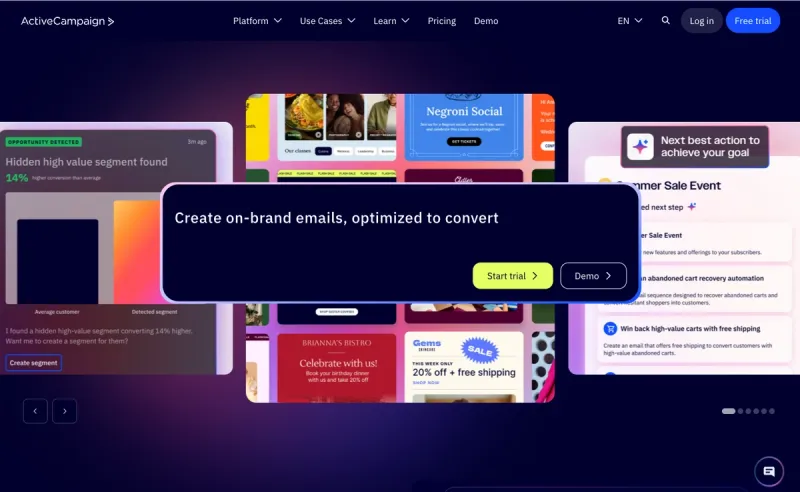
ActiveCampaign excels where Campaign Monitor falls short: advanced automation and customer relationship management. The visual automation builder is more powerful, and the CRM integration runs deeper.
Pros
- +Advanced behavioral automation capabilities
- +Built-in CRM with deal tracking
- +Predictive sending and content optimization
Cons
- −Steeper learning curve than Campaign Monitor
- −Can become expensive with add-on features

Kit
Content creators and course creators who sell digital products
Email marketing automation platform for creators to grow their audience and automate marketing tasks
Why consider Kit
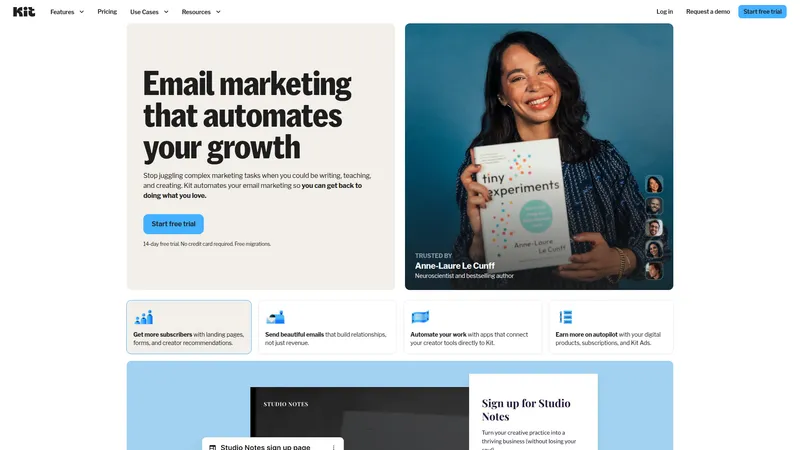
Kit is built specifically for creators who monetize their audience. Unlike Campaign Monitor's general business focus, Kit offers subscriber tagging, digital product sales, and creator-specific automation flows.
Pros
- +Powerful subscriber tagging and segmentation system
- +Built-in digital product sales functionality
- +Creator-focused automation templates
Cons
- −Email design options are more basic
- −Less suitable for traditional business marketing

MailerLite
Design-conscious teams who want Campaign Monitor's aesthetics at lower prices
Email marketing platform with drag-and-drop design tools
Why consider MailerLite
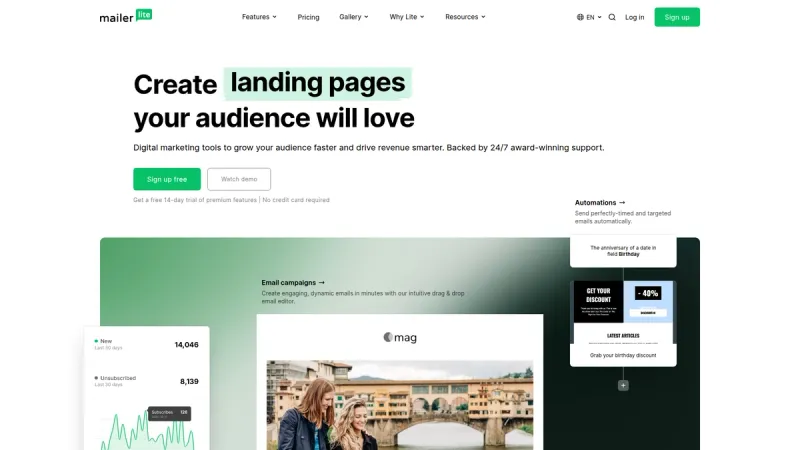
MailerLite delivers beautiful templates and clean design tools at a fraction of Campaign Monitor's cost. The drag-and-drop editor is intuitive, and you get landing pages included in most plans.
Pros
- +Significantly cheaper than Campaign Monitor
- +Modern, clean email templates
- +Includes website and landing page builder
Cons
- −Stricter content approval process
- −Fewer advanced automation features

beehiiv
Publishers and content creators who monetize through newsletters and subscriptions
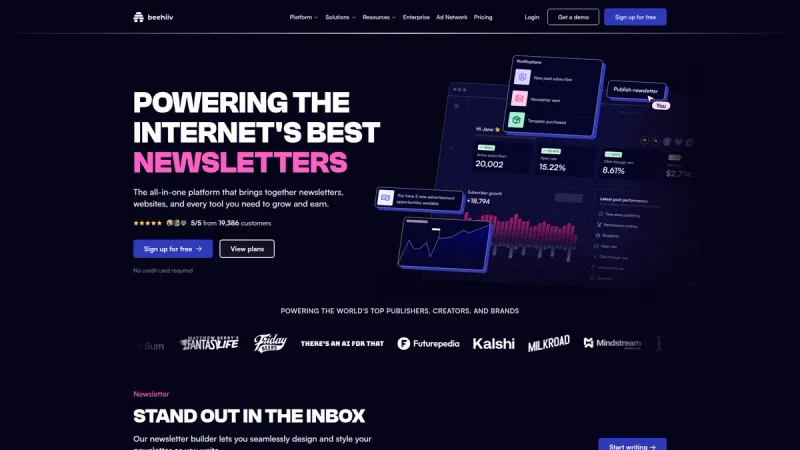
Newsletter platform with growth and monetization tools
Why consider beehiiv
Beehiiv focuses specifically on newsletter publishing with built-in monetization tools like paid subscriptions and ad networks. This specialized approach offers features Campaign Monitor doesn't provide for content creators.
Pros
- +Built-in newsletter monetization and subscription management
- +Strong analytics for content performance
- +Referral program features to grow audience
Cons
- −Limited to newsletter format, not general email marketing
- −Fewer design customization options than Campaign Monitor

Brevo
Businesses with large contact lists who send emails infrequently
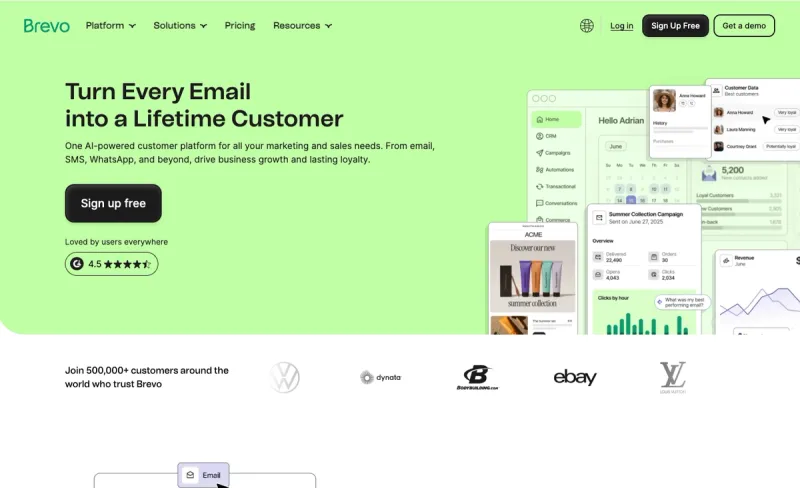
Multichannel marketing automation platform with email and SMS capabilities
Why consider Brevo
Brevo's unlimited contacts model changes the game if you have big lists. You pay per email sent rather than per subscriber, making it much cheaper for businesses with large, less active audiences.
Pros
- +Unlimited contacts across all paid plans
- +Includes SMS and WhatsApp marketing
- +Much lower costs for large subscriber bases
Cons
- −Email design tools aren't as polished
- −Fewer template options than Campaign Monitor

Mailchimp
Small to medium businesses wanting design tools and marketing features in one platform
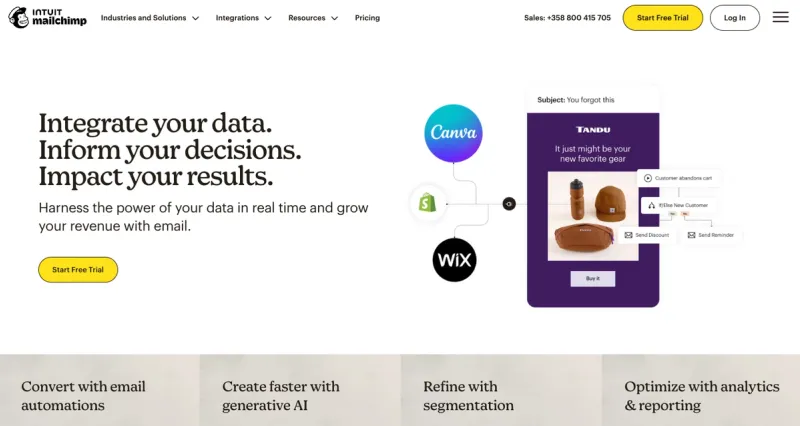
All-in-one marketing platform for email campaigns and automation
Why consider Mailchimp
Mailchimp matches Campaign Monitor's design focus while offering more marketing tools. You get landing pages, social media ads, and postcards alongside email marketing. The creative assistant helps with design decisions.
Pros
- +Comprehensive marketing toolkit beyond email
- +Strong template library with good customization
- +Extensive third-party integrations available
Cons
- −Similar pricing to Campaign Monitor at higher tiers
- −Interface can feel overwhelming for simple email needs

Flodesk
Creators and small businesses who prioritize beautiful email design above all else
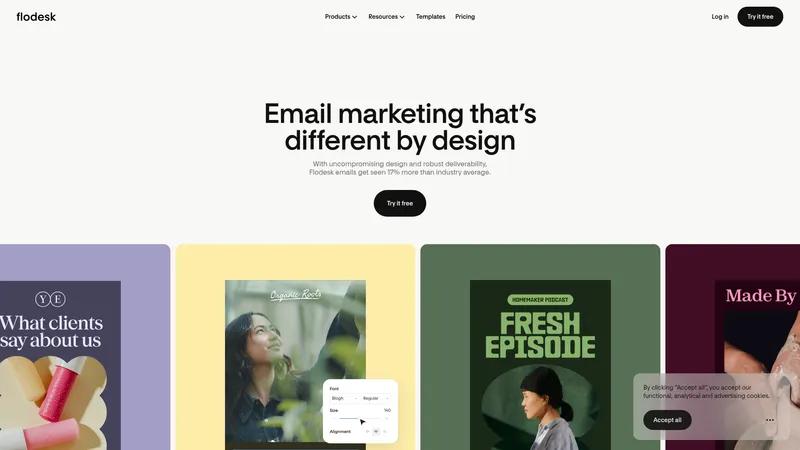
Email marketing platform with beautiful design tools for creators and businesses to craft engaging newsletters and sales pages
Why consider Flodesk
Flodesk specializes in stunning email templates that look more like magazine layouts than traditional newsletters. If visual impact is your top priority, Flodesk's design quality surpasses Campaign Monitor.
Pros
- +Exceptionally beautiful, modern email templates
- +Flat-rate pricing regardless of subscriber count
- +Integrated sales funnels and checkout pages
Cons
- −Limited automation compared to Campaign Monitor
- −Fewer integrations with business tools

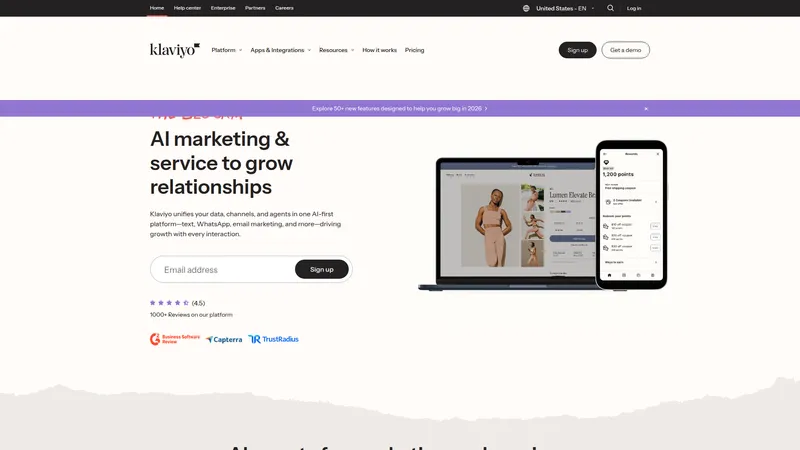
Klaviyo
Ecommerce brands who need deep shopping behavior insights and automation
AI-first B2C CRM platform unifying marketing, service, and analytics for ecommerce brands
Why consider Klaviyo
Klaviyo's AI-powered platform tracks every customer interaction with your store, creating detailed profiles that Campaign Monitor can't match. The product recommendation engine and purchase prediction tools drive real revenue.
Pros
- +Advanced ecommerce tracking and personalization
- +AI-powered product recommendations
- +Comprehensive customer lifecycle automation
Cons
- −Significantly more expensive than Campaign Monitor
- −Overkill for businesses without ecommerce focus

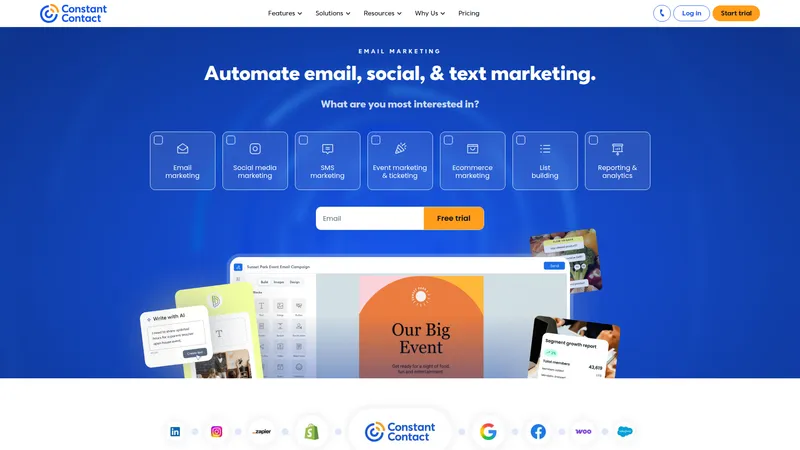
Constant Contact
Small businesses and nonprofits who want simplicity with multi-channel marketing
Email marketing platform that helps small businesses and teams automate marketing across email, social media, and SMS channels.
Why consider Constant Contact
Constant Contact combines Campaign Monitor's ease of use with additional marketing channels like social media management and event marketing. It's particularly strong for local businesses and nonprofits.
Pros
- +Very user-friendly interface for beginners
- +Includes social media and event marketing tools
- +Strong customer support and training resources
Cons
- −Email design capabilities are more basic
- −Automation features lag behind Campaign Monitor

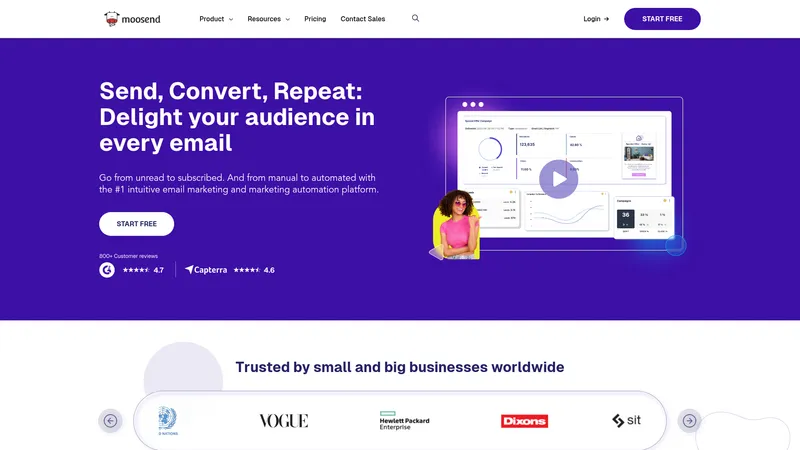
Moosend
Budget-conscious businesses who want marketing automation without high costs
Intuitive email marketing and marketing automation platform for businesses of all sizes to engage and convert audiences.
Why consider Moosend
Moosend delivers solid email marketing and automation at prices well below Campaign Monitor. The platform includes advanced features like behavioral triggers and A/B testing without the premium pricing.
Pros
- +Very competitive pricing with generous features
- +Unlimited emails on all paid plans
- +Good selection of responsive email templates
Cons
- −Smaller template library than Campaign Monitor
- −Less brand recognition and community support

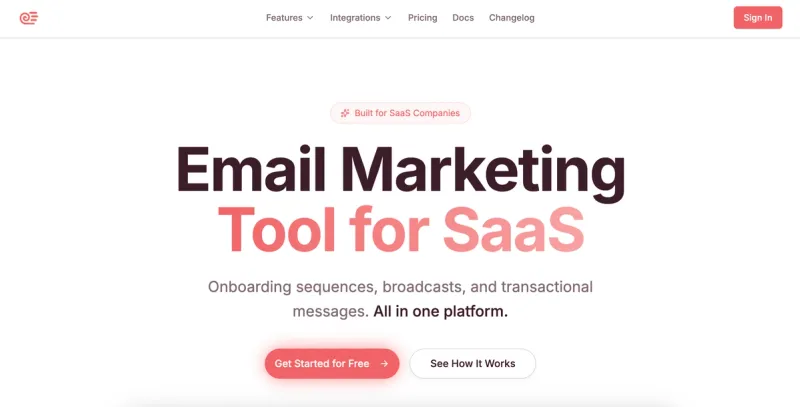
Sequenzy
SaaS companies who want email marketing integrated with billing and product data
AI-powered email marketing platform for SaaS companies
Why consider Sequenzy
Sequenzy is built for SaaS businesses, offering native Stripe integration and AI-generated email sequences based on user behavior. This contrasts with Campaign Monitor's general business focus.
Pros
- +Native integration with billing platforms like Stripe
- +AI-powered email sequence generation
- +Combines marketing and transactional emails
Cons
- −Limited to SaaS use cases only
- −Newer platform with smaller feature set
Price Chart
How Campaign Monitor compares on price
Of the 29 alternatives tracked, 11 start at a lower price than Campaign Monitor's $13/mo. 22 offer a free plan.


At Scale
Which stay cheaper as you grow?
Cheapest plan price at each contacts tier. Some tools that look cheap at 1K contacts get expensive fast.
| Tool | 1K | 5K | 10K |
|---|---|---|---|
| Campaign Monitor | — | $75/mo | $117/mo |
 Ghost Ghost | $18/mo | $18/mo | $18/mo |
 Buttondown Buttondown | — | $29/mo | $79/mo |
 Selzy Selzy | $10/mo | $30/mo | $60/mo |
 Zoho Campaigns Zoho Campaigns | €7/mo | €31/mo | €49/mo |
 MailerLite MailerLite | $15/mo | $39/mo | $73/mo |
 Moosend Moosend | $16/mo | $48/mo | $88/mo |
 GetResponse GetResponse | €16/mo | €48/mo | €69/mo |
 Loops Loops | — | $49/mo | $99/mo |
Checklist
What to look for in an alternative
First, consider your primary use case. If you're an ecommerce brand, look for platforms with strong product recommendation engines and purchase tracking. SaaS companies should prioritize behavioral triggers and lifecycle automation. Pricing structure matters more than you think. Some platforms charge per subscriber, others per email sent.
If you have engaged lists that don't email frequently, contact-based pricing works better. For high-volume senders with smaller lists, email-based pricing saves money.
FAQ
Frequently Asked Questions
Common reasons include high pricing as you scale, limited advanced automation features, or needing specialized tools for ecommerce or SaaS businesses that Campaign Monitor doesn't offer.
MailerLite and Brevo typically offer the best value. MailerLite has similar design quality at lower prices, while Brevo's unlimited contacts model works great for large lists.
Flodesk offers more advanced design templates, while MailerLite provides similar quality at lower cost. Mailchimp also matches Campaign Monitor's design capabilities.
Klaviyo is built for ecommerce with advanced product recommendations and purchase behavior tracking. It offers much deeper ecommerce integration than Campaign Monitor.
Yes, ActiveCampaign offers more detailed automation workflows and behavioral triggers. Kit also provides better automation specifically designed for content creators.
Most alternatives support CSV imports for contacts and basic campaign data. However, you'll typically need to rebuild automation workflows and recreate custom templates in your new platform.
MailerLite and Mailchimp have similar interfaces and workflows to Campaign Monitor, making them the easiest transitions. Both offer migration assistance and similar drag-and-drop editors.
Still considering Campaign Monitor?
Try it free for 30 days before deciding.
More on Campaign Monitor



Joonas Rotko
Author & founder of That Marketing Buddy
I score marketing software for AI-stack fit (MCP, API, agent-readiness), backed by 10+ years in digital marketing. I track 32 tools so you can find the right fit.
This page may contain affiliate links. I earn a commission at no extra cost to you. This never influences the recommendations.