


SEO & GEO professional · Independent SEO & GEO review · Updated 2026-09-28
How this review was prepared
This review combines my hands-on experience with Keywords Everywhere with its current pricing page, MCP documentation and product pages. Where a figure could not be confirmed on the official page, the text says so.
Affiliate links on this page may earn me a commission, at no extra cost to you. They don't change what I recommend.
The Verdict
Is Keywords Everywhere right for you?
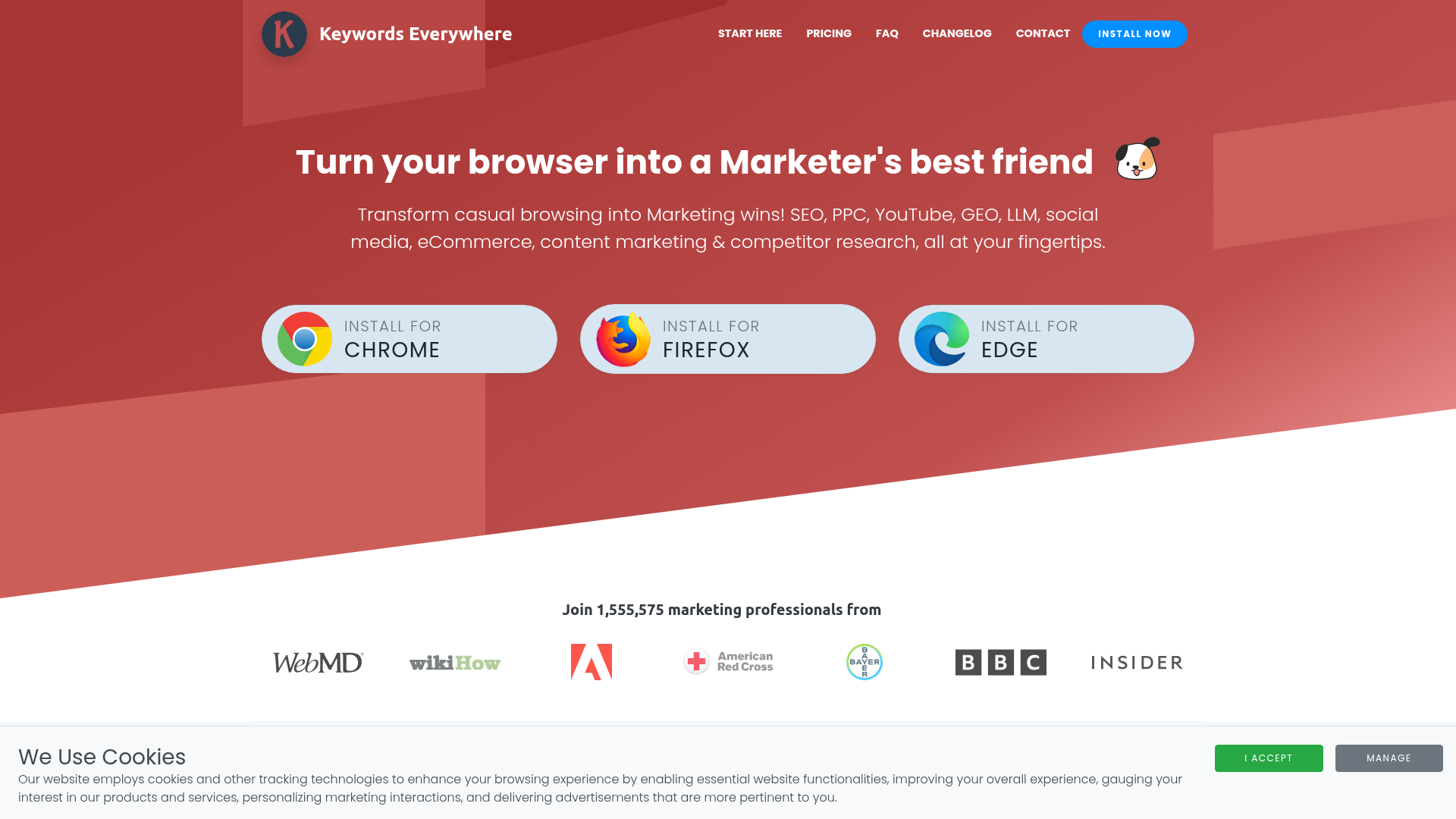
Keywords Everywhere is a browser extension and API that overlays search volume, CPC, competition and trends on the pages you already use.
It sells credits, not seats. One credit is one keyword, credits last a year, and all plans bill annually: Bronze $84 for 100,000 credits, Silver $168 for 400,000, Gold $480 for 2 million and Platinum $1,440 for 8 million. It now has an official MCP server that draws from the same credits.
It fits someone who does keyword research a few times a week and wants low fixed cost. It fits poorly when you need rank tracking, audits or backlink depth, which it does not cover as a full suite.
Who It's For
Who Keywords Everywhere is for (and who it isn't)
✓ Best for
- +Freelancers who research keywords inside Google. The extension runs on Google Search, YouTube, Amazon, Google Trends, Search Console and other sites and shows volume, CPC, competition and 12-month trends beside the results.
- +Buyers who want a low, predictable yearly cost. Bronze is $84 a year for 100,000 credits. There is no monthly plan, so you commit for the year but avoid a subscription that climbs with seats.
- +Teams that want keyword data inside ChatGPT or Claude. An official MCP server at mcp.keywordseverywhere.com works with ChatGPT, Claude Desktop, Claude Code, Cursor and others, and is included on every paid plan.
× Consider something else if
- −You want a full keyword tool with rank tracking. Keywords Everywhere is a data overlay and API, not a project workspace with tracking and audits.Try Mangools →
- −You want a monthly plan you can cancel. Every plan bills annually only, so a month of use still costs the yearly fee.Try Keysearch →
- −You want rankings and site data in one platform. A suite covers tracking, audits and research together, at a higher price.Try SE Ranking →
What You Can Do
What can Keywords Everywhere do?
Research keywords while you browse
Search Google and see volume, CPC and competition for the query and related keywords, including People Also Ask, each keyword spending one credit.
Check competitors' pages and domains
The extension lists traffic estimates, backlink metrics and domain authority as you visit a site. Search volume comes from Google Keyword Planner.
Use prompt templates in AI chat
The site lists 200+ prompt templates inside ChatGPT, Claude, Gemini and DeepSeek that need no credits.
Pull data from an assistant or script
Use the MCP server or the REST API to look up volumes, related keywords, traffic and backlinks from the same credit pool.
Works With
Which website platforms does Keywords Everywhere work with?
Browser extension that shows keyword data on search pages; it does not connect to your website.
Keywords Everywhere lists no official CMS plugin or publishing integration.
Checked against Keywords Everywhere's own docs and official app stores on 22 October 2026.
AI, API & MCP
Does Keywords Everywhere Have an MCP Server, API and AI Features?
Keywords Everywhere offers an official remote MCP server and a REST API on the same credit pool.
AI agent workflow
A safe agent workflow
Ask an assistant to pull volume and related keywords for a topic list, then review the results before you commit to a content plan.
Approval boundary: Every lookup spends credits, so cap batch sizes and check your balance. Regenerating your API key disconnects every assistant at once.
MCP
officialOfficial remote MCP server
Supports ChatGPT, Claude Desktop, Claude Code, Cursor, VS Code, Windsurf and Qodo Gen.
Keywords Everywhere MCP Server →Pricing
How much does Keywords Everywhere cost?
Keywords Everywhere starts at $84 a year for 100,000 credits, billed annually only.
| Plan | USD, annual billing only; credits expire after one year |
|---|---|
| Bronze | $84/mo |
| SilverPopular | $168/mo |
| Gold | $480/mo |
| Platinum | $1440/mo |
Keywords Everywhere prices by yearly credits and states that all plans bill annually, not monthly. One credit is one keyword, whether or not it has search volume, and credits expire one year after purchase. Older credits are used first. Do not divide the yearly price by 12 and call it a monthly plan.
Seats and extras by plan
Bronze: 1 seat. Silver: 3 seats plus SEO Minion and ChatGPT prompts. Gold: 10 seats plus RapidLevelUp courses and Keyword Keg. Platinum: 20 seats and priority support.
What a credit buys
One credit is one keyword displayed. On Google, related keywords and People Also Ask entries each cost a credit. Refreshing saved favourites is charged at 25% of keywords. After credits run out the extension still lists keywords but hides volume and competition.
Payment and refunds
Paddle processes payment by card or PayPal, and VAT or GST may apply. You can upgrade and keep earlier credits. The page says refunds for old plan credits are available by emailing support.
Alternatives
When I'd choose something else
Three different buying priorities, and what I'd pick instead for each one.
If you want a monthly keyword tool

Keysearch
Keysearch lists a low monthly price for keyword research and rank tracking.
Trade-off: It is a workspace, not a browser overlay.
Explore Keysearch for this use case →If you want research, tracking and audits in one

Mangools
Mangools bundles keyword research, SERP and rank tools with a friendly interface.
Trade-off: It costs more per month than Bronze costs per year.
Explore Mangools for this use case →If you want a full SEO suite

SE Ranking
SE Ranking covers research, tracking, audits and AI visibility, with an official MCP server.
Trade-off: Its entry price is well above a Keywords Everywhere plan.
Explore SE Ranking for this use case →Downsides
Limitations to consider before subscribing
Annual billing only
There is no monthly plan, so trying it for a month still costs at least $84.
Credits expire after a year
Unused credits are lost, and heavy API or MCP use can drain a Bronze pool quickly.
Related keywords cost credits
Every related keyword and People Also Ask row displayed spends a credit.
Not a full SEO suite
It is a data overlay and API. Rank tracking, audits and project workspaces are outside its core.
No Safari or mobile app
The extension runs on Chrome, Firefox and Edge only.
My Recommendation
Should You Choose Keywords Everywhere?
Shortlist Keywords Everywhere if you research keywords in the browser most weeks and want a low yearly cost with an official MCP server.
Choose Keysearch for a monthly plan, Mangools for a workspace, or SE Ranking for a full suite.
What to check during the trial
- –Estimate your yearly keyword lookups against the credit tiers.
- –Install the extension and check the free features first.
- –Check that your browser is Chrome, Firefox or Edge.
- –Test the MCP server with a small batch to see how many credits it uses.
FAQ
Frequently asked questions about Keywords Everywhere
Bronze is $84 a year for 100,000 credits, Silver $168 for 400,000, Gold $480 for 2 million and Platinum $1,440 for 8 million. All plans bill annually.
No. The pricing page says all plans are billed annually and not monthly.
Yes. The official server is at mcp.keywordseverywhere.com/mcp, works with ChatGPT, Claude and Cursor, and uses the same credits as the extension.
Keywords Everywhere says search volume comes from Google Keyword Planner.
Joonas Rotko
SEO & GEO professional, founder of That Marketing Buddy
I'm a Finnish SEO and GEO professional with 11+ years in digital marketing, including years as a co-owner of a digital marketing agency. On That Marketing Buddy I test and compare SEO and AI-visibility software for entrepreneurs, marketing professionals and agencies.
Sources & References (4)
Spot something out of date?Vendors and readers, send me the correct fact.
Software sites change almost every week, and I want every claim on this page to be factually correct. If you are a vendor or a reader, send me the correct fact and a link to the official page. I will check it and update the page. The opinions and rankings stay mine.