
This page may contain affiliate links.
Some links on this page are affiliate links, meaning I may earn a commission if you sign up (at no extra cost to you). This never influences my ratings or recommendations.
The Verdict
Is Screaming Frog right for you?
Screaming Frog SEO Spider is a desktop crawler that audits websites for 300+ technical SEO issues at $279/year (£199 GBP). That's less than a single month of most competing platforms. I analyzed real user reviews across G2 (4.7/5), Capterra (4.9/5), and TrustRadius (9.2/10) to see if it lives up to its reputation as the go-to technical SEO tool.
For a broader look at the category, see my best SEO software roundup, or compare pricing across tools in my Screaming Frog pricing breakdown.
Screaming Frog is the industry-standard technical SEO crawler, used by agencies and SEO professionals worldwide. At $279/year for unlimited crawling, it's a fraction of what you'd pay for Semrush or Ahrefs. The free version handles up to 500 URLs but restricts JavaScript rendering, custom extraction, and integrations.
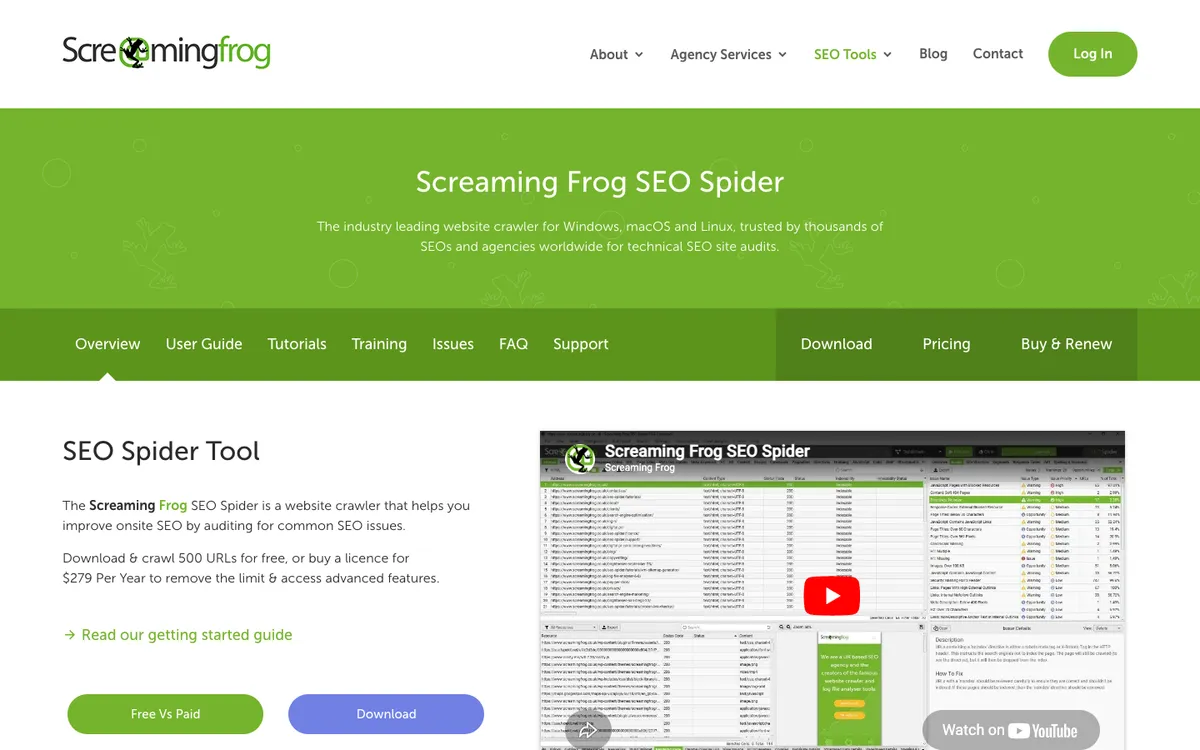
The interface looks like it was designed in 2010 (because it was), but the crawl data is as good as anything on the market.
If you do technical SEO work regularly, this is the industry standard for a reason. Casual site owners should look elsewhere.
Why I'm covering this
Screaming Frog is the industry standard for technical SEO auditing, trusted by major brands like Apple, Google, and NASA. At $279/year for unlimited crawling, it delivers enterprise-level capabilities at a fraction of typical SaaS pricing, making it essential coverage for anyone serious about
Who It's For
Who Screaming Frog is for (and who it isn't)
✓Best for
- +SEO agencies and consultants Deliver detailed technical audits to clients at a price that doesn't eat into your margins. One license handles unlimited sites.
- +In-house SEO teams Monitor large sites for broken links, redirect chains, duplicate content, and crawl issues on an ongoing basis.
- +Technical SEO specialists JavaScript rendering, schema validation, hreflang auditing, crawl budget analysis. The deep stuff lives here.
- +Web developers Validate site architecture, internal linking structure, and redirect implementations before and after migrations.
- +Technical SEO consultants auditing client websites Comprehensive crawling capabilities with 300+ SEO issues detection, API integrations, and professional reporting features
- +In-house SEO managers at mid-large companies Unlimited crawling, scheduling, and enterprise features like crawl comparison and staging environment testing
- +SEO agencies managing multiple client audits Bulk licensing discounts, command line automation, and ability to save/compare crawls across different time periods
- +E-commerce SEO specialists JavaScript rendering for modern frameworks, custom extraction for product data, and ability to crawl large product catalogs
- +SEO teams transitioning sites or doing migrations Redirect auditing, crawl comparison features, and staging vs production environment analysis
✗Skip this if
- −SEO beginners The interface assumes you know what a canonical tag is. If you're just starting out, tools like SE Ranking or Mangools are more approachable.
- −Content marketers No content optimization, no keyword tracking, no ranking data. Pair it with SurferSEO or Clearscope for content work.
- −Teams needing keyword research Zero keyword research capabilities. You'll still need Semrush, Ahrefs, or a dedicated keyword tool.
- −Remote teams wanting collaboration Desktop-only with no cloud version. Data stays on your machine, which is great for privacy but limits team sharing.
- −Small business owners doing basic SEO Overkill for simple SEO needs and requires technical knowledge to interpret resultsTry Yoast SEO →
- −Content marketers focused on keyword research This is a technical auditing tool, not a keyword research platformTry Semrush →
- −Bloggers or solopreneurs with small sites Too technical and expensive for simple blog optimization needsTry Ubersuggest →
Consider instead
 Semrush
 SurferSEO
 SE Ranking
Features
What can Screaming Frog do?
The core crawling engine systematically visits every discoverable URL on a website, following internal links and analyzing the HTML, HTTP headers, and server responses. The JavaScript rendering capability uses Chromium to execute client-side code, crucial for auditing React, Angular, or Vue.js applications where content loads dynamically.
The redirect analysis goes beyond basic detection to map entire redirect chains and identify loops that waste crawl budget. The duplicate content detection uses MD5 algorithmic checks to find exact matches and vector embeddings to identify semantically similar pages that might cannibalize each other in search results.
API integrations elevate the tool beyond basic crawling. The Google Search Console integration pulls performance data, index status, and mobile usability issues directly into your crawl reports. The PageSpeed Insights connection adds Core Web Vitals and Lighthouse audit data at scale, something you can't get manually checking pages one by one.
Custom data extraction using XPath, CSS selectors, or regex lets you scrape any information from page HTML. This might include social media meta tags, product prices, or schema markup validation. The custom JavaScript execution feature runs code snippets during crawling to trigger events, scroll pages, or extract data that requires browser interaction.
Technical SEO Auditing
Crawling & Rendering
Data Extraction & Reporting
Integrations
UX & Support
Is Screaming Frog easy to use?
The desktop interface divides crawl results into tabs for different data types like Internal, External, Response Codes, and Page Titles. Based on community feedback, the learning curve is significant for newcomers who need to understand how each tab relates to SEO best practices. The tool assumes familiarity with HTTP status codes, canonical tags, and hreflang implementation.
G2 reviews consistently mention the comprehensive documentation and tutorials available on the Screaming Frog website. The company provides detailed guides for common SEO audit scenarios, from basic site crawls to complex JavaScript rendering configurations. Video tutorials walk through advanced features like API integrations and custom extraction setups.
Technical support is included with both free and paid licenses, with responses typically handled through their support portal. Agency users report that bulk licensing comes with priority support, though response times can vary during peak periods when major Google algorithm updates drive increased audit demand.
Pricing
How much does Screaming Frog cost?
Screaming Frog starts at $279/year per licence. That's 53% below median for SEO Software tools. A free plan is available.

Screaming Frog Pricing Analysis
vs. 61 SEO toolsFree tool (no paid plans)

Screaming Frog costs $279/year (£199/year if you pay in GBP) for the paid license that removes the 500 URL crawl limit and unlocks all advanced features. The free version provides full functionality for smaller sites but caps crawls at 500 URLs , making it suitable for small business audits but inadequate for enterprise work.
Bulk licensing discounts apply to teams: 5-9 licenses cost $265 each , 10-19 licenses cost $249 each , and 20+ licenses cost $235 each annually. This pricing structure makes sense for agencies managing multiple client accounts or enterprise teams with several technical SEO specialists.
Compared to monthly SaaS SEO tools that cost $100-500 monthly, the $23.25 monthly equivalent represents exceptional value for unlimited crawling capability. However, the annual payment requirement and desktop-only access limit its appeal for users who prefer flexible, cloud-based solutions.
| Plan | Monthly |
|---|---|
| Free Version | — |
| Paid Version | Not published |
External Ratings
What 408 reviewers say
Aggregated from 3 platforms
Screaming Frog holds a 4.7/5 average rating across 408 reviews on G2, Capterra, TrustRadius.
"Best crawl tool on the market. The amount of data you get for £199/year is unmatched by any competitor."
G2 Review"The interface desperately needs modernization. It's functional but looks like software from 15 years ago."
Capterra Review"Perfect for freelancers delivering detailed technical audits. Clients are always impressed by the depth of reporting."
TrustRadius Review"Very resource-intensive. Large crawls can crash older laptops. Make sure your hardware can handle it."
G2 ReviewAI & Tech Stack
Does Screaming Frog fit your AI stack?
What AI Can't Replace
Screaming Frog crawls and maps your entire website structure in ways AI tools simply cannot without manual setup. It gives you technical SEO data at scale: broken links, redirect chains, duplicate content, XML sitemap issues, and crawl depth analysis.
AI can analyze individual pages you feed it, but it cannot autonomously crawl, index, and compare thousands of URLs across your domain to spot patterns and infrastructure problems.
Where AI Is Catching Up
AI tools like Claude can now analyze crawl reports you export and identify SEO issues faster than manual review. GPT-4 can write redirect rules or fix structured data problems based on Screaming Frog output. However, AI cannot replace the crawl engine itself or the real-time monitoring of site health without you manually running the tool and exporting data repeatedly.
API & Integrations
Screaming Frog has no API, which is a significant limitation for automation. There is no Zapier or Make integration. Your only paths to automation are the CLI tool for scheduled crawls and manual CSV exports. This makes it harder to integrate into a continuous monitoring workflow without building custom scripts around the CLI output.
MCP & CLI
Screaming Frog ships a CLI tool for command-line crawling, and there is a community MCP server at github.com/bzsasson/screaming-frog-mcp that drives it headlessly. That server is maintained by an individual rather than by Screaming Frog, and there is no first-party MCP. Either way you still need the desktop app or the CLI installed locally to generate fresh crawl data.
Stack Verdict
Use Screaming Frog as your technical SEO infrastructure layer , then pipe the output to Claude via the MCP server or manual export for AI-powered analysis and remediation planning .
Connects with
Security
Downsides
What's wrong with Screaming Frog
Outdated user interface
The UI hasn't had a meaningful visual update since launch. It works, but it's not winning any design awards.
Resource-heavy on large crawls
Crawling thousands of pages demands significant RAM and CPU. Older machines will struggle with enterprise-scale sites.
No keyword or backlink features
Strictly a technical audit tool. You'll need separate subscriptions for keyword research and backlink analysis.
Desktop only
No cloud version means no browser access, no real-time team collaboration, and data stays local on your machine.
Steep learning curve
The density of features and data can overwhelm users who aren't already familiar with technical SEO concepts.
Buddy's Take
These limitations reflect Screaming Frog's focused positioning as a technical crawling specialist rather than an all-in-one SEO platform. The desktop requirement and learning curve make sense for its target audience of technical SEO professionals who need depth over simplicity.
FAQ
Frequently asked questions about Screaming Frog
Yes, there's a free version that crawls up to 500 URLs. It covers basic technical auditing including broken links, titles, meta descriptions, and headings. Advanced features like JavaScript rendering and API integrations require the paid license at $279/year.
The paid license costs $279/year (£199 GBP). Volume discounts are available for 5+ licenses. There's no monthly plan, it's annual only.
For pure technical crawling, yes. Screaming Frog provides deeper crawl data, more configuration options, and catches issues that Semrush's site audit feature misses. However, Semrush offers keyword research, rank tracking, and backlink analysis that Screaming Frog doesn't have.
Yes, the paid version uses a headless Chromium browser to render JavaScript. This means it can crawl React, Vue, Angular, and other JavaScript-heavy sites. The free version only crawls raw HTML.
Yes. Screaming Frog runs on Windows, macOS, and Linux. It's a desktop application that you download and install locally.
The pricing model is refreshingly simple: free for 500 URLs, £199 annually for unlimited crawls with bulk discounts starting at 5 licenses.
Screaming Frog is best for: Technical SEO consultants auditing client websites; In-house SEO managers at mid-large companies; SEO agencies managing multiple client audits; E-commerce SEO specialists; SEO teams transitioning sites or doing migrations.
MCP server available, making Screaming Frog directly accessible from Claude Desktop, Cursor, and other AI coding tools.
As a desktop crawling tool, migration concerns are minimal since data lives locally and can be exported in multiple formats.
Sources & References (4)
Try Screaming Frog
The free version crawls up to 500 URLs with no time limit. The paid license is $279/year for unlimited crawling.
Download Free →More on Screaming Frog
Read Next


Joonas Rotko
Author & founder of That Marketing Buddy
I score marketing software for AI-stack fit (MCP, API, agent-readiness), backed by 10+ years in digital marketing.
This page may contain affiliate links. I earn a commission at no extra cost to you. This never influences ratings.